In this guide
To make a video more engaging, give viewers a reason to watch, organise the information so it is easy to follow and choose images that help explain the subject. Story, camera movement, interviews, cutaways and graphics can each help when used for a specific purpose.
Video chapters:
- 00:37 Tell a story
- 01:07 Use dynamic camera movement
- 01:26 Engage your audience’s emotions
- 02:00 B-roll and cutaways
- 02:14 Motion graphics
Start planning your web video by asking what the audience wants to understand. That will help you decide which of these techniques the video needs.
Tell a story
A story gives the video a sequence viewers can follow. It might explain a problem and what happened next, trace a customer’s experience, or show how something is made. Introduce the situation, show what changed and explain the result without delaying information the viewer needs early.
Use dynamic camera movement
Camera movement can follow an action, reveal a location or show how parts of a space relate to each other.
Using tools like sliders, dollies, or gimbals allows the camera to move through a space or reveal a scene from different angles. This might be a slow push through an office, a sideways move across a production floor, or a subtle shift during an interview.
Choose movement that helps explain the scene. A stationary shot may be better when viewers need to study a detail or concentrate on someone speaking. Our guide to making a corporate video cinematic looks at camera movement, lighting and sound in more detail.
Engage your audience’s emotions
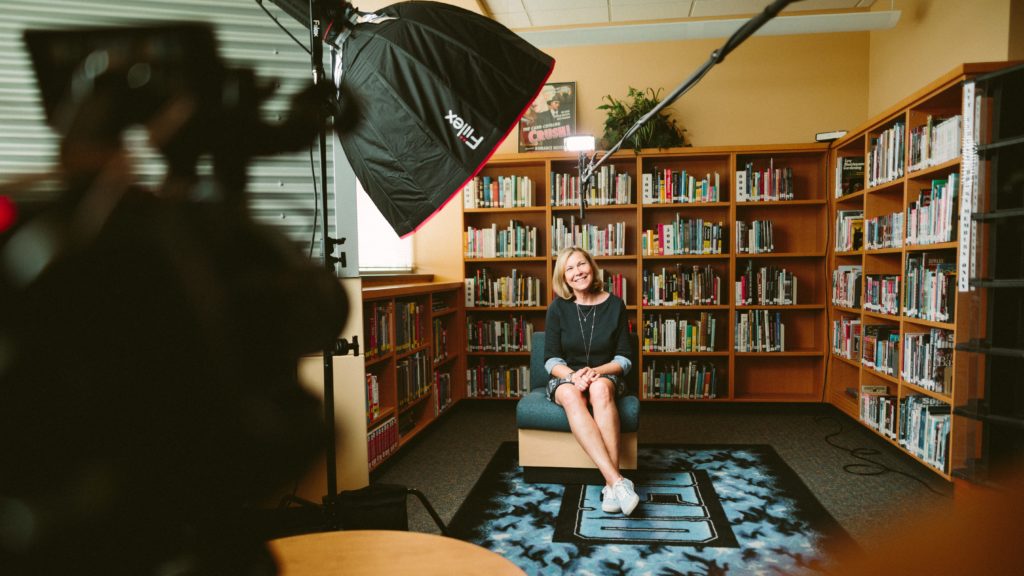
Let people explain what an experience meant to them. A customer might describe how a problem affected their work, or a team member might explain what was difficult about a project. Specific experiences give viewers more to understand than a general statement that something was important or successful.
Use B-roll and cutaways
B-roll and cutaway footage show what is being talked about. A wide shot can establish the setting, while a closer shot shows the task or detail being described.
Choose footage that supports the specific point. General workplace shots may add context, but they do not substantiate every claim made in an interview.
Use motion graphics carefully
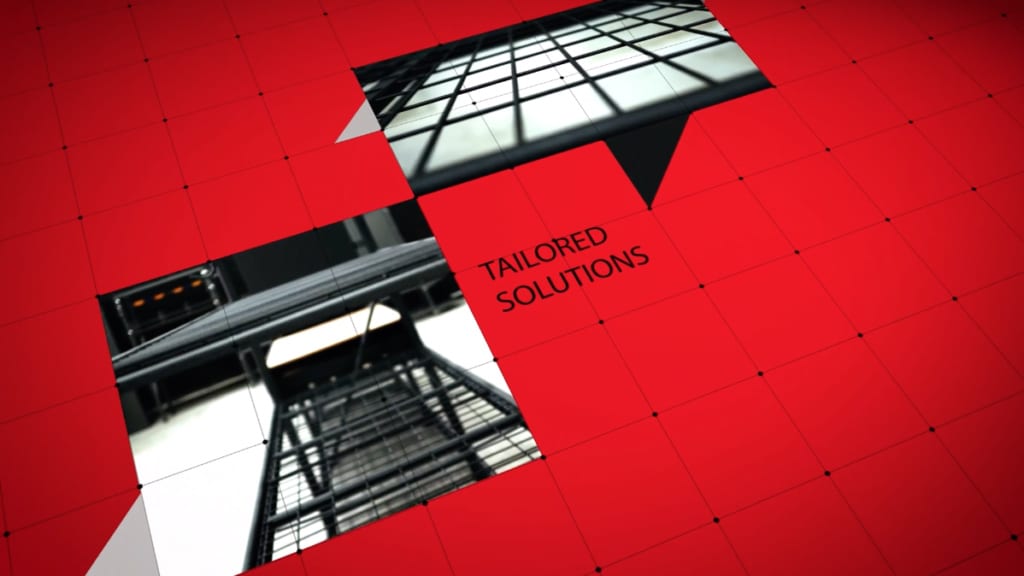
Use motion graphics when they help explain something: a title can identify a speaker, a label can name a component and a chart can show a comparison. Keep text readable and leave it on screen long enough to read. Avoid adding graphics that compete with the information viewers are trying to follow.
Final thought
Before publishing, ask someone from the intended audience to watch the video. Can they explain the main point? Was anything unclear, repetitive or missing? Use their feedback to decide what needs another edit.
If you would like help planning a video for your audience, get in touch. I’d be happy to help.

Ryan Spanger is the founder and managing director of Dream Engine, a Melbourne video production company established in 2002. Over the past two decades, he’s produced hundreds of videos for businesses, government departments, universities and healthcare organisations across Australia. Ryan specialises in helping organisations explain complex ideas through clear, engaging video content, with particular experience in corporate communications, training and education.