
Names and roles
A name and job title can appear along the lower part of the screen while someone speaks. This is often called a lower third or name strap.
Video production company in Melbourne, Australia.
Dream Engine designs and animates titles, logos, charts, maps and diagrams for corporate videos. We can add graphics to filmed footage or create an animated sequence.
Dream Engine motion graphics showreel.
The basics
Motion graphics are animated text and design elements, such as titles, charts, diagrams and logos.
They can sit over footage, appear between filmed scenes or make up an entire video. For example, a diagram can show the steps in a process as a presenter explains them, or a chart can reveal figures one at a time.
This page focuses on graphics used alongside filmed footage. For fully animated videos, see our animation video production service.
We use graphics to identify people, highlight details or explain information that would be difficult to show with a camera. Here are some common uses.
A name and job title can appear along the lower part of the screen while someone speaks. This is often called a lower third or name strap.
A heading can introduce a topic, while a short phrase on screen can emphasise a point made by the speaker.
Charts can show changes in results, maps can trace routes and timelines can set out events. Diagrams can break a process into steps.
Arrows and highlights can show where to click in software. Labels can identify product parts or draw attention to a feature during a demonstration.
We use logo animation and title cards to introduce a video. An end frame can show a web address, contact details or a call to action.
Chapter cards mark the sections of a longer video. Using the same titles and transitions across a series gives the videos a consistent style.
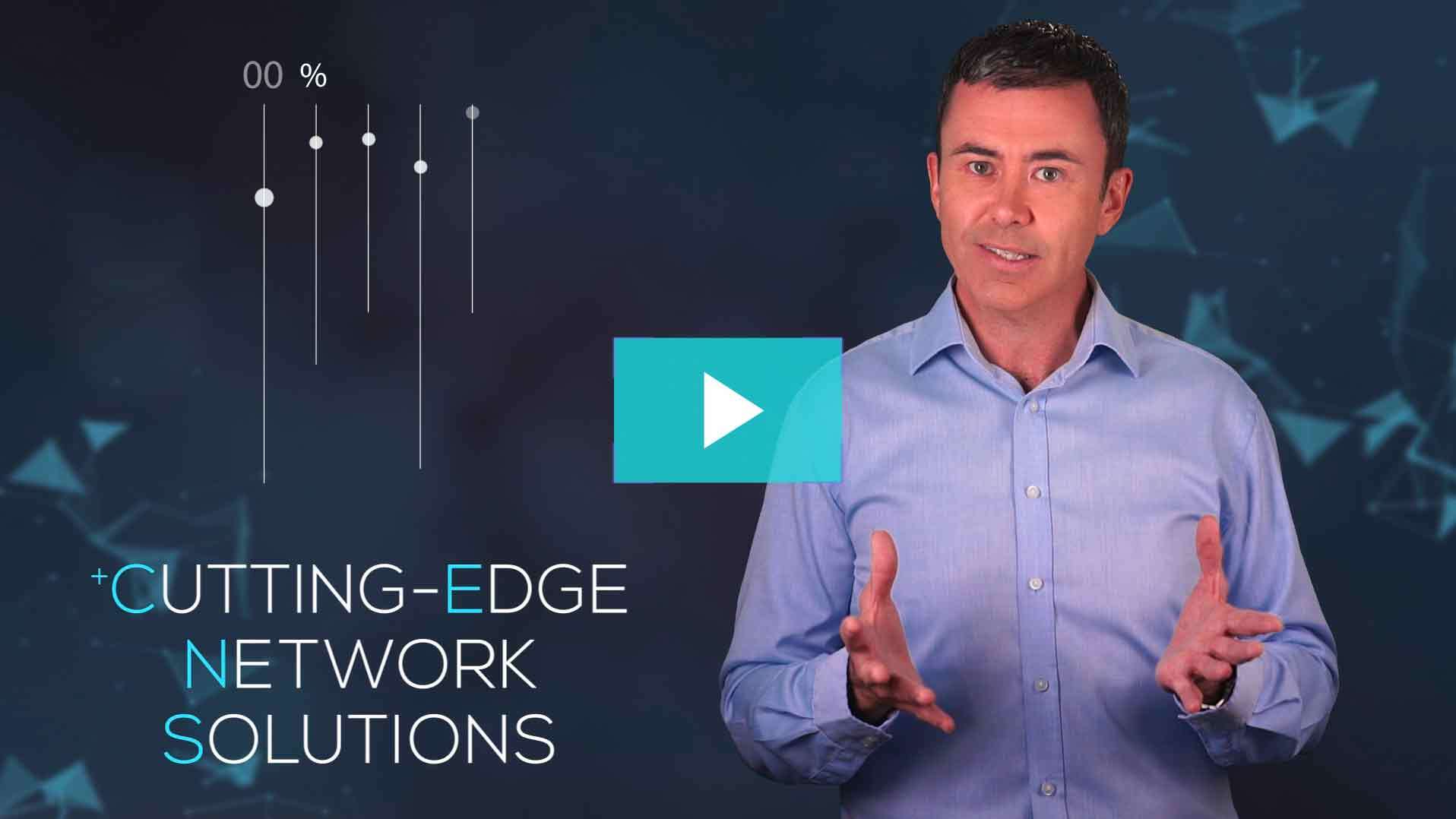
Footage and graphics together
If text needs to sit beside a presenter, we leave room for it when framing the shot. If they need to point to a diagram, we agree where it will appear and guide their gestures. For vertical cutdowns, we check which parts of the shot will remain in the crop.
We review the script to decide what to film and what to illustrate. A product demonstration, for example, might combine footage of someone using the product with labels showing its controls.
Before filming: note where graphics are needed in the script, treatment or storyboard.
On the day: leave room for the graphics and guide any gestures towards them.
In the edit: time the graphics to the words, action and pace of the finished video.
Simple titles can be designed and reviewed during the edit. For a more detailed sequence, we show you still designs for approval before we animate them.
We review the brief and script with you, then identify the names, figures, ideas and instructions that need to appear on screen.
We ask for your logo, brand guidelines, fonts, colours, icons and any existing artwork we can use.
We mark where each title, diagram or callout will appear in the script or edit.
For more detailed sequences, we send you still images showing the proposed layout and style. This is the best stage to make design changes.
We animate the approved designs and time them to the footage, voiceover, music and sound effects.
You review the graphics in the video and confirm names, figures and any required wording. We check the finished graphics against the approved copy and review the layout in each format.
Please confirm names, figures and wording before we animate the designs. A wording change can affect the layout, timing and voiceover. Changing the order of a finished sequence may also mean reworking the animation.
Your brand
We use your approved logo, fonts, colours and design rules. If your guidelines specify how elements should move, we follow those too.
If your guidelines don’t cover animation, we’ll propose how titles, shapes and transitions should move. We then use that approach throughout the video or series.
Time and cost
The number of graphics, design detail and complexity of the animation affect the time and cost. We’ll agree on the work before production, including any versions needed for different formats.
A small set of titles based on a shared design usually needs less work than a sequence of individually designed scenes.
Examples: names, roles, headings, simple logo animation and an end frame.
A single statistic may need only a short text animation. A chart or process diagram needs a layout that makes the relationships clear.
Examples: statistics, charts, maps, timelines and product callouts, with layouts adapted for social media where needed.
Original artwork, character movement and scenes with many interacting elements can involve substantial design and animation work.
Examples: detailed process animation, character work, complex interfaces or a video that is mainly animated.
Video formats
A widescreen layout may not fit a vertical video. We confirm the formats early, then check the position of text, logos and presenters in each version.
This may mean filming the presenter closer to the centre of the shot, creating separate widescreen (16:9) and vertical (9:16) layouts, shortening text for small screens or changing the end frame for a paid campaign.
We leave space for subtitles so they don’t cover the graphics. If you need separate caption files, we’ll confirm that when planning delivery.
Animation
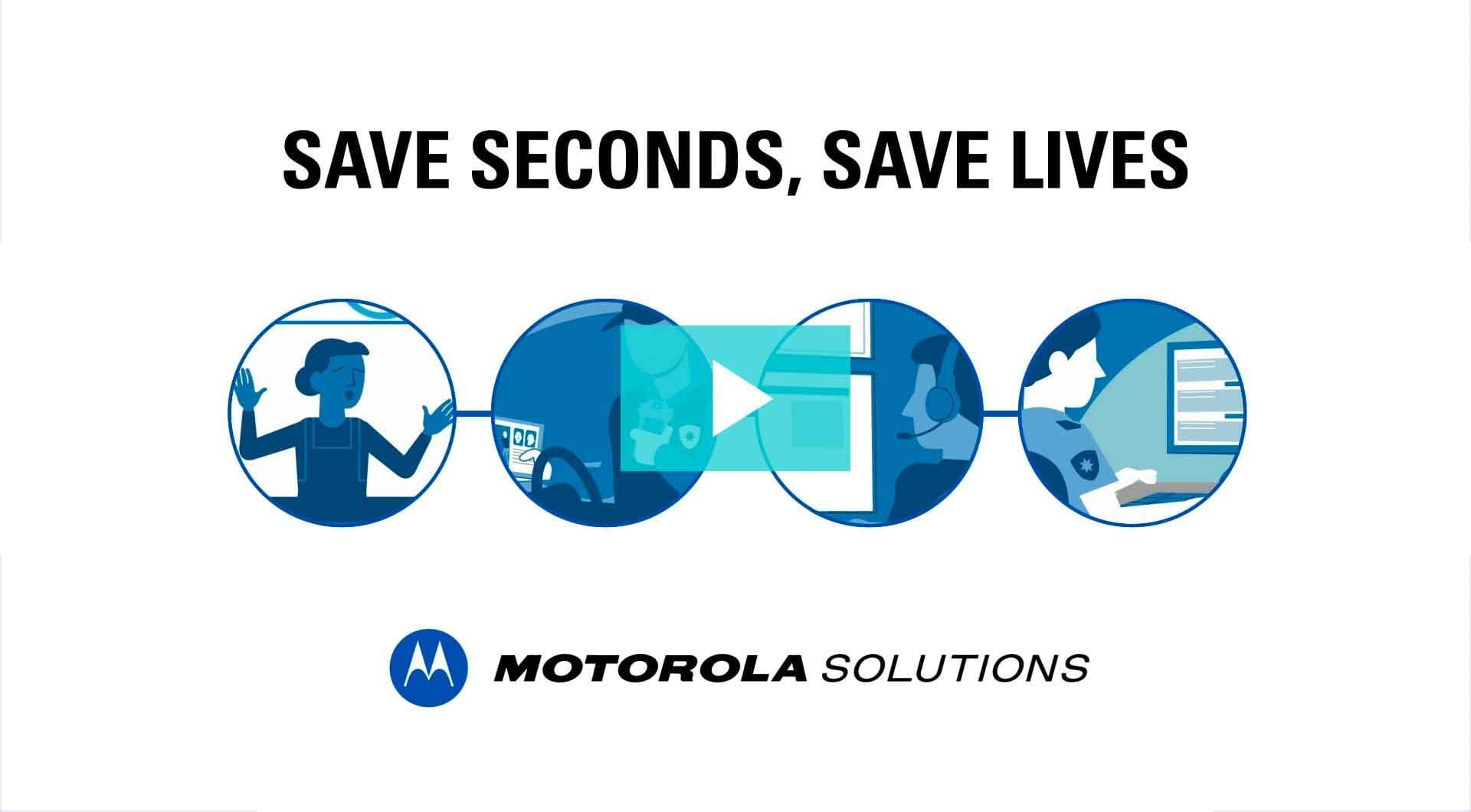
Motion graphics are a form of animation. They can accompany filmed footage or make up the whole video, using text, shapes, images and diagrams to explain the subject.
A video can also combine motion graphics with character animation and live action. We discuss these options when planning the script, taking the subject, available footage, schedule and budget into account.
For a mainly animated project, we plan the designs and sequence of scenes across the full script.
Frequently asked questions
Motion graphics are animated design elements such as titles, logos, charts, maps and diagrams. They can appear over filmed footage or form an animated sequence.
No. Some videos work well with just footage and sound. Others need only static titles. We’ll recommend animation where it helps show information or explain a process.
We plan graphics during scripting or storyboarding if they affect what we need to film. Simple titles can be finalised during the edit. More detailed sequences need design approval before animation begins.
Yes. Send us your logo, fonts, colours and brand guidelines. If they don’t cover animation, we’ll propose a style of movement to use throughout the video.
Often, yes. We’ll review the footage and edit, checking the image quality and available space in each shot. If there’s little room beside a presenter, for example, we may suggest showing a graphic between shots instead.
Subtitles display the spoken words. A motion graphic might highlight a key phrase, label a product or show a statistic. Subtitles can also be animated, but highlighting selected words is not a substitute for a complete set of subtitles.
Motion graphics are a type of animation, so the terms overlap. A fully animated video might use motion graphics, illustrated characters or a combination. Motion graphics can also be added to filmed footage.
Send us your brief, script, brand guidelines or existing edit. We’ll suggest where graphics could help and explain the design and animation work involved.
