In this guide
Your next conference, seminar or training day can give people something useful to watch long after it ends: a presentation they missed, an explanation they can share with colleagues, or a preview of what to expect at your next event.
Decide which of these uses matters most before you book the filming. A highlights video, a complete presentation and a customer interview each need different coverage. That choice shapes the camera positions, sound recording, schedule and editing budget.
Here’s how to choose what to capture and put your event video to use.
Start with the audience and purpose
Write down who will watch the video, where they will find it and what they should get from it. “Help staff who missed the product training understand the new features” gives your video team a more useful brief than “capture the event”.
Use the purpose to choose your main video:
| What you want to achieve | Video to prioritise | What the filming needs to include |
|---|---|---|
| Let people catch up on a session | A complete presentation or panel recording | Uninterrupted coverage, speaker and audience-question audio, and readable slides |
| Help people decide whether to attend next time | A short highlights video | Useful speaker moments, attendee comments and footage showing the experience |
| Share an idea with a wider audience | A self-contained speaker excerpt | Enough context to understand the point without watching the whole talk |
| Help staff revisit training | A focused lesson or demonstration | The explanation, the steps being demonstrated and any supporting visuals |
| Give prospective customers an account of someone’s experience | A customer interview | Specific answers, clean sound and time away from the busy event floor |
If the budget is limited, choose one priority and a small number of supporting edits. Ask for filming and editing to be itemised so you can see what additional versions involve. Recording more material also creates more footage to review, store and edit. Our guide to building a library of event content explains how to scope those additional pieces.
Make presentations useful after the event
For people who could not attend, a recording can provide access to the discussion. For attendees, it offers a way to revisit an explanation or pass it on to a colleague.
Make that easy. Publish sessions separately, give each one a descriptive title and include a short summary of what it covers. Add chapters or timestamps to longer recordings so viewers can find the relevant section.
If a presenter relies on slides, arrange to include readable slides in the edit. A wide shot of a speaker beside a distant screen may document the session without letting viewers follow the detail.
For internal training, check that the material is still accurate before adding it to your learning resources. A conference presentation may need editing or additional explanation before it works as an onboarding lesson.

Use highlights and interviews to promote future events
A highlights video can help a prospective attendee understand what the event offers. Include the subjects being discussed, the people they could meet and what participating looks like. The Schoolbox event case study shows how a highlights film and shorter videos were prepared for future event promotion.
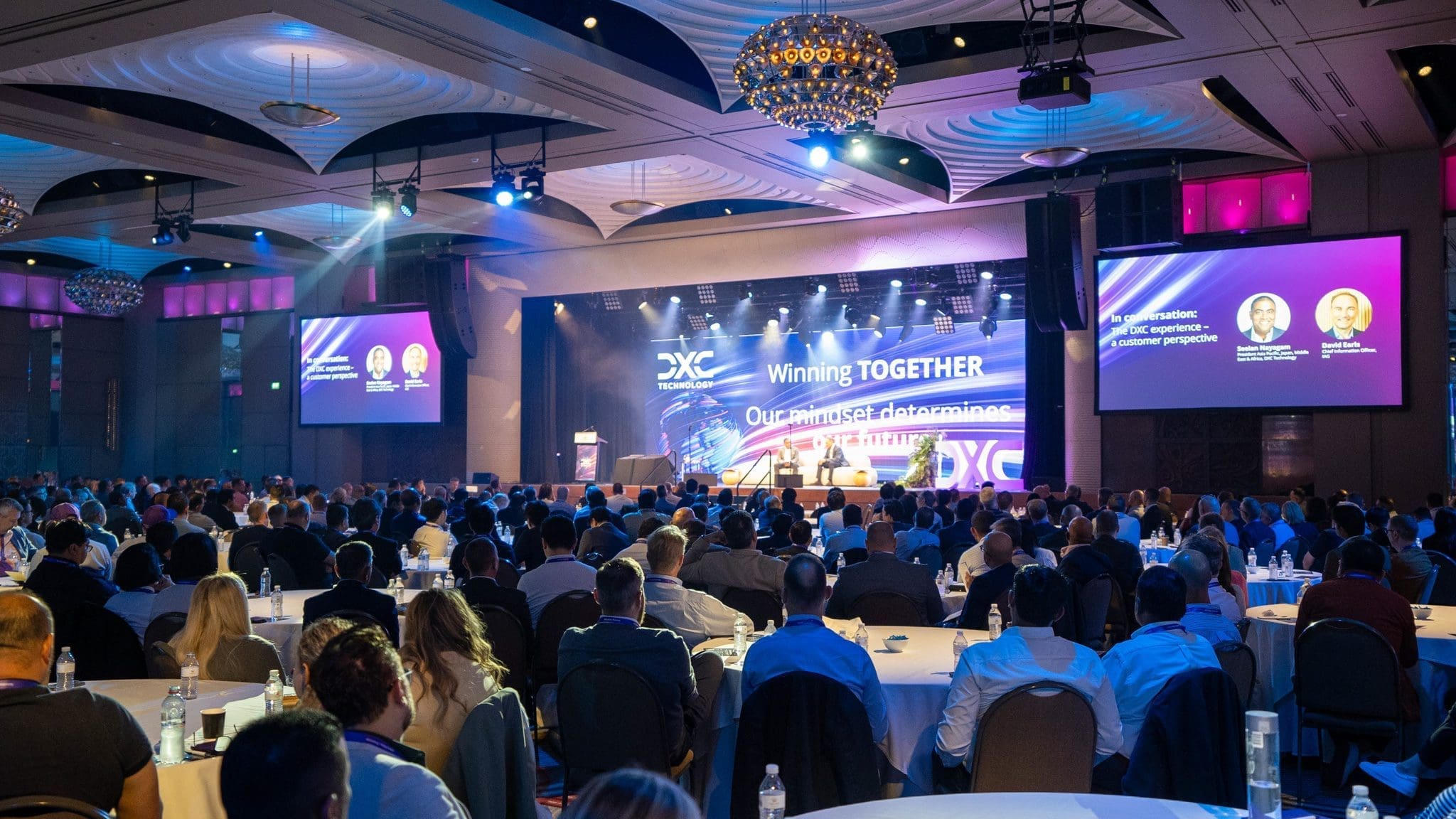
Capture audience questions, demonstrations and conversations as well as the stage. Room details and crowd shots help establish the setting, but the speakers’ ideas and attendees’ experiences explain the value of being there.
Short attendee testimonials can add that perspective. Ask questions that invite a specific answer:
- What did you learn today that you expect to use?
- Which session was most useful, and why?
- Who would you recommend this event to?
If you also want a customer to discuss their experience with your business, arrange a separate interview and brief them on its purpose. Comments about enjoying the event do not necessarily explain what it is like to be your customer.

Give each clip a reason to be shared
For a speaker excerpt, choose a passage that answers one question or explains one idea. Include enough of the introduction for someone encountering the speaker for the first time to follow it, and preserve the meaning of the original answer.
Agree with speakers which clips they can share, then supply the approved video with their name, session title and the relevant event link. You can make sharing straightforward, although publication to their networks remains their choice.
Match access to the purpose. Public clips suit awareness and future event promotion. Staff training may belong on your internal platform. A specialist session could support lead generation through a registration form, but the description should explain what viewers will learn before asking for their details.
Paid access may also suit some specialist events. Establish demand and agree on that use with the speakers before building it into your plans.
Arrange the coverage before the day
Once you know what the videos are for, make sure the event schedule and filming brief support them.
Protect the main recording. If a presentation needs uninterrupted coverage, plan how interviews and activity elsewhere will be filmed at the same time. One camera operator cannot cover a stage session and a separate interview simultaneously.
Arrange sound with the AV team. Confirm how speaker microphones and audience questions will be recorded, with a backup for essential audio. Choose a quieter location for interviews so conversations and music do not compete with the answers.
Discuss the viewing formats. If you need vertical social clips as well as landscape presentations, tell the crew before filming. A wide shot containing a panel and slides may not work when cropped to a narrow frame.
Confirm what can be shared. Identify sessions, slides or discussions that should remain internal. Agree on speaker and interview approvals, and how attendees will be informed about filming. Tell the editor about any restrictions. If the event includes a press announcement, agree on any separate EPK footage needed by journalists.
Include accurate captions. Check names, technical terms and speaker changes before publishing. Captions support people who are Deaf or hard of hearing and those watching without sound. W3C’s caption guidance explains why automatically generated captions need checking.
Set the delivery and review dates. Work backwards from the first use, whether that is a closing-session screening, a follow-up email or the next event launch. Nominate an approver and allow time for revisions. Also agree on which finished files you receive, whether source footage is included and how long it will be retained.
For more detail on the filming arrangements, see our guide to planning a successful event video.
An example: a same-day film for Infosys Confluence
At Infosys APAC Confluence in Melbourne, we produced a highlights film for the closing session. The same film could then be shared internally, published online and used to promote a future Confluence.
Infosys APAC Confluence highlights, screened during the closing session.
The screening deadline shaped the production. We planned the opening, closing and music before the event. A camera operator and assistant covered the day while an on-site editor worked on incoming footage. We supplied the finished file to the venue AV team about an hour before screening.
That is a useful distinction when briefing a same-day video: the editing needs to be planned into the event, with time to deliver and check the file before it is shown. See the film and production details in our Infosys Confluence case study, or read how same-day edits work to plan the schedule.
Check whether the videos served their purpose
Choose a measure that relates to the original brief. For catch-up recordings, look at which sessions people watched and whether they found the information they needed. For training, use feedback or a knowledge check to assess understanding.
For event promotion, track visits to the registration page and registrations associated with the campaign. For lead generation, review the relevance of enquiries as well as their number. View counts alone will not tell you whether a video reached the right people or helped them take the next step.
Review the results with your event team before planning the next shoot. This can help you decide which recordings and edits are worth repeating.
Planning video for your next event?
Tell us the event date, venue and who you want the videos to reach. If you are still deciding between presentations, highlights and interviews, we can help you work out what to prioritise.
Discuss your event video plans.
Browse our event filming guides and project examples for related planning advice.
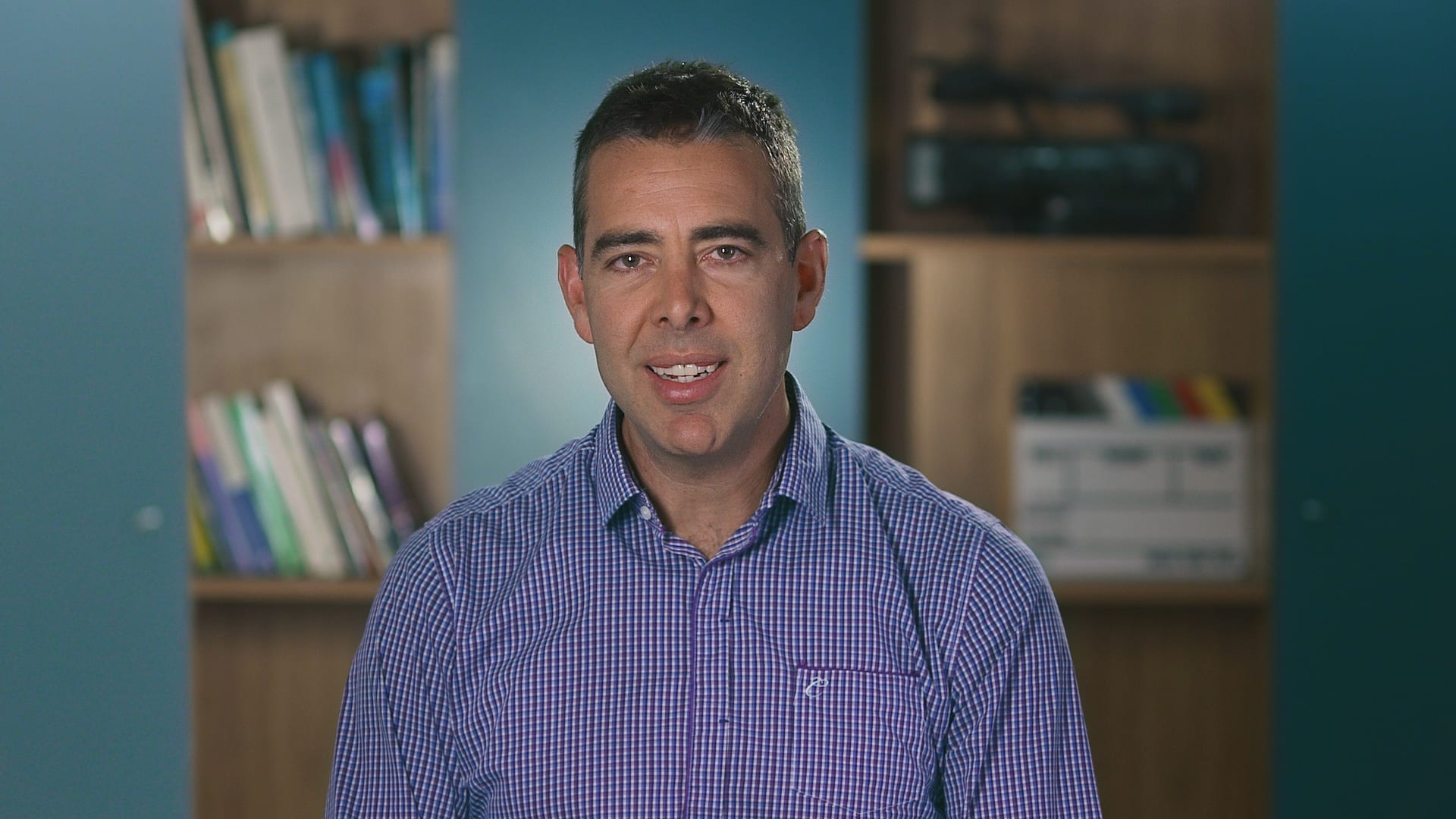
Ryan Spanger is the founder and managing director of Dream Engine, a Melbourne video production company established in 2002. Over the past two decades, he’s produced hundreds of videos for businesses, government departments, universities and healthcare organisations across Australia. Ryan specialises in helping organisations explain complex ideas through clear, engaging video content, with particular experience in corporate communications, training and education.