In this guide
How to Use Video on Your Website
Start with the question a visitor needs answered. On a product page, that might be how a piece of equipment works. On a service page, it might be what happens after someone makes an enquiry. Choose a video that answers that question, and keep the essential information available in the page text for people who do not press play.
At Dream Engine, we plan website videos around the audience, the page and the footage needed to explain the subject. Deciding where the video will sit before filming helps us plan the shots, framing and edit. A wide homepage banner needs different footage from an interview that visitors choose to watch with sound.
Where Website Video Works Best
Place the video beside the information it helps explain. A service overview belongs near the description of that service; a customer story can sit alongside evidence of your work; a product demonstration belongs where someone is weighing up a purchase. Give it a descriptive heading and a relevant next step, such as viewing specifications or making an enquiry.
Homepage Video
A homepage video can be a silent background loop or a film with a play button. Agree which you need before production. A background loop needs shots that make sense without speech, with enough space for the website heading to remain readable. Avoid putting essential information only in the moving image.
An introductory film has more room to explain who you help and what you do. Open with something relevant to the visitor, such as the work being done or the problem you help solve. Keep contact details and service links available outside the player, so nobody has to finish the film to find them.
Product Videos
Product videos show how your product works and what makes it useful. Plan the demonstration around what a buyer needs to see: the scale of the product, how someone uses it, the controls and the finished result. A close-up may explain a detail that a wide shot misses. Leave specifications, compatibility and purchasing information in the page text where visitors can compare them.
The Dream Engine product showreel below brings together examples of our product video work. Use it to discuss the style of filming you want, then build your own shot list around the questions about your particular product.
Testimonial Videos
A useful testimonial explains what the customer needed, what the business did and what changed. Ask for specific examples in the customer’s own words. Identify the speaker and organisation, with their permission, and keep any outcome claims faithful to what they can support.
The Incolink testimonial below features Hutchinson Builders. When planning a testimonial for your own website, choose a customer whose situation is relevant to the people reading that page. Read more about our testimonial video production.
Explainer Videos
Explainer videos walk people through a service, product or process. Start with one question, such as how to apply or what happens after an order is placed. Use screen recordings for software steps, filmed demonstrations for physical tasks and animation for processes that cannot easily be filmed.
Keep changing details, such as prices or eligibility dates, in editable page text where possible. That makes updates easier without having to recut the film. For processes that suit animation, see our explainer and animation service.

Broadband Solutions: explaining technical services on camera
Broadband Solutions wanted businesses comparing phone and internet providers to understand what it could offer. As a smaller provider competing with companies such as Telstra and Optus, it needed to explain its network, products and support in a way prospective customers could follow.
We filmed a presenter speaking to camera against a green screen, then added motion graphics and animation. The presenter delivered the explanation, while the graphics illustrated the technical information. This gave the series a consistent format and let us build the visuals around what he was saying.
We divided the material into short videos covering individual services and capabilities, including Bandwidth on Demand and Network Operations Centre Support. These appeared in the relevant sections of the website, alongside the written information. A visitor could choose the explanation that matched the page they were reading. The sales team could also select a video for a particular conversation with a prospect.
For a website with several technical services, this is a useful approach to consider. Give each video one subject, use the presenter to explain it in spoken language, and plan graphics for the parts that need a visual explanation. Agree the page topics before writing the scripts so each video has a specific place on the site.
See the videos and production details in our Broadband Solutions website video case study.
Making Video Work With Your Web Design
Share the page layout with your video producer before filming. Agree the space available, where headings and buttons will sit, and how the video will appear on a phone. Colour palettes and typefaces matter, but so does the position of a face or product within the frame.
For example, a shot with a person on the right and empty space for a heading on the left may work in a wide banner. A narrow mobile crop could cut the person out. Decide whether to film an alternative composition, make a separate mobile edit or use a still image on smaller screens.
Before the edit is finished, agree who will supply the web export, the poster image shown before playback, checked captions and any transcript. Confirm who will upload the files and test the finished page. Keep a high-quality master separately from the smaller version prepared for the website.
Keeping Performance High
Video files and embedded players can add to page load time. We prepare exports to the dimensions and formats agreed with the web designer, but the way the player is loaded also needs attention.
For a video that visitors choose to watch, ask the developer whether a poster image and play button can load first, with the player loading after a click. Videos further down a page can often load as the visitor approaches them. A background loop needs a short, compressed export and a still-image fallback.
Check the actual page on a phone and a slower connection. Text and navigation should be usable while the video loads. Compare loading before and after adding the video; a small file alone does not prove the page is fast. Google’s guide to video performance explains the options for your developer.
Make the Video Easy to Watch
Let visitors choose when to start a spoken video. Add accurate captions, checking names and technical terms by hand, and provide a transcript when the spoken content is useful to read or search. Important visual information also needs to be understandable to people who cannot see it; plan description into the script where possible. W3C’s accessible audio and video guide covers captions, transcripts, description and player choice.
Check that the controls work with a keyboard and are easy to use on a small screen. For moving backgrounds, provide a way to pause the movement and ask the developer to respect reduced-motion preferences. W3C explains when moving content needs pause, stop or hide controls.
Check whether the video helps
Choose what to measure before launch. For an enquiry page, record enquiries as well as video plays. For a demonstration, look at whether people reach the relevant section and continue to the product details. If viewers leave early, check whether the opening takes too long to address the question promised by the heading.
Compare similar periods and account for changes in traffic sources, campaigns and the page itself. People who watch may already be more interested, so a higher enquiry rate among viewers does not by itself prove the video caused the difference.
Create a Strong Website Video Plan
Use our video production brief guide to record the plan. Before commissioning a video, put these details in a short brief:
- The page it will appear on and the question it should answer.
- The people, products, locations or software you need to show.
- The desktop and mobile layouts, including any space needed for headings.
- The required files, captions, transcript and person responsible for uploading them.
- The action visitors should be able to take after watching.
You do not need a finished script to start. Share the page or design mock-up, what the video needs to explain and your launch date. Our website video production team can help work out what to film.
Video on your website
Website videos: frequently asked questions
Plan the page, the filming and the playback experience.
Where should a video appear on a website?
Place it beside the information it helps explain. A service overview belongs near the service description, a product demonstration near product details and a customer story beside relevant evidence of your work.
Should a website video start automatically?
Let visitors choose when to start a spoken video. For a silent moving background, plan a still-image fallback, pause controls and support for reduced-motion preferences with your developer.
What should we prepare before filming a website video?
Share the page layout, the visitor’s question, the people or products needed and the launch date. Agree on desktop and phone framing, exports, poster images, captions, transcripts and who will upload and test the page.
How can we reduce the loading impact of a video?
Prepare an export for the agreed dimensions and discuss loading a poster image before the player or delaying lower-page embeds. Test the actual page on a phone and a slower connection, comparing loading before and after the video is added.
What accessibility checks should we include?
Check captions, names and technical terms, provide a transcript where useful and plan description for important visual information. Test the player controls with a keyboard and on a small screen.
How do we check whether a website video is useful?
Choose the measure before launch, such as enquiries or visits to relevant product details, and review video plays separately. Compare similar periods and account for traffic and campaign changes; viewing alone does not prove the video caused an enquiry.

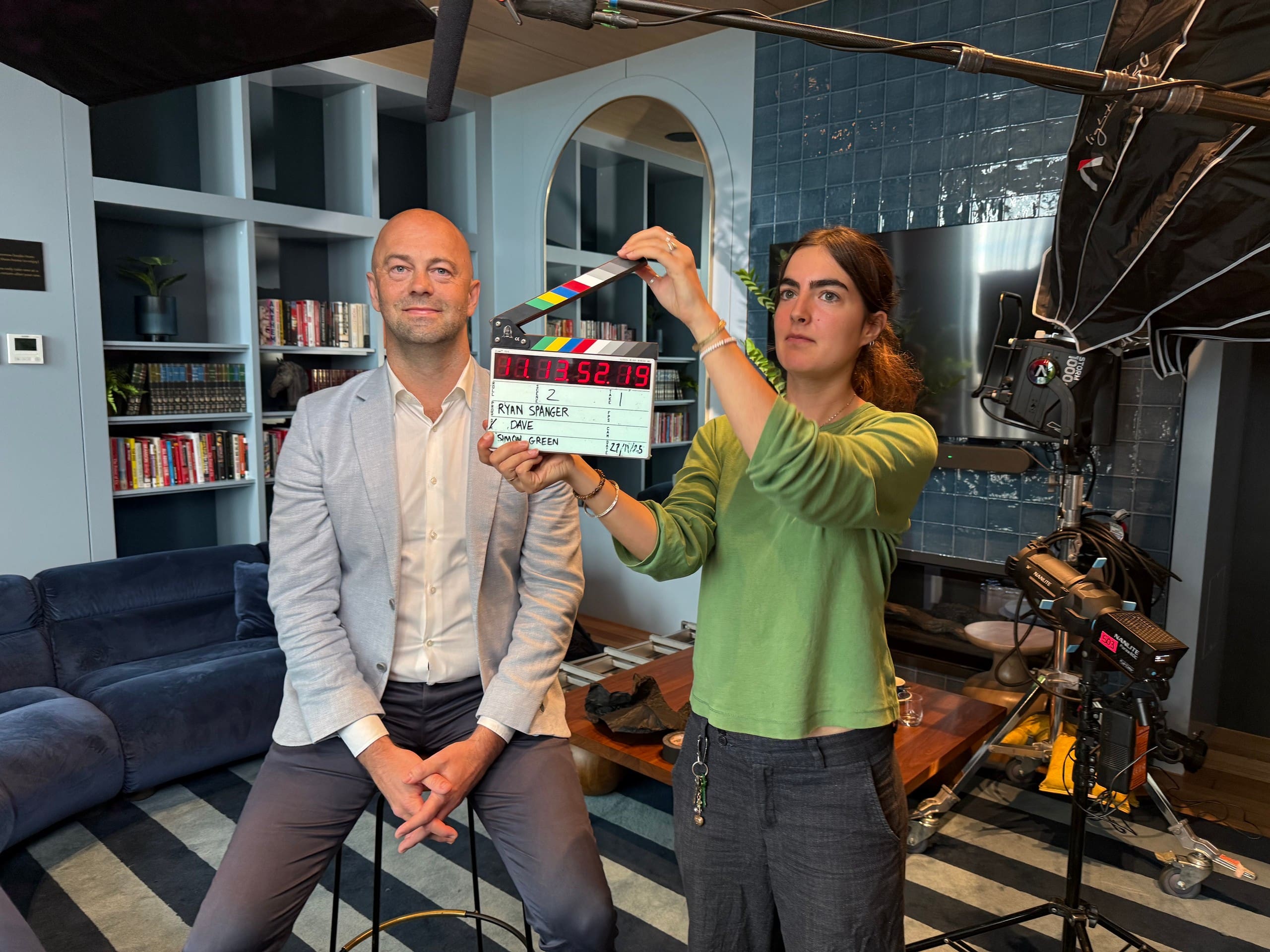
Ryan Spanger is the founder and managing director of Dream Engine, a Melbourne video production company established in 2002. Over the past two decades, he’s produced hundreds of videos for businesses, government departments, universities and healthcare organisations across Australia. Ryan specialises in helping organisations explain complex ideas through clear, engaging video content, with particular experience in corporate communications, training and education.