In this guide
Music helps set the tone of corporate video. A track can add energy to a product demonstration, give an interview room to breathe or help an audience follow a change in the story. Choose it alongside the edit so it supports the message and leaves speech clear. Our guide to making a corporate video cinematic also covers how sound and pictures work together.
For most corporate videos, you will be licensing music from a stock music library. These services give you access to thousands of tracks created by professional composers and producers. The key is knowing how to choose a track that fits the story you want to tell.
Royalty Free Music and How It Works
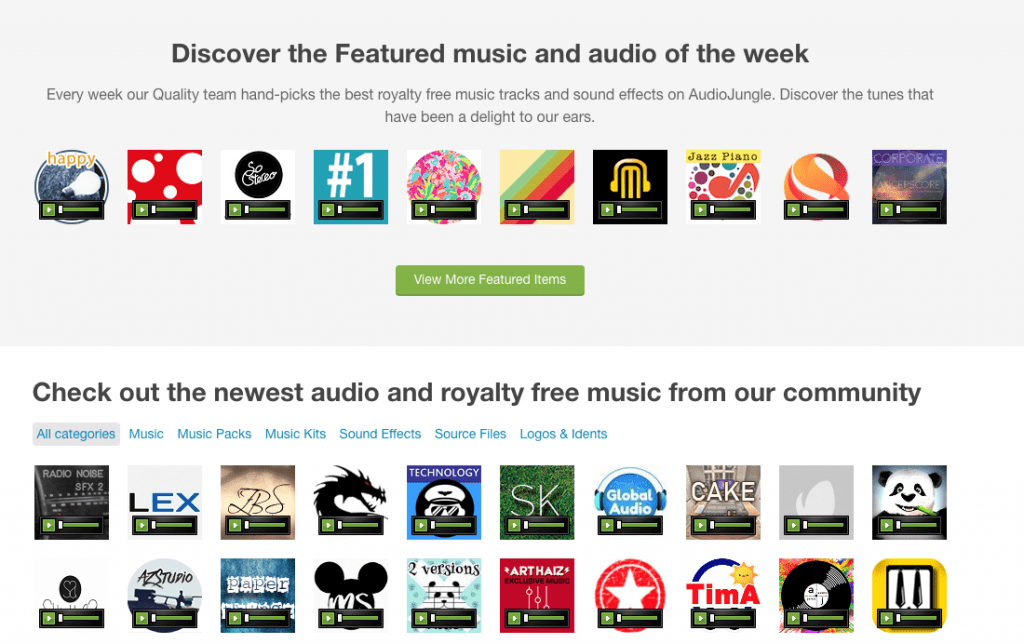
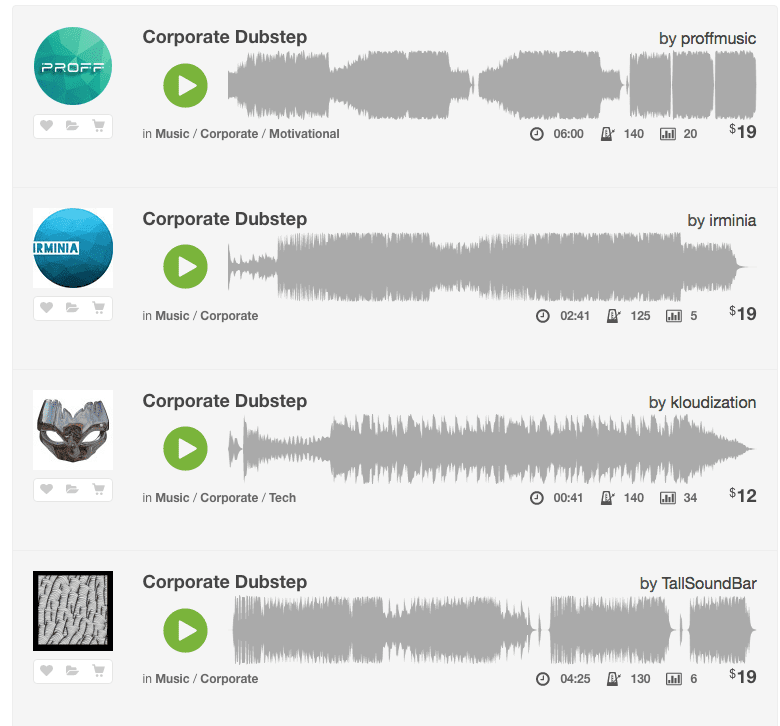
Licensing well-known commercial tracks is usually outside the budget for corporate work. Stock music is the practical alternative. Royalty-free does not mean free. It describes a licensing model, not unrestricted use. Check that the licence covers your project, client and planned distribution, including any paid advertising or broadcast use. A licence may cover only one project, and some uses can involve separate performance rights. Libraries such as AudioJungle and PremiumBeat provide music for business, technology, corporate storytelling and internal communications. Compare their licence terms before buying a track or choosing a subscription.
These sites allow you to search by mood, genre and instrument. This makes it easier to find a track that aligns with your video’s tone without spending hours scrolling through unrelated options.
Test the Track Against Your Edit
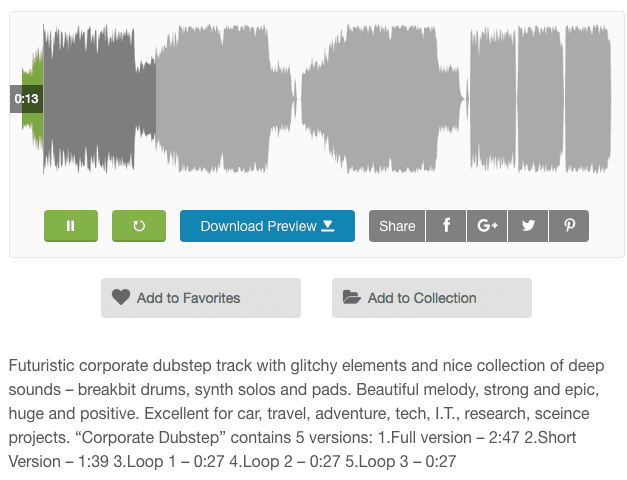
The best way to evaluate stock music is to test it in context. Most libraries let you download a preview version with an audio watermark. Drop it into your edit and listen. Pay attention to how it supports or detracts from the message. Music should guide the viewer, not distract them.
A simple way to narrow your choices is to write down a few keywords that describe the feeling you want to create. Words like warm, confident, light, understated or cinematic will help you find tracks that match the creative direction of your video.
Our video editing service can help test music choices alongside the dialogue and footage. Try more than one option. Even small differences in tone or tempo can change how the video feels. Testing tracks early helps avoid choosing a piece that does not fit once the edit is complete.
What to Listen For
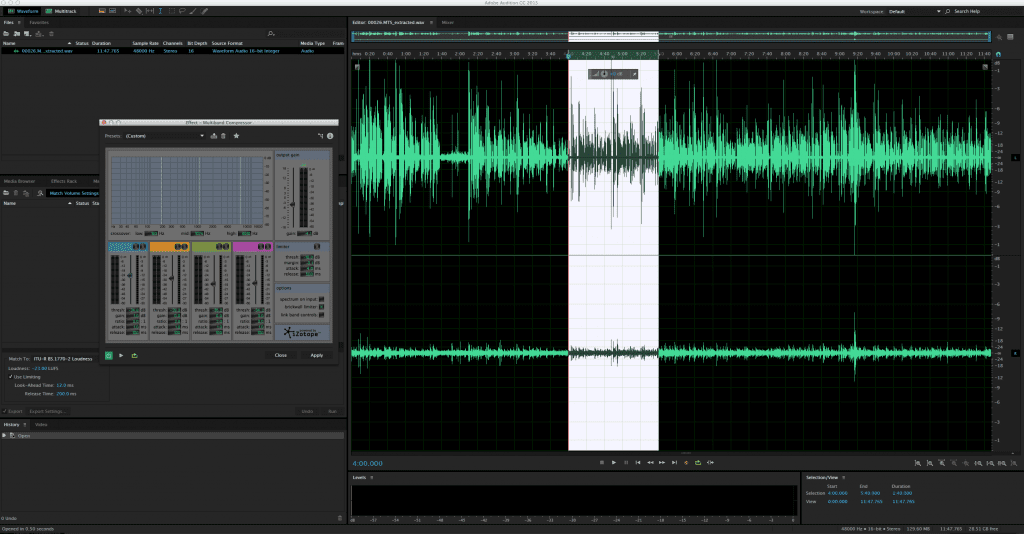
When comparing tracks, focus on three useful elements for corporate video.
- Pacing. The rhythm of the track influences the pace of the edit. Faster tempos add energy. Slower tempos support reflective or detailed content. If your video has little dialogue, cutting to the beat can be very effective.
- Emotion. Listen for whether the music suits the subject and the speaker’s tone. A sensitive interview may need an understated track, or no music at all.
- Tone shifts. Many tracks build or change direction at key moments. These changes can help shape the structure of your video when used thoughtfully.
If your video includes interviews or detailed explanation, choose a track with a simple melody that does not compete with the voiceover. If you need more impact for a product reveal or key message, consider a track with a clear rise or chorus.
Remember That Musical Taste Is Personal
Everyone responds to music differently. A track you love may not work for the message you need to communicate. When choosing music for corporate video, focus on fit rather than personal taste. Share a few options with your team and look for consensus. The goal is to find a track that feels right for the brand and supports the story.
Do Not Get Overwhelmed
Stock music libraries contain thousands of tracks. It is easy to get lost in options. Start with your tone keywords, shortlist a few tracks and test them against your edit. Often one or two will stand out immediately. Save links to the other tracks for future briefs, and check the licence again before using one in another project.
If you want support creating a corporate video with the right tone and a strong music selection, get in touch with Dream Engine today.
Music and the edit
Corporate video music: frequently asked questions
Test the fit and confirm the licence for the intended use.
Does royalty-free music mean it is free to use?
Royalty-free describes a licensing model rather than unrestricted use. Check the current terms for your project, client and planned distribution, including advertising or broadcast. A licence may cover one project, and some uses may involve separate performance rights.
How should I test music for a corporate video?
Use an available preview in the edit and listen with the dialogue and footage. Try more than one option and compare whether each track supports the explanation, pacing and tone without distracting the viewer.
What kind of music works underneath interviews?
Look for a simple melody and a level that keeps speech clear. Match the speaker and subject. A sensitive or detailed interview may suit an understated track, or no music, rather than a prominent musical arrangement.
Can I use the same licensed track in a different project?
Check the licence again before using the track in another project. Permission for one video does not establish permission for every later use. Confirm the new project, client and distribution against the current terms.

Ryan Spanger is the founder and managing director of Dream Engine, a Melbourne video production company established in 2002. Over the past two decades, he’s produced hundreds of videos for businesses, government departments, universities and healthcare organisations across Australia. Ryan specialises in helping organisations explain complex ideas through clear, engaging video content, with particular experience in corporate communications, training and education.