In this guide
Turning a workplace procedure into a training video starts with understanding the task. Videos for staff training can show the steps, checks and practical details that new and existing staff need to follow.
The seven steps below cover mapping the procedure, writing the script, choosing what to show and reviewing the finished video.
Why convert procedures into training videos
Procedures are often spread across manuals, documents and emails. Experienced staff may also know important details that haven’t been written down.
That makes it harder for new starters to find the information they need. It also puts pressure on experienced staff to keep answering the same questions.
Training videos can bring the steps together in a demonstration staff can watch again. They give teams a shared reference for how the task should be performed.
This is useful for teams that rotate staff, operate across multiple sites or work in regulated industries. Find out how we work on our training video production page.
For a practical example, read our Bosch training video case study.
The hidden cost of undocumented procedures
When key procedures aren’t documented, a business depends on individual staff to pass on what they know. If someone leaves or changes roles, that knowledge can be lost.
This can slow handovers, create confusion about the correct method and lead to mistakes that take time to fix.
Recording the procedure gives the next person a reference they can use alongside written instructions and practical training.
Identify your critical procedures
Start with procedures that are important for accuracy, safety, compliance, onboarding or quality. Give priority to tasks that are often done inconsistently or need repeated explanation.
Examples include equipment setup, customer service steps, safety checks, reporting procedures, software workflows, and quality assurance processes.
Step 1: map the real process
Compare the written procedure with how staff carry out the task. Look for outdated instructions, missing steps and differences in how people do the work.
To capture a process accurately:
- Sit with the person who performs the task daily
- Watch them complete it from start to finish
- Document the practical details that rarely appear in written instructions
Resolve any differences with the person responsible for the procedure before writing the script.
Step 2: break the procedure into steps
Break the procedure into steps. For each one, explain what to do, how to do it, what to check and what to avoid.
Test the steps with someone new to the task, with suitable supervision for any safety-critical procedure. If they get stuck, the procedure needs more clarity before filming.
A planning worksheet for each step
Copy this table into your planning document and replace the prompts in brackets. Use a separate copy for each step. Complete the visual and checking notes before filming so the crew knows what the viewer needs to see.
| Field | Your notes |
|---|---|
| Task and audience | [What is the task, who will watch, and what do they already know?] |
| Procedure step | [Step number and one action the person needs to perform.] |
| What to show | [What must be visible? Note the camera angle, close-up, screen recording or label needed.] |
| Spoken explanation | [The words the presenter or narrator will say while this action is shown.] |
| Check or exception | [How will the person recognise a correct result? What should they do if something is wrong?] |
| Reviewer | [Who will confirm this step is accurate, and which approved procedure and version will they check it against?] |
The example in Step 3 shows how one written instruction can become a spoken line, a camera shot and a review check.
Step 3: write the script in plain language
Training video scripts should use short sentences and speak directly to the viewer. Use terms your audience knows and explain unfamiliar technical language.
Read the script aloud. Rework any sentence that is hard to say or understand.
Worked example: checking an item before packing
This is an illustrative example for a new packing team member. It shows how to plan one step of a procedure.
- Written instruction
- “Verify the item against the order documentation.”
- Spoken script
- “Check that the product code on the item matches the code on the order. If the codes don’t match, set the item aside and ask your supervisor to check it before you continue.”
- Camera shot
- Show a close-up of the product label and the order with both codes readable. Hold the shot while the presenter points to each code. Use a sample order with no customer details.
- Reviewer check
- Ask the procedure owner to confirm that staff are comparing the correct identifiers and following the approved response to a mismatch.
A wide shot of someone looking at an order leaves the viewer guessing what they are checking. The close-up makes the comparison visible. Before using this example in your own training, replace the identifiers and mismatch instructions with your approved process.
Step 4: choose the right visual format
The right training video format depends on the nature of the procedure. Options include:
- Screen recordings for software or computer-based tasks
- Live demonstrations for equipment or physical steps
- Presenter-led explanations for context or safety points
- Animation for workflows or scenarios that cannot be filmed
Combine formats where each adds useful information. For software, our screen-capture guide explains how to make controls and actions readable.
Step 5: film the procedure clearly
Make each part of the task visible and easy to follow. Focus on:
- stable, well-lit shots
- close-ups of important steps
- wide shots for context
- on-screen labels for key points
- showing the process in the correct order
How we planned the Bosch demonstrations
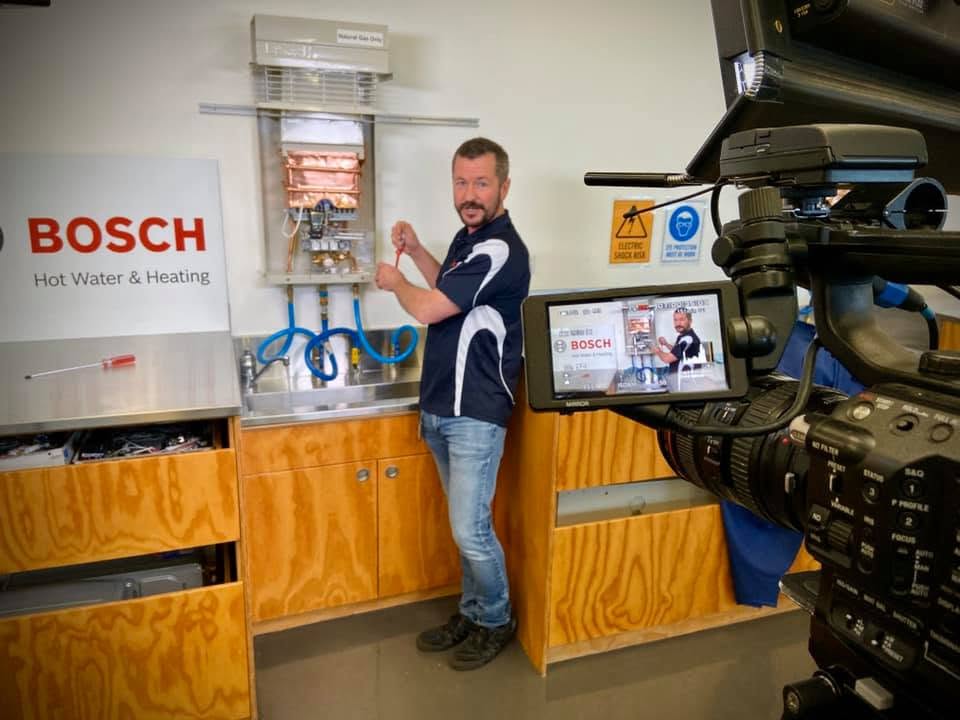
For our Bosch Hot Water training videos, we developed scripts and shot-by-shot storyboards with Bosch before filming. We also worked with Bosch’s technical specialists to check the procedures against the official commissioning process.
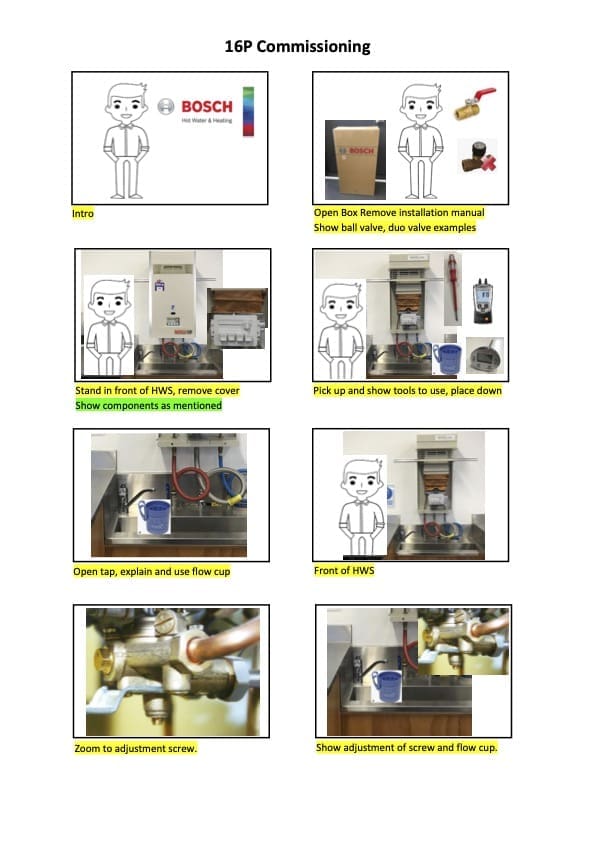
That pairing shows two things the technician needs to see: where the adjustment happens and how it relates to the wider demonstration. During filming, close-up cameras and controlled lighting made gauges, valves and adjustment points visible without the presenter blocking them.
When planning your own shots, identify the small detail that proves each step is being done correctly. Give that detail its own shot, and check that it stays visible when the demonstrator’s hands move into frame. Read more in our Bosch training video case study.
Step 6: add supporting material
Provide checklists, reference guides, PDFs or links to relevant policies alongside the video. Staff can use these to check details while doing the task. Include captions and a transcript in the delivery plan, and test them in the player or learning system staff will use.
Step 7: review with subject matter experts
Have the script checked before filming, then review the finished video with the people who perform the task and those responsible for safety or quality.
Ask them to check the order of steps, terminology, details and any missing information. Correct errors before sharing the video with staff. Our staff training video checklist covers the final checks for captions, sound, screen text and access to the approved version.
Keep your training videos up to date
Review the video whenever the procedure, software or equipment changes. Set a regular review schedule too, for example every six to twelve months, depending on how often the process changes.
Our lessons from 20 years of training productions explain how to plan modules that can be revised when a process changes.
For help producing or updating your videos, see our training video production service.
Browse our training video guides and project examples for related planning advice.
Frequently asked questions
Turning procedures into training videos
Which procedures should be turned into training videos?
Prioritise procedures that are important for accuracy, onboarding, safety or compliance, especially tasks that are often done inconsistently or need repeated explanation.
How long should a procedure training video be?
Two to six minutes may be enough for a focused procedure. Let the steps determine the length. For a longer process, consider separate videos so staff can find the part they need.
Can training videos replace written procedures?
Keep written procedures, checklists and reference documents alongside the video. The video can demonstrate the task; the documents give staff details to refer to while they work.
What happens when procedures change?
Review the video whenever the procedure changes and update any instructions that are no longer accurate. Keeping the script and supporting documents current makes revisions easier.
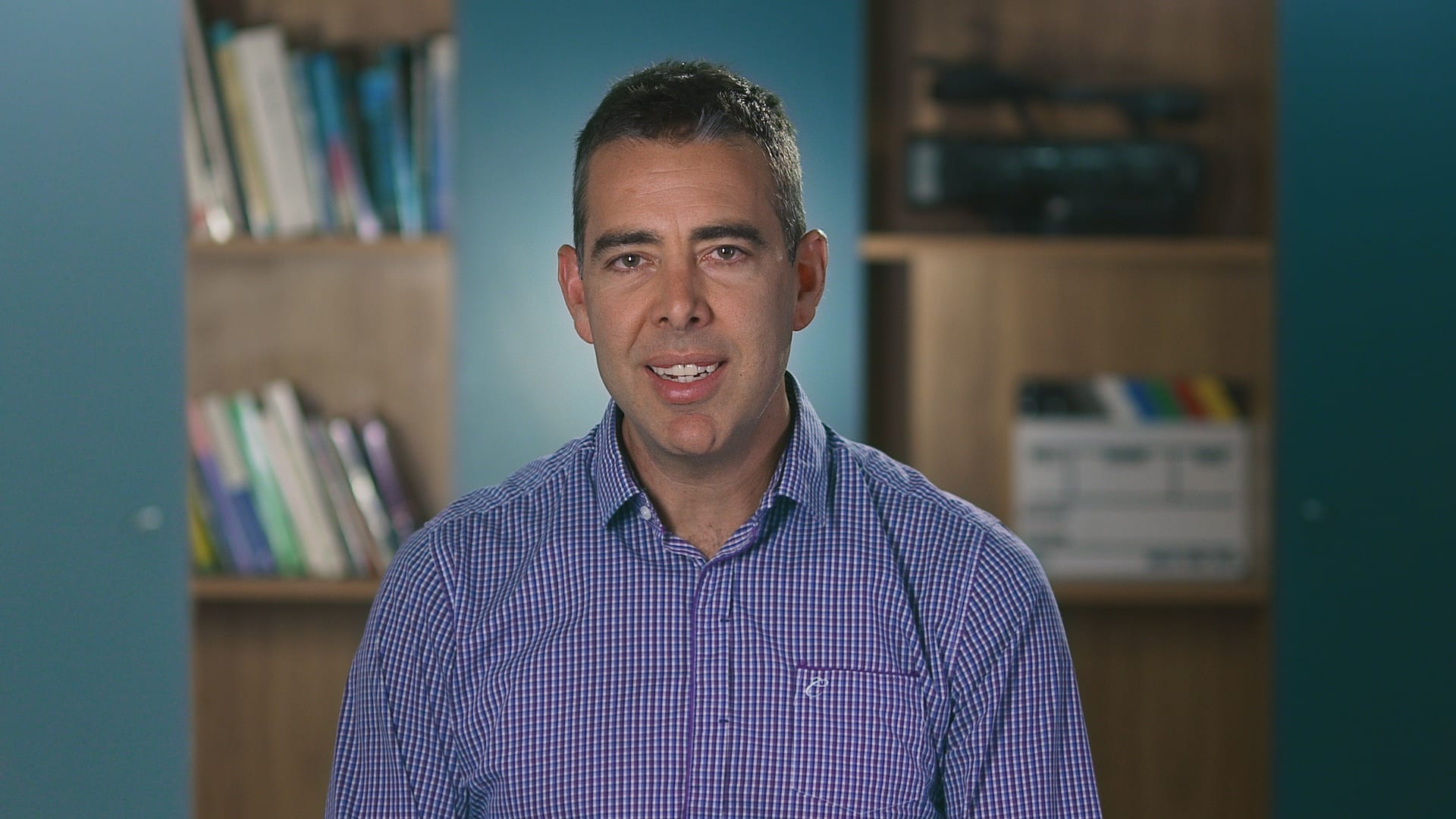
Ryan Spanger is the founder and managing director of Dream Engine, a Melbourne video production company established in 2002. Over the past two decades, he’s produced hundreds of videos for businesses, government departments, universities and healthcare organisations across Australia. Ryan specialises in helping organisations explain complex ideas through clear, engaging video content, with particular experience in corporate communications, training and education.