
Shotgun microphone on a boom
Our normal choice for a controlled interview. It stays out of frame, can be placed close to the speaker and avoids contact with clothing.
Video production company in Melbourne, Australia.
Speech needs to be easy to follow throughout the video. We choose the microphone, check the room and monitor each take for hum, echo, clothing noise and interruptions. Here is how Dream Engine handles sound recording for video production.
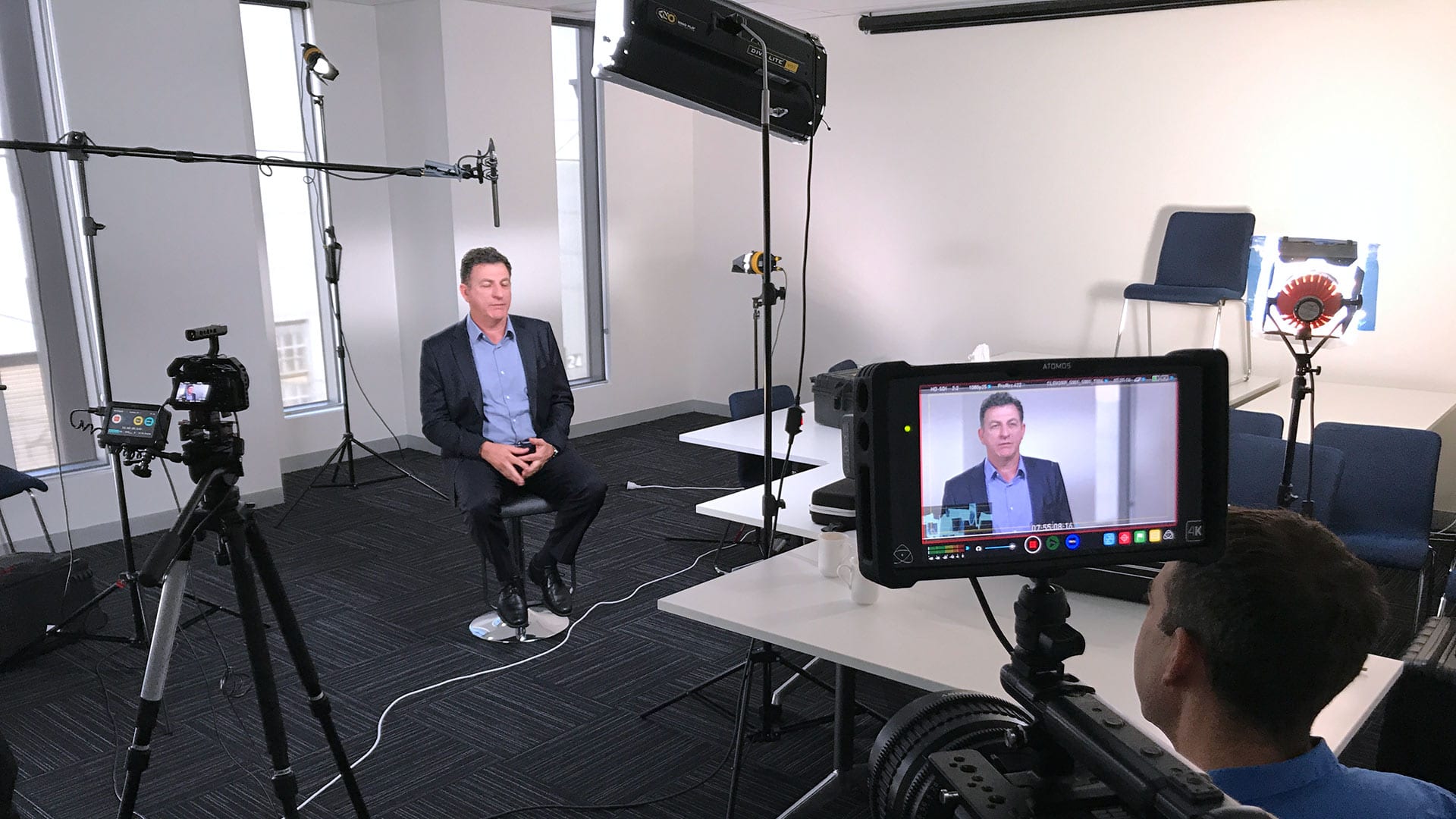
For a carefully controlled interview, our usual approach is a shotgun microphone on a boom, placed just out of frame and as close to the speaker as the shot allows.
This gives us clear, natural dialogue without clipping a microphone to the person’s clothing. It also avoids clothing rustle and keeps the interview frame clean.
A directional microphone helps us focus on the speaker, but it does not make room noise disappear. The room, placement and monitoring still matter.
There is no single microphone that is right for every shoot. We look at whether the person is sitting or moving, how many people are speaking, how noisy the location is and how the footage will be used.
Our normal choice for a controlled interview. It stays out of frame, can be placed close to the speaker and avoids contact with clothing.
Useful for run-and-gun, documentary and action filming, or when a person needs to move. We monitor for clothing rustle, weak radio signals and interference.
Sometimes the format calls for a visible microphone, such as a live presentation, panel, vox pop or event. We plan how its signal will reach the recording system.
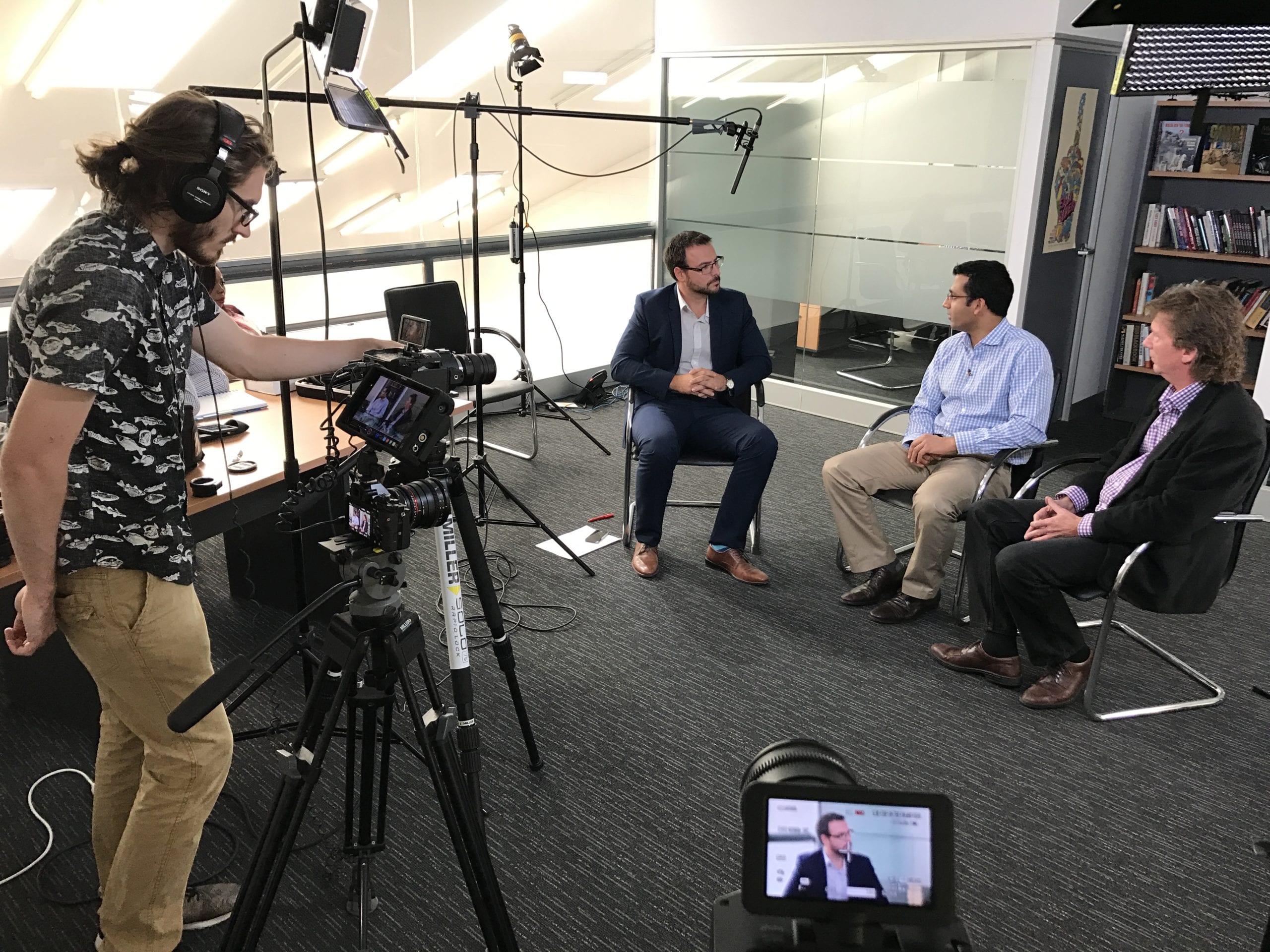
A room can look perfect and still sound wrong. We listen first, because moving to another room or changing the timing is often more useful than trying to repair bad sound later.
On a location scout, or when we arrive on the filming day, we check for sounds that may not be obvious to someone working there every day.
The crew checks the microphone signal and recording level before each take, then listens through headphones while the person is speaking. If a new noise or interference appears, we check its source and decide whether the answer needs another take.
We listen, choose the microphone position and agree on any practical changes with the client or site contact.
We ask the person to speak naturally, then set a healthy recording level with enough room for louder answers.
Using headphones and meters, we listen for clipping, rustle, interference, bumps and new background noise.
Where it will help the edit, we record a short sample of the room without anyone speaking.
A lapel microphone is useful when a person needs to walk, demonstrate something or be filmed in a fast-moving situation where a boom cannot stay close enough.
That makes lapels a practical choice for documentary-style filming, workplace action, event interviews and some multi-person setups. They are not automatically our first choice for a controlled seated interview.
What we watch for: fabric rubbing against the microphone, jewellery, loose clothing, radio interference and a transmitter that has not been placed securely.
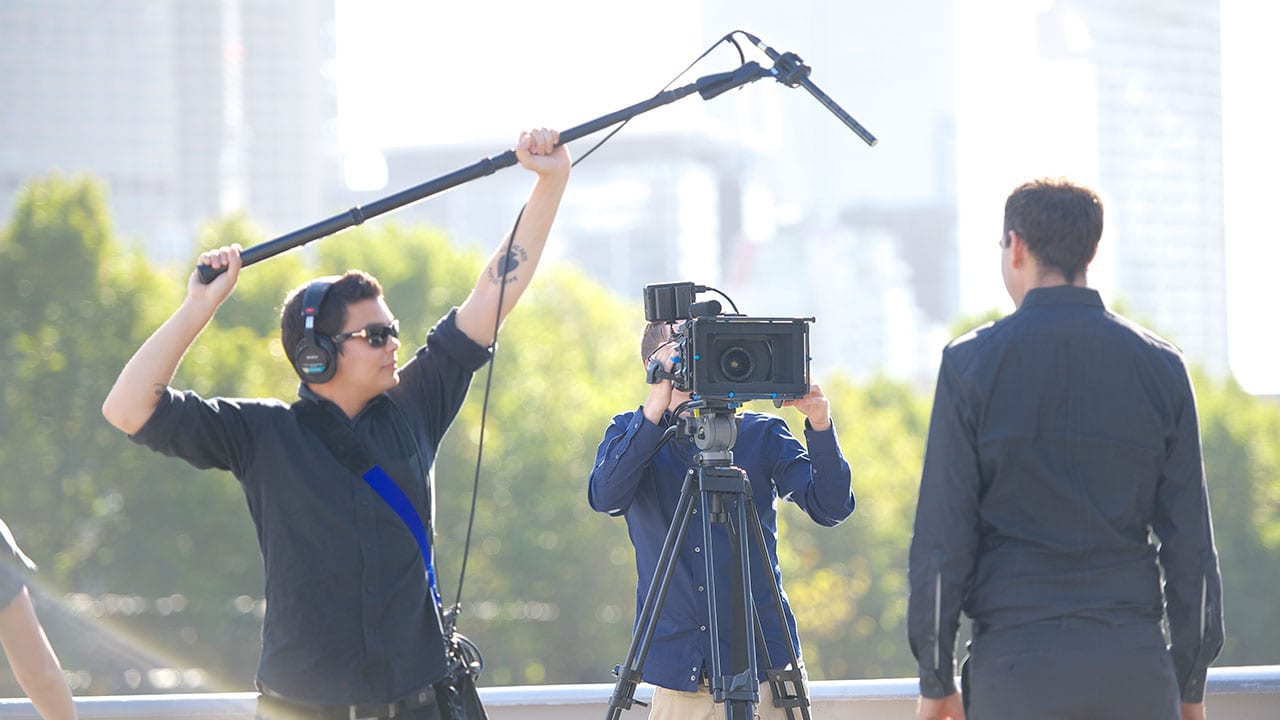
Our camera crew can record professional sound for many corporate interviews and straightforward filming days. A separate sound recordist is not necessary on every project.
We recommend a specialist when the sound work is complex, when several things need to be monitored at once or when a moment cannot be repeated. Dream Engine arranges and briefs the sound recordist as part of the crew.
We do not apply the same audio setup to every job. Before filming, we consider how important the moment is, whether it can be repeated and how much complexity is involved.
Where the risk or production warrants it, the plan may include a dedicated field recorder, a second audio path, more than one microphone or a reference feed to camera. Each recording path needs to be checked so the crew knows what the backup can cover if a problem occurs.
The crew knows who is monitoring the sound and where each signal is being recorded.
Connections, radio signals, batteries, media and recording levels are checked before the important moment.
We plan the audio path so the files are clear and practical for sound mixing and post-production.
If we hear a problem, we stop and solve it instead of relying on editing to rescue the recording.
You do not need to become a sound expert. A few practical details can make a real difference, and we will guide you through them during planning.
These details can be covered during location scouting and pre-production. We will recommend the simplest sound setup that suits the job.
For carefully controlled interviews, we normally use a shotgun microphone on a boom, placed just out of frame and as close to the speaker as the shot allows. This gives us clean, natural dialogue without clipping a microphone to the person’s clothing.
We mainly use wireless lapel microphones for run-and-gun, documentary and action filming, or when the person needs to move. They can also suit some events and multi-person setups, but clothing rustle and radio interference need to be monitored.
Some steady noise can be reduced, but it is better to control the source while filming. We listen for air conditioning, traffic, fridges, lifts, nearby meetings and echo, then change the room, timing or microphone position where we can.
It depends on the production. When the risk or complexity justifies it, we may use a dedicated recorder, a second audio path, more than one microphone or a reference feed to camera. The backup plan is decided before filming.
Not for every corporate shoot. Our camera crew can record professional sound for many interviews and straightforward filming days. We bring in a specialist sound recordist for more complex jobs, such as several moving contributors, multiple wireless microphones, demanding locations, live productions, television commercials or moments that cannot be repeated.
A quiet room with soft furnishings and some distance from traffic, lifts, kitchens and busy work areas is usually helpful. Large glass rooms and hard surfaces can sound echoey. We assess the room and make practical changes before recording.
Yes, when it will help the edit. A short recording of the room without anyone speaking gives the editor a clean sample of the natural background sound and can make cuts feel smoother.
Tell us what you are filming and where. We will recommend the right crew, microphone setup and level of sound support.
