
Approved concept and treatment
These describe the idea you’ve approved and how we plan to tell the story, including its tone and visual style.
Video production company in Melbourne, Australia.
A video script sets out what people will say and what the audience will see. Once we’ve agreed on the concept and treatment, we write a draft and read it aloud to check the wording and timing before sending it to you for review.
We begin with a concept, then develop a treatment: an outline of how the video will unfold. You approve both before we start writing the script.
The video script planning stage sets out the audience and purpose, along with the message, tone and structure. We also agree on how much of the video needs to be scripted.
With those decisions made, we can concentrate on the wording and how each scene will work.
Before drafting, we need the agreed plan and the information the script will draw on. It also helps to know who will review it.
These describe the idea you’ve approved and how we plan to tell the story, including its tone and visual style.
Product details, background documents and input from your team. Please include any claims or wording that need to be used exactly as supplied.
Where you’ll use the video, its intended length and whether you need other versions, such as shorter edits or a vertical format.
Let us know who checks the facts and gives final approval, and whether the script needs a technical, brand or legal review.
A straightforward interview video may only need a story outline, a list of participants and interview questions. We’ll agree on what’s needed during planning.
We write scripts for corporate and commercial videos. The format depends on the project: a presenter needs wording they can deliver comfortably, while an animation needs narration matched to the action on screen.
Scripts written to suit the person presenting, with sentences that are comfortable to say aloud and space for pauses.
Voiceover with descriptions of the animation and any text that will appear on screen.
Step-by-step instructions matched to demonstrations, including the technical detail and safety or compliance information the audience needs.
Scripts for television commercials, promotional videos and campaign content, written to fit the available screen time.
Questions and an outline of the story, with any narration or screen text needed to connect the interviews.
Adapting a report, presentation, web page or draft into a script that sounds natural and fits the video’s running time.
These scripts support our corporate video, animation, training video and television commercial work.
If you’ve already written a draft, send it through. We can work from it, keeping the facts and intended meaning while adapting the wording for video.
Here’s how we take a script from the first draft through your feedback to an approved version.
We follow the structure in the treatment, writing the spoken lines and describing each scene. If we need more information, we’ll ask you.
Each section shows what the audience will hear alongside what they’ll see. We include notes on footage, demonstrations, graphics and any text on screen.
Reading aloud reveals phrases that are hard to say or sound too formal. We also check the running time, allowing for pauses and anything that needs to be shown.
You check that the draft is accurate and says what you need it to say. Your review should include any technical detail, approved claims and wording your organisation requires.
Once you’ve combined your team’s feedback, we revise the draft. If two reviewers want different things, we’ll discuss it with you before changing the script.
After you approve the wording and visual notes, we mark that version as final. Everyone involved in production then works from the same script.
Settling the script at this stage gives presenters time to prepare and lets the production team plan the filming, recording or animation.
Written language often needs editing before it works on camera. A sentence that looks fine on a page can be awkward to say aloud, especially when the subject is technical.
We use words the audience knows and break up sentences that ask the presenter to say too much in one breath. Specialist terms stay where they’re needed, with an explanation if the audience may be unfamiliar with them.
We also look for wording people rarely use in conversation. “We can help you” is easier to say than “We can provide assistance”, for example. The language should suit the presenter and your organisation.
Give the viewer time to take in each point before introducing the next one.
Use the words you would use when explaining the subject to a client or colleague.
Allow time for the presenter to pause and for viewers to watch a demonstration.
If the viewer needs to do something after watching, explain what to do and where to go.
For many projects, we use a two-column script. One column describes what the viewer sees; the other contains the narration, dialogue or sound that goes with it.
You can read across each row to see how a scene will work. We add timings and production notes where needed, and mark anything that still needs your input. Depending on the project, the script may include:
The producer and director use the approved script to plan the shots. For a television commercial or animation, this may involve a detailed storyboard.
When a picture explains something, we can let the viewer watch without narrating every detail. Footage of a process, for example, may be easier to follow than a long spoken description.
In a training video, we match each instruction to the step being demonstrated. Animation scripts describe the movement or graphics that accompany the voiceover. A commercial may need more precise timing, with individual shots planned before filming.
If we need to plan individual frames in more detail, the next step after script approval is storyboarding.
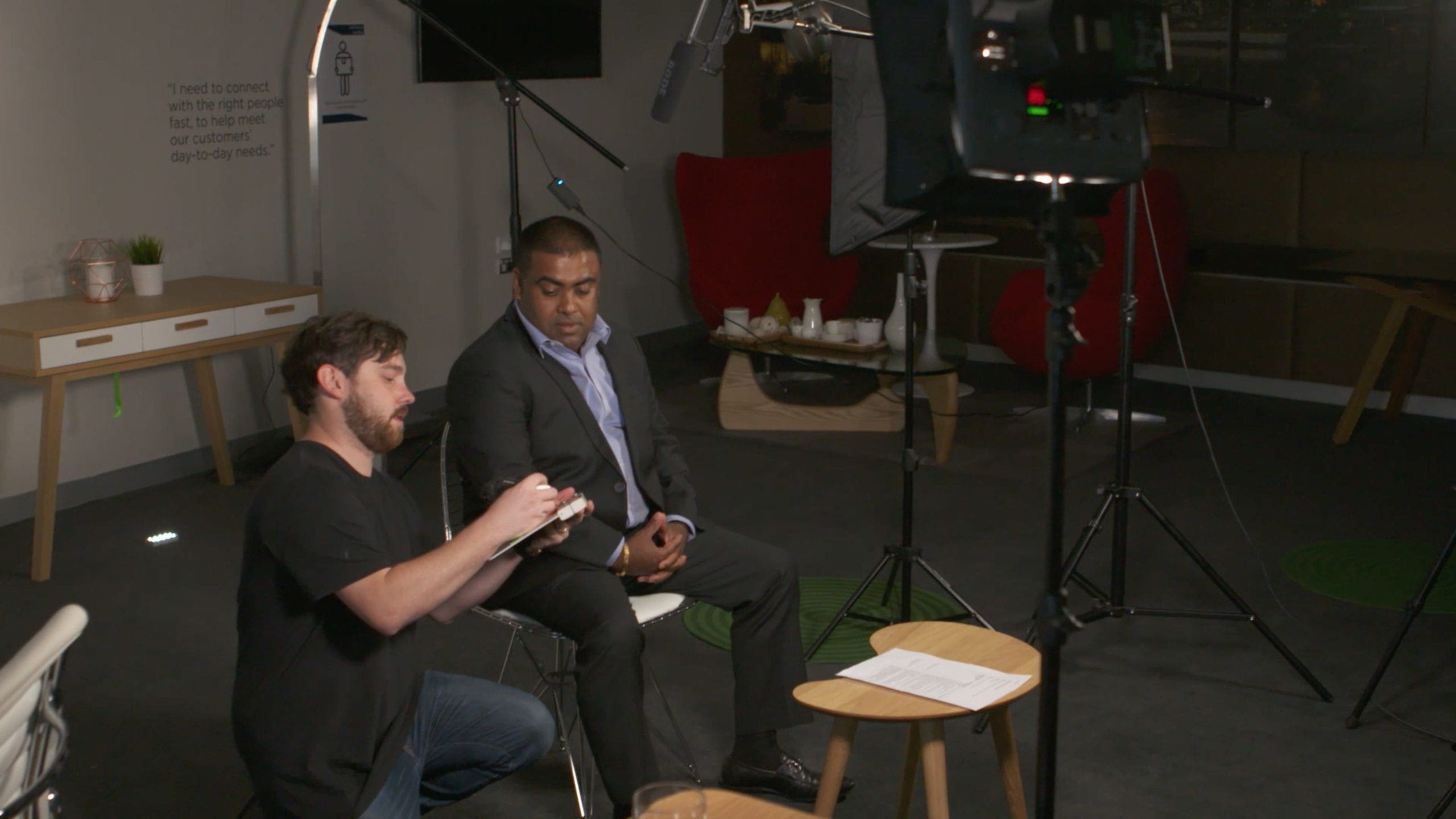
The first draft gives you a chance to check the wording and suggest changes. Involve anyone who needs to approve it before filming, recording or animation begins.
Names, figures, product details, technical steps and claims must be correct.
Check that the wording suits your organisation and includes any required legal or compliance statements.
Discuss any differences within your team, then send us one set of comments to work from.
We record the approved version so everyone is working from the same script.
We can still make small wording changes during rehearsal or filming. Larger changes after approval may mean reworking the storyboard or shot list, recording new voiceover or changing graphics. Let us know as early as possible so we can explain any effect on the schedule or cost.
Once the script is approved, it guides the work that follows.
Presenters can rehearse their lines before filming. If we’re using an autocue, we format the script for it and add any pronunciation or emphasis notes.
The director and producer plan the shots and confirm what’s needed to film them, including locations and access.
We can select a voice artist to suit the script, then record and edit the voiceover at the intended pace.
The editor uses the script to assemble the video, including screen text, graphics and archive material, and prepare any other planned versions.
For presenter-led videos, see how we use an autocue. For broader writing advice, read our separate guide to writing a video script.
Yes. Bring us your brief and the information you have. We’ll work through the planning with you, agree on any research needed and write the first draft.
Yes. We can edit your draft so it’s easier to deliver aloud, fits the running time and describes the pictures that go with it. We’ll check any factual questions or missing information with you.
Viewers need to follow the words at the pace they’re spoken. The writing has to sound natural aloud, with enough time to watch what’s happening on screen. The script also describes the footage, graphics or demonstrations that accompany the words.
Usually, yes. Alongside the spoken words, we describe the footage, demonstrations or animation and include any titles and on-screen text. We add timings and production notes where they’re needed.
We agree on the video’s intended length during planning, based on what the audience needs to know and where they’ll watch it. We then read the draft aloud and time it, leaving room for pauses and demonstrations.
Usually not. We prepare questions around the subjects the video needs to cover, and participants answer in their own words. We may write an introduction, voiceover or on-screen text to connect the interviews.
When everyone responsible for approval has signed off on the wording and visual notes, including any facts or claims that need checking. We mark that version as approved so the production team knows which script to use.
Send us your notes or draft and tell us what the video needs to do. We’ll help you work out what to include and write the script with you.
