In this guide
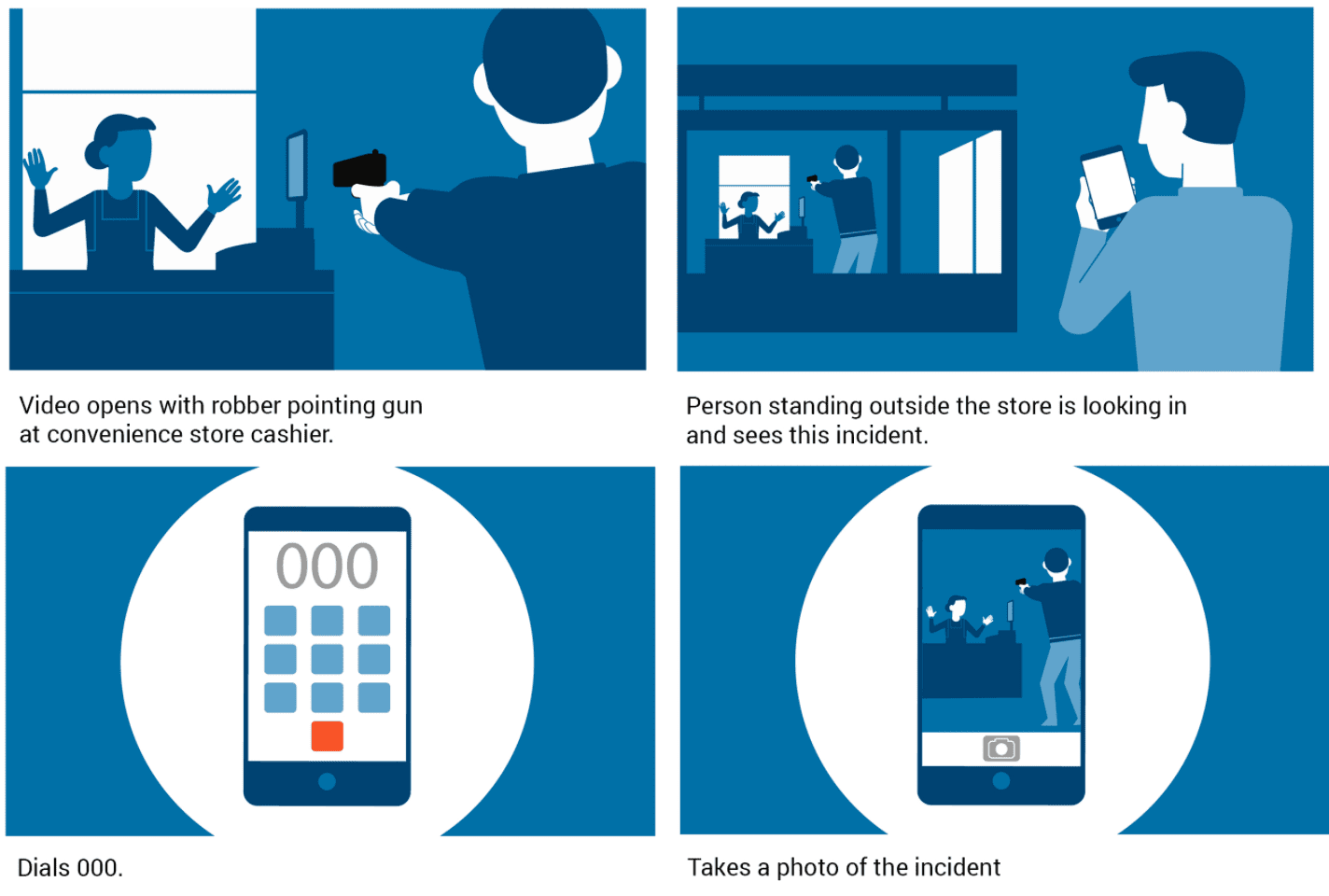
Some products, services and ideas are difficult to explain with live action alone. You might be introducing new software, explaining a technical process or showing how a product works behind the scenes. Animation can show the steps, relationships or internal workings that a camera cannot easily capture.
At Dream Engine, we’ve produced animated explainer videos for technology companies, manufacturers, government organisations and professional services businesses. While every project is different, the strongest explainer videos all have a few things in common.
In this guide we’ll explain what makes an effective animated explainer video, share some practical lessons we’ve learned over more than 20 years of video production, and highlight common mistakes that can make even beautifully animated videos difficult to follow.
What Is an Animated Explainer Video?
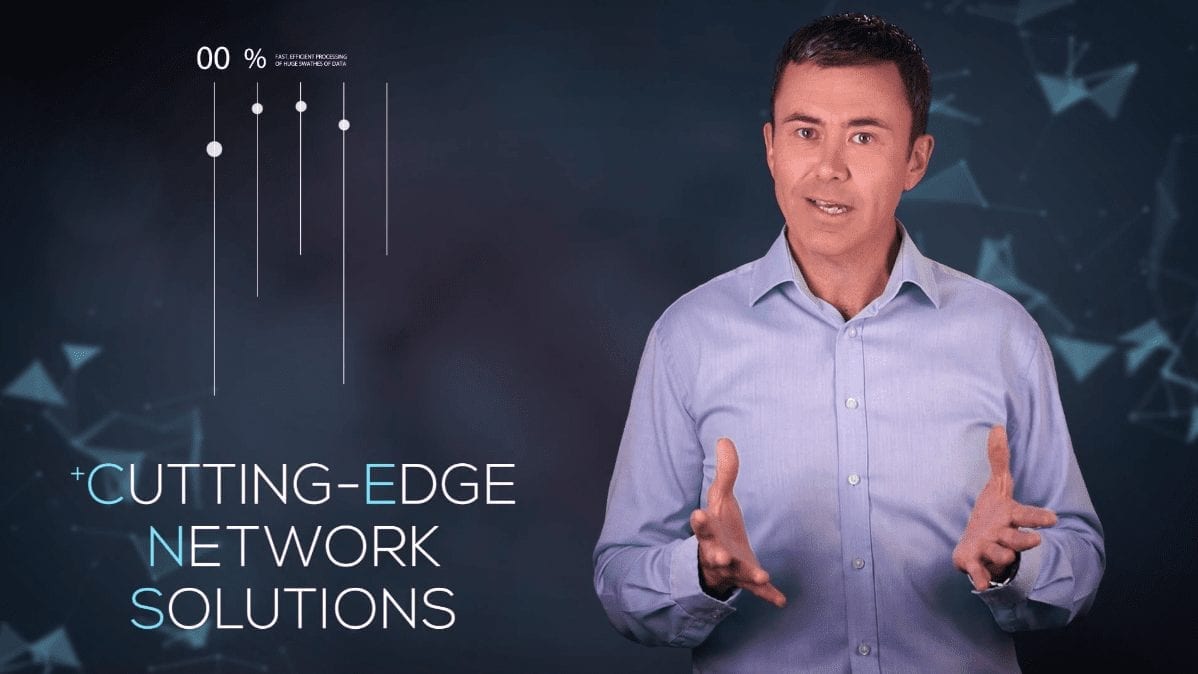
An animated explainer video is a short video designed to help people quickly understand a product, service, process or idea.
The main aim is to build understanding. By the end of the video, viewers should understand what you do, how it helps them and how you can help solve their problem.
Animation is particularly useful when you’re explaining concepts that would otherwise be difficult or expensive to film. Software platforms, engineering systems, healthcare processes, financial services and abstract ideas are often much easier to communicate using animation.
If filming isn’t practical, animation gives you other ways to show the subject. Characters, diagrams, icons and motion graphics can all be designed specifically to support the message without the limitations of physical locations or actors.
If you’re considering animation for your next project, take a look at our Animation Video Production service.
1. Start With the Audience’s Problem
A common mistake is opening with the company before explaining why the subject matters to the viewer.
A prospective customer may be trying to solve a problem, compare options or understand how a product works. Establish that context before covering company history or a long list of features.
Once you’ve established the challenge your audience faces, you can introduce your business as the solution. This creates a much stronger narrative than simply listing features and benefits.
Think about the question your audience is asking before they discover your business. Your animation should answer that question clearly and confidently.
2. Keep the Message Focused
Deciding what to leave out is often the hardest part of writing an explainer.
During scripting we often encourage clients to simplify their message. Many first drafts try to explain every feature, every service and every possible scenario. The result is usually a video that’s informative but difficult to absorb.
A stronger approach is to identify the single most important message you want viewers to remember. Every scene should support that message.
If a section doesn’t help your audience better understand the problem or solution, it can probably be removed. Our guide to writing an explainer script takes you through the structure in more detail.
3. Aim for Around 90 Seconds
Use the length the audience needs to understand the main idea. If you have a firm time limit, our guide to a corporate explainer under 90 seconds explains how to plan for it.
While there are exceptions, we generally recommend aiming for around 90 seconds to two minutes. That’s usually enough time to introduce the problem, explain the solution and encourage viewers to take the next step without losing momentum.
When reviewing scripts, we often find opportunities to combine ideas or remove repetition. Time the script aloud and allow viewers enough time to follow each visual. Cutting repetition is useful; rushing an explanation is not.
The Motorola animation below is a good example of communicating a large amount of information while maintaining a brisk pace throughout.
4. Use Professional Narration
The voiceover often carries the story, so it’s worth investing in a professional narrator.
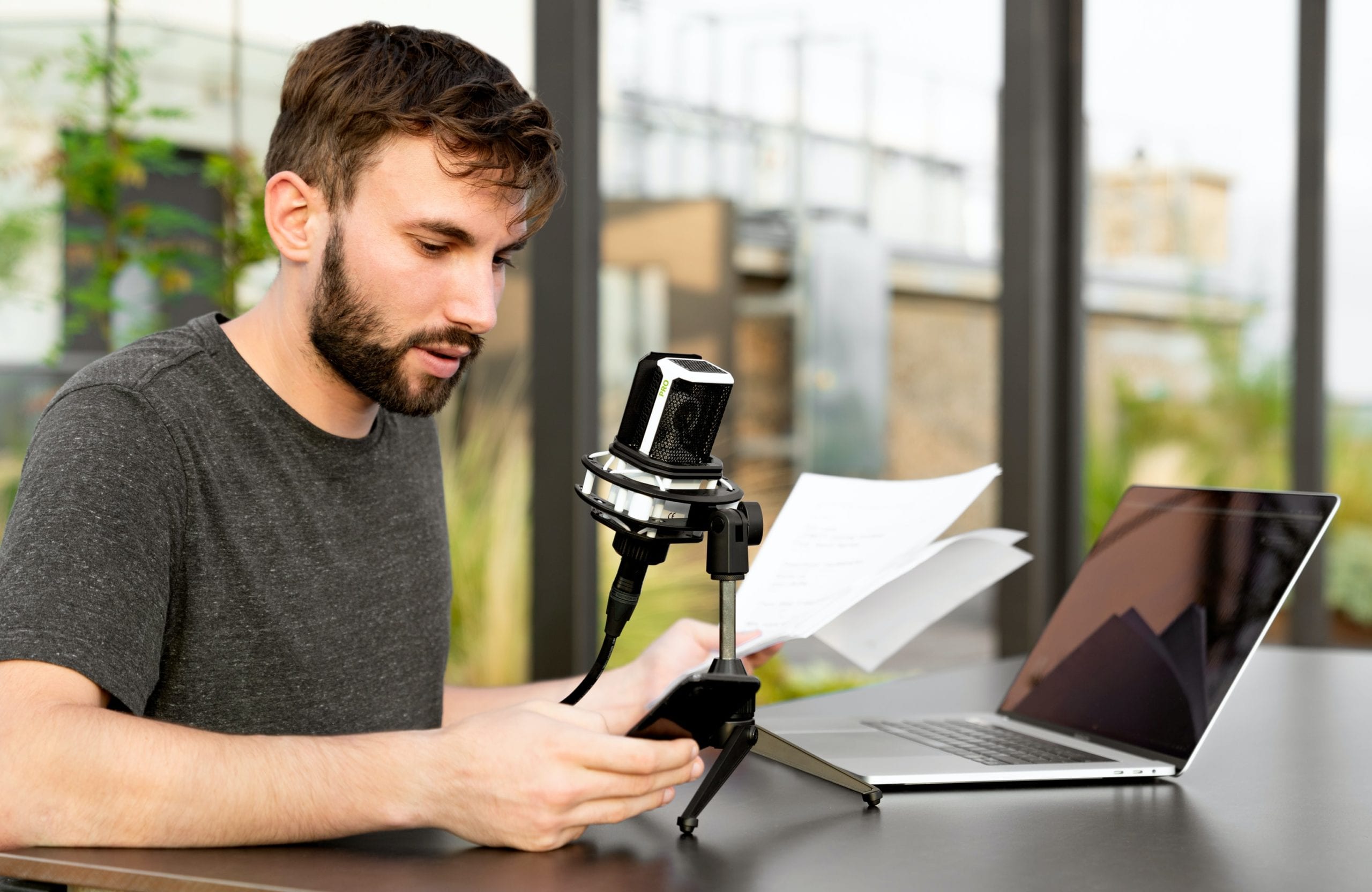
A good voice artist does more than simply read a script. They add pace, warmth and emphasis that help viewers absorb information naturally. Even the best animation can feel flat if the narration lacks energy or doesn’t suit your audience.
Think carefully about the personality you want to project. A healthcare organisation may require a calm, reassuring tone, while a technology company might benefit from a more energetic delivery. Choose a voice that suits the audience, subject and way your organisation speaks.
Before recording, read the script aloud several times. Sentences that look fine on paper can become awkward once spoken. Making small adjustments at this stage often results in a smoother and more conversational final video.
If you’re unsure how long your script will run, an online script timing calculator can provide a useful estimate based on word count.
5. Design Animation That Supports the Message
Use movement to explain a change, direct attention or connect one step to the next.
Animation gives you enormous creative freedom. You can simplify complex processes, reveal information step by step, zoom into products, visualise invisible systems and guide viewers through ideas that would be difficult to film in the real world.
It’s also important to avoid clutter. Too many moving elements competing for attention can make even a simple message difficult to follow. Clean layouts, consistent colours and purposeful movement usually produce a stronger result than trying to impress viewers with constant animation.
Our motion graphics guide compares animated text, diagrams and illustration with filming. Throughout the project, your branding should remain consistent. Colours, typography, icons and illustration styles should all feel like part of the same visual identity rather than a collection of unrelated graphics.

6. Let the Visuals Do the Explaining
One of the biggest advantages of animation is that you don’t need to explain everything with words.
Rather than having the narrator describe every step, use the visuals to demonstrate what’s happening. Give viewers time to see each change, and use narration for information the pictures cannot explain clearly.
For example, instead of saying that your software automates a workflow, show the workflow. Rather than describing how data moves between departments, animate the process. Keep labels and narration consistent so viewers can follow the same process in both.
Animation is useful here because the sequence can focus on the relevant details, including things that are hidden, microscopic or difficult to film.
7. Create a Story, Not Just a List of Features
A useful explainer can follow a simple sequence: introduce the problem, show how it affects the viewer, explain the solution and show the outcome.
A technical process may instead follow the order of the steps. Choose the structure that helps the audience understand the subject.
Each section should give the viewer the information they need for the next. Showing how a product is used can be more useful than listing its features.
When reviewing scripts, we often ask one question: “Does each scene naturally lead into the next?” If the answer is no, the audience will usually feel it too.
8. Finish With a Clear Call to Action
After watching your animation, viewers should know exactly what to do next.
Whether that’s booking a demonstration, requesting a quote, downloading a guide or contacting your team, make the next step obvious. Don’t assume people will visit your website and work it out for themselves.
A simple, confident call to action is usually more effective than trying to give viewers multiple options. Keep it consistent with the purpose of the video and make it easy to remember.
Common Mistakes Businesses Make With Explainer Videos
Over the years we’ve noticed the same issues appear in projects before scripting even begins.
- Trying to explain every feature instead of focusing on the biggest customer benefit.
- Writing for internal stakeholders rather than the intended audience.
- Using technical language that customers don’t understand.
- Making the video too long in an attempt to cover every possible question.
- Adding animation that looks impressive but doesn’t help explain the message.
- Leaving the call to action until the final frame without preparing viewers for what comes next.
Most of these problems are solved during planning rather than animation. A clear script and a well-defined objective usually produce a stronger result than adding more graphics later.
Final Thoughts
An animated explainer video helps people understand something quickly enough to take the next step.
The strongest explainer videos are focused, easy to follow and built around the questions your audience is already asking. Good animation supports the message rather than distracting from it, and every scene has a clear purpose. See the AEMO animated explainer case study for a real project example.
If you’re considering an animated explainer video for your organisation, we’d be happy to talk through your objectives and recommend an approach that suits your audience and budget.
Learn more about our animation services.
Find related planning advice and examples in our animation and explainer video guides.

Ryan Spanger is the founder and managing director of Dream Engine, a Melbourne video production company established in 2002. Over the past two decades, he’s produced hundreds of videos for businesses, government departments, universities and healthcare organisations across Australia. Ryan specialises in helping organisations explain complex ideas through clear, engaging video content, with particular experience in corporate communications, training and education.