In this guide
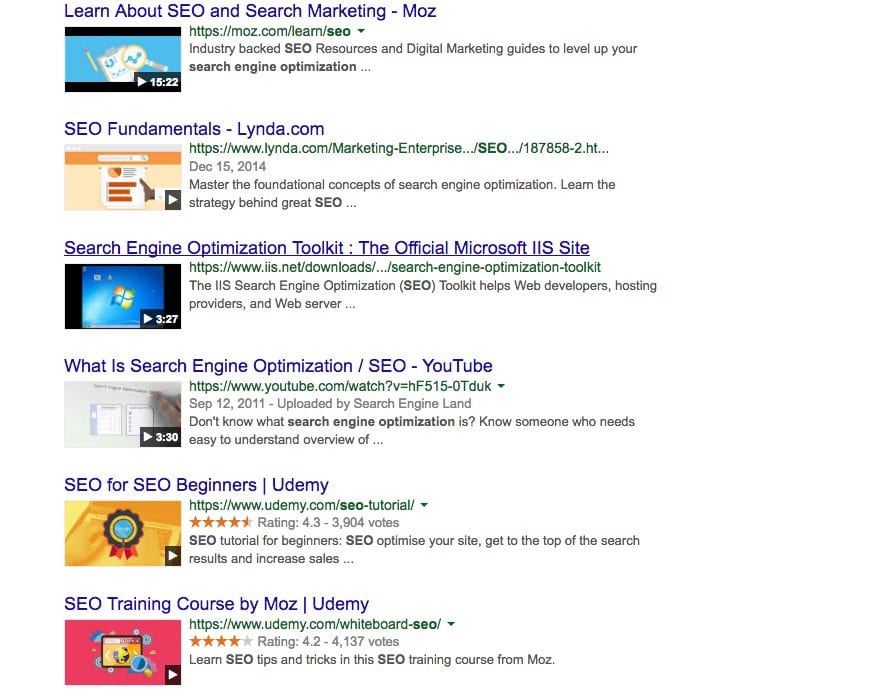
Video SEO means helping search engines find and understand your videos and the pages that contain them. Video marketing can support this work by giving your audience useful demonstrations, explanations and examples. Adding a video alone does not guarantee better rankings.
Start with a useful video, then check how it is presented and indexed.
Find Your Purpose
Choose a subject your audience needs help with. A specific customer question gives you a useful starting point for the script and page copy.
Your video might be:
- A tutorial
- A demonstration
- A walkthrough
- A case study
- A short explainer
For a demonstration, show the steps clearly. For a case study, explain the situation and what happened. Make sure the page title describes what viewers will find.
Check the result with someone unfamiliar with the subject: can they follow it and find the information they need?
Optimise the Metadata
Use an accurate title and description for the video and the page. Keep them specific to the content, rather than repeating broad keywords.
A few simple steps help:
- Use a descriptive filename
- Add a clear title with the main topic
- Include a concise description with relevant terms
- Avoid generic labels like “final-edit.mov”
A descriptive filename helps your team manage the asset, but it is not a substitute for a useful page title and description. Check the published page as well as the hosting dashboard. Our comparison of YouTube, Vimeo and Wistia covers the hosting and publishing requirements.
Use Video Schema or a Video Sitemap
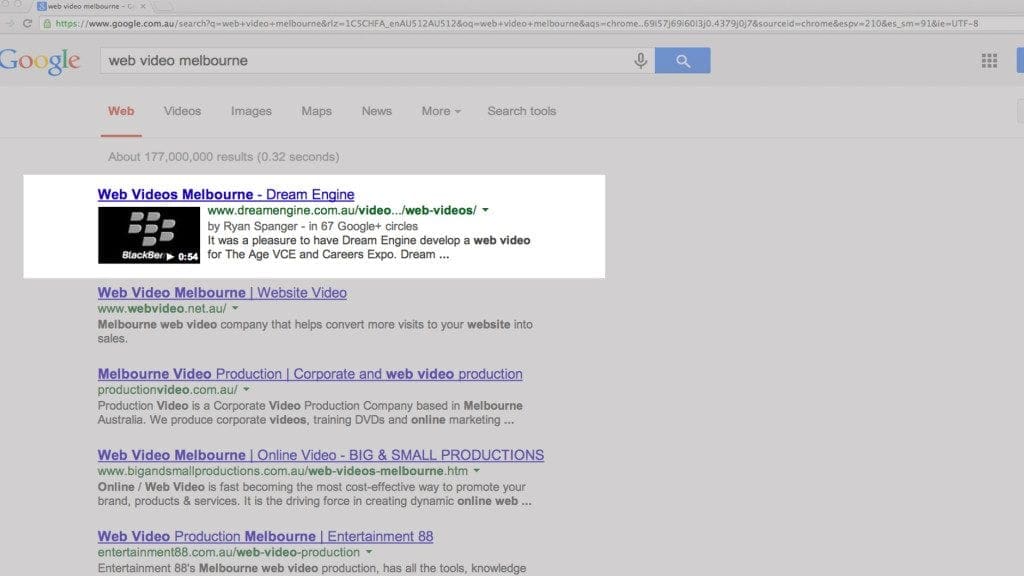
VideoObject structured data describes a video on your page. Use accurate information that matches the visible content, and validate it against Google’s video structured data requirements.
A video sitemap can help Google discover videos; it is not limited to large libraries. Your web team can decide whether to include video information in an existing sitemap. See Google’s video sitemap guide.
Ask who is responsible for the website setup and testing. Correct structured data does not guarantee a rich result, as Google’s structured data guidelines explain.
Choose a Strong Thumbnail
Choose an image that gives viewers an accurate idea of the video. Check that it remains clear when displayed at a small size.
A good thumbnail:
- Is relevant to the content
- Looks professional
- Uses a clear, readable title if appropriate
- Avoids random auto-selected frames
A frame from the video can work well, or you can create a custom image. Avoid misleading images or text.
Add Captions or a Transcript
Add accurate captions for people who need or prefer to read the dialogue. A transcript on the page can also make the information easier to scan, quote and revisit.
Review automatically generated captions for names, technical terms and timing before publishing.
Share Your Video Across Multiple Platforms
Choose places to share the video according to its audience and purpose. A customer tutorial may belong on a support page; a public introduction may also suit your social channels.
Useful places to share include:
- YouTube
- Email newsletters
- Social posts
- Blog articles
- Case study pages
- Landing pages
Review viewing activity, relevant enquiries and search traffic separately. More social views do not, by themselves, demonstrate an improvement in search rankings.
Check Whether Your Video Is Being Indexed
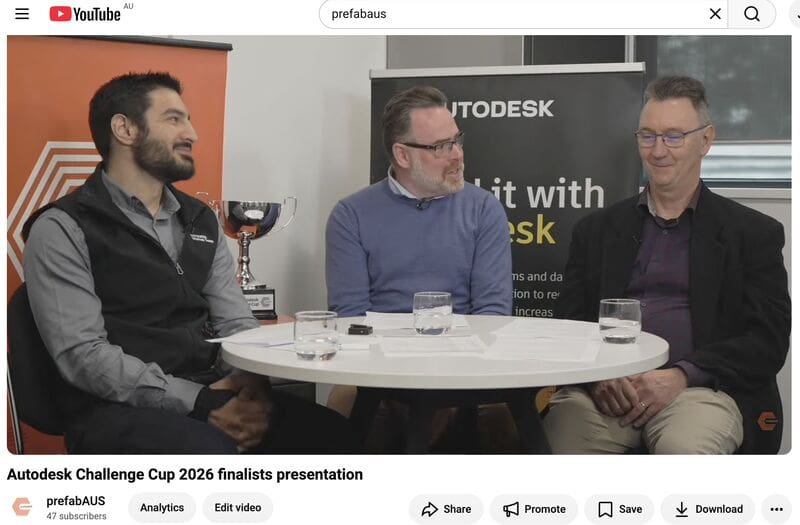
For video search features, Google looks for a watch page where the video is the main content. A small supporting embed on a general article may not qualify. Follow Google’s video SEO guidance and use Search Console to check video indexing and search performance.
If you would like help producing video content that supports your SEO and marketing efforts, Dream Engine can guide you through the process from concept to delivery.
To discuss a useful video for your audience, contact Dream Engine today.
Video SEO
Video SEO: frequently asked questions
Check the content, publishing setup and search performance.
Does video actually improve SEO?
A useful video can add value to a page and may appear in video search results when the page meets the requirements. It does not automatically improve rankings. Check indexing and search performance rather than assuming a benefit.
Is YouTube or on-site hosting better for SEO?
Google can index videos embedded from third-party platforms as well as other hosted videos. Choose a host that suits your publishing needs, then check that Google can access the video and its thumbnail on your page.
How long should a video be for SEO?
Choose the length needed to explain the subject clearly. A short answer and a detailed tutorial need different amounts of time. Avoid padding or rushing the explanation to meet an assumed SEO target.
Which metadata should I include?
Use a descriptive video title and a concise, accurate description. For website structured data, have your web team check the required VideoObject fields and ensure they match the published video.
How important are thumbnails for SEO?
Use a clear image that represents the video accurately and is accessible to search engines. A selected frame or a custom image can work; neither guarantees clicks or rankings.
Do captions help with ranking?
Captions make the dialogue accessible to more viewers. A page transcript also makes the content available to read. Use them for those benefits without promising a ranking increase.
Should I add video schema to my website?
Relevant VideoObject data can describe your video to Google. Ask your web team to implement and validate it accurately. Structured data alone does not guarantee indexing or a rich result.
How often should I publish video content for SEO?
Publish when you have a useful subject and the resources to produce it properly. Keep existing videos accurate and review performance. There is no fixed publication schedule that guarantees rankings.

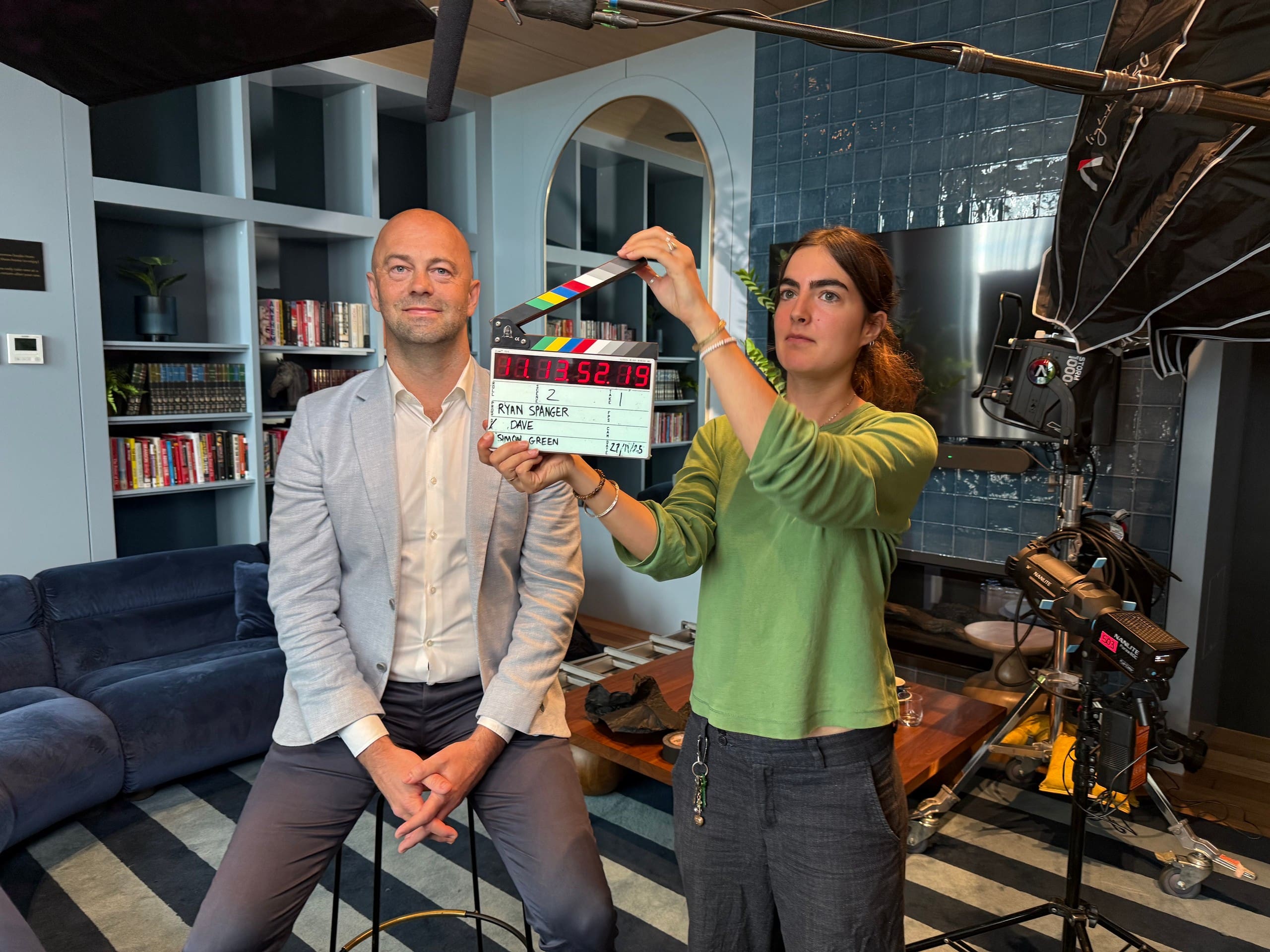
Ryan Spanger is the founder and managing director of Dream Engine, a Melbourne video production company established in 2002. Over the past two decades, he’s produced hundreds of videos for businesses, government departments, universities and healthcare organisations across Australia. Ryan specialises in helping organisations explain complex ideas through clear, engaging video content, with particular experience in corporate communications, training and education.