An animated explainer video can simplify what your business does and help people quickly understand how you can help them. Start with the question your viewer needs answered and build the script around it.
You can use an explainer to introduce a product or service on your website and support sales conversations. Our video SEO guide explains how to check its search visibility.
Below are some practical guidelines for writing a clear explainer video script.
Speak Directly to Your Audience
Before you write a single line, be clear on who the video is for. Think about the people you want watching it. What do they care about? What problem are they trying to solve?
Write your script as if you’re speaking to one person. Use “you” and “your” language when writing your script. This keeps the message focused on the viewer, not on your business.
Introduce the subject and its relevance early. In a short explainer, a long introduction can leave too little time for the explanation.

It also helps to be clear about the action you want the viewer to take. That might be visiting your website, booking a call, learning about a product, or following you on Facebook. Start with that outcome in mind and work backwards. It’s much easier than trying to bolt a call to action on at the end.
Keep It Brief and Focused
A 60 to 90 second script can be a useful starting point for a short introduction. A detailed explanation may need longer. Read the script aloud and allow time for viewers to follow the visuals. For a timed brief, see our guide to a corporate explainer under 90 seconds.
Every line in your script should earn its place. If a sentence doesn’t help the viewer understand the problem, the solution, or the next step, it probably doesn’t belong in the video.
Tell a Clear Story
Explainer videos work best when they follow a simple structure. Show the problem your audience recognises. Introduce your solution. Explain how it helps. Then guide the viewer towards the next step.
Avoid dry lists of features wherever possible. Animation gives you the freedom to visualise ideas, processes, and outcomes in a way that’s easy to follow. Use a specific example to show what happens and why it matters to the viewer.
When people can see themselves in the problem, they’re more likely to understand the value of the solution.
Meet the Audience Where They Are
Not every product needs the same level of explanation. If you’re selling something familiar, focus on what makes it different. Design, durability, speed, or ease of use might be the difference your customer is looking for.
If you’re introducing something new or technical, define unfamiliar terms and use a concrete example. Check whether the audience needs background information before the main explanation. For an internal audience, our staff training animation guide covers workplace scenarios and learning objectives.
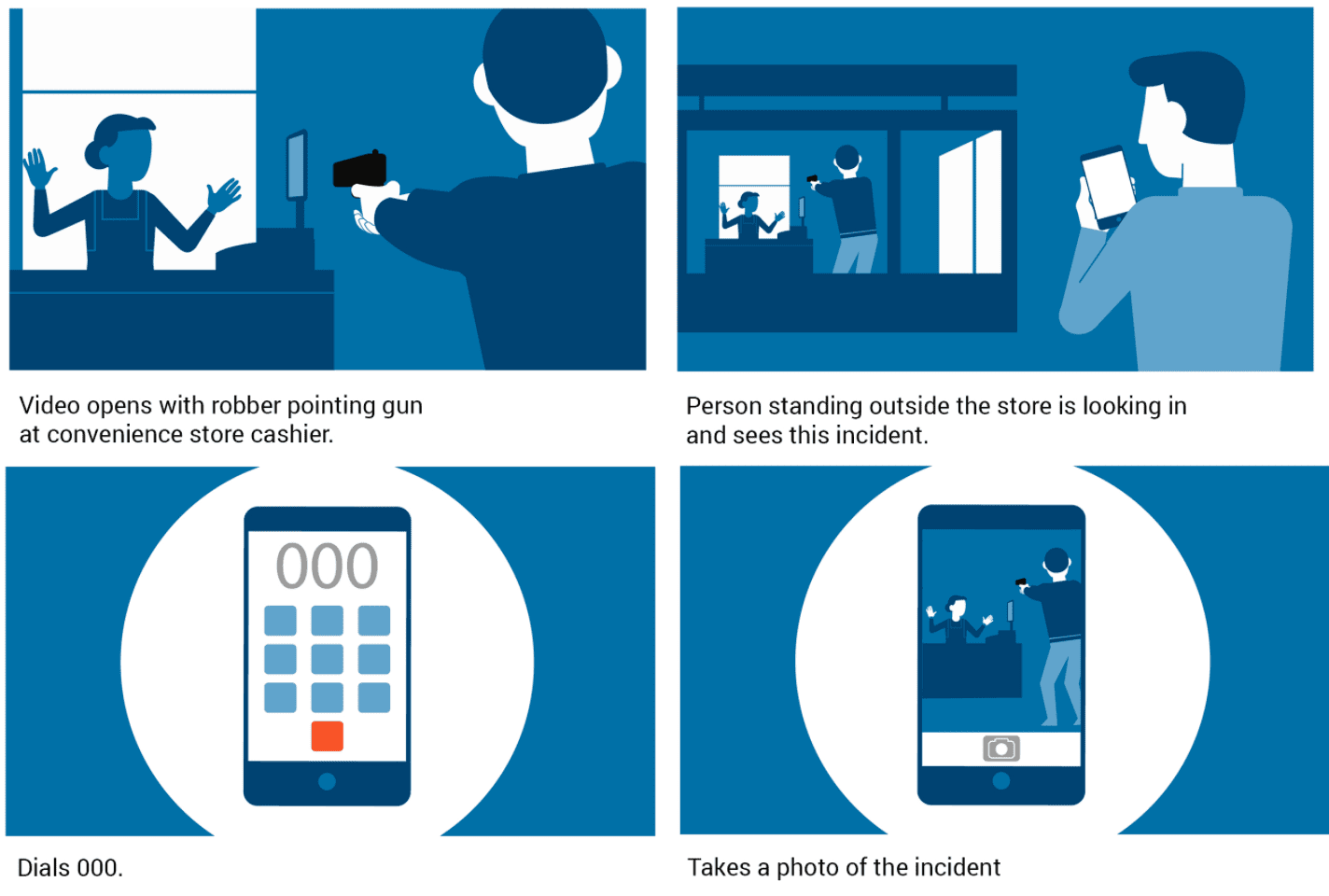
Many explainer scripts benefit from two columns. Put voiceover, dialogue and sound in the audio column. Describe the animation, images and on-screen text in the visual column. This approach helps ensure the visuals are doing their share of the communication, rather than relying entirely on narration. Our guide to what makes a good animated explainer explains how the finished design and narration support the script.
Read the script aloud alongside the planned visuals. Check that the explanation answers the main question and remove repeated points.
Find related planning advice and examples in our animation and explainer video guides.
Frequently asked questions
Writing an explainer script
Answers about structure, pacing and planning words and pictures together.
How long should an animated explainer video be?
Use 60 to 90 seconds as a possible starting point for a short introduction, then adjust for the subject and viewing context. Read the script aloud and include time for visual explanations.
What should an explainer video script include?
A clear problem your audience recognises, a simple explanation of your solution, how it works, and a clear next step. Keep it focused on what the viewer needs to understand to take action.
Should the script use “you” and “your” language?
“You” and “your” can make an explanation direct when they suit the subject. Use the wording your audience would recognise and avoid assuming every viewer has the same situation.
How do you structure an explainer video so people keep watching?
Introduce the subject and its relevance early. A useful structure is the problem, your solution, evidence or a demonstration, and a clear next step.
Is it better to focus on features or benefits?
Start with benefits. Features are useful, but people first need to understand what changes for them. Once that’s clear, you can support it with a few key features.
Do I need a two-column script (audio and visuals)?
A two-column script helps the team review words and pictures together. Use the audio column for voiceover, dialogue and sound, and the visual column for animation, images and on-screen text.
Can an explainer video help with SEO?
An explainer can add useful information to a page, but adding video does not guarantee higher rankings. Check that the page and video can be indexed, use accurate metadata and review search performance.
What’s the most common mistake in explainer video scripts?
Trying to include everything. The best scripts make a few key points clearly, then guide the viewer to the next step.

Ryan Spanger is the founder and managing director of Dream Engine, a Melbourne video production company established in 2002. Over the past two decades, he’s produced hundreds of videos for businesses, government departments, universities and healthcare organisations across Australia. Ryan specialises in helping organisations explain complex ideas through clear, engaging video content, with particular experience in corporate communications, training and education.