
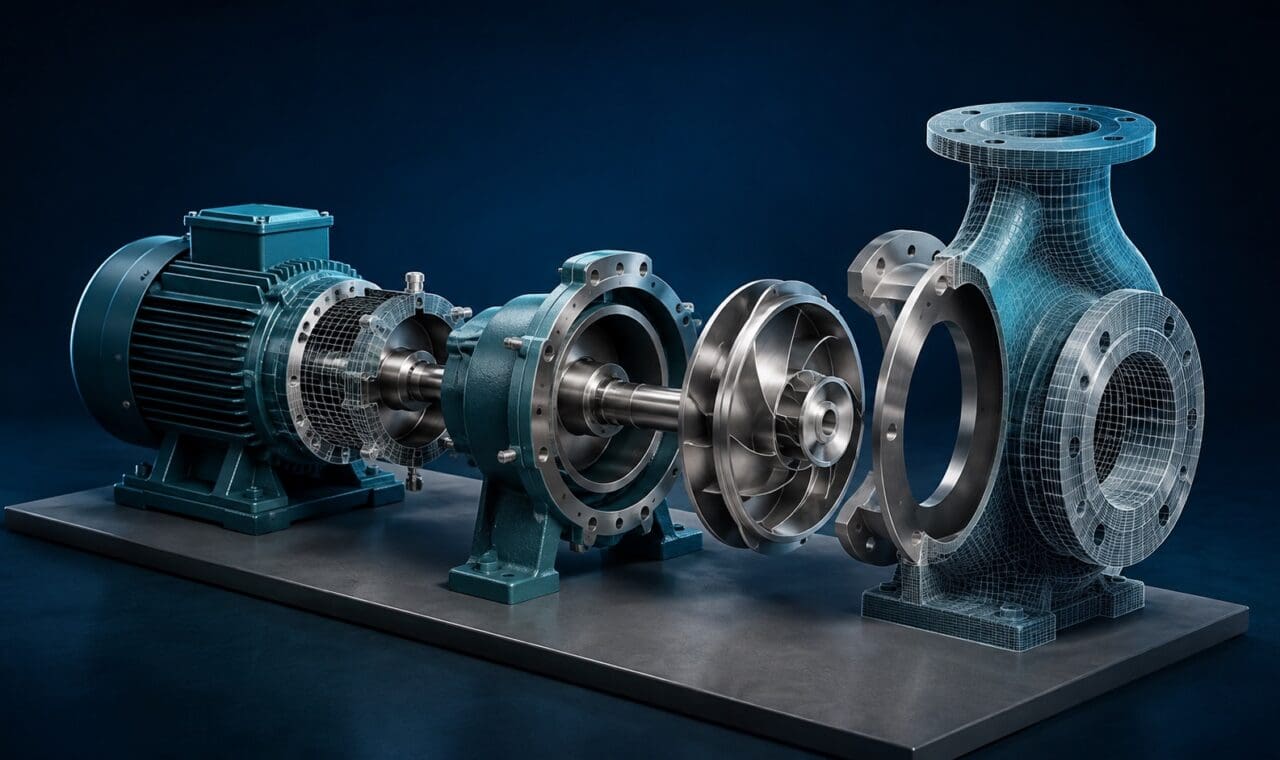
Unreal Engine can help a business show a product before it’s manufactured, take viewers through a proposed building, or create an environment people can explore. It can also be used to produce finished videos with realistic or stylised 3D animation.
The useful starting point is what your audience needs to see or do. A product film, a virtual tour and an interactive training simulation might use the same software, but they involve different production work, budgets and ways of reaching the audience.
What is Unreal Engine?
Unreal Engine is a real-time 3D creation tool developed by Epic Games. It brings together models, materials, lighting, animation and camera movement to create digital scenes.
Real-time rendering lets a production team see changes to a scene as they work. They can explore camera angles, adjust lighting and review movement without waiting for a separate render after every change. The final quality still depends on the assets, art direction, technical setup and time invested in the scene.
Practical uses of Unreal Engine for business
Product demonstrations and visualisations
A 3D product scene can show details that are difficult to capture with a camera. You might reveal the components inside a machine, demonstrate how parts fit together, or compare a product’s colours and configurations.
For example, a manufacturer could use one approved model to create a launch video, close-up stills and a sales demonstration. Reusing the scene across several outputs can help justify the initial modelling and setup work. Epic’s automotive examples show how real-time 3D supports product films, configurators and digital showrooms.
Virtual tours and proposed spaces
Unreal Engine can turn a planned environment into a guided video or an interactive walkthrough. This can help stakeholders understand the scale, layout and appearance of a building, exhibition space or workplace before it exists.
The production team needs accurate plans, models and design references. Be clear about which details are approved and which are indicative, especially when a visualisation will be used in sales or consultation.
Training and simulation
A simulated environment can let employees practise a sequence, identify a hazard or explore the consequences of a decision without using live equipment. Epic supports simulation and training applications across different industries.
There is a substantial difference between watching an animated explanation and practising inside an interactive simulation. The latter needs interaction design, feedback, testing and subject matter review. Realistic graphics alone don’t establish whether someone has learned the task.
If employees mainly need to see a procedure demonstrated clearly, a training video with close-ups, labels and animation may be a more straightforward option.
Virtual production for filmed content
Unreal Engine can create digital environments for filming. In an LED-stage production, a background is displayed behind the presenter, performer or product. With a suitable camera-tracking setup, the perspective can respond to the camera’s movement.
This takes more than installing the software. The environment, camera tracking, screen setup, lighting and physical set need to work together. Epic’s in-camera visual effects documentation explains the components involved. For a business video, compare that preparation with filming at a real location or using a simpler studio setup.
Does your audience need a video or an interactive experience?
Make this decision early. It affects the brief, the team and the ongoing cost.
- A finished video: the audience watches a chosen sequence. You can deliver it through your website, social channels, presentations or a learning platform.
- An interactive experience: the audience controls the view, chooses options or completes tasks. This needs application development, a suitable delivery platform and testing on the intended devices.
Unreal Engine’s Pixel Streaming can make an interactive application available through a compatible browser without the viewer installing it. The application runs on a suitable computer or cloud server, which streams the picture and sound and receives the viewer’s inputs.
That still requires hosting and network planning. Connection quality, corporate network restrictions and the number of people using it at once can affect the experience. Epic’s hosting and networking guide sets out the infrastructure considerations. A virtual showroom for an event should be tested under the conditions your visitors will actually use.
What affects the cost and production time?
The amount of content and interaction you need usually tells you more than the video’s running time alone. Before requesting a quote, establish:
- Available assets: do accurate 3D models exist, and do you have permission to use them? Existing engineering files may need work before they are suitable for a visual production.
- Visual detail: how many products, environments, materials and animated elements need to be built?
- Deliverables: do you need one film, several versions, still images or an interactive application?
- Approvals: who signs off the product details, design, script and final result?
- Delivery and upkeep: for an application, who will manage hosting, device testing, technical support and future updates?
A short test scene can help establish the visual standard and reveal technical issues before committing to a full production. Agree on what the test needs to prove, such as a convincing product finish or smooth interaction on the intended device.
When is a simpler approach a better fit?
Unreal Engine is worth considering when a project needs detailed 3D environments, audience interaction or digital assets that will be reused. It won’t automatically make every business video more effective or less expensive.
If you’re explaining a service, a script and 2D motion graphics may be enough. If you’re demonstrating a real process, filming an experienced person doing the task may be clearer. A conventional 3D animation workflow may also suit a project that only needs a finished film.
For examples of how different visual styles can explain a complex subject, explore Dream Engine’s animation work.

Ryan Spanger is the founder and managing director of Dream Engine, a Melbourne video production company established in 2002. Over the past two decades, he’s produced hundreds of videos for businesses, government departments, universities and healthcare organisations across Australia. Ryan specialises in helping organisations explain complex ideas through clear, engaging video content, with particular experience in corporate communications, training and education.

