Rosanna Golf Links Primary School in Melbourne is exploring how live captioning technology can support students with hearing loss in the classroom.
The school has around 570 students, including 33 children who are deaf or hard of hearing. Teachers and staff are continually looking for ways to ensure these students can access lessons clearly and participate fully in classroom learning.
This video documents how the Caption Connect live captioning system is being used to improve access to learning and reduce frustration for students who rely on hearing technology such as hearing aids or cochlear implants.
Rosanna Golf Links Primary School | Inclusive Education Video Case Study
About Rosanna Golf Links Primary School
Rosanna Golf Links Primary School is a mainstream primary school located in Melbourne. The school has built a strong reputation for supporting students who are deaf or hard of hearing within a mainstream learning environment.
With more than 30 students who have hearing loss, the school has developed practical strategies and technologies to support inclusive learning in everyday classroom settings.
Teachers, support staff, and students work together to create an environment where accessibility tools are integrated into normal classroom practice rather than treated as separate accommodations.
What Is Caption Connect?
Caption Connect is a live captioning system designed to improve accessibility in classrooms and other learning environments. The technology converts spoken words into text captions in real time.
When a teacher speaks into a microphone, the software generates captions that appear almost instantly on a screen or personal device. Students can read the captions as the lesson unfolds, helping them follow instructions and explanations more easily.
The captions can be displayed on an interactive whiteboard for the entire class or accessed individually on devices such as laptops or tablets.
The Challenge: Hearing in a Busy Classroom
One of the biggest barriers for students with hearing loss is background noise.
In a typical classroom, there are many overlapping sounds. Students are moving around, conversations happen between classmates, and environmental noise can enter from outside.
Students who use hearing aids or cochlear implants often hear many sounds at once, which can make it difficult to distinguish the teacher’s voice from other noise in the room.
Students at Rosanna Golf Links Primary School described how this can make it difficult to follow lessons, particularly if the teacher is facing away from them or if other students are speaking at the same time.
When instructions are missed, it can be difficult to ask classmates to repeat them without interrupting the lesson.
The Solution: Live Captioning with Caption Connect
Rosanna Golf Links Primary School was offered the opportunity to participate in a program using Caption Connect.
The system converts the teacher’s spoken words into text captions in real time. As the teacher speaks into a microphone, the captions appear almost instantly on screen so students can read the lesson as it is delivered.
Teachers noted that the technology is fast, accurate, and easy to use.
Students can access captions in two ways. They can view captions on a personal device such as a laptop or iPad, or the captions can appear on a large screen or interactive whiteboard for the entire class.
Displaying captions for everyone helps normalise the technology and integrate it into the everyday classroom environment.
Supporting the Whole Classroom
Although the system is designed to support students with hearing loss, captions also benefit other students.
Some students without hearing loss reported that captions helped them follow the teacher more easily and reinforced their understanding of the lesson.
Reading the spoken words on screen can support comprehension and help students stay focused during class.
Teachers have also observed that students are increasingly requesting captions to be used during lessons, even when they do not have hearing loss themselves.
This broader use helps make accessibility tools part of normal classroom practice.
Access Beyond the Classroom
Another important feature of the system is that captions are recorded during each lesson.
Students can revisit the captions later, creating a written record of what the teacher said during the class.
This allows students to review lessons at home, clarify sections they may have missed, and strengthen their understanding of the material.
For students who rely on captions, this feature can make a significant difference in staying connected with classroom learning.
Teachers reported that this has helped reduce frustration and improved students’ access to lesson content.
Why Live Captioning Helps Students With Hearing Loss
Students who use hearing aids or cochlear implants often experience classrooms differently from other students.
These devices can amplify many sounds at once. While this allows speech to be heard, it can also mean that background noise becomes more noticeable and distracting.
Live captioning provides another way for students to access the information being delivered during lessons.
Seeing the spoken words appear as text allows students to confirm what they heard and follow explanations even when background noise makes listening more difficult.
Many students also find that reading captions alongside spoken instruction reinforces their understanding of the lesson.
Encouraging Student Confidence and Advocacy
Teachers at Rosanna Golf Links Primary School have also observed an important long-term benefit.
By using tools such as live captioning in primary school, students become familiar with accessibility technologies that may also be available in secondary school or further education.
Learning how to use these tools helps students understand how to advocate for their learning needs in future educational environments.
Teachers described the positive impact of seeing students become more confident in the classroom and more engaged in their learning.
Seeing the relief and confidence on students’ faces when they can follow lessons more easily has been one of the most rewarding aspects of the program.
Producing the Video
Dream Engine filmed interviews with teachers and students at Rosanna Golf Links Primary School to document how live captioning technology is being used to support inclusive learning.
The production combines interviews with observational footage from real classroom environments.
This approach helps viewers understand both the challenges students face and the practical ways technology can support accessible education.
Video Production for Education and Community Programs
Projects like this highlight how to communicate real-world education initiatives on video.
Written reports can describe research findings and program outcomes, but video allows audiences to see the learning environment and hear directly from the people involved.
Dream Engine works with schools, universities, government organisations, and community groups to produce documentary-style videos that communicate programs, research initiatives, and community impact.
Frequently Asked Questions
What is live captioning in the classroom?
Live captioning converts spoken words into text in real time during a lesson. The captions appear on a screen or personal device, allowing students to read what the teacher is saying as the lesson takes place.
Who benefits from classroom captioning?
Live captioning is particularly helpful for students who are deaf or hard of hearing. It can also support other students by reinforcing spoken information and improving comprehension during lessons.
How do students access the captions?
Captions can appear on a personal device such as a laptop or tablet, or they can be displayed on an interactive whiteboard so the entire class can see them.
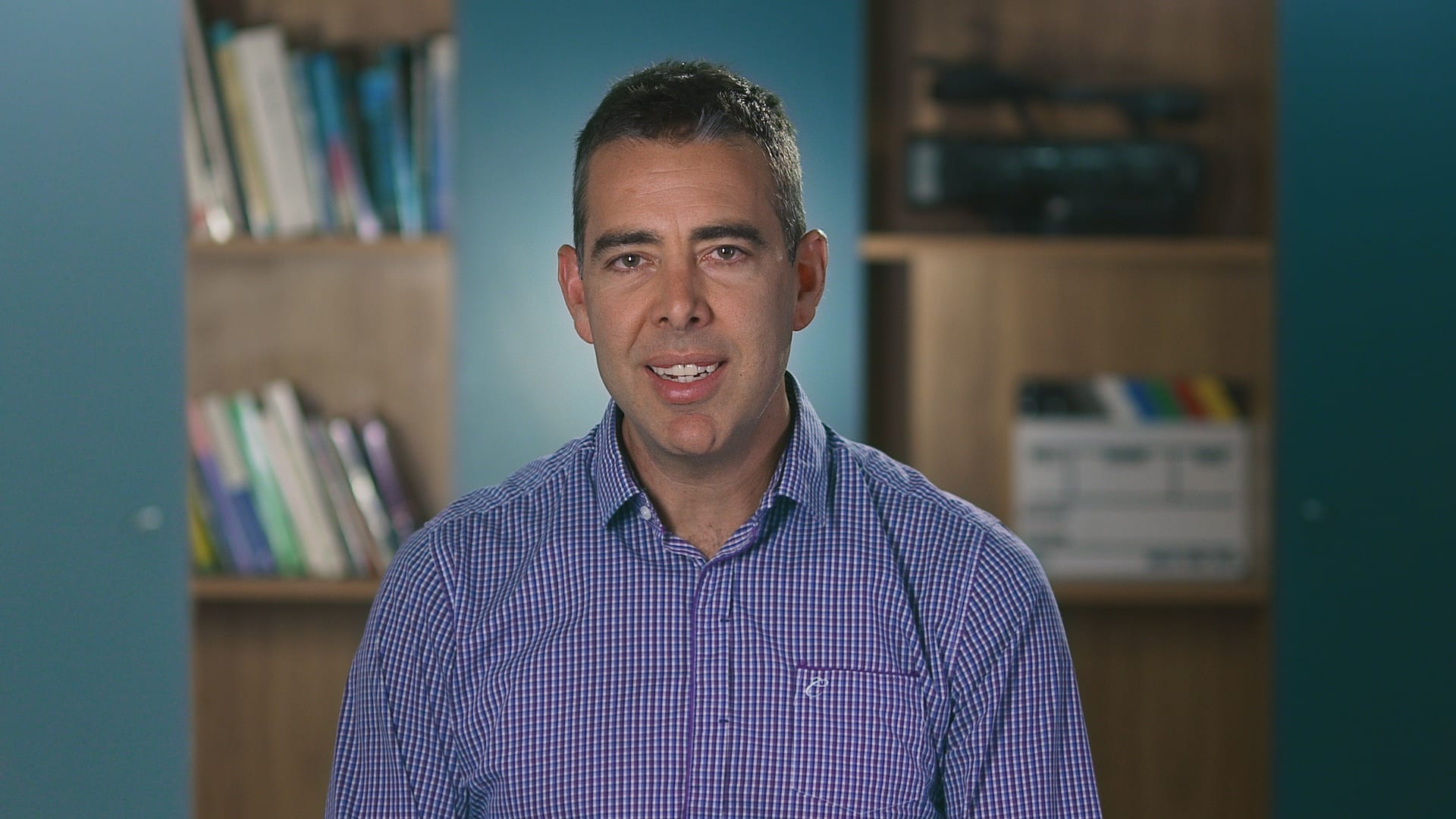
Ryan Spanger is the founder and managing director of Dream Engine, a Melbourne-based video production company established in 2002. With more than two decades of experience, Ryan has helped leading Australian businesses, government departments, and non-profits communicate their message with clarity and impact through video. He’s known for his strategic approach, reliable process, and commitment to producing videos that deliver measurable results.