At a glance
A company-wide webinar gives staff a chance to hear from leadership, see what other parts of the business are doing and ask questions. Give each speaker a defined topic and time limit, decide what to show on screen, and leave time for staff questions.
In this guide
For PACT Group, we produced a two-hour livestream delivered through Microsoft Teams to more than 1,000 staff across Australia. It combined leadership updates, short videos filmed around the business and a live Q&A.
Here’s how we planned the session, with suggestions for your own webinar.
Plan the session around your audience
A short update with one speaker may need a straightforward Teams call. A longer event with several presenters, video inserts and staff questions takes more coordination.
Start by deciding what staff need to know, how long each topic needs and where a demonstration or workplace video would help. Then plan the speakers, camera views, slides and questions around those sections.
Start with the staff question: Write down what people are likely to ask about the update, such as “What changes for my role?” or “When does this happen?” Use those questions to brief presenters and choose examples.
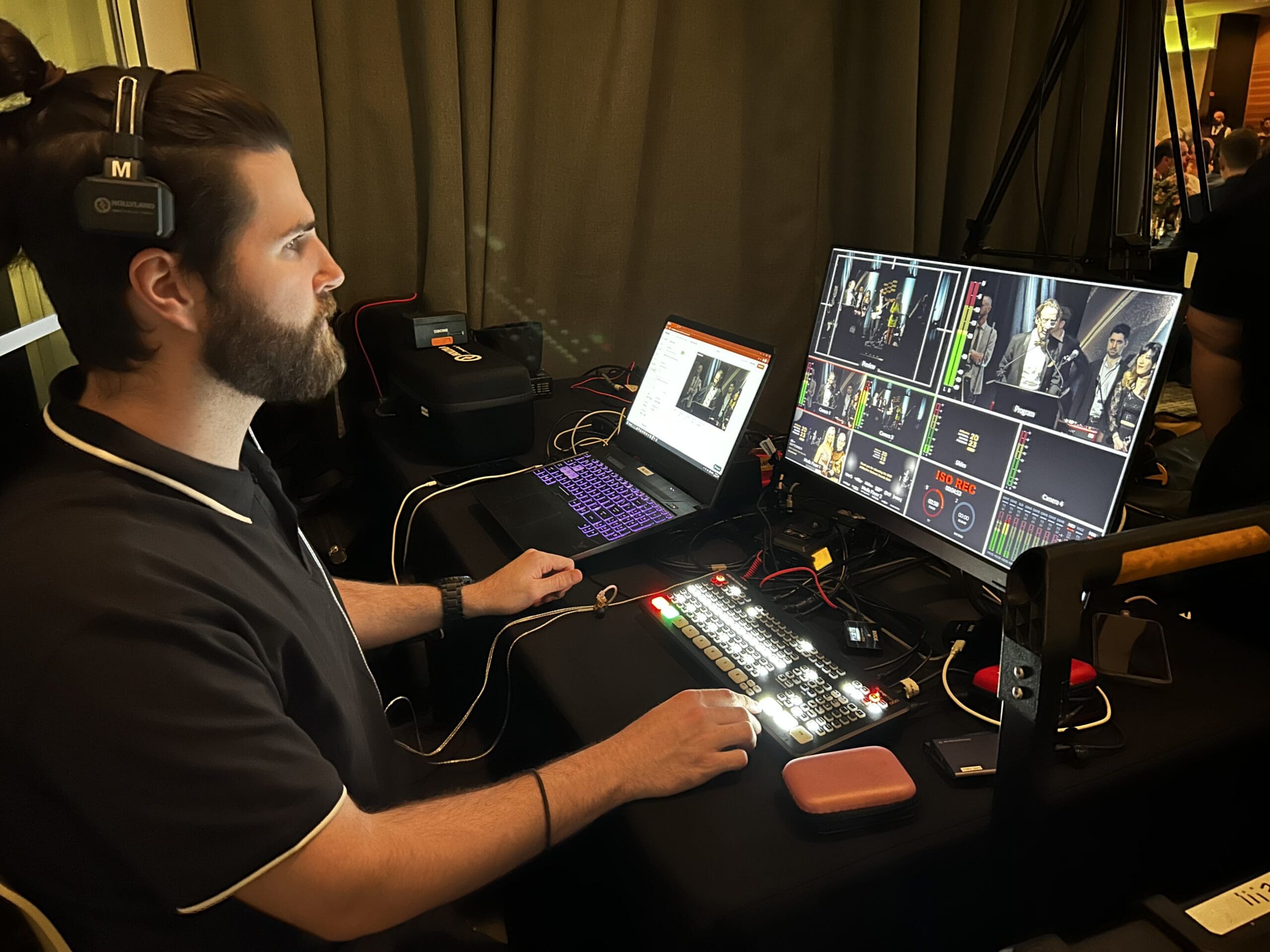
Our live-streaming team works out who’ll introduce each segment, cue the videos and keep the session on time.
How we produced the PACT webinar
Plan the running order
For the PACT webinar, we created a detailed run sheet that alternated between live segments and prerecorded content. Leadership updates were divided into shorter sections, with videos throughout the program and a dedicated Q&A block.
The run sheet gave presenters and the production team the same timing and cues. It set out who was speaking next, when a video would play and how the host would introduce the following section.
For your own run sheet, include the start time, speaker, on-screen material and person responsible for each cue. Rehearse the handover from a speaker to a video and back again. Our guide to what happens before a live stream explains the technical checks.
Use short videos to show the business
We created twelve short videos about people, processes and workplaces across the country. Their length varied: the factory example below runs for 1 minute 17 seconds.
One followed a team inside a factory. Staff could see the working environment, the people involved and how the process operated. This gave colleagues in other locations a look at a part of the business they might rarely visit.
Watch: PACT’s new closures facility · 1 min 17 sec
Notice how the interview is filmed inside the working environment. The location gives context to the speaker’s explanation and lets staff see the facility being discussed.
Recording these stories in advance gave us time to select the footage, edit each piece and add music and titles. With the videos finished before the event, we could allow the exact playback time in the run sheet.
Give each video a specific job
A workplace interview can explain one part of the business in detail. The PACT overview below takes a broader approach, combining footage with animated text and branding. That kind of short overview can introduce a topic before a presenter discusses what it means for staff.
Watch: PACT Group overview · 1 min
Look at how the opening pairs the “Leading the Circular Economy” message with footage of the operation. The on-screen words identify the subject while the images show its context.
Set up cameras, lighting and sound
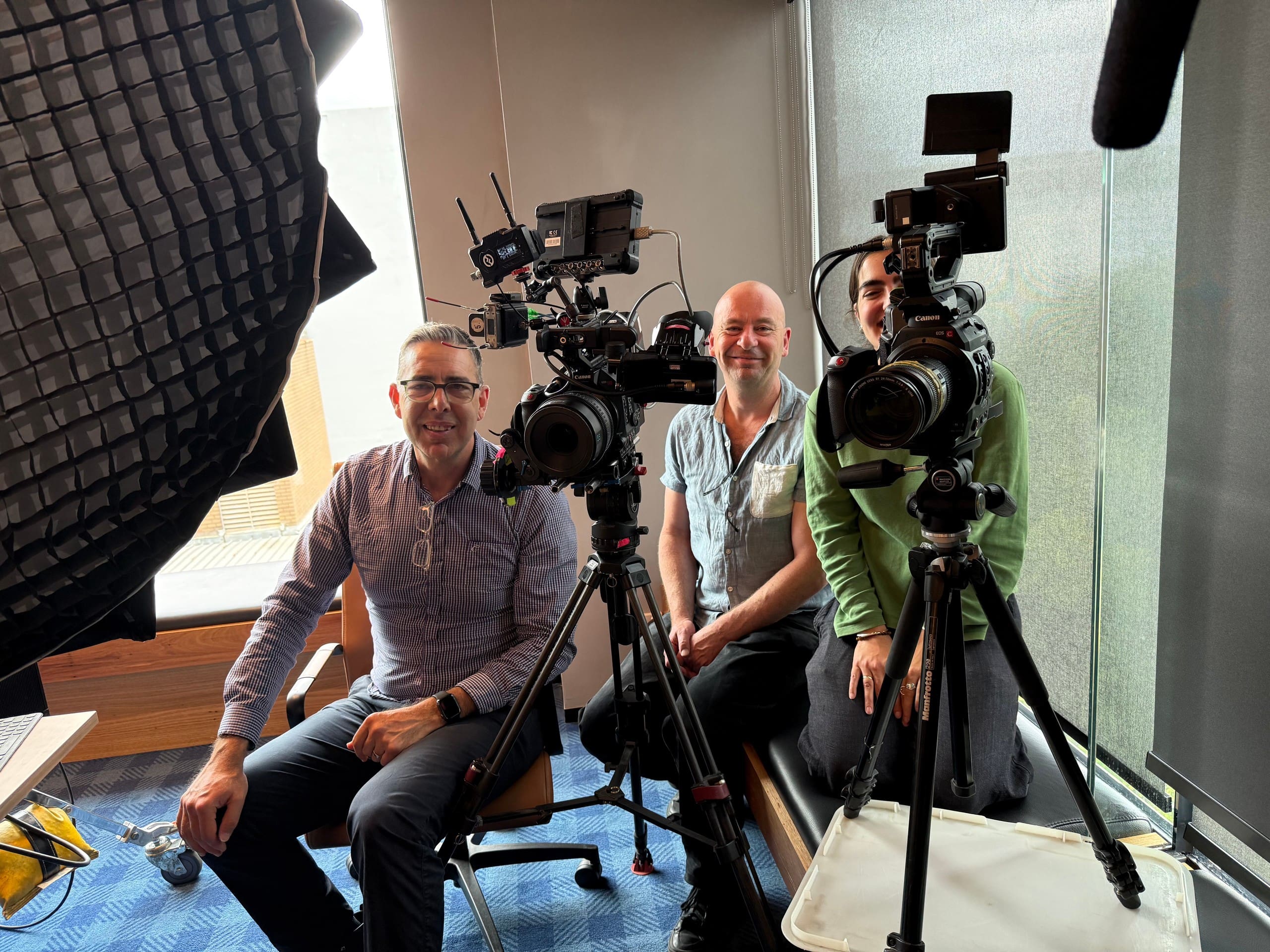
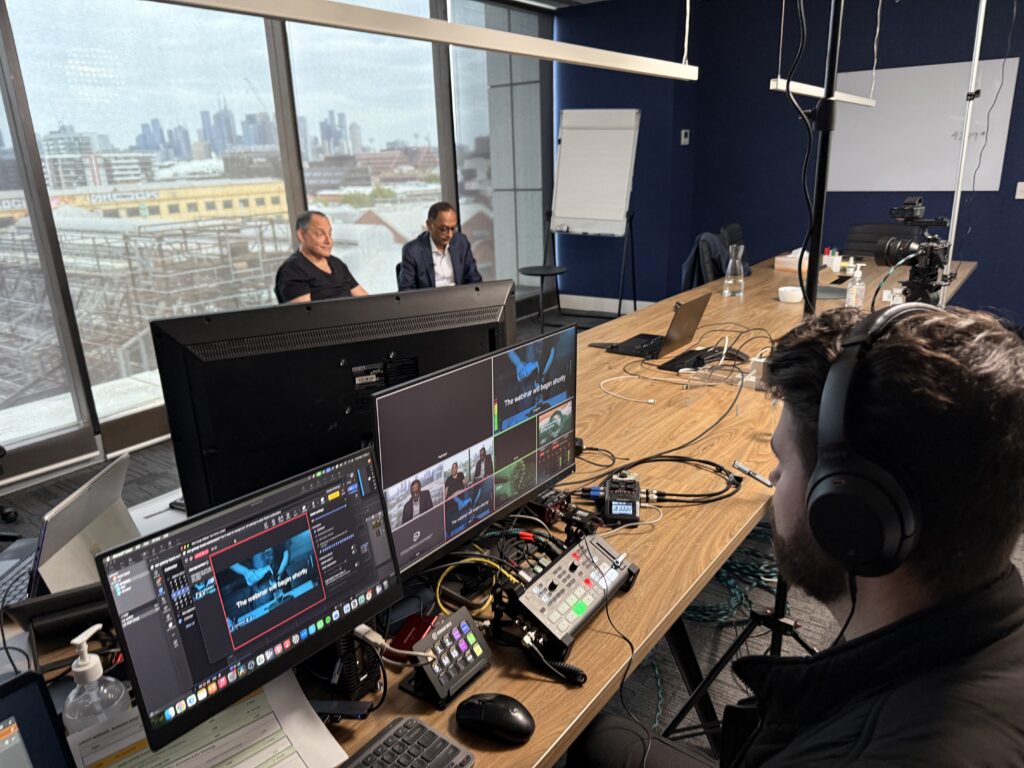
We filmed in PACT’s boardroom using three cameras. This let us switch between speakers and wider views during the live sections while keeping the event at the client’s workplace.
Titles, transitions and music connected the live and prerecorded sections.
We can use an existing meeting room for webinar production, bringing in cameras, lighting and microphones, and switching between cameras, slides and videos during the session. Check the sound from every speaker, the readability of slides and the video feed before staff join.
Make time for staff questions
The session included a live Q&A with senior leadership. Staff could submit questions and hear responses during the event.
We included this in the run sheet from the start. For your own session, decide who’ll collect questions, how much time to allow and how you’ll follow up on anything the speakers can’t answer during the broadcast.
Make questions easy to submit: Invite questions before the event as well as during it. Give a moderator responsibility for grouping similar questions and keeping track of those that need a follow-up answer.

What PACT’s survey found
As reported in our PACT case study, PACT received 203 responses to its post-event staff survey. Of those respondents, 89% rated the webinar good to excellent, 96% rated the video content good to excellent, and 95% said they would definitely attend another webinar.
These results describe the 203 people who responded to the survey. They are useful feedback on this event, rather than a measure of every attendee’s understanding or a guarantee of the same result for another webinar.
Decide how much production you need
Additional cameras, prerecorded videos and a production crew need a budget and preparation time. Consider the audience size, the number of speakers, the subject and how often you’ll use the recording.
Before booking, list the speakers, locations, videos and slides involved. Decide who’ll manage each part during the event. Our live-streaming cost guide explains the main budget factors.
You can start with a host, a timed run sheet, reliable sound and one or two short videos. Add production support where the number of presenters, locations or media cues makes the event harder to manage.
Choose a live, prerecorded or combined format
Prerecorded presentations let you review and edit the presentation before staff see it. They’re useful when the message needs approval in advance. You can follow the recording with a live Q&A if staff need to ask questions. Test playback and access before the session.
A live webinar gives staff a chance to hear updates and ask questions as the session happens. A host can manage a straightforward session with a small number of speakers.
For a longer company-wide event, you can combine live leadership segments and Q&A with prerecorded interviews, demonstrations or workplace tours. The running order determines how these parts fit together.
Internal webinar preparation checklist
Before the event, confirm:
- Who’s attending and what they need to know or do afterwards.
- A timed run sheet, with shorter speaker segments and time for questions.
- Who’ll host, collect questions, cue videos and manage the technical setup.
- Which points need slides, a demonstration or a short video.
- A rehearsal covering microphones, lighting, slides, videos and transitions.
- How staff will access captions, the recording and any follow-up material.
- Who is allowed to join, whether staff need to sign in, and who can access the recording.
- How you’ll collect feedback and answer outstanding questions.
Accessibility and feedback
Plan for people joining from different locations and devices, including staff who can’t attend live. Arrange captions for the session and provide a recording and transcript afterwards where appropriate. Check that slides are readable on a laptop and ask presenters to explain important visual information aloud.
Before distributing a recording, check names and specialist terms in the captions. Give staff a short written summary of decisions, actions and unanswered questions, with access through your organisation’s approved internal channel.
Test the staff experience: Have someone outside the production team join using the link and device staff will use. Check sign-in, sound, slides, captions and the way questions are submitted.
Attendance, viewing duration, questions and poll responses show how people participated. To check understanding, ask staff about the main points and what they need to do next. A short follow-up survey can also identify topics that need further explanation.
For another production format, see the Victorian Legal Services Board webinar case study, which covers a professional education session.
Bring the session together
The PACT webinar brought leadership updates, workplace stories and staff questions into one programme. The useful lesson is to give each part a purpose: explain the update, show an example, then make room for people to ask what it means for them. Start with the audience’s questions and a rough running order, review examples with your presenters, and talk to a production company about the parts that need support. You do not need a finished script to begin.
Frequently asked questions
Internal webinar FAQs
Planning, production, staff questions and recordings.
How long should an internal webinar be?
Allow the time the subject needs, including questions, and remove sections that do not help staff understand the update. PACT’s two-hour programme suited a broad company update with several segments. It is not a target length for a routine staff briefing.
Do we need a production crew for a Teams webinar?
A simple update with one speaker may be manageable in-house. Production support becomes more useful when you need several cameras, remote contributors, prerecorded videos or a tightly timed programme. Decide who will handle the technical work while the host and speakers focus on the discussion.
What if staff are reluctant to ask questions?
Invite questions before the session and explain how they will be handled. A moderator can group common themes and put them to the speakers. If you offer anonymous questions, check that the chosen platform and settings support that promise before inviting submissions.
Can staff watch the webinar afterwards?
Yes, if recording is included in the plan and permitted by your organisation. Agree where the recording will be stored, who can access it and what needs review before release. Provide checked captions and a summary of actions so staff can find and use the information.
Browse our live streaming planning guides for related advice.

Ryan Spanger is the founder and managing director of Dream Engine, a Melbourne video production company established in 2002. Over the past two decades, he’s produced hundreds of videos for businesses, government departments, universities and healthcare organisations across Australia. Ryan specialises in helping organisations explain complex ideas through clear, engaging video content, with particular experience in corporate communications, training and education.