
In this guide
We’ve spent more than 20 years producing training videos for healthcare organisations, manufacturers, education providers, software companies and corporate teams across Australia.
Some of the biggest challenges arise before filming: deciding what to include, agreeing on the correct procedure and planning for future updates. Here’s what we’ve learned.
Keep training videos focused
One of the biggest mistakes we see is trying to fit an entire training program into a single video.
It often seems like the efficient option. Record everything once, upload it and let staff work through the material. In reality, lengthy training videos are difficult to navigate and much harder for people to absorb. Employees rarely need every piece of information at the same time. They’re usually looking for guidance on one task, one procedure or one specific question.
For a communications training program we produced for the College of Intensive Care Medicine, we divided the content into individual modules covering topics such as delivering difficult news, shared decision-making and cross-cultural communication. Rather than asking participants to sit through one long presentation, they could complete each topic independently and return to individual modules whenever they needed a refresher.
Breaking a program into shorter, self-contained videos also makes future updates much easier. If one procedure changes, you only need to update the relevant module rather than rebuilding the entire course.
People watch training videos differently
People don’t watch training videos the way they watch marketing videos or documentaries.
In most cases, they’re trying to learn a process, complete mandatory training or solve a problem so they can get back to work. They appreciate content that gets to the point quickly, explains things clearly and makes it easy to find the information they’re looking for.
This changes the way training videos should be structured. Long introductions, repeated information and unnecessary detail often work against the learning experience. Every section should have a clear purpose, and every minute should help the viewer understand or perform the task more confidently.
Show the process, don't just explain it
Video can show the movements, order and checks involved in a task.
Many training videos rely heavily on PowerPoint slides, documents or presenters speaking directly to camera. While these approaches certainly have their place, they’re usually far more effective when combined with visual demonstrations that show exactly what needs to happen.
This becomes especially important when people are learning to operate equipment, follow workplace procedures or complete tasks involving multiple steps.
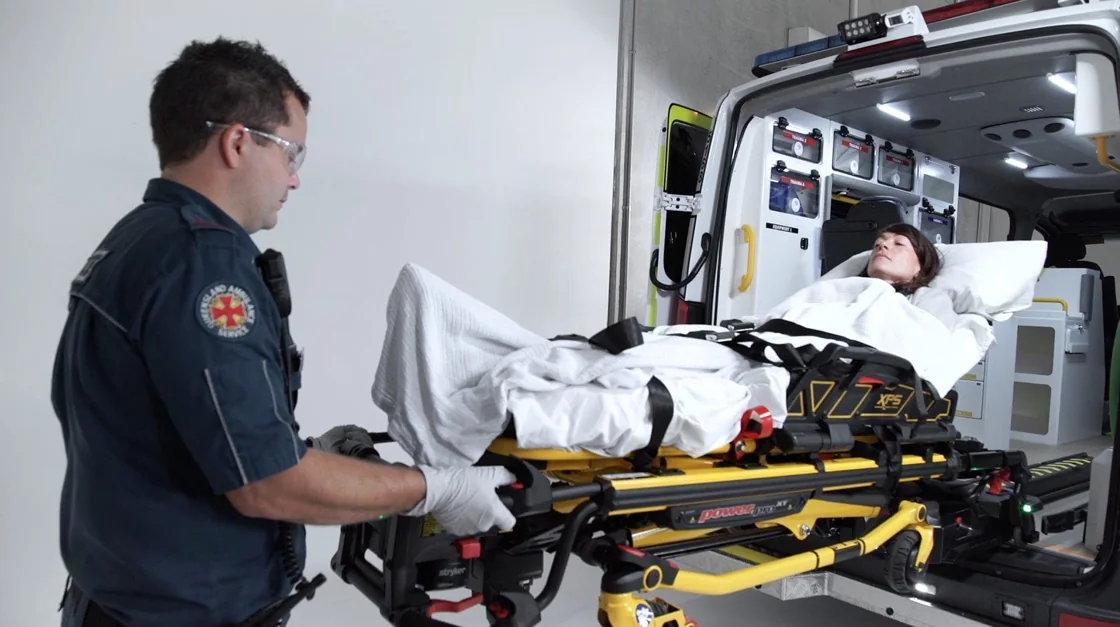
For example, we produced a training video for Stryker demonstrating the correct operation of an ambulance stretcher used by paramedics and healthcare professionals. Rather than describing each step verbally, viewers could see the process unfold exactly as it should be performed, making the instructions much easier to understand and remember.
Where a process can be demonstrated safely and clearly, show it alongside the explanation. Written instructions can remain available as a reference.
Design training videos for future updates
Procedures evolve, software interfaces change, products are updated and regulations are revised. A training video that is completely accurate today may require changes in twelve months’ time.
Before scripting begins, consider which parts of the content are likely to change and how those updates will be managed.
We’ve produced training programs that required different versions for different states, departments and operating environments. Planning for those variations from the start makes revisions easier. When a procedure changes, you can update the affected section without remaking the full program.
Think about where people will watch the video
How a training video will be used should influence the way it’s produced.
A video shown during a facilitated induction session has different requirements from one that’s accessed months later through a learning management system (LMS) or company intranet. Likewise, content viewed on a desktop computer in an office may need a different pace and structure from training watched on a tablet in a warehouse or on a mobile phone in the field.
Check that text and graphics can be read on the smallest screen people will use, and that demonstrations are easy to follow at that size. Plan captions and transcripts for staff who need text alongside the soundtrack.
For facilitated sessions, leave room for the trainer to pause the video and discuss each step.
Good training video projects start long before filming
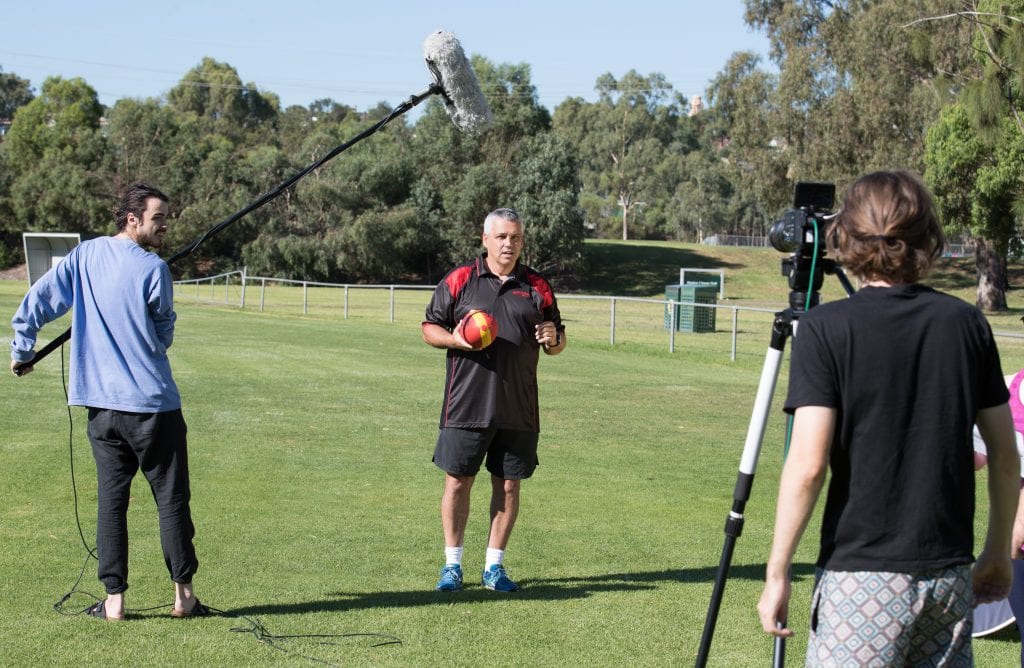
Many people assume the most challenging part of producing a training video is the filming or editing.
In our experience, the biggest challenges usually appear much earlier.
As soon as scripting begins, organisations are often forced to answer questions that have never been fully resolved. Different departments may be following slightly different procedures, stakeholders may disagree about the correct way to perform a task, or important steps may exist only as informal knowledge shared between experienced staff.
We’ve seen projects where a simple request to “film our procedure” uncovered three different versions of that procedure being used across the organisation. Until someone sat down to write the script, nobody had realised the inconsistency existed.
These conversations take time, but they give the procedure owner a chance to resolve inconsistencies before the instructions are filmed.
Allow time for these discussions before filming. Writing the script gives everyone a chance to agree on the procedure and check that no steps are missing. Our procedure-to-video worksheet helps map each action to a spoken explanation, camera shot and review check.
The best subject matter expert isn't always the best presenter
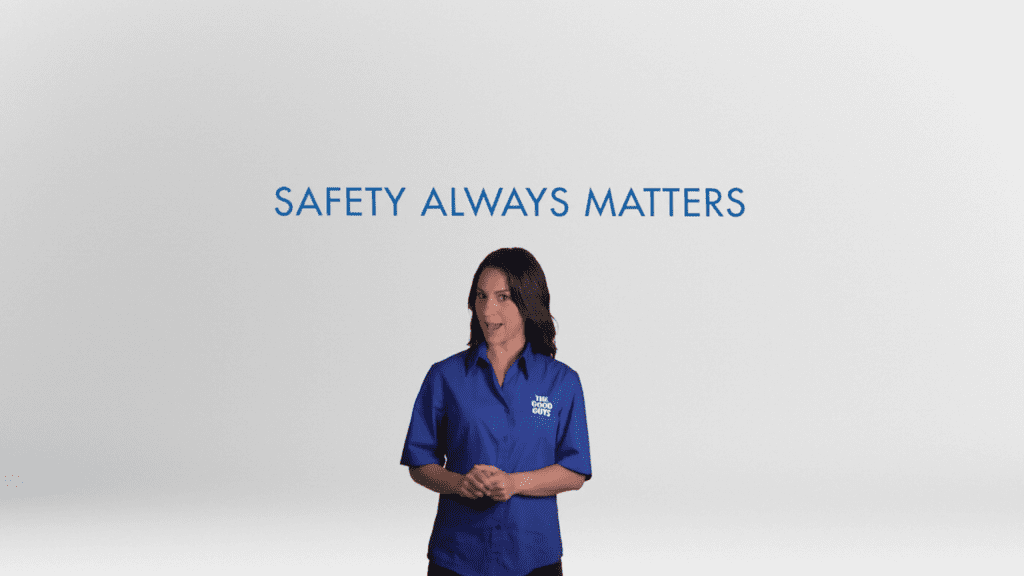
When organisations begin planning a training video, they often nominate the person with the greatest technical knowledge to appear on camera.
Sometimes that’s absolutely the right choice.
Other times, the person who understands the subject best finds it difficult to explain concepts in a way that’s easy for new employees to understand. Deep expertise doesn’t always translate into clear communication.
The subject matter expert can remain involved in planning, script development and technical review. A presenter can demonstrate the task on camera, or a narrator can explain it over footage of the process.
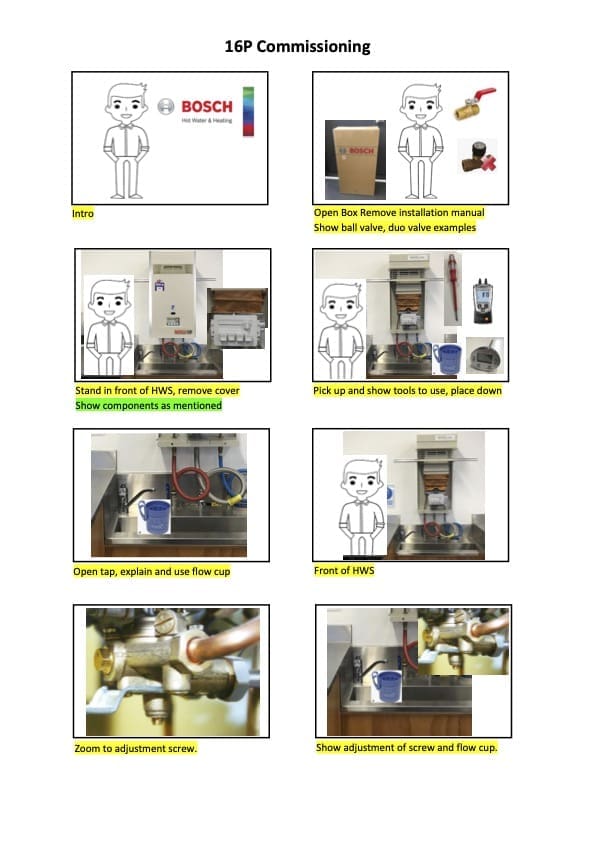
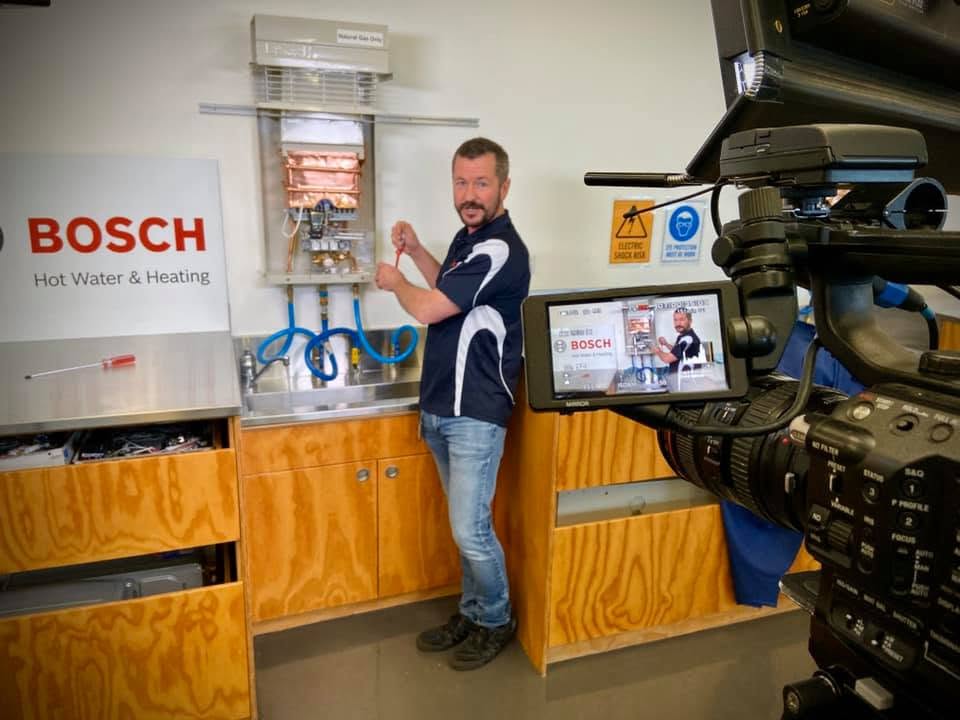
Choose someone who can explain the subject clearly to people who are new to it. The Bosch training video case study shows how a presenter and technical specialists worked together on equipment demonstrations.
Get the information right
Check whether staff can follow the procedure accurately after watching.
For organisations operating in healthcare, manufacturing, construction, compliance and workplace safety, accuracy is often far more important than creative flair. A beautifully produced video quickly loses its value if procedures are incorrect, terminology is inconsistent or important steps have been omitted.
We’ve worked on projects involving clinical communication, medical equipment, manufacturing processes and workplace procedures where every script was reviewed by subject matter experts before filming began. Those reviews checked the procedure, the order of steps and the technical language before the instructions were filmed.
Good production also helps. Clear visuals, professional sound and thoughtful editing all contribute to a better learning experience. But none of those things can compensate for inaccurate information.
Use animation where it adds clarity
Not every process can be demonstrated effectively with a camera.
Some concepts are hidden from view. Others involve software, internal systems, data flows or technical processes that would be difficult to explain using live-action footage alone.
Animation can make those hidden details visible.
Rather than adding animation simply because it looks polished, we use it to explain concepts that would otherwise be difficult for viewers to visualise. Motion graphics can simplify workflows, illustrate relationships between systems, highlight important information and break complex ideas into manageable steps.
If you’d like to explore this approach further, we’ve written about how animation can improve staff training, and our animation video production services include examples of projects where animation was the clearest way to communicate complex information.
Our guide to choosing the right training video format explains the options and when to use them.

Common mistakes we see in training video projects
When planning a training video, watch for these common mistakes:
- Trying to cover an entire training program in one video.
- Explaining processes instead of demonstrating them.
- Creating content that is difficult to update when procedures change.
- Using technical language that new employees don’t understand.
- Assuming the most knowledgeable person is automatically the best presenter.
- Producing the same training resource for audiences with very different needs.
- Rushing the planning and scripting process.
Use our staff training video checklist to review the script, demonstrations and finished modules before release.
Planning a training video? See our training video production page for project examples and how we work.
Browse our training video guides and project examples for related planning advice.

Ryan Spanger is the founder and managing director of Dream Engine, a Melbourne video production company established in 2002. Over the past two decades, he’s produced hundreds of videos for businesses, government departments, universities and healthcare organisations across Australia. Ryan specialises in helping organisations explain complex ideas through clear, engaging video content, with particular experience in corporate communications, training and education.



