
Dream Engine
Social media video production guide

Social Media Video Production in Melbourne

How to plan one shoot, capture the right material and deliver social videos in the formats your team needs.

By Ryan Spanger
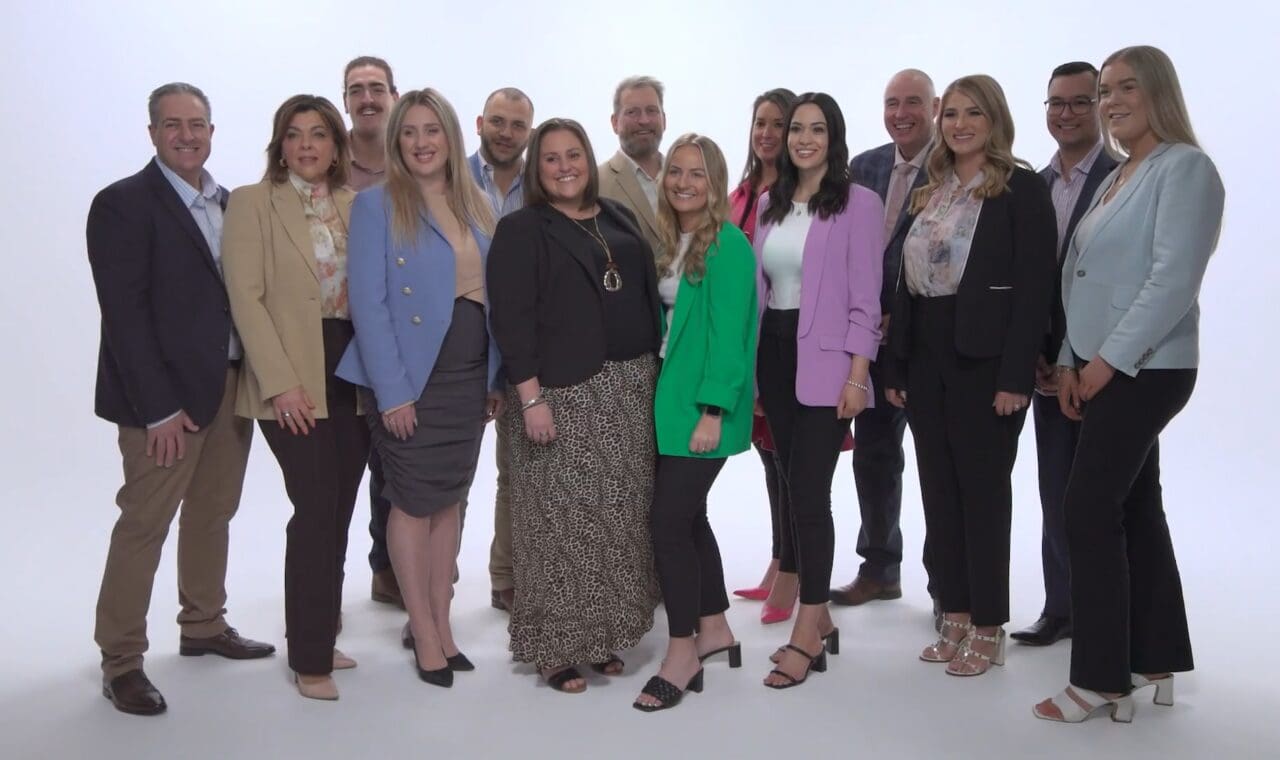
SULO team members appearing in an International Women’s Day social media video

Our social media video services

Dream Engine is a Melbourne video production company established in 2002. We plan, film and edit social media videos for businesses, government departments, universities and not-for-profits. We can produce one campaign video, a batch of short edits, or a larger content library from one organised shoot.

Our social media work includes Epson, Sherrin, HTC, Spalding and TAG Heuer. Watch the showreel and examples below, or get in touch to discuss what you need.

PlanningAudience, message, platforms, aspect ratios and deliverables.
FilmingAn organised shoot with professional camera, lighting and sound.
EditingMain edits, cut-downs, captions, on-screen text and alternate openings.
DeliveryVertical, portrait, square and widescreen files prepared for each channel.

A selection of social videos produced for Epson, Harwyn and other Dream Engine clients.

Dream Engine social media showreelSelected work
Epson15-second social advertisement

Epson: one product benefit in 15 seconds

This Epson advertisement addresses a familiar frustration for printer users: replacing ink cartridges. The film moves from a man surrounded by cartridges to a demonstration of a refillable printer. That visual sequence gives the short edit a specific point. For a product advertisement, choose one benefit you can show on screen, then build the story around it. A longer feature list would need a different edit.

HarwynVertical social video

One shoot, several formats

Plan one shoot around the content you need

Social content works best when the deliverables are decided before filming. We plan the run sheet and shot list around the number of videos, formats and variations you need. That means capturing enough interviews, action, product shots and supporting footage for every edit.

Depending on the brief, one shoot can supply vertical edits for Reels, Shorts and TikTok, square or portrait versions for feeds, widescreen videos for LinkedIn, YouTube and your website, plus shorter cut-downs, captions and alternate openings.

If you also need a company overview or brand story, our corporate video production service can plan the main film and social versions together.

Agents’ AgencyPortrait social video
TAG HeuerPortrait social video

A sample deliverables plan

For illustration, a recruitment shoot at one workplace could capture an employee interview and footage of their working day. With the questions and shot list planned around both uses, the proposed delivery could be:

  • One 60–90 second employee story for a careers page and LinkedIn.
  • Three 15–30 second clips, each answering a different question about the role.
  • Widescreen and vertical versions of the main story, plus vertical versions of the three clips.

That is four distinct edits and five delivered video files. Each crop still needs its framing and captions checked. The interview needs enough useful answers for the separate clips, and the filming schedule must allow for workplace activity. This is an illustrative scope, not a guaranteed output from every filming day; the number of edits and versions is agreed in the quote.

Start with the audience and objective

Choose the people you need to reach and what you want them to understand or do. Then choose the channels and placements where you can reach them.

  • Explain a product: demonstrate it and answer a specific buying question.
  • Support recruitment: show an employee’s experience of the role and workplace.
  • Run a paid campaign: plan a focused message, a next step and alternative openings to test.
  • Build professional credibility: have an expert answer questions customers regularly ask.

A paid advertisement may introduce you to someone who has never heard of your business. An organic post may continue a conversation with existing followers. Agree how the video will be distributed before choosing its length, format and call to action.

YouTube

YouTube works well for videos that answer questions, demonstrate a process or continue to be useful after the day they are published. Give each video a clear title and custom thumbnail, then use the description to provide context and direct viewers to the most relevant page on your website.

The opening needs to confirm quickly that the viewer has found the right video. Avoid a long branded introduction before getting to the subject. Playlists and end screens can then guide interested viewers to the next useful piece of content.

When a video belongs on both YouTube and your website, embed it on the page that best answers the same question. This gives the video a useful home beyond the social feed and connects it to the next step you want the viewer to take.

Our guide to promoting your business on YouTube covers channel planning, publishing and giving viewers a useful next step.

LinkedIn

LinkedIn works well for customer stories, expert commentary, project updates, recruitment content and short explainers aimed at professional audiences. The opening should establish the useful idea quickly, with captions and on-screen text for viewers watching without sound.

We can create widescreen, square or vertical versions from the same shoot, depending on whether the video will be used in the feed, as an advertisement, on your company page or elsewhere in your campaign.

Read our guide to optimising videos for LinkedIn.

SULO (Pact Group)International Women’s Day video for LinkedIn

SULO: an employee’s perspective

Our International Women’s Day film for SULO (Pact Group) features Emma Jones discussing her career and opportunities for women in manufacturing. It combines her interview with footage from the factory floor, giving professional audiences a person and a workplace to connect with the subject. For an employee story, ask about specific experiences and film the work they describe. Those details give viewers more to learn from than a general statement about company culture.

Facebook

Facebook can work well for event highlights, customer stories, product demonstrations and campaign videos. The video needs a clear opening, useful captions and visuals that make sense before the viewer turns the sound on.

Decide whether the video is for a feed post, Reel, advertisement or live event before editing. Each use calls for a different pace, frame and call to action.

Cove TrainingFacebook advertising campaign

Instagram

Instagram is built around fast, visual content. Reels, Stories and feed posts frame the image differently, so decide where the video will run before filming. Strong openings, captions and clear on-screen text help the message work when viewers have the sound off.

Vertical framing usually suits Reels and Stories. If the same footage also needs to work on LinkedIn, YouTube or your website, allow enough room in the shot for both vertical and widescreen edits.

See our YouTube Shorts and Instagram Reels guide for advice on planning short vertical videos for your business.

PasschendaeleStreet art installation, Hosier Lane, Melbourne

X

X is useful when a short video adds context to a timely announcement, event or industry conversation. Keep the message direct, add captions and make sure the video still makes sense when it is seen without the surrounding campaign.

RND FitnessEvent promotion video filmed in Prahran

TikTok

TikTok suits short videos with a clear idea, useful demonstration or strong point of view. Behind-the-scenes footage, quick explanations, customer stories and product demonstrations can work well when they feel direct rather than overproduced.

Plan for vertical framing, captions and a clear opening. If the same shoot also needs to supply LinkedIn or website content, capture alternate framing and longer answers at the same time.

NBA 2K LeagueSocial highlights filmed at Fortress Melbourne, Melbourne CBD

NBA 2K League: showing the event

These social highlights, filmed at Fortress Melbourne, combine views of the venue with event activity and a presenter on the microphone. The portrait edit gives viewers a sense of the occasion through a sequence of short shots. For event coverage, plan to capture the setting as well as the people and key moments. That gives the editor enough context to make a short highlights video understandable to someone who wasn’t there.

Agree the scope before comparing quotes

A quote for one interview at one location is different from a campaign involving several people, locations and scripts. More filming setups affect the schedule; more distinct edits, animations and review rounds affect post-production time. Check these details when comparing proposals:

  • The filming time, locations and people included.
  • The number of distinct edits, their lengths and each required format version.
  • Captions, on-screen graphics, music and the agreed uses of the finished videos.
  • Revision rounds, feedback deadlines and final delivery dates.

Confirm who is responsible for posting, advertising spend and campaign management, and whether these are included or separately arranged. Nominate one person to consolidate feedback and allow time for everyone who needs to approve the videos.

For indicative budgets and a checklist of what to compare, read our Melbourne video production cost guide. The number of edits, filming requirements and delivery formats need to be agreed before we quote your social videos.

Decide how you’ll measure success

Choose a useful measure before filming. Recruitment content might lead viewers to a careers page or enquiry form. A product campaign might aim for relevant website visits and purchases. For an explanation, look at how much people watch and the follow-up questions they ask.

Agree who will set up campaign links and website tracking before publication. Review viewing behaviour alongside the actions people take, rather than relying on views alone. Compare paid and organic distribution separately, and account for audience, spend and the time each post has been live. The results can help you decide which openings, topics or explanations to try next.

A brief you can use for your project

Copy these prompts into an email or planning document. It’s fine to leave a question open if you need advice.

  • Audience: who needs to see the videos?
  • Message: what should they understand?
  • Next step: what should they do after watching?
  • Distribution: which platforms and placements, paid or organic?
  • Deliverables: how many separate edits and format versions?
  • Filming: which people, locations and existing footage are available?
  • Timing and approval: when are the videos needed, and who signs them off?

Use our video production brief guide to put those details together. You can send us an outline, examples and your deadline; we can help work out the filming and edits required.

Social Media Video Production – Frequently Asked Questions

How much does social media video production cost?

Costs depend on the filming required and the number of finished edits. A project might involve a half-day shoot with a few short videos, or several filming days with versions for different platforms. Your quote sets out the filming, editing and final versions included.

How long should Reels, Shorts, and social clips be?

For a short advertisement or highlight, 10 to 30 seconds can be a useful starting point. An explanation or customer story may need longer. We’ll recommend a length based on the message, audience and where the video will run.

Can one filming day produce several social videos?

Yes. We plan the shoot around the videos you need, then create different edits, shorter versions and alternative openings from the same footage. The number of finished videos depends on what we need to film and how much editing each version requires.

Do we need to film in vertical?

If your priority is Reels, Shorts, TikTok or Stories, we’ll usually plan for vertical video. If you also need widescreen versions for YouTube or your website, we can allow for both formats when framing the shots.

Can you repurpose existing footage into social content?

Absolutely. If you have past videos, event footage, interviews, or product shots, we can re-cut them into social edits, add captions and on-screen text, and shape them into a clearer series that works for your channels.

Do you add captions and on-screen text?

Yes. Captions help viewers follow the dialogue when watching without sound. We can add captions and on-screen text, with styling and placement suited to your brand and the platforms you use.

How do we make sure the videos match each platform?

We build the edit to suit where it will live. That includes aspect ratio, pacing, caption style, safe areas, and the way the message is structured. Facebook, Instagram, YouTube Shorts, TikTok, and X behave differently, so the edit should reflect that.

What do you need from us to get started?

Start with your audience, message, where the videos will run and when you need them. The project brief above also covers deliverables, available people and locations, and who will approve the edits. If you’re unsure about any of these, we can help you work them out.

Producing Social Media Videos Across Melbourne
From Facebook advertising campaigns and LinkedIn employer stories to a street art installation in Hosier Lane, fitness content filmed in Prahran and event highlights from Fortress Melbourne, the examples above show how social media video can be planned around different audiences and platforms.

Ryan Spanger

Written by

Ryan Spanger

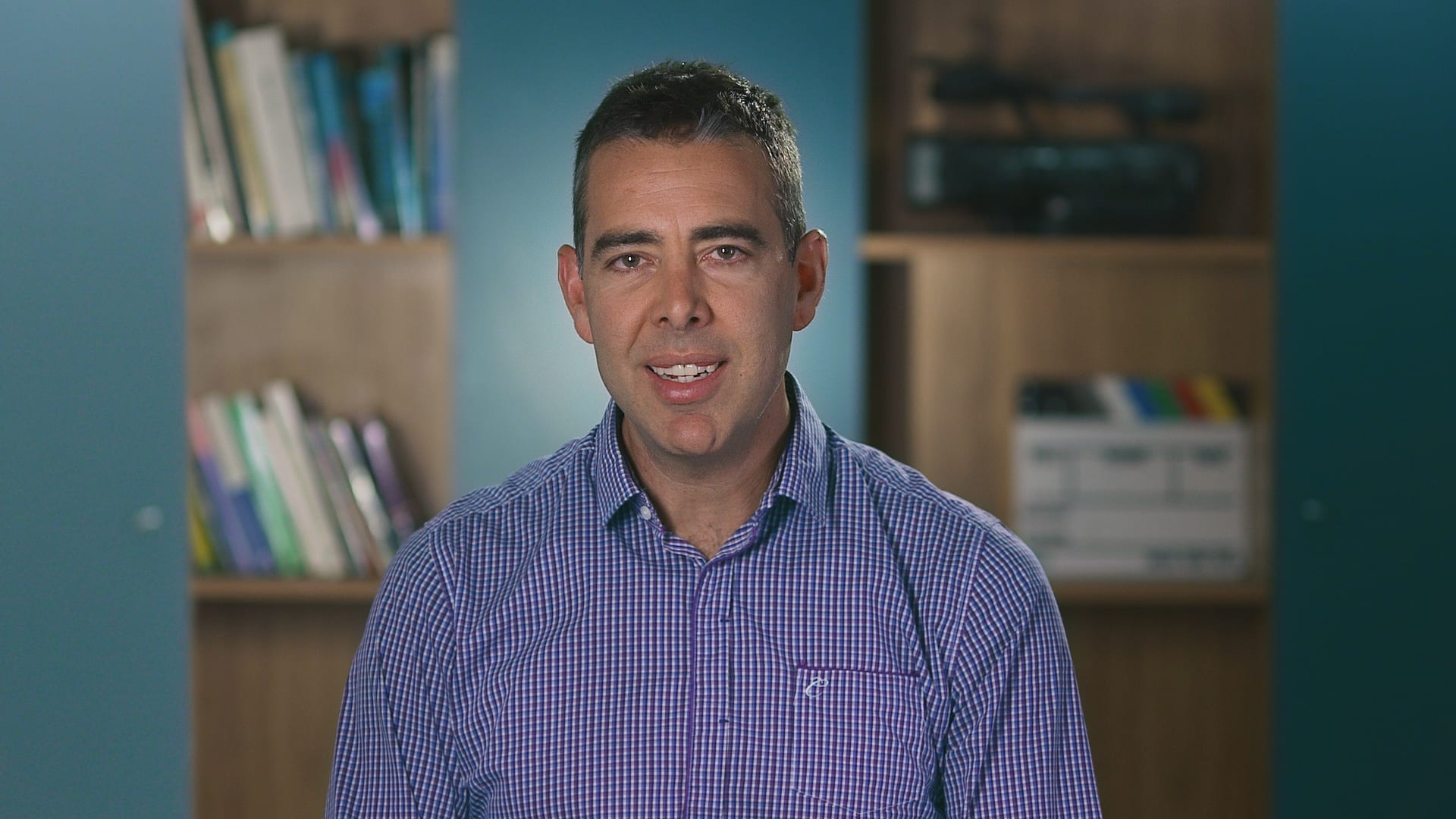
Ryan Spanger is the founder and managing director of Dream Engine, a Melbourne video production company established in 2002. Over the past two decades, he’s produced hundreds of videos for businesses, government departments, universities and healthcare organisations across Australia. Ryan specialises in helping organisations explain complex ideas through clear, engaging video content, with particular experience in corporate communications, training and education.