In this guide
What Is a Homepage Video?
A homepage video is a short video placed prominently on the main page of a website. Its purpose is to help visitors quickly understand who you are, what you do, who you work with and why they should continue exploring your website.
Your homepage is often where potential customers form their first impression of your business. A video can show visitors your team, workplace, products and services, complementing the written information on the page.
An effective homepage video should support the rest of the page rather than trying to explain everything about your business. Its main job is to capture attention, communicate your core message and encourage visitors to take the next step.
Why Homepage Video Is Effective
Video marketing combines moving images, sound, interviews, music and graphics to communicate information in a way that feels immediate and engaging. It can help visitors understand your business without having to read a large amount of text.
Video is particularly useful when the way you work is important to the buying decision. It can show your team, workplace, completed projects, customers and company culture, helping people form a stronger impression of your business.
However, simply adding a video to your homepage will not automatically improve results. A successful homepage video needs the right message, appropriate length, strong visuals and a clear position within the page.
Should a Homepage Video Autoplay?
Autoplay is not always a bad idea, but it needs to be used carefully.
A homepage video with dialogue, music or an important spoken message should generally not autoplay with sound. Unexpected audio can be distracting, particularly for people browsing in an office, on public transport or in another shared environment.
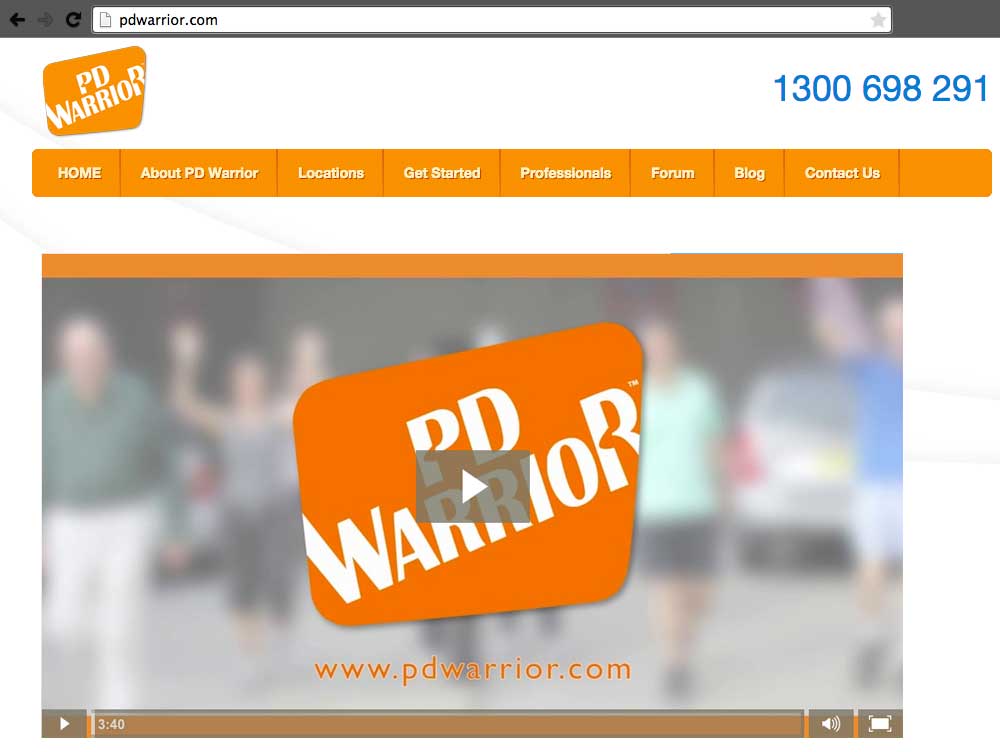
For this type of video, it is usually better to display a strong thumbnail with a clear play button and allow visitors to choose when they want to watch.
Muted autoplay can work well for a short background video used in the hero section of a website. This style of video is usually made up of brief visual scenes that communicate the atmosphere, quality or personality of the business without relying on dialogue.
If you use muted autoplay, keep the file size under control and avoid rapid movement that distracts from the headline and call to action. Give visitors a visible way to pause or stop the motion, and provide a static alternative for people who prefer reduced motion. See the W3C guidance on pausing moving content.
Make Your Video Prominent
If video is an important part of your homepage, it should be easy to find. In many cases, the best position is near the top of the page, where visitors can see it without having to scroll through several sections first.
This area is often referred to as being above the fold. The term comes from newspapers, where the most important headlines and images appear on the visible upper half of the front page.
Your video does not always need to dominate the entire screen, but it should feel like a deliberate part of the page design rather than an afterthought. It should sit naturally alongside your headline, supporting copy and primary call to action.
On mobile devices, check that the video remains easy to view and does not push the most important information too far down the page.
Use a Strong Video Thumbnail
The image people see before they click play is called the video thumbnail. Its job is to show what the video is about and encourage visitors to watch.
A good homepage video thumbnail should be clear, professional and relevant to your business. It might feature a person, an engaging moment from the video, your workplace or a strong example of your work.
You can use a frame from the video or design a custom thumbnail. You may choose to add a short title, subtle branding or a graphic element that matches the overall design of the website.
Avoid filling the thumbnail with too much text. The image should still be easy to understand at a smaller size, especially on mobile devices.
What Should a Homepage Video Include?
The most effective homepage videos focus on the information a visitor needs in order to understand the business and decide whether to keep exploring.
Depending on your organisation, the video may include:
- Who you are
- What your business does
- The people behind the organisation
- Your products, services or completed work
- The types of clients or customers you work with
- Your workplace, facilities or locations
- What makes your approach different
- A clear next step for the viewer
You do not need to include every point. The aim is to choose the strongest elements and communicate them quickly.
For many businesses, showing real people and real environments is more convincing than relying entirely on stock footage. Visitors are often trying to get a sense of what it would be like to work with you, so authenticity is important.
How Long Should a Homepage Video Be?
Homepage visitors are usually comparing options and looking for information quickly. For that reason, a homepage video should generally be concise.
Use these lengths as starting points for planning, then adjust them to suit the message:
- 15 to 30 seconds for a muted background or hero video
- 30 to 60 seconds for a short homepage introduction
- 60 to 90 seconds when the video includes a more detailed brand story, interview or explanation
The video should be long enough to communicate something useful, but not so long that it delays the visitor from taking action.
A good way to keep the video focused is to answer a small number of important questions: Who are you? What do you do? Who do you help? What should the viewer do next?
Longer interviews, case studies and detailed service videos can still be valuable, but they are often better placed further down the homepage or on dedicated service pages.
Keep the Video Looking Professional
Your homepage video forms part of the first impression people have of your business. Its production quality should be consistent with the standard of your website, branding and wider marketing.
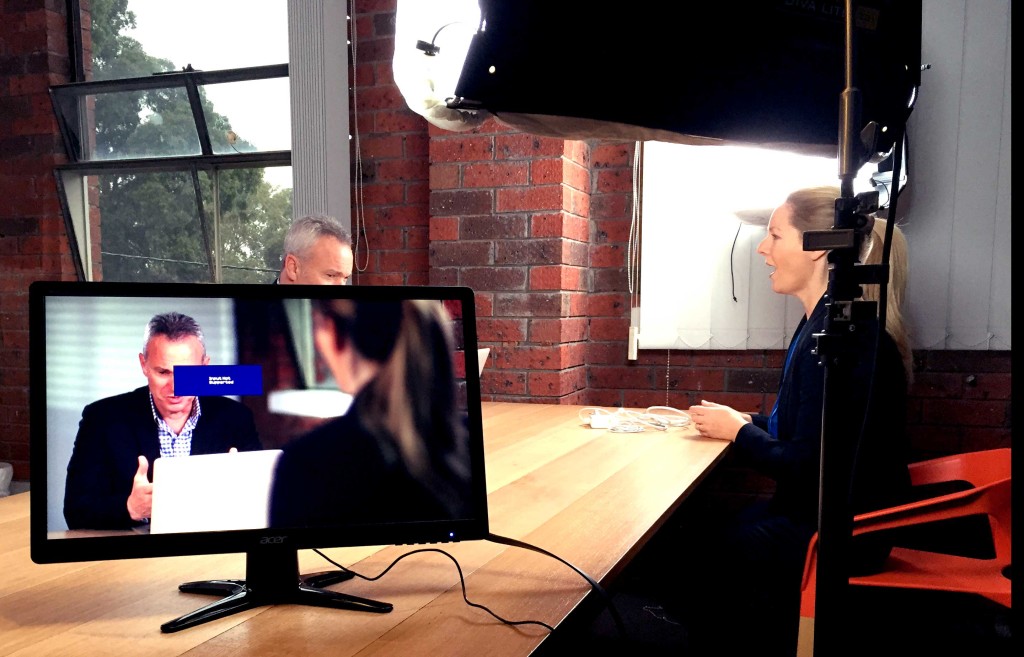
Good production quality is not simply about using an expensive camera. It also depends on thoughtful planning, suitable lighting, clear sound, strong composition, natural performances, careful editing and appropriate music or graphics.
Check that viewers can hear the dialogue, read any text and understand what the footage shows. These basics matter more than adding elaborate effects.
Decide whether to produce the video in-house or hire a production company based on the footage, sound, editing skills and time the project needs. Agree on a budget and check that the finished video will be practical to update.
When choosing a supplier, look for a company with experience producing business and website videos. This guide explains some of the questions to ask when choosing a video production company.
Choose the Right Video Hosting Platform
Once your video has been produced, it needs to be hosted somewhere before it can appear on your website.
The right hosting platform depends on how the video will be used. YouTube is useful for search, public discovery and building an audience on YouTube itself. However, it is not always the best option for a homepage because it includes YouTube branding and may encourage viewers to leave the website.
Platforms such as Vimeo and Wistia offer options for customising an embedded player and measuring viewing activity. Compare their current plans, privacy settings and reporting features against what your website needs.
Depending on the platform and plan, hosting features may allow you to:
- Use a custom thumbnail
- Remove third-party branding
- Control the player appearance
- Add a call to action
- Track viewer engagement
- Prevent unrelated suggested videos from appearing
You can learn more in our guide to choosing a video hosting platform.
Optimise the Video for Website Performance
A homepage video should improve the visitor experience, not make the website slow or difficult to use.
Large video files can affect page speed, particularly on mobile connections. Work with your web developer or hosting provider to compress the video appropriately and make sure it loads efficiently.
For autoplay background videos, it is often useful to:
- Keep the video short
- Remove audio from the file
- Compress it for web use
- Use an appropriate resolution
- Add a static fallback image
- Avoid loading the video before more important page content
The video should also include captions when it contains speech. Captions make the content easier to understand for people watching without sound and improve accessibility.
Include a Clear Call to Action
After watching the video, visitors should know what to do next.
The call to action might invite them to request a quote, view your work, explore a service, make an enquiry or book a consultation. It can appear within the video itself, beside the video or immediately underneath it.
Keep the action simple and direct. A homepage video is most effective when it leads naturally into the next stage of the website rather than ending without direction.
Creating an Effective Homepage Video
A successful homepage video does not need to explain every part of your business. It needs to make a strong first impression, communicate the most important information and encourage people to keep exploring.
Before publishing, check the thumbnail, placement and next step on both desktop and mobile.
Dream Engine has been producing website and homepage videos for Melbourne businesses and organisations for more than 20 years. We help clients plan the message, film the material and prepare the video for its position on the website.
To discuss a homepage video for your business, contact Dream Engine.
Website video
Homepage video: frequently asked questions
Plan the content, playback and place on the page.
What is a homepage video?
A homepage video is a short video placed on the main page of a website. It helps visitors quickly understand who the business is, what it does and what action they should take next.
Should a homepage video autoplay?
Let visitors choose when to play a video with speech or music. For a muted background video, provide a pause or stop control and a static alternative for people who prefer reduced motion. Keep the file small and test its effect on page speed.
How long should a homepage video be?
As starting points, consider 15 to 30 seconds for a muted background, 30 to 60 seconds for an introduction and 60 to 90 seconds for a fuller explanation. Adjust the length to suit the information visitors need.
Where should a homepage video be placed?
In many cases, the best position is near the top of the homepage, where visitors can see it without scrolling far. It should sit naturally alongside the main headline, supporting text and call to action.
What should a homepage video include?
A homepage video may include your team, workplace, products, services, customers, completed work and the qualities that make your business different. It should focus on the information visitors need most.
What makes a good homepage video thumbnail?
A good thumbnail uses a clear, professional image that represents the content of the video and encourages visitors to click play. It should be easy to understand on both desktop and mobile devices.
Should captions be added to a homepage video?
Yes. Captions help people understand the video when they are watching without sound and make the content more accessible.
Should we use YouTube to host a homepage video?
YouTube can be useful for public discovery. Vimeo and Wistia offer embedded player, privacy and reporting options that may suit your homepage. Compare the features available on each current plan before choosing.
Can a homepage video slow down a website?
Yes, particularly if the file is large or poorly configured. The video should be compressed for the web, kept reasonably short and tested on mobile devices and slower connections.

Ryan Spanger is the founder and managing director of Dream Engine, a Melbourne video production company established in 2002. Over the past two decades, he’s produced hundreds of videos for businesses, government departments, universities and healthcare organisations across Australia. Ryan specialises in helping organisations explain complex ideas through clear, engaging video content, with particular experience in corporate communications, training and education.