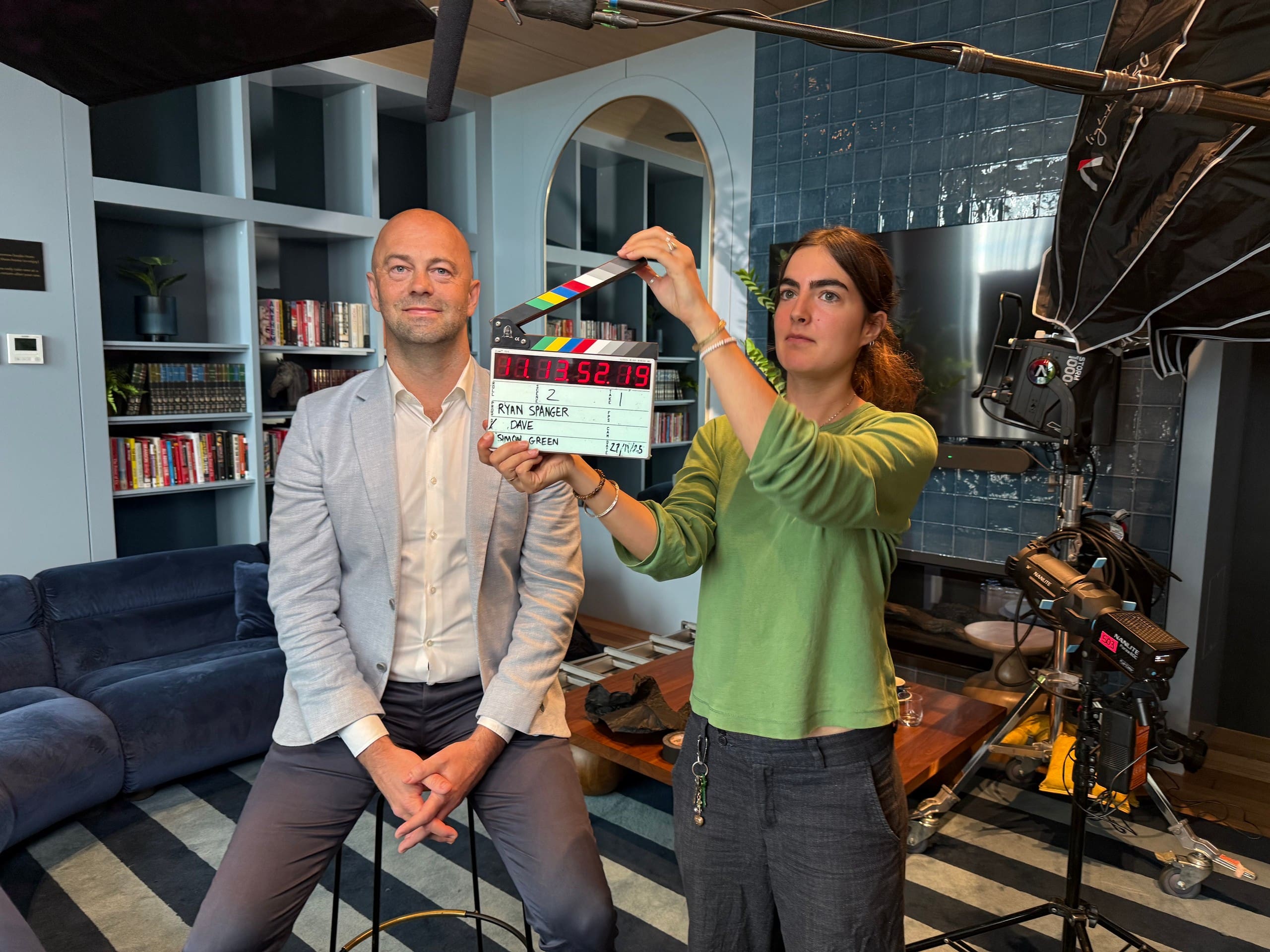
At a glance
Video content marketing uses helpful videos to answer the questions people ask before buying. Start with a small group of related topics, plan filming and shorter versions together, and decide where each video will be used. Review what people watch and do next before commissioning the next series.
In this guide
Your team answers questions every day: what happens in an assessment, how a product works or what a client needs to prepare. Those conversations are a useful starting point for a video content series.
Choose subjects your team can explain with examples. A demonstration can show the steps in a task, an interview can explain your approach, and a client story can help someone assess whether your service suits them.
Watch: How to create a video content marketing campaign · 2 min 15 sec
Give each video a clear purpose
Before choosing a format, write down who the video is for and what it needs to help them understand or do.
For example, a consultancy might make a short explanation of what happens in an initial assessment. It could help a prospective client understand what’s involved before booking. A product demonstration might show an existing customer how to complete a task.
For each topic, record:
- The question you’re answering and who’s asking it.
- The main point the viewer needs to understand.
- Where you’ll publish or share the video.
- What the viewer can do next.
- How you’ll assess whether it was useful.
Use recent enquiries and conversations with your sales or client-service team to find topics. Check what your audience already knows so you can explain the subject without unnecessary jargon or background.
Choose a format that suits the explanation
A team interview can work well when someone needs to explain an approach in their own words. A demonstration is useful when the viewer needs to see how something works. A behind-the-scenes video can show the people and processes involved in delivering your service.
A client testimonial lets someone describe their experience of working with you. An animated explainer can help with an idea that’s difficult to capture on camera.
Let the subject determine the length. An introduction may only need a short edit, while a detailed walkthrough needs enough time to make the steps clear. Remove repetition, but keep the information the viewer came for.
Make the opening specific. Tell viewers what you’ll explain or show, then get into it. Check that captions are accurate and that important on-screen information is readable on a phone.
Plan several topics for the same filming day
If the same people and location are needed for several videos, it makes sense to plan them together. You can prepare the questions, organise filming and collect supporting footage for the whole series.
For TXM, a consultancy working with manufacturers, we recorded over 15 videos during a single shoot. Each covered a particular question or part of the company’s work. TXM released the series across the year, avoiding the need to arrange filming each month.
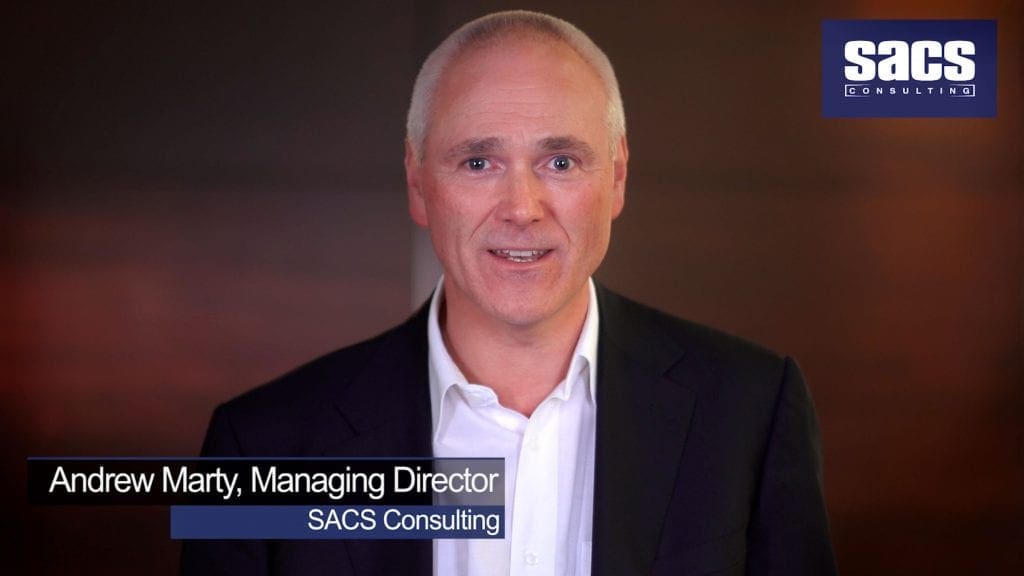
We also produced a planned series for SACS, a psychological assessment consultancy. Individual videos explored separate subjects in detail, giving prospective clients a way to learn about different areas of the team’s expertise.
Start with a manageable group of related topics. Check which need a speaker, a demonstration, a client interview or footage of the work itself. Allow time for each explanation rather than trying to fit an arbitrary number of videos into the day.
Allow time for approval. A series isn’t ready to use until someone has checked the facts, wording and finished edits. Include that review in the publishing schedule.
Plan shorter versions before you film
Decide which videos need a full explanation and which also need shorter versions for social posts or email introductions.
For example, you might plan one complete interview and two short answers that can be watched independently. Tell the production team where you’ll use them so the framing, supporting footage and captions can suit those placements.
Each shorter edit needs enough context to make sense on its own. Identify the speaker where necessary, make the subject clear and keep any qualification that affects the meaning. Don’t cut a client’s answer into a stronger claim than they actually made.
A checked transcript can also provide material for an accompanying article or email. Review it for accuracy and rewrite it for the reader rather than publishing an unedited transcript.
If you’re filming a conference, our guide to turning event footage into a content library covers planning several outputs around one event.
Decide where each video will be used
Choose channels based on where you already reach the intended audience. You don’t need to publish every video everywhere.
A process explanation might belong on the relevant service page. A detailed answer could sit inside a helpful article. A short excerpt could introduce the subject on LinkedIn and point people to the fuller explanation.
If you use YouTube, give the video a descriptive title and a useful description. Embed it on the relevant website page with enough surrounding text for visitors to understand why it’s there.
In an email, explain why the video is relevant and link to the page where the recipient can watch it. Avoid sending a video link without context.
Keep a simple publishing list with the topic, final file, destination, owner and planned date. Choose a schedule your team can maintain, including time to answer questions and keep the information current.
Make the next step relevant
An educational video might lead to a related guide or a fuller demonstration. A video explaining your service might lead to an enquiry. Put the relevant link beside the video or in its description, and make sure it takes people to the right place.
If you offer a downloadable resource, explain what it contains and make any sign-up requirement clear before someone clicks through.
Your sales team can also use the videos to answer questions between meetings. Our sales video funnel guide explains how to choose videos for different stages of a buying decision.
Review what people watch and do next
Return to the purpose you set at the start. Views can tell you how widely a video was watched, but they don’t tell you whether it answered the right question or helped someone take the next step.
Where the data is available, review viewing duration, points where people stop watching, clicks to the next page and relevant enquiries. Ask your sales team which videos they use and what questions still come up afterwards.
Use the findings to make a specific change. If viewers leave before the explanation begins, test a more direct opening. If they watch but don’t follow the link, check whether the next step is relevant and easy to find. Change one element at a time where practical so you can learn from the comparison.
Put results in context. A video may contribute to an enquiry alongside several other conversations or pieces of content. Treat small samples cautiously and avoid giving one video sole credit for the result.
Start with a useful first series
Choose a small set of questions your team answers regularly. Agree on who will explain them, where the videos will be used and who will manage approval and publishing. Review the response before planning the next group.
Bring those questions to a production company along with your intended audience, publishing channels and deadline. You don’t need a finished script to begin planning the filming and edits.
For more advice on using video to support enquiries, explore our video marketing and lead generation guides.

Ryan Spanger is the founder and managing director of Dream Engine, a Melbourne video production company established in 2002. Over the past two decades, he’s produced hundreds of videos for businesses, government departments, universities and healthcare organisations across Australia. Ryan specialises in helping organisations explain complex ideas through clear, engaging video content, with particular experience in corporate communications, training and education.