Best Practices for Creating Staff Training Videos
Most people have memories of sitting through training videos that felt slow, outdated or hard to follow. The kind you watch because you have to, not because you learn anything. That experience can shape how staff think about training in general.
But training videos can be much better than that. When approached thoughtfully, they can be clear, practical and genuinely helpful. They can make work safer, faster and easier.
This guide covers best practices for planning and creating training videos your team will actually want to watch.
Why Training Videos Are Worth the Time
Working with a Melbourne training videos company can help your organisation:
- Capture and communicate best practice
- Show tasks visually, not just describe them
- Reduce repeated in-person training time
- Standardise the message so everyone learns the same method
- Provide on-demand access for new staff or refresher learning
When done well, training videos support consistency and confidence across your team.
Where Training Videos Often Go Wrong
The issue is rarely the content itself. It’s the delivery.
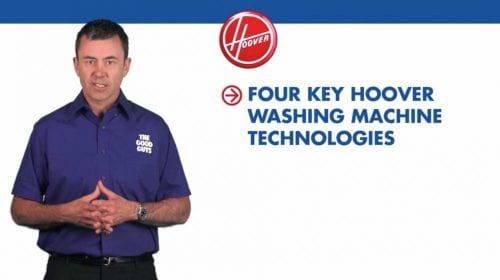
A common pitfall is starting with a long introduction. For example, several minutes of a senior executive on camera explaining why the training matters. Most viewers already understand its importance. What they need is guidance on how to do the task correctly.
The most effective training videos respect the viewer’s time and attention. They get to the part that helps people do their job.
Focus on Usefulness and Clarity
A simple question can guide your planning:
How can we communicate this in the shortest, clearest and most helpful way?
To answer that:
- Put yourself in the position of someone learning the task for the first time
- Identify the steps that matter most
- Show those steps clearly and in the correct order
- Highlight common mistakes and how to avoid them
The goal is not to present information. The goal is to help someone perform the task safely and confidently.
A Helpful Mindset for Training Content
One client introduced me to the idea of Servant Leadership. The essence is simple. The role of a leader is to support the team so they can do their best work.
When applied to training videos, this mindset shifts the focus from “what do I want to say?” to “what would help someone most in the real environment where they work?”
This change improves clarity, tone and usefulness.
Practical Tips for Creating Better Training Videos
- Keep videos short and focused on one topic at a time
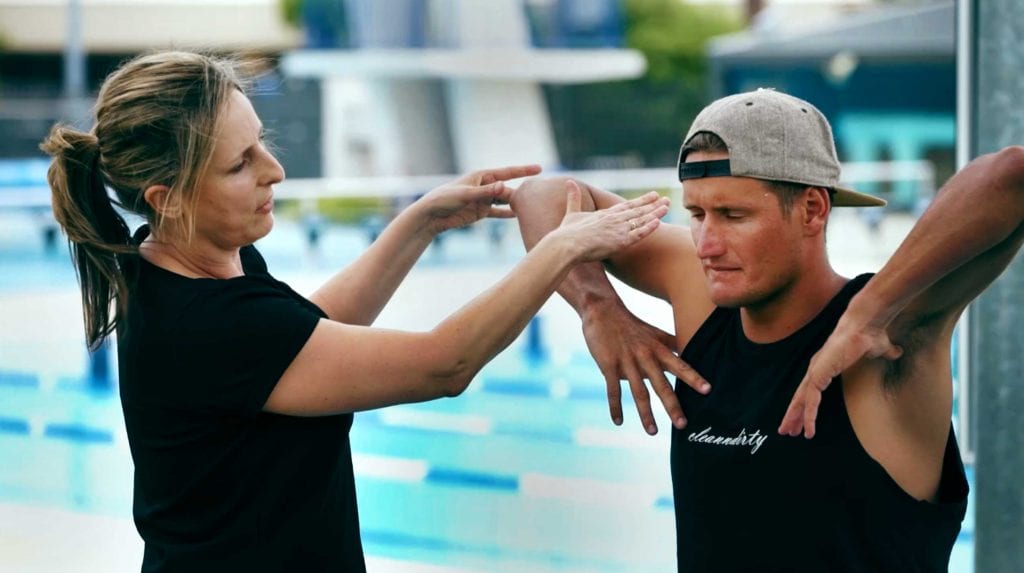
- Use real environments rather than overly staged setups
- Show the task being done slowly and clearly
- Use captions for accessibility and training environments where audio isn’t practical
- Break longer modules into separate parts that can be easily reviewed
- Test early drafts with real team members and adjust based on their questions
Small details often have the biggest impact on learning.
A Note on Experience
Since 2002, we’ve produced training videos for organisations across healthcare, construction, education and government. A consistent theme stands out: training works best when it is practical, respectful of the viewer’s time, and focused on the real work being done.
If you’re in the early stages of planning a training video, there are plenty of resources on the Dream Engine website to help you. Once you’re ready to discuss your project, get in touch.
Training Video Production – Frequently Asked Questions
What makes a good training video?
Clear objectives, short modules, plain language, strong visuals, and examples that mirror real tasks. Each video should cover a single outcome and end with a quick recap or checklist.
How long should each video be?
Aim for 2–5 minutes per module. Break complex topics into a short series so viewers can jump to exactly what they need without scrubbing through long content.
Should we script or just outline?
Use a tight outline with key points and on-screen actions. Script the intro, safety steps, and any compliance wording. Keep language simple and instructional.
Who should appear on camera?
Subject matter experts and team leaders work well. Use presenters who are confident and know the process. We can coach delivery and capture cutaways to keep it engaging.
How do we keep staff engaged?
Get to the point fast. Show the task step by step. Use close-ups, labels, and on-screen prompts. Remove filler. Finish with a brief checklist or next steps.
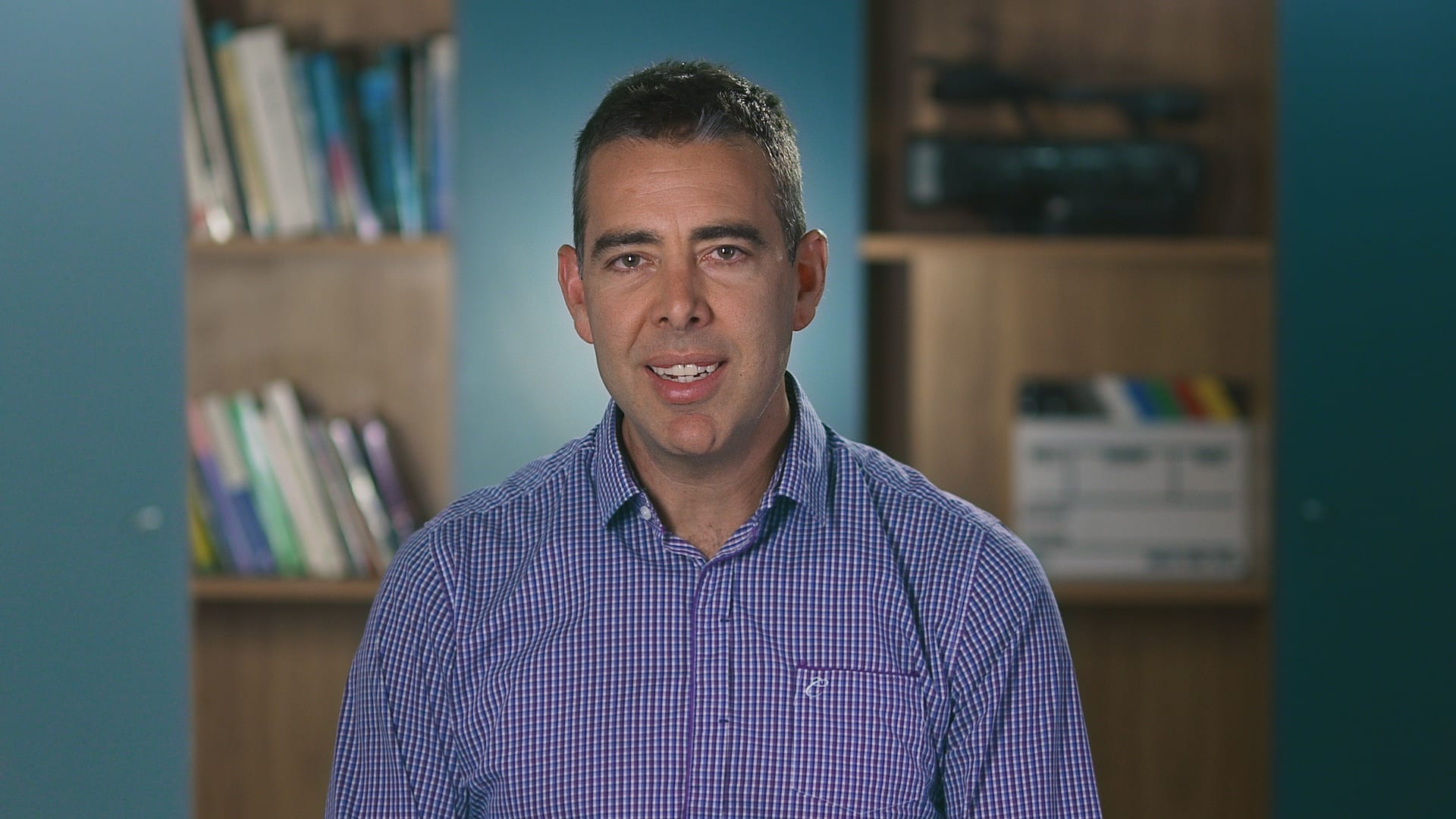
Ryan Spanger is the founder and managing director of Dream Engine, a Melbourne-based video production company established in 2002. With more than two decades of experience, Ryan has helped leading Australian businesses, government departments, and non-profits communicate their message with clarity and impact through video. He’s known for his strategic approach, reliable process, and commitment to producing videos that deliver measurable results.