
Set the mood
The music might need to sound warm, confident, understated, energetic or serious, depending on the audience and subject.
Video production company in Melbourne, Australia.
Post-production sound
We choose and license music for your video, then edit it alongside sound effects during post-production. We match the music to the pace and tone of the video, keeping dialogue and voiceover easy to hear.
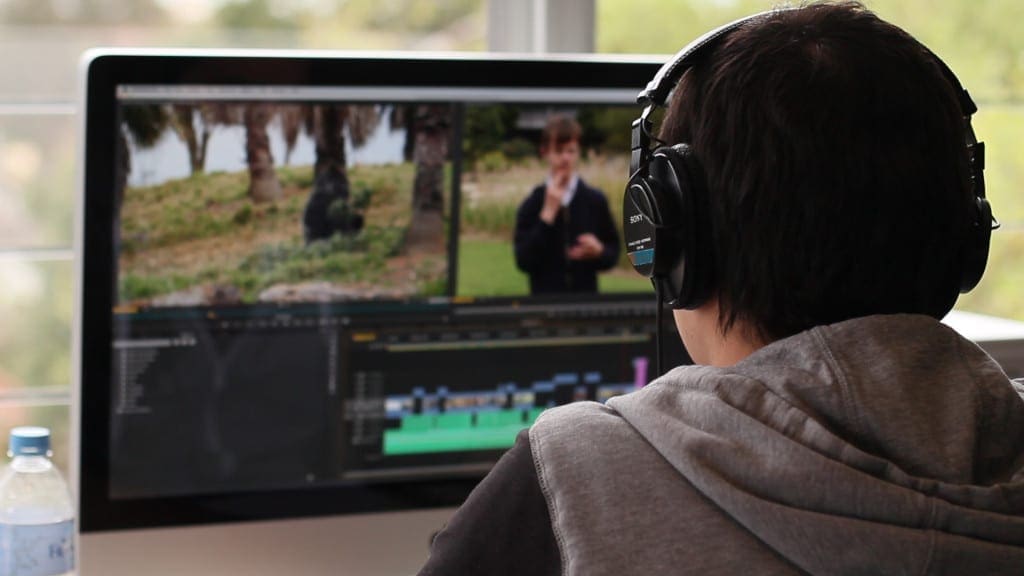
Tell us what the video needs to communicate and how you want the audience to feel. We’ll use that as a starting point for choosing music.
We consider the audience, your brand, the pace of the edit and any dialogue or voiceover. We listen to possible tracks with the footage and check that the licence covers where you plan to use the video.
If you have music you like, send it through. Even if we can’t license that particular track, it helps us understand the style and energy you have in mind.
We listen for music that suits the subject, works with the speech and can be edited to the length of the video.
The music might need to sound warm, confident, understated, energetic or serious, depending on the audience and subject.
The rhythm can guide the timing of cuts. Changes in the music can build towards a reveal or mark a new section.
A busy melody or prominent vocal can make an interview or voiceover harder to follow. We look for tracks that sit comfortably under speech.
We look for music that fits your organisation’s style and is appropriate for the people watching.
We follow these steps, adjusting the timing to suit the production.
The video brief, treatment and brand guidelines help us agree on a musical style.
We search production music and sound effects libraries and check the available licence for your planned use.
We try a promising track with the footage, interview or animation to hear how its pace and tone work with the pictures.
We send you a shortlist or a rough cut, depending on the project. Your feedback helps us choose a track or adjust the search.
Once you approve the track, we obtain the licence, edit the music to fit the video and keep the licence record with the project.
We narrow the search to a few suitable tracks.
We filter by mood, pace, instrumentation and the type of video, then listen past the first few seconds. A track may start well but become too busy under speech, take too long to build or change character halfway through.
We explain why we’ve chosen each option. If one track seems particularly suitable, we may include it in the rough cut for you to review.
Feedback such as “too cheerful”, “too dramatic”, “more contemporary” or “less busy under the voiceover” helps us adjust quickly.
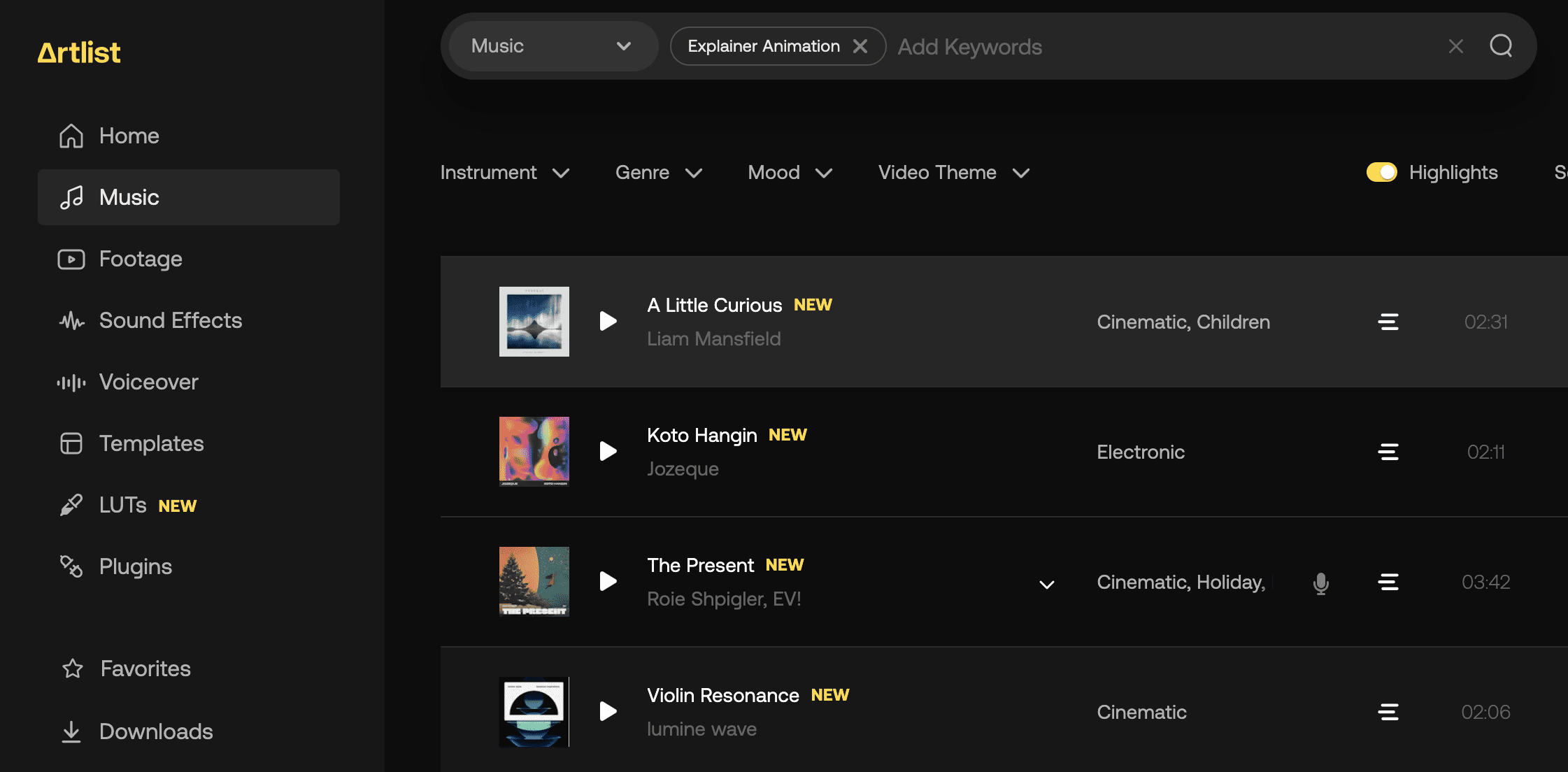
When we choose the music depends on the type of video.
For an animation, commercial or brand film, we may choose music early and use its rhythm to plan the edit. For a corporate interview, we normally edit the dialogue first, then find music that suits it.
We can shorten an introduction, move a musical change, build into a reveal or create a clean ending. Social cutdowns may need a different section of the same track so a 15-second version still feels complete.
We don’t have to use the whole track. We keep the musical phrasing natural and check that any edits are allowed under the licence.
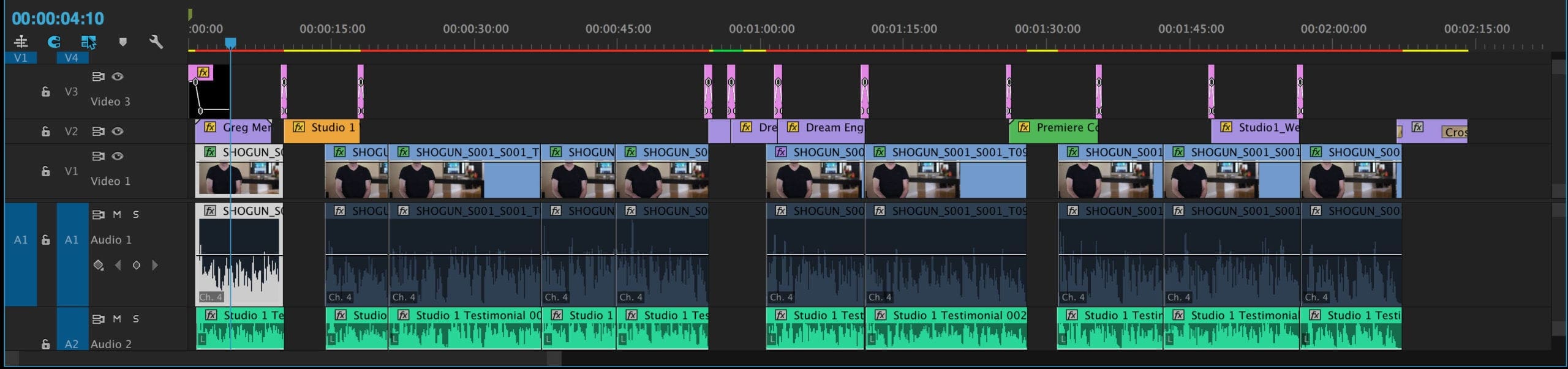
Sound effects can accompany an animation, draw attention to an action or replace a sound that wasn’t captured clearly during filming. We use them sparingly, so they suit the scene and don’t distract from the speech.
Footsteps, switches, doors, machinery and other details can make filmed or animated action feel more convincing.
A short sound can mark a logo appearing, a number changing or text moving on screen.
Room tone, traffic, crowds, weather and workplace sounds establish the setting and help smooth cuts between shots.
A commercial, animation or brand film may need effects created for particular scenes. We can involve a specialist sound designer when needed.
Let us know where you’ll use the video before we settle on a track. Websites, social media, internal communications, paid advertising, events and television can have different licensing requirements.
Production music is protected by copyright. The licence gives permission for agreed uses and may have limits around platforms, territories, advertising spend or broadcast. We check the relevant terms and keep a record of the licence with the project.
This is what we use for most corporate videos. We choose a library track and check that the licence covers how you’ll use the video.
A commercial song can require separate permissions for the composition and the recording. Getting those permissions can be costly and take time, so this isn’t included in a standard quote.
If you want music written for your video, we can arrange a composer and quote for that work separately.
If a finished video will later be used in a new channel or campaign, ask us to check the existing licence before it goes live. This is particularly important for paid advertising and television commercials.
You may have a particular track or style in mind, or you may prefer us to recommend something. We’re happy to work either way.
We’ll let you know when we need your music approval. If a track doesn’t feel right, tell us during the rough cut so we can change it before finishing all the versions.
Once the track, effects and voice are approved, sound mixing balances dialogue, music and effects so the speech is easy to hear and the volume stays consistent.
Licensed production music is included when it’s part of the agreed project scope. A well-known song, original composition or specialist sound design may need extra permissions, fees and production time. We’ll explain those costs before you approve the work.
Yes. Send us reference tracks, choose from a shortlist or give feedback on the music in your rough cut. We’ll help find options that suit the video and check the licensing requirements.
Only if we can obtain the necessary permissions. A commercial recording often requires permission for both the composition and the recording, and the cost can be substantial. We can investigate it or suggest licensed production music or an original composition.
No. Some interviews and videos about sensitive subjects work better with quiet music or no music at all. We add sound effects where they help establish a scene, accompany an action or draw attention to a detail.
Tell us before you use it somewhere new. We’ll check whether the existing licence covers the new platform, territory, advertising campaign or broadcast. If it doesn’t, we can look into extending the licence or replacing the music.
Tell us who the video is for, what it needs to communicate and where you’ll use it. If you have music in mind, send it through and we can talk about suitable options.
