
Planning a live stream can feel overwhelming if you have never done it before. Most organisations only run a handful of live streamed events each year, so it can be difficult to know how to compare providers or what questions to ask.
Many organisations assume the biggest difference between live streaming companies is the equipment they use. In reality, most professional providers have access to quality cameras, microphones, switchers and streaming platforms. The bigger differences are usually found in planning, communication, contingency preparation and event experience.
If you are choosing a live streaming company for an upcoming event, here are some of the things worth considering before making a decision.
Look Beyond the Equipment List
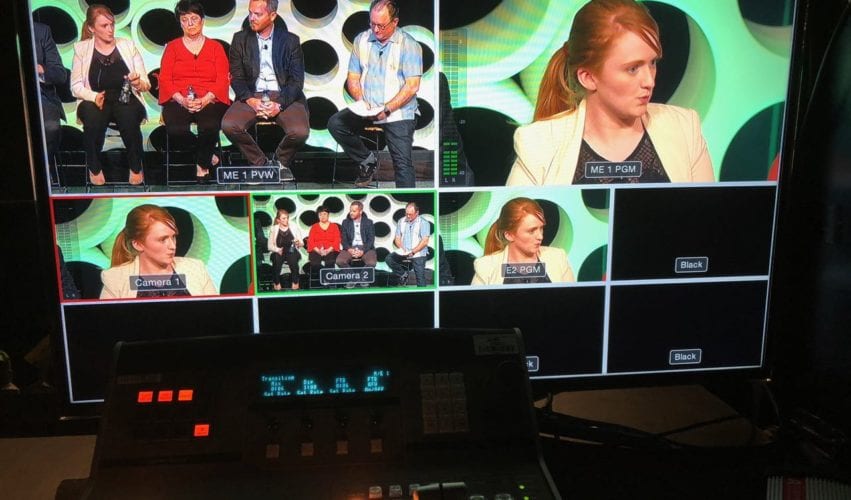
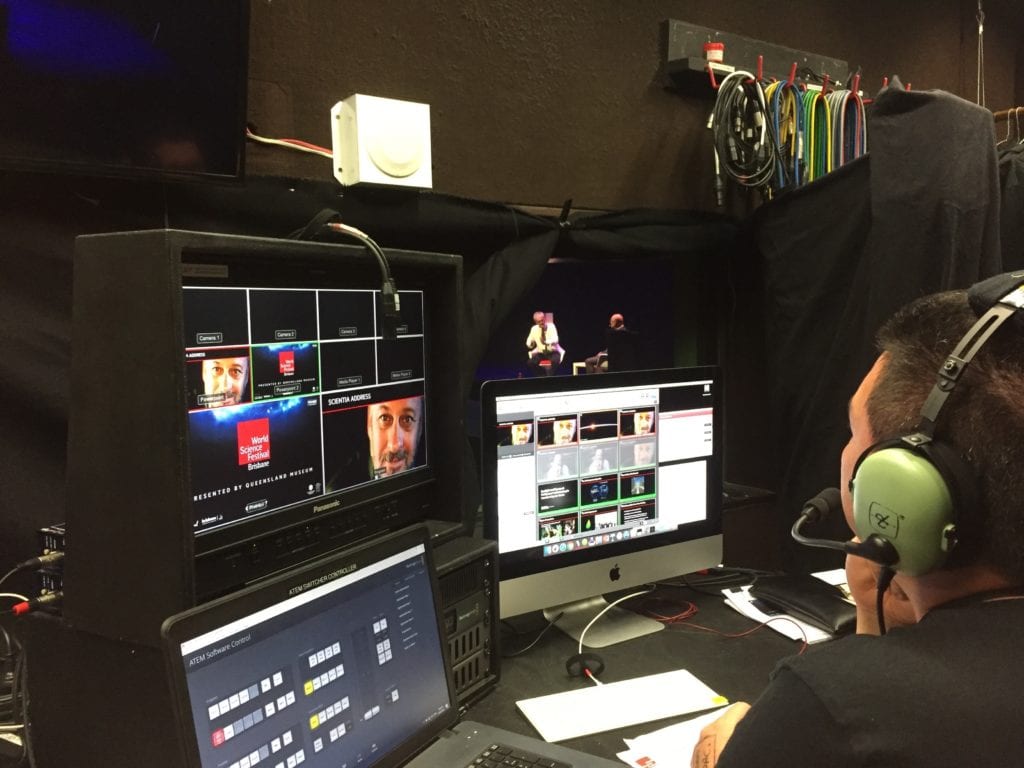
Most professional live streaming companies have access to similar equipment. What separates one provider from another is how those tools are used.
A company that spends the entire conversation talking about cameras and technology may be missing the bigger picture. A good provider should also ask about your audience, your goals, the format of the event and how success will be measured.
Cameras matter, but they rarely determine whether the live stream succeeds. The planning process usually matters more.
Ask About Contingency Planning
One of the first questions to ask when planning a live stream is: what happens if something goes wrong?
It is not because technical issues are inevitable. It is because live events leave very little room for recovery when something unexpected happens.
Experienced live streaming companies think about these scenarios before the event begins. They have backup plans, contingency measures and clear processes for dealing with problems quickly.
Some useful questions to ask include:
- What happens if the venue internet fails?
- Do you create a local recording as a backup?
- Do you carry spare microphones, cables and key equipment?
- What happens if a presenter cannot attend in person?
- How do you manage last-minute changes?
The quality of the answers often tells you more than the equipment list.
Understand Venue Internet Requirements
One of the most common misconceptions is that every venue internet connection is suitable for live streaming.
A venue may have strong internet for everyday use, but that does not always mean the connection is suitable for a live event. Live streaming places different demands on a network than email, web browsing or running a presentation from the lectern.
Before any important broadcast, internet speed, reliability and network restrictions should be tested. It is also worth checking whether the connection is shared with other users in the building, whether there are firewall restrictions, and whether a wired connection is available at the production position.
In some cases, a dedicated internet connection or bonded cellular backup may be recommended. An experienced provider should be able to assess these requirements well before event day.
Audio Is Often More Important Than Video
When people think about live streaming, they often focus on cameras.
In practice, audio is usually more important.
Viewers will often tolerate a slightly imperfect image. Poor audio is much harder to forgive. If people cannot clearly hear the presenter, they are likely to disengage quickly.
This becomes especially important when there are multiple presenters, audience questions, panel discussions or remote speakers. A good provider should be thinking about microphones, room sound, backup audio and how audio will be managed across the whole event.
A provider that takes audio seriously is often a provider that understands live events.
The Best Streaming Platform Depends on the Audience
Many clients ask whether they should use Zoom, Microsoft Teams, Vimeo, YouTube or another streaming platform.
The answer depends on the audience, the level of interaction required, the number of viewers, registration requirements, privacy, security and how the recording will be used after the event.
A good live streaming company should help you select the right platform rather than assuming the same solution fits every event. For some events, a familiar platform such as Zoom or Teams may be appropriate. For others, a more produced streaming environment may create a better audience experience.
We have written more about the difference between live streaming and Zoom if you are comparing options for an upcoming event.
Review Similar Projects
Ask to see examples that are relevant to your event.
If you are planning a leadership update, a provider should be able to show examples of internal communications events. If you are running a conference, ask to see conference streams. If you are planning an awards night, ask about experience with live presentations, nominees, graphics, remote viewers and stage timing.
Different types of events have different requirements, and relevant experience can make a significant difference.
At Dream Engine, we have produced live streams for organisations including PACT Group, DXC Technology and AUSactive, ranging from internal staff broadcasts through to large hybrid events.
Live Streaming Company Comparison Checklist
| Question | Good Sign | Warning Sign |
|---|---|---|
| How do they approach planning? | They ask detailed questions about your event, audience, presenters and goals. | They send a quote without understanding the event properly. |
| What do they say about internet? | They ask about venue internet, wired access, testing and backup options. | They assume the venue internet will be fine. |
| How do they handle audio? | They discuss microphones, room sound, audience questions and backup audio. | They focus almost entirely on cameras. |
| Do they recommend rehearsals? | They explain when rehearsals or technical checks are needed. | They treat rehearsals as unnecessary for complex events. |
| Can they show relevant examples? | They can show projects similar to your event type. | They only show unrelated entertainment, sport or generic video work. |
| Who will run the event? | You know who your contact is and who will be on site. | The delivery team is unclear. |
| What happens if something goes wrong? | They can clearly explain their backup plans and decision-making process. | They give vague reassurance without a clear plan. |
Understand Who Will Be Running the Event
Sometimes the person preparing the proposal is not the person delivering the event.
It is worth understanding who will actually be on site and who your primary contact will be throughout the project.
Ask questions such as:
- Who will manage the livestream on the day?
- How many crew members will be involved?
- Who will be my point of contact during planning?
- Will the same team attend rehearsals and the event itself?
Clear communication before the event usually leads to a smoother experience on the day.
Experience With Corporate Events Matters
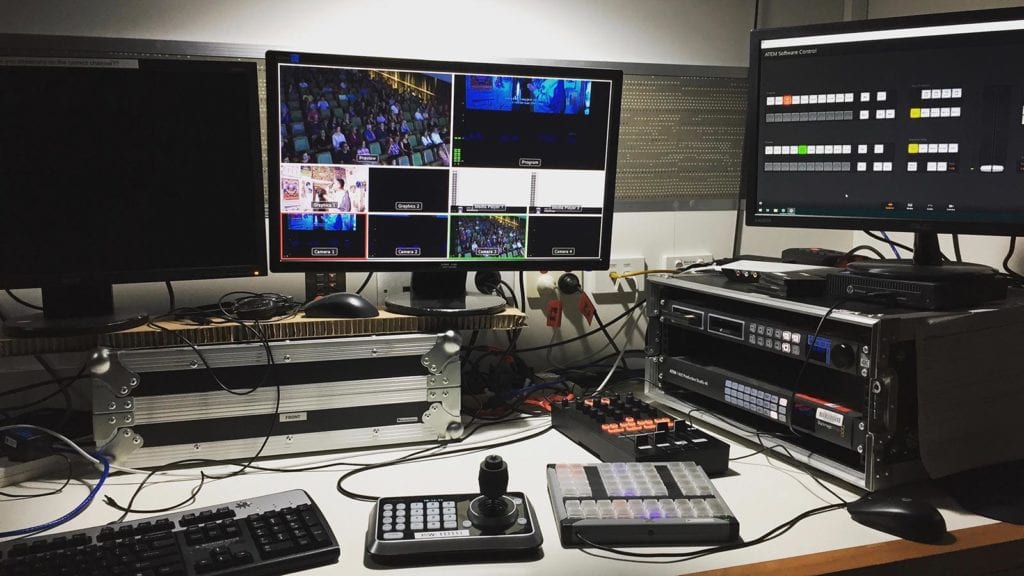
Corporate live streaming has its own challenges. There are often senior stakeholders involved, strict branding requirements, sensitive information and limited tolerance for mistakes.
A provider who regularly works in corporate environments will generally have a better understanding of these expectations than a company that focuses primarily on entertainment or sporting events.
They are also more likely to understand approval processes, rehearsal requirements, stakeholder communication and the importance of staying calm when things change close to the event.
Ask About Local Venue Experience
Venue experience can also make a difference, especially for conferences, AGMs, awards nights and hybrid events.
A crew that has worked across a range of corporate venues will often have a better understanding of loading access, internet options, power availability, room layouts, lighting conditions and communication with venue staff.
This does not mean a provider must have worked at your exact venue before. But experience filming and streaming in venues such as conference centres, hotels, theatres, boardrooms and event spaces can help reduce surprises during setup and delivery.
For Melbourne events, local production experience can be especially useful when planning around venue logistics, travel time, access windows and technical requirements.
A Real-World Example
For a company-wide broadcast we produced for PACT Group, more than 1,000 staff members joined from locations around Australia.
The event included:
- Multiple presenters
- Pre-recorded video content
- Audience interaction
- Live delivery across multiple sites
- Run sheet planning and content testing
- Graphics preparation
- Contingency planning
Following the event, 89% of attendees rated the webinar experience as good to excellent, 96% rated the video quality as good to excellent, and 95% said they would attend again.
The broadcast ran smoothly because the planning process received as much attention as the production equipment.
How to Tell Whether a Live Streaming Company Knows What They Are Doing
Most live streaming providers will have professional-looking websites and access to similar equipment. The differences often become apparent once you start asking questions.
A good provider will spend time discussing:
- Your audience
- The viewing platform
- Run sheets
- Presenters and speakers
- Internet connectivity
- Graphics and branding
- Rehearsals
- Contingency planning
Some warning signs to watch for include:
- The conversation focuses entirely on equipment and technology.
- They cannot clearly explain their backup plans.
- They do not ask about your audience or business goals.
- They are reluctant to discuss rehearsals or testing.
- They cannot show examples of similar projects.
- They provide a quote without asking detailed questions about the event.
Most live streaming issues can be traced back to planning decisions made well before the event begins.
Much of the success of a livestream is determined before the cameras are switched on. We have written more about what happens before a live stream and why preparation plays such an important role.
Do Not Compare Providers on Price Alone
Live stream pricing is important, but it should not be the only factor.
When comparing quotes, consider:
- Relevant experience
- Planning support
- Contingency measures
- Communication
- Crew size
- Production quality
A lower quote can sometimes mean fewer crew, less preparation or reduced backup systems. That may be fine for a simple stream, but it can become risky when the event involves senior presenters, remote viewers, multiple sessions or a large audience.
Questions to Ask Before Choosing a Live Streaming Company
Before making a decision, consider asking:
- Can you show examples of similar events?
- What backup systems do you use?
- Who will manage the production on the day?
- Do you recommend a rehearsal?
- Which streaming platform is best for our audience?
- Do you provide a recording after the event?
- How do you manage technical issues if they arise?
- What level of planning support is included?
The answers should give you a much clearer picture of how the company operates.
Frequently Asked Questions
How much does professional live streaming cost?
The cost depends on the size of the event, the number of cameras, crew requirements, streaming platform, rehearsals, graphics, recording requirements and level of planning involved. A simple live stream will usually cost less than a multi-camera conference, awards night or hybrid event with remote presenters and audience interaction.
How many cameras do I need for a live stream?
Many simple presentations can be streamed with one or two cameras. Larger events, panel discussions, conferences and awards nights often benefit from multiple cameras because they allow the production team to cut between presenters, audience reactions, slides and wide shots.
What internet speed is required for live streaming?
The required speed depends on the streaming quality and platform, but reliability is just as important as speed. A stable wired connection is usually preferred, and important events should have the venue internet tested before the event. Backup internet may also be recommended.
Do live streaming companies provide recordings?
Most professional live streaming companies can provide a recording after the event. It is worth asking whether the recording will be captured locally, whether it will include slides and graphics, and whether editing is included after the event.
Should we rehearse before a live stream?
A rehearsal is strongly recommended for more complex events. This gives presenters, organisers and the production team a chance to test slides, microphones, graphics, timing, remote contributors and transitions before the live audience joins.
What is the difference between Zoom and a professional live stream?
Zoom and similar meeting platforms are useful for interactive meetings and webinars. A professional live stream is usually more suitable when you want a polished broadcast experience, multiple cameras, better audio, branded graphics, controlled delivery and a more produced viewer experience.
Final Thoughts
Choosing a live streaming company is not really about comparing equipment lists.
It is about finding a team that understands your event, identifies potential risks before they become problems, and gives you confidence that everything will run smoothly on the day.
When comparing providers, look beyond the cameras and switchers. Ask about experience, contingency planning, rehearsals, platform selection and previous projects. The answers will often tell you far more than the specification sheet.
If you are planning a webinar, conference, awards night, company update or hybrid event, learn more about our live streaming services in Melbourne.

Ryan Spanger is the founder and managing director of Dream Engine, a Melbourne video production company established in 2002. Over the past two decades, he’s produced hundreds of videos for businesses, government departments, universities and healthcare organisations across Australia. Ryan specialises in helping organisations explain complex ideas through clear, engaging video content, with particular experience in corporate communications, training and education.

