At a glance
Plan the recording before your live stream so it can become more than a replay. Presentations can supply short video clips, while audience questions can become articles, FAQs and staff updates. Agree on the camera and audio recordings you need, then allow time for editing and approvals before publishing the follow-up content.
In this guide
If you work in marketing or internal communications, you’ve probably noticed the same pattern. There is a constant demand for content, but very little time to create it. Marketing teams need material for LinkedIn, websites, email campaigns, and events. Internal communications teams need ways to keep employees informed and engaged without relying on a long email or a company-wide meeting.
Before planning another shoot, check whether upcoming presentations, interviews or staff updates could provide material for several of those uses.
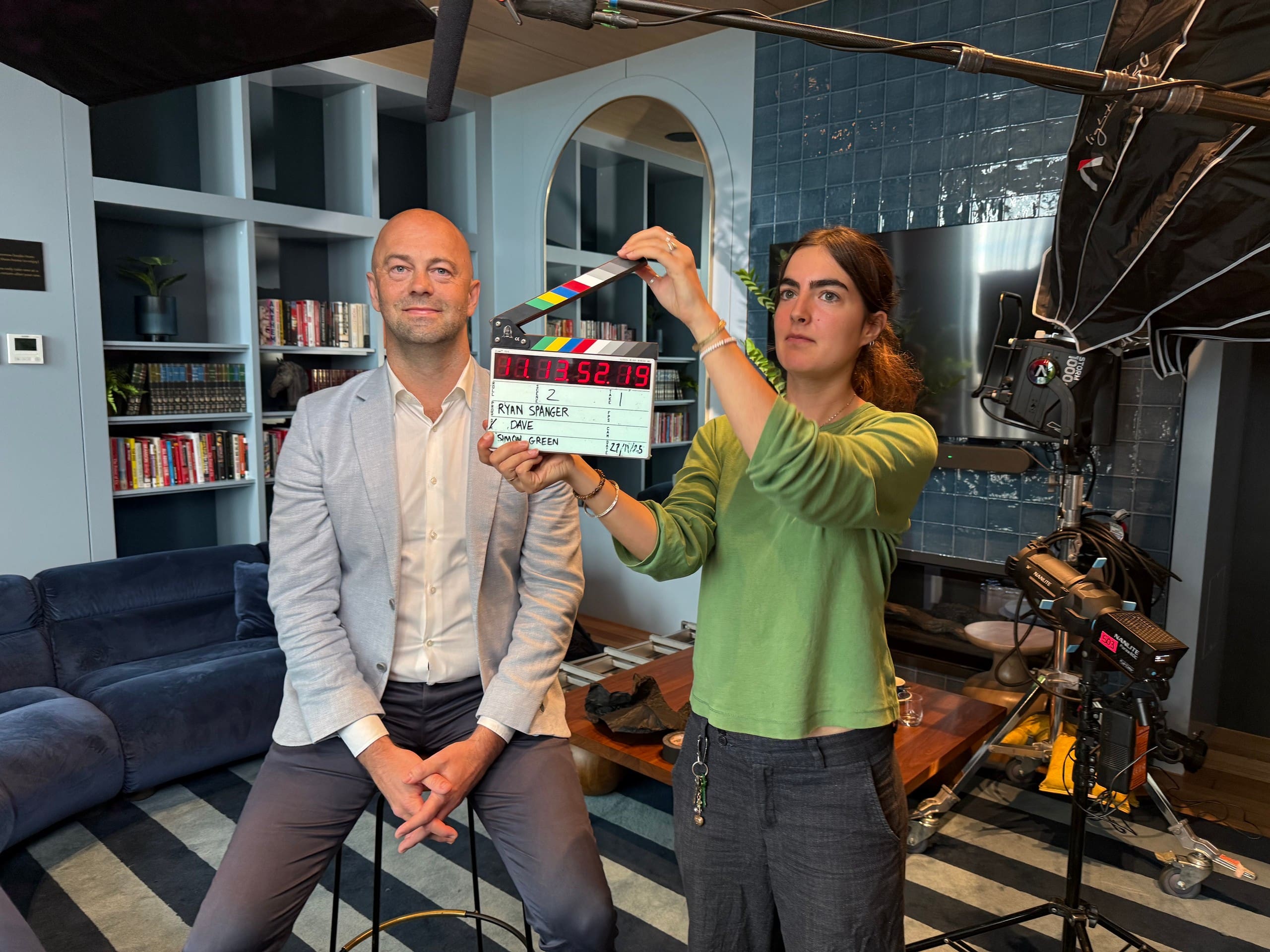
One approach that works particularly well is to begin with a substantial piece of content and then repurpose it into multiple formats. A professionally produced corporate live stream can provide the material for this. When planned properly, the recording can support marketing and internal communications for weeks afterwards.
Marketing: Turning one event into multiple pieces of content
One of the reasons live video works so well is that it captures people thinking and responding in real time. Questions come up that were not planned. Speakers explain ideas differently than they would in a scripted corporate video. Viewers get to see the people behind the organisation rather than a carefully polished marketing message. That creates opportunities long after the live event has finished.
Short clips taken from the stream often work well on LinkedIn because they feel natural and conversational. A concise answer to a customer question or an interesting observation from a presenter can become a standalone piece of content without requiring another shoot.
The full recording can also continue delivering value. When published with clear titles, chapters, and transcripts, it becomes a useful long-form resource that can attract people looking for information related to the topics discussed during the event.
The question-and-answer section is often one of the most valuable parts of the entire stream. These are frequently the same questions prospects, customers, employees, or stakeholders are already asking. Those answers can be repurposed into website content, blog posts, FAQs, social media clips, or email content.
Keep a record of useful answers and their timestamps so the editor can find them when preparing the follow-up pieces.
Internal communications: Helping important messages get through
Internal communications teams often face a similar challenge: important announcements compete for attention alongside emails, meetings, project updates, and everyday work. Even when the message is important, it can be easy to miss.
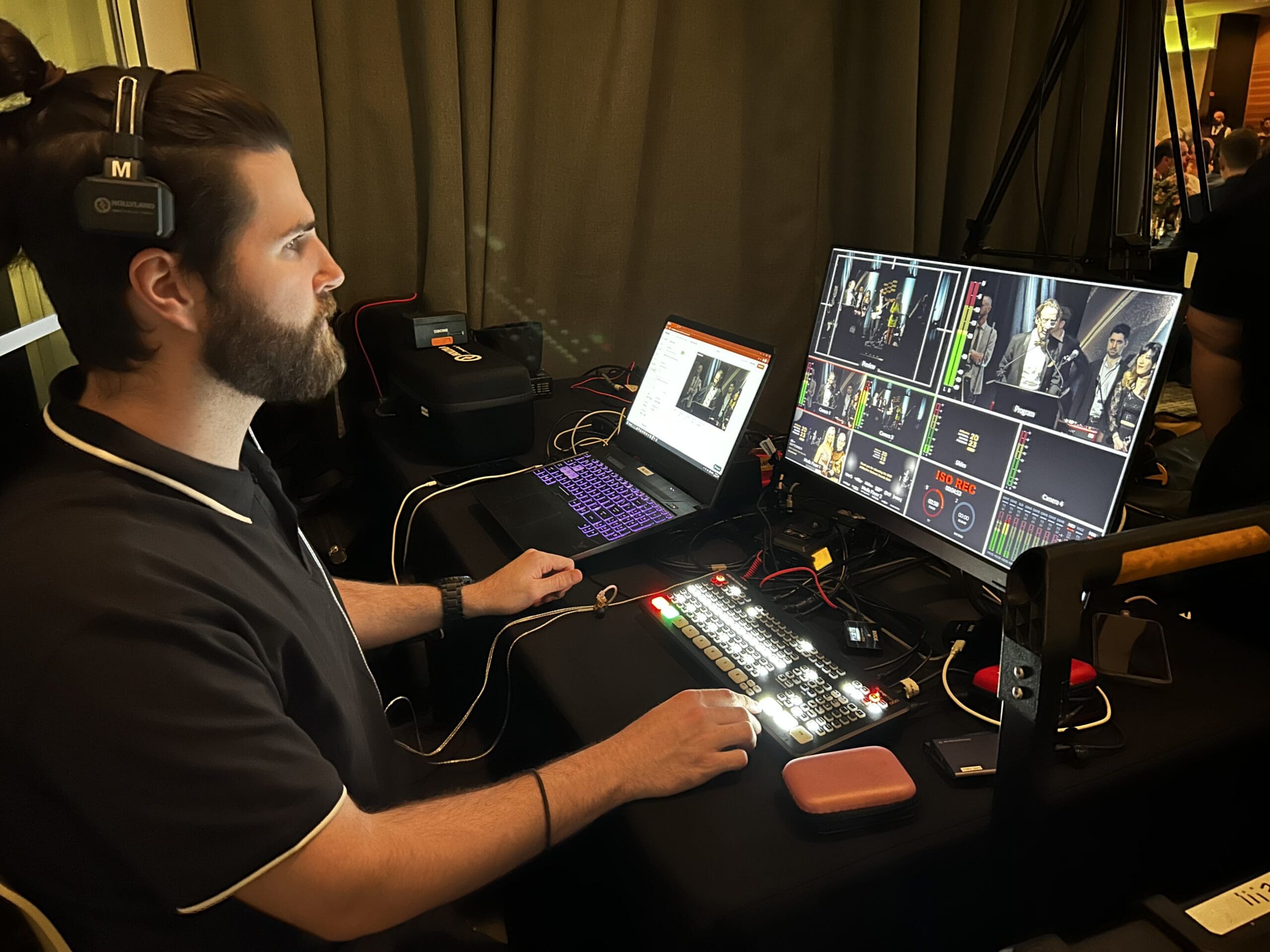
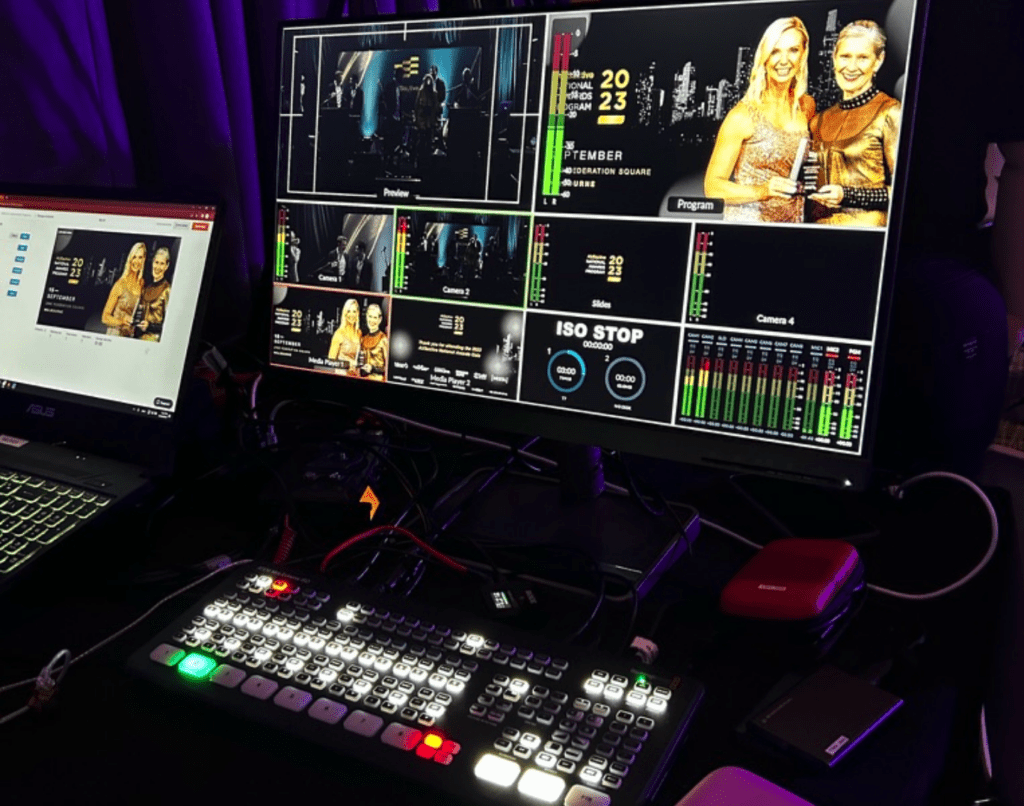
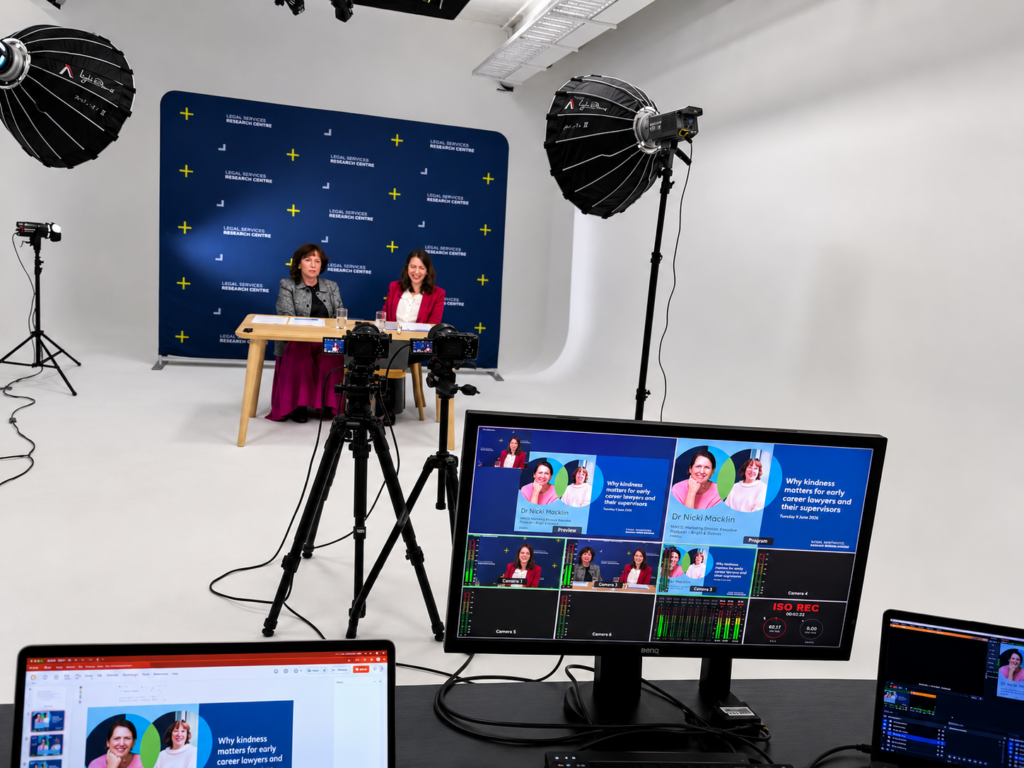
Live video offers a different experience. Good audio, multiple camera angles, thoughtful lighting, and a structured format help the audience follow the message.
Live streaming can also help leadership teams communicate more effectively. A live stream lets leaders speak directly to staff, answer questions in real time, and respond openly to concerns. It feels more personal and more immediate than a written announcement. Interactive elements such as moderated questions, polls, and audience participation help employees feel involved rather than simply receiving information.
Accessibility is another advantage. Captions, transcripts, and translated versions make it easier for distributed teams to access the information regardless of location, language, or time zone.
How Production Quality Affects the Result
Live video has one important characteristic that makes it different from most other forms of content. There are no second takes. If something goes wrong during a live stream, the audience sees it immediately. Poor audio, unstable internet connections, presentation issues, or awkward transitions can quickly distract viewers from the message. This is one reason many organisations choose to work with an experienced production team.
Internet connections are tested, audio is monitored, backup systems are prepared, and technical rehearsals are conducted before the event begins. Most of this work is invisible to the audience, but it plays an important role in helping the event run smoothly. You can learn more about the preparation involved in our article on what happens before a professional live stream goes live.
A Month of Content From One Live Stream
A well-planned live stream can support weeks of content, with time allowed for editing and approvals. The event itself becomes the starting point. The full recording can be published afterwards with chapters and a transcript. Key moments can be turned into short clips. Questions and answers can be turned into articles or FAQs. Internal summaries can be distributed to staff. Insights can be shared across social media, newsletters, and websites.
Scope the follow-up edits before the event. Reusing the recording can save filming time, but each new version still needs editing, captions, factual checks and approval.
Why Use Live Video?
Use a live format when people need to hear an update together or ask questions as it happens. If you are already running a town hall, webinar, launch or industry discussion, list the follow-up videos and articles you need before planning the broadcast. That list will help determine what to record, who needs to approve it and how much editing time to allow.
If you’re planning an upcoming live stream, webinar, or town hall, learn more about our Live Streaming Melbourne services and how we support organisations across Melbourne and Australia.
Browse our live streaming planning guides for related advice.

Ryan Spanger is the founder and managing director of Dream Engine, a Melbourne video production company established in 2002. Over the past two decades, he’s produced hundreds of videos for businesses, government departments, universities and healthcare organisations across Australia. Ryan specialises in helping organisations explain complex ideas through clear, engaging video content, with particular experience in corporate communications, training and education.