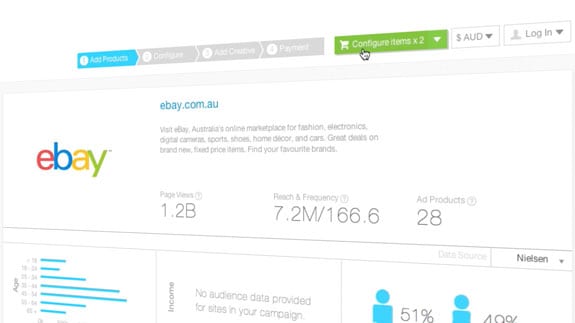
Is training and support an important area of your business that your company invests a lot of time and resources into? If so, using screen capture tutorial videos will help you to explain complex information to your staff or clients in a simple, clear, and conversational way. It will help you:
- Improve your user experience
- Save time and money on customer support
- help you educate your staff
What are Screen Capture Videos?
Dream Engine has produced a number of screen capture videos for a wide range of clients. Popular uses of these videos include:
- Introducing your audience to a new website design or layout
- Training employees in a new system or process
- Quickly and effectively showing new users how a program or app works.
By producing screen capture videos, our clients are:
- Improving their user experience.
- Reducing the level of live customer support they need to provide
Because these videos are available online, their users can:
- Access helpful and clear information anytime, anywhere.
- Training and engaging their customers and staff.
Why should I use screen capture videos?
One reason that these videos are becoming so popular is that they give an authentic look at how a system, website, or program operates. It is not a written step-by-step guide that may omit some important information or rely on the users to work out some of the details themselves. It shows precisely what they will see when they start using the computer themselves.
At Dream Engine, we use our video production expertise to make our clients’ screen capture videos highly engaging. We use professional programs to capture the footage and add flair to the editing, incorporating 3d movement, animated text, and graphics, depending on the project. We also source and commission professional voiceovers for our clients to ensure the video sounds as crisp as it looks. Here are a few examples of our screen capture videos in action for our clients:
Case Study #1: Step-by-Step Tutorial
When Melbourne-based media advertising agency Adslot needed to show new users how to use their advertising purchasing system, they chose screen capture video. Using 3d camera movements, digital zooms and on-screen text, Adslot’s video was the perfect way to introduce new users to their system, because the information they needed to show was displayed clearly. It was also incredibly punchy; by running just over four minutes, it conveyed a lot of information in a reasonable time. Your audience is more likely to engage with a short video than with a lengthy document.
Case Study #2: Western Sydney University
For Western Sydney University, we produced a short screen capture video to guide online students through logging in and accessing the university’s ebook library. The video used clear on-screen walkthroughs and simple visual cues to guide students through each step, so they could follow the process without needing extra explanation.
The result was fewer confused users and fewer support requests. Instead of long written instructions or repeated emails, the university had a single video they could point students to, making it easier for people to get access quickly and get on with their study.
Case Study #3: Introduction to Deakin Uni Website
When Deakin University wanted to make the online application process clearer for prospective students, we created a screen-capture video that walked viewers through the system step by step. Rather than relying on written instructions alone, the video showed exactly what applicants would see on their screens, guiding them through each stage of the process. This practical walkthrough gave students the confidence to complete their applications without confusion, making the whole experience faster and easier.
Case Study #4: Product Update Videos for Pronto Software
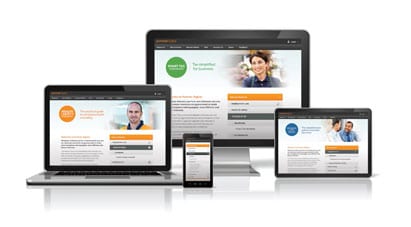
Pronto Software is an Australian-based enterprise software company that develops ERP solutions for organisations across manufacturing, distribution, retail, and service industries. For the release of their latest software version, Pronto Software partnered with Dream Engine to produce a series of update videos that clearly explained new features to their user base.
We worked closely with Pronto’s product team to script and film product managers speaking on-camera, combined with high-quality screen capture and tailored onscreen animation to visually demonstrate key changes. The result was a set of engaging, easy-to-follow videos that helped Pronto users quickly understand the enhancements and get the most from the upgrade, reducing support queries and boosting adoption of new functionality.
Next Steps
If you’re planning a software update, rollout, or new feature release, screen capture videos are one of the simplest ways to communicate clearly at scale. Done properly, they become a practical support tool you can reuse across onboarding, help content, and customer communications.
For help creating an effective screen capture video for your company, contact Dream Engine today.
Screen Capture Videos – Frequently Asked Questions
What are screen capture tutorial videos?
Screen capture videos record what happens on a computer screen and explain it step by step using narration, on-screen text, and graphics. They are commonly used for training, onboarding, software walkthroughs, and customer support.
When should a business use screen capture videos?
Screen capture videos are ideal when you need to explain a system, website, or process clearly and consistently. They work especially well for internal training, customer onboarding, product tutorials, and reducing repetitive support queries.
How long should a screen capture video be?
Most effective screen capture videos run between 60 seconds and four minutes. Shorter videos that answer one specific question are easier to watch, easier to reuse, and easier to find when someone needs help later.
Are screen capture videos better than written documentation?
In many cases, yes. Screen capture videos show users exactly what they will see and do, which removes guesswork. They are often faster to understand than written guides and help users retain information more effectively.
Do screen capture videos need professional production?
For internal or customer-facing use, professional production makes a significant difference. Clear audio, well-paced editing, readable text, and thoughtful graphics all improve comprehension and reflect well on your organisation.
Can screen capture videos reduce support and training costs?
Yes. By answering common questions clearly and consistently, screen capture videos reduce the need for live support and repeated training sessions. They allow staff and customers to help themselves, anytime they need.
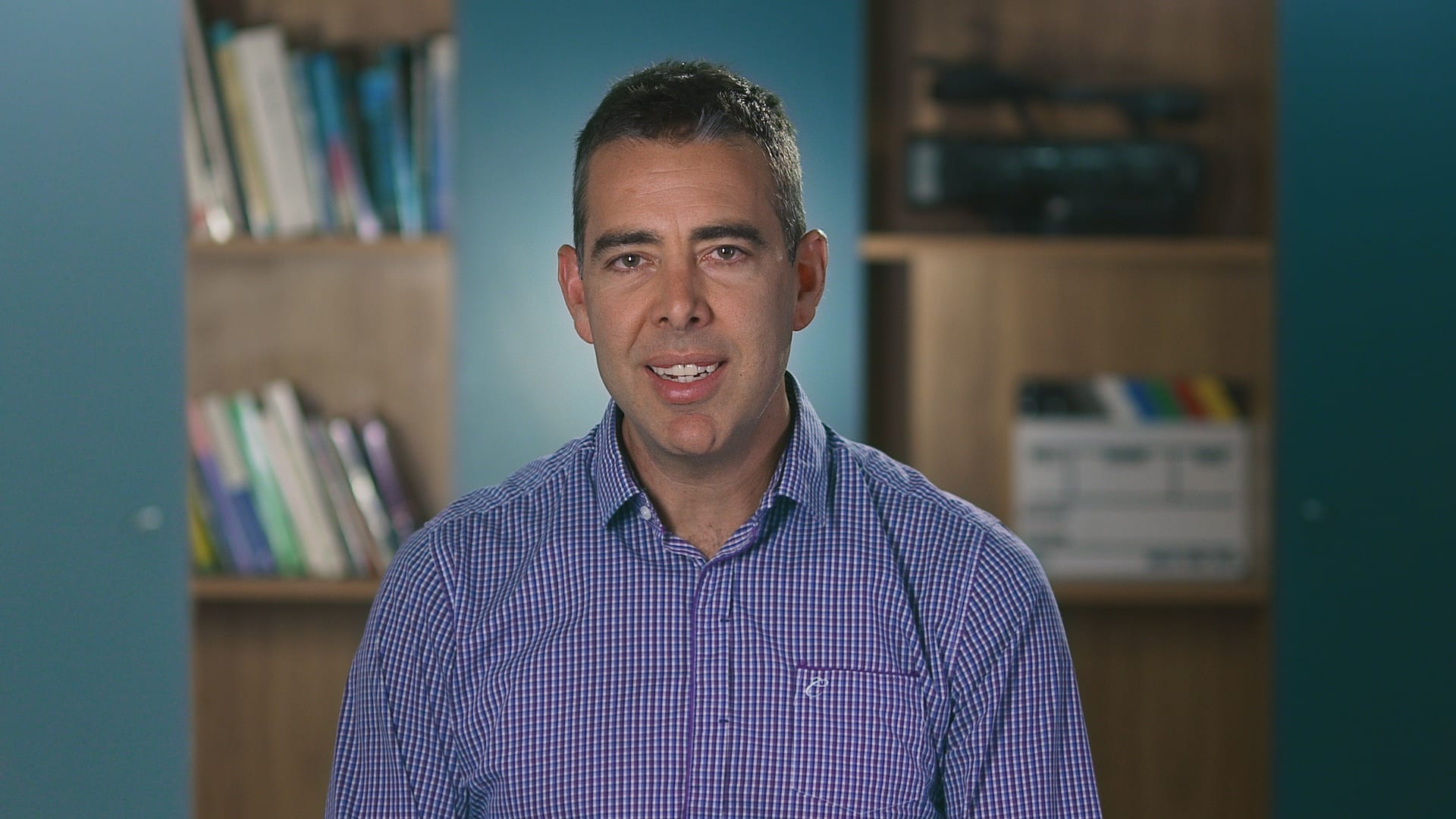
Ryan Spanger is the founder and managing director of Dream Engine, a Melbourne-based video production company established in 2002. With more than two decades of experience, Ryan has helped leading Australian businesses, government departments, and non-profits communicate their message with clarity and impact through video. He’s known for his strategic approach, reliable process, and commitment to producing videos that deliver measurable results.