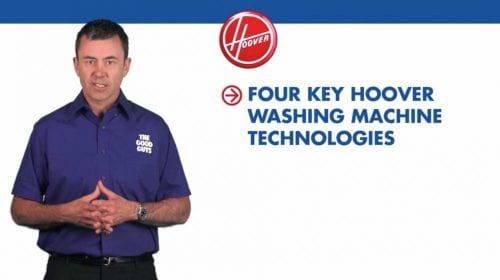
Most people have sat through training videos that felt slow, outdated, or hard to follow. The problem is usually not the subject matter. It is the way the information has been structured and delivered.
Good training videos are practical. They help people understand a process, follow the right steps, and return to the information later when they need a reminder.
This guide covers practical ways to plan and create staff training videos that are clear, useful, and easier for your team to apply.
Start With the Task, Not the Introduction
A common mistake is spending too long explaining why the training matters before showing people what they need to do. Most staff already understand that training is required. What they need is clear guidance on the task, process, or behaviour being taught.
Start by identifying the specific action the viewer needs to take after watching the video. Then build the content around that action.
Keep Each Video Focused
Training videos work best when each module covers one clear topic. A short video on one task is easier to watch, easier to remember, and easier to revisit later.
If the topic is complex, break it into several shorter modules. This helps staff find the exact section they need without searching through a long video.
Show the Process Clearly
Training videos are useful because they can show people what to do, rather than relying only on written instructions. This is especially helpful for physical tasks, software systems, safety procedures, equipment use, and workplace processes.
Use clear shots, close-ups, screen recordings, labels, or simple graphics where needed. The viewer should be able to follow the process without guessing what is happening.

Use Plain Language
Training content should sound like it was written for the people who will actually use it. Avoid long explanations, internal jargon, and formal language that makes simple steps harder to understand.
A useful test is to read the script aloud. If it sounds stiff, complicated, or unnatural, simplify it before filming.
Plan for How Staff Will Use the Video
Before production starts, think about where the video will be watched. A video used during induction may need a different structure from a short refresher module inside an LMS, intranet, or SharePoint library.
Also consider whether staff will watch with sound, whether captions are needed, and whether the video should be split into chapters or separate files.
Make Review and Updates Easier
Workplace processes change. Training videos are easier to manage over time when they are planned with updates in mind.
Avoid locking too much changeable information into voice-over if it may need regular revision. Keep file names, module titles, and version control clear so the right video is used by the right team.
Practical Tips for Better Training Videos
- Focus each video on one task, process, or learning outcome.
- Keep introductions short and get to the useful information quickly.
- Use clear demonstrations, close-ups, captions, and on-screen prompts.
- Break longer topics into shorter modules that are easy to revisit.
- Test the video with staff before final delivery and listen to their questions.
- Plan for future updates if procedures, branding, or compliance requirements change.
When to Get Professional Help
Some training content can be created internally, especially simple screen recordings or quick updates for a small team. Professional production becomes more useful when the information needs to be clear, consistent, well-structured, and used across a larger organisation.
If you are planning workplace training, onboarding, compliance, safety, or systems videos, you can learn more about Dream Engine’s training video production services.
Training Video Production – Frequently Asked Questions
What makes a good training video?
A good training video has a clear purpose, simple structure, plain language, and visual examples that show the task being performed. It should help the viewer understand what to do and how to do it correctly.
How long should a training video be?
Short modules usually work best. Aim for two to five minutes where possible, and split larger topics into separate sections so staff can return to the exact information they need.
Should we script a training video?
A script or detailed outline is usually helpful. It keeps the information clear, reduces repetition, and makes sure important safety, compliance, or process details are included.
Who should appear in a staff training video?
Subject matter experts, team leaders, trainers, or experienced staff can all work well. The right person is usually someone who understands the process and can explain it clearly.
How do you keep staff engaged during training videos?
Get to the useful information quickly, show the task clearly, keep each module focused, and remove unnecessary detail. Captions, close-ups, screen recordings, and visual prompts can also help staff follow the content.
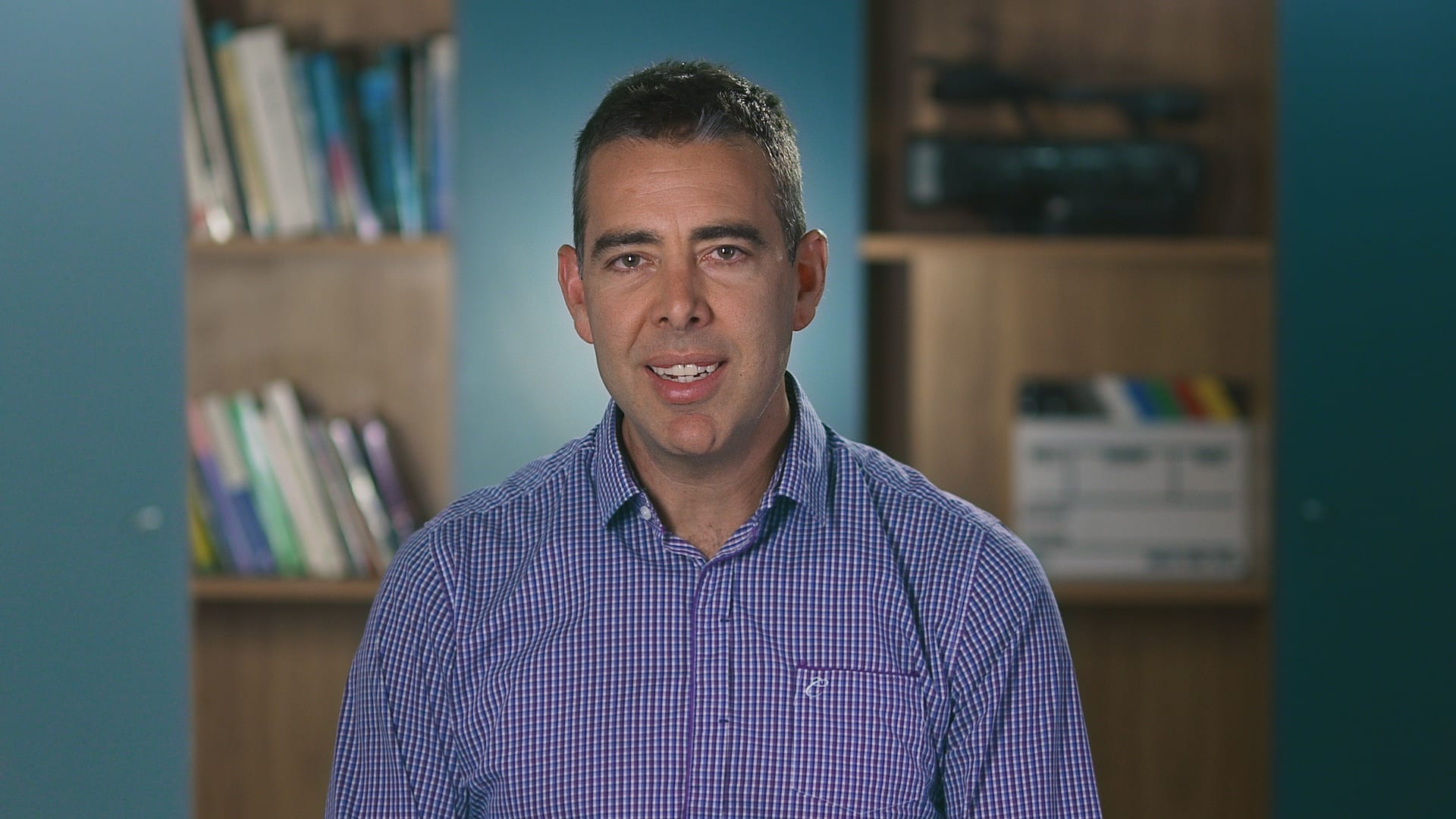
Ryan Spanger is the founder and managing director of Dream Engine, a Melbourne-based video production company established in 2002. With more than two decades of experience, Ryan has helped leading Australian businesses, government departments, and non-profits communicate their message with clarity and impact through video. He’s known for his strategic approach, reliable process, and commitment to producing videos that deliver measurable results.