In this guide
You can create a useful business video even when a crew cannot visit your workplace. Remote interviews, existing footage, animation and studio filming offer different ways to work around access, travel and scheduling constraints. Choose the approach according to what the audience needs to see and hear.
The video below introduces the options. The guide explains where each approach fits, what to prepare and when some on-site filming is still worth considering.
On-site filming, when it makes sense
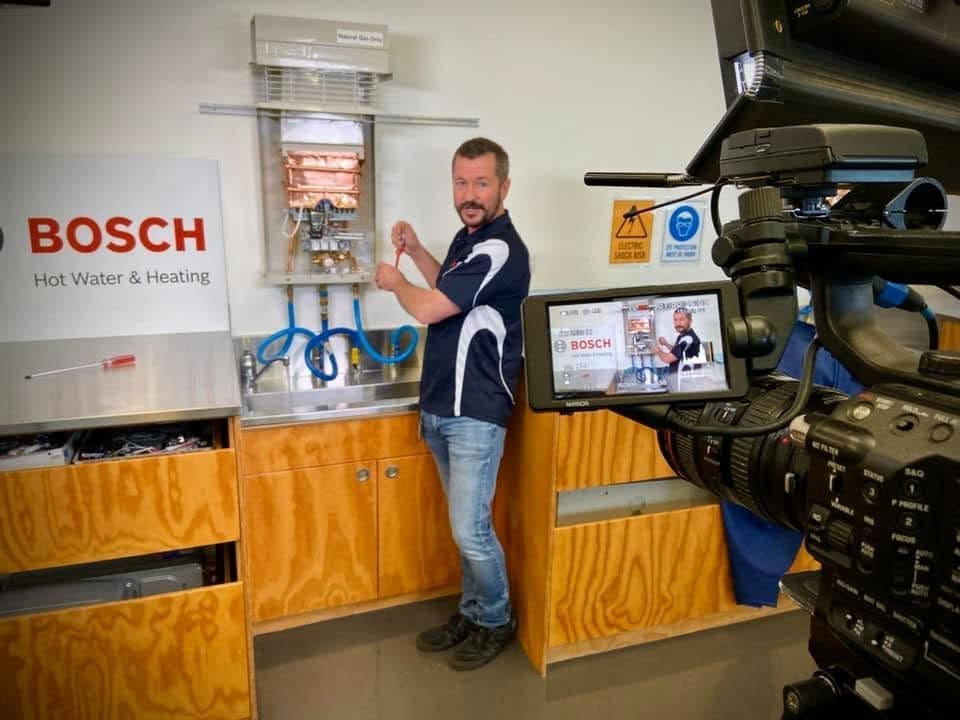
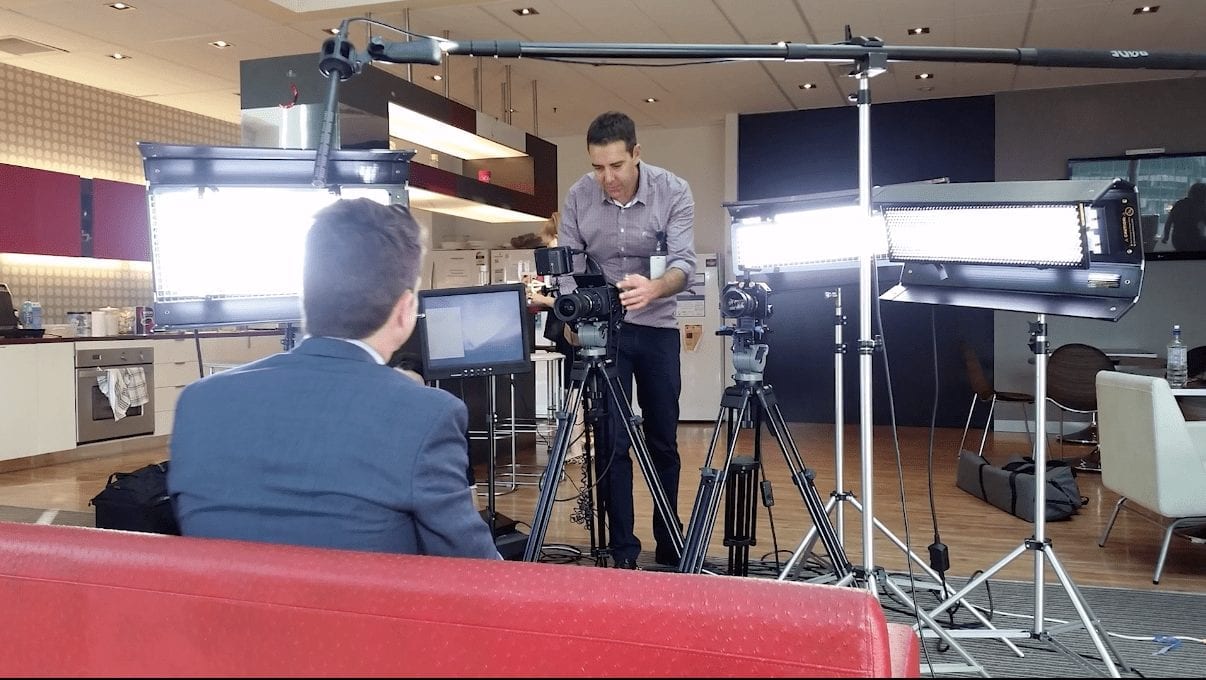
Some messages need viewers to see your people, workplace or equipment. A crew can help presenters feel comfortable, control the lighting and sound, and film the activity that supports what they are saying. Leadership messages, major announcements and brand videos can all benefit from that attention.
Our camera operators work with small, efficient crews and plan shoots around the location and available time. A short, focused shoot may be enough to capture the material you cannot record remotely, with planning and editing handled off site.
Remote video production
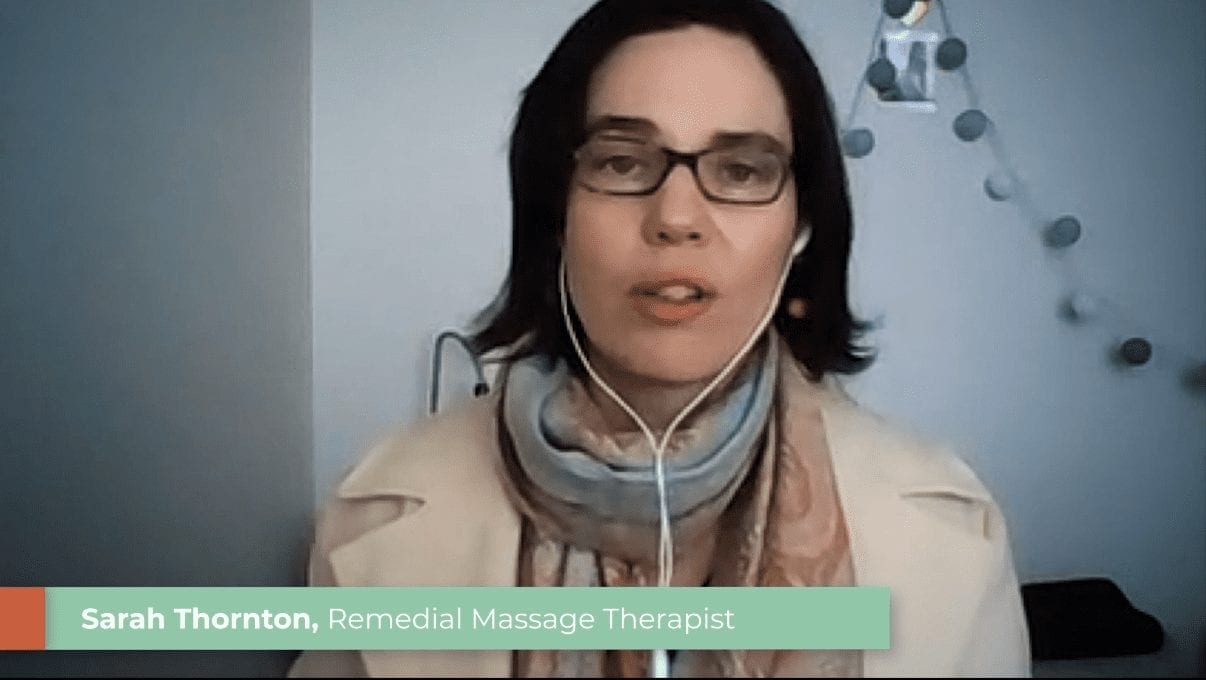
Remote video production suits interviews, internal updates, thought leadership and training that can be explained by a presenter at their desk. We direct the session in real time and help with framing, lighting, audio and delivery.
Where the participant’s device and IT settings allow, local browser recording captures a file separately from the live call. Zoom or Teams can be a fallback. We discuss the expected picture and sound quality, then edit the recording for its intended use.
Before recording: Test the actual device, microphone and connection you will use. Find a quiet room, put the camera at eye level and face a window or other soft light. A short test recording helps identify echo, background noise and framing problems before the interview.
Repurposing existing content
Interviews, presentations and event footage can often become short social clips, internal updates, website videos or thought leadership content. Start with the audience and message for the new video, then review what the existing material can support.
Check that the information is still current and that you have permission to reuse the footage, music and other assets. Original files usually give an editor more flexibility than a compressed download. A new edit can save filming time, but it still needs planning, editing and approval.
Live streaming and hybrid events
Live streaming allows people to take part without travelling to the same room. Our Melbourne live streaming services support town halls, briefings, launches and hybrid events.
A fully remote event can bring speakers together from their own locations. A hybrid event may still need cameras, microphones and a crew at the venue. Plan how remote viewers will hear questions, see presentations and join the discussion, and test the connection before the event.
Animation and motion graphics
Animated content can explain systems, processes and ideas that are difficult to film. Diagrams, illustrated scenes and moving text can show what happens inside a product or turn a detailed explanation into a sequence viewers can follow.
Animation still needs a script, visual planning and review time. Agreeing on the message and style before animation begins helps avoid reworking finished scenes. For a closer look at the options, see our guide to using animation when filming isn’t practical.
AI video production
AI video production is an emerging service that offers another way to create scenes that would be difficult or impractical to film. We can combine AI-generated sequences with existing footage, animation, editing and sound to build a finished video. It can suit stylised visuals, concept-led stories and supporting scenes. A clear script, visual direction and careful review are still essential, particularly when the video needs to represent a real product, person or workplace accurately.
Product videos without on-site filming
Product videos can often be produced without visiting your location. Planning takes place remotely, and suitable products can be sent to our studio for filming. This works well for demonstrations, launches and website content.
Before sending anything, agree on the product’s size, handling requirements, features to demonstrate and return arrangements. If viewers need to see the product installed or used in a particular workplace, location filming or existing footage may be more useful.
Supporting in-house teams
If your team records video regularly, we can advise on camera setup, lighting, audio and on-screen delivery, then help with editing or finishing. A repeatable setup makes it easier to record updates without starting from scratch each time.
Agree on framing, recording settings and file handover before filming. Check a short sample first, particularly when several people are recording in different locations. Editing can improve a recording, but it cannot always repair distorted audio or an out-of-focus image.
Choosing an approach for your project
Start with who will watch the video, what they need to understand and where it will be used. Gather any footage, photographs, slides or brand assets you already have, and note the deadline and budget available.
You may need a combination: a remotely recorded interview, existing workplace footage and a short animated explanation. The right mix depends on what the viewer needs to see, the quality of the available material and the time needed to prepare and approve it.
You don’t need a finished script to start. If you want help choosing an approach for your organisation, get in touch with a brief outline of the project.

Ryan Spanger is the founder and managing director of Dream Engine, a Melbourne video production company established in 2002. Over the past two decades, he’s produced hundreds of videos for businesses, government departments, universities and healthcare organisations across Australia. Ryan specialises in helping organisations explain complex ideas through clear, engaging video content, with particular experience in corporate communications, training and education.