
Remote video production for businesses
Record interviews, training, testimonials and executive updates with people wherever they’re based. We help them get set up, direct the session and edit the recording into a finished video.
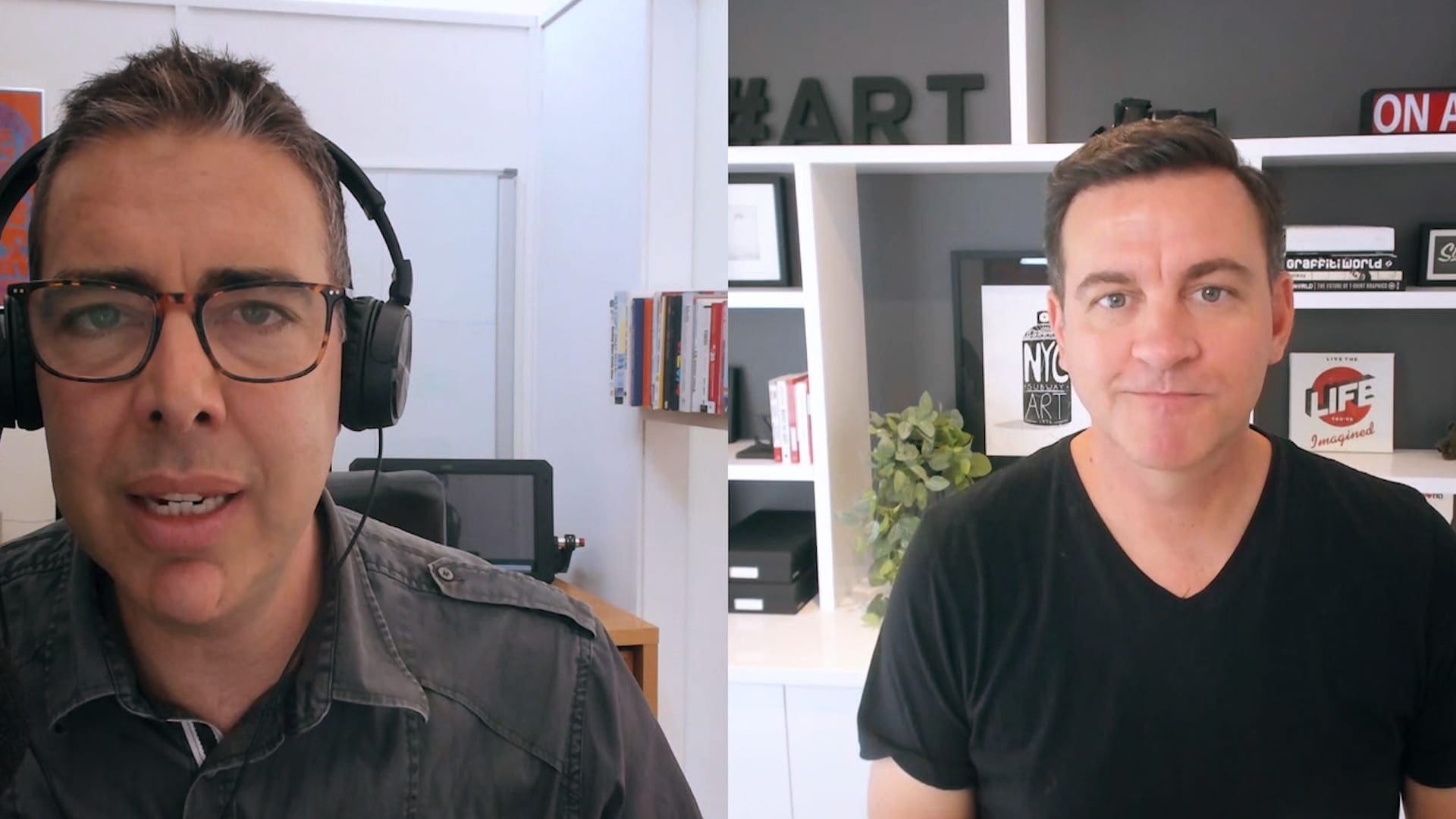
Filming from a distance
Filming people interstate or overseas
Sometimes the person you need on camera is interstate, overseas or simply unavailable for an on-site shoot.
We can record them at their own location, with a producer guiding the setup and directing the interview or presentation from our Melbourne studio.
That means you can hear from an expert, customer or colleague without organising travel for a camera crew.
The picture and sound depend on the participant’s setup. We have less control over the camera, room and lighting than we would on location. We’ll explain the quality you can expect and help you decide whether it suits your project.
How we help
A producer works with you before, during and after the recording. We prepare the questions or script, help the speaker on the day and edit the material for its intended audience.
Someone to guide the session
We guide the participant, ask the interview questions or work through the script, and make practical adjustments to framing, light, background and delivery.
Record on the participant’s device
Where their device and IT settings allow, we record through a browser directly onto the participant’s device. This keeps the recording quality from being limited by the live call.
An edit built around the story
We select the strongest answers, remove repetition and add the agreed graphics, captions, music and supporting footage.
Ready to watch and share
You receive an edited video to publish or share. Live webinars, broadcasts and watching an on-site shoot remotely need a different setup, which we can discuss separately.
Where it works well
What you can record
Interviews, presentations and updates work well because viewers mainly need to hear from the speaker. If you need to show a workplace, demonstrate a physical task or film several angles, a crew will usually be a better choice.
A clear update from a leader who is travelling or based in another office.
Specialist knowledge from a person who cannot attend an on-site shoot.
Hear from a customer without asking them to travel or host a crew.
Support a presenter’s explanation with slides, screen recordings and graphics in a training video.
Short, timely messages for staff across different offices or regions.
Several contributors recorded separately, then brought together in one edit.
From planning to the finished video
Some speakers need a short setup check; others benefit from a rehearsal or extra equipment. We work out what’s needed and test the room and device before recording day.
Work out who the video is for
We talk through what you want to say, who will appear and where you’ll use the video. Then we plan the questions, script and any supporting material.
Review the participant’s setup
We check their device, browser, internet connection, room, background, camera and microphone, along with any security or IT restrictions.
Set up the shot and sound
We adjust framing, position the participant near suitable light, reduce room noise and simplify the background. Where practical, we can arrange a small microphone or light.
Direct the session
We help the participant settle in, guide the interview or presentation and allow time for retakes. We monitor the picture, sound and recording throughout.
Confirm the files have uploaded
With local browser recording, the participant stays online until the high-quality files have finished uploading. We check the material before the session is closed.
Build the finished video
We shape the edit and add the agreed graphics, captions, music and supporting footage. We also prepare versions for the places you’ll share it.
We check the setup before recording day. This gives us time to resolve device, browser, room and internet issues so the participant can concentrate on what they want to say.
The participant’s setup
Simple changes make a noticeable difference
We start with the basics: a quiet room, a steady camera at eye level and soft light in front of the speaker. We’ll help the participant find a suitable spot and check the picture and sound with the device they’ll use.
We talk them through each adjustment. If a separate microphone or small light would help, we can discuss sending equipment or arranging someone locally to assist.
Room: quiet, private and not too echoey
Background: clean, relevant and free of distractions
Camera: stable and close to eye level
Light: soft and in front of the face
Sound: a suitable microphone close to the speaker
Connection: reliable internet and time for the upload
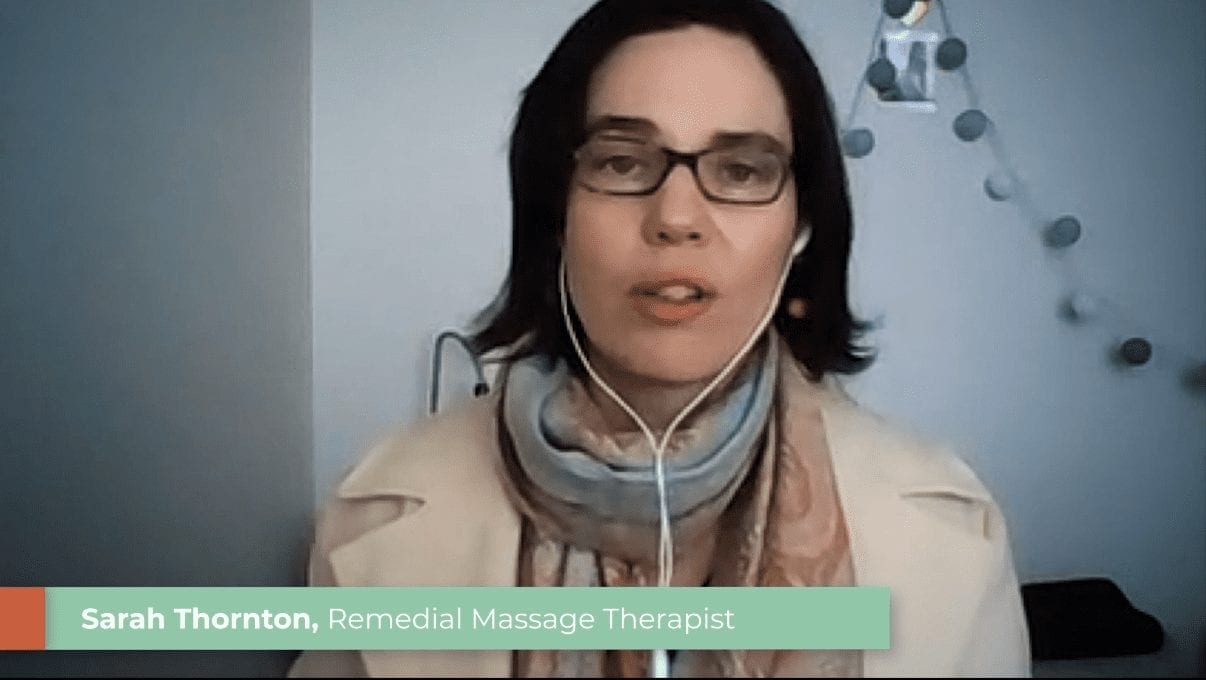
Choose the right production method
Remote or on-site?
The choice depends on who you need to film, what viewers need to see and how much control you need over the picture and sound.
Professional cameras, lenses, lighting and microphones with direct control of the room.
Limited by the participant’s device and location, improved through planning and local recording.
A crew can film interviews, supporting footage, demonstrations, movement and multiple angles.
Works well for someone speaking, screen recordings and supplied footage. Options for filming physical activity are limited.
Requires a crew to travel to the location and enough time and space to set up.
Can include people across Australia or overseas without sending a crew to each location.
Brand films, polished interviews, detailed demonstrations and videos where viewers need to see the location.
Expert interviews, testimonials, updates and training when geography or access is the main constraint.
For a company video that needs to show your people, premises and work, we’ll usually recommend filming on site. A remote interview can also be combined with footage filmed by a crew.
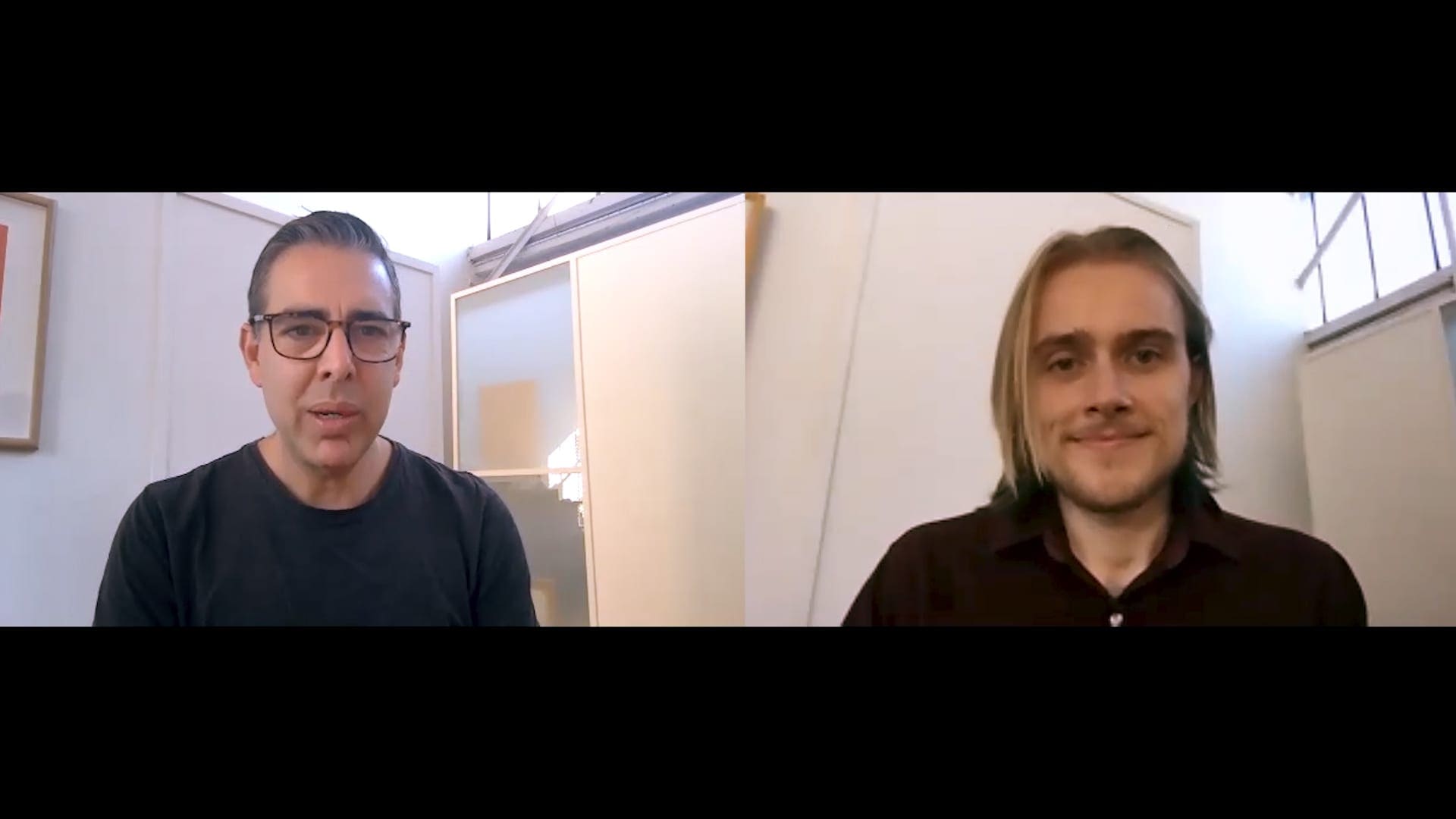
Helping people on camera
Give the speaker time to settle in
We check the setup, explain what will happen and start with a conversation. Once the participant is comfortable, it’s easier for them to concentrate on their answers.
We listen for answers that make sense to someone hearing the subject for the first time, and ask follow-up questions when a point needs more detail. If an answer feels rushed or uncertain, we slow down and try again.
Technical guidance
Interview questions
Time for retakes
Natural delivery
File monitoring
Support throughout the session
Planning and costs
What’s included?
We quote each project according to the preparation, recording and editing involved. One executive message may need a short setup check, recording session and edit. A training series with several presenters may also need scripts, rehearsals, equipment delivery and graphics.
Audience, messages, participants, schedule, locations and final uses.
Device, browser, internet, room, framing, lighting, sound and IT access.
Practical support that helps people feel comfortable and communicate clearly.
A recording method that works with the participant’s device and your IT requirements.
Story edit, graphics, captions, music, colour, sound and review rounds.
The main video, shorter edits, captions and file formats agreed in the brief.
Send anyone taking part our guide to getting ready for a remote recording.
Common questions
Before we record
What is remote video production?
Remote video production records a person at their own location while Dream Engine directs the session from elsewhere. We help set up the shot, guide the interview or presentation, capture the recording and turn it into a finished video.
Will it look as good as filming with an on-site crew?
Not usually. An on-site crew gives us more control over cameras, lighting, sound and the room. Remote production is a practical choice when access, travel, timing or budget makes an on-site shoot difficult, and we are clear about the quality you can expect before proceeding.
What equipment does the person being recorded need?
At minimum, they need a suitable computer or phone, a reliable internet connection, a quiet room and a reasonable camera and microphone. We check the setup before recording and can arrange extra equipment when the project and location make that worthwhile.
Do you just record a Zoom or Teams call?
Not as our first choice. Where the participant’s device and IT settings allow it, we use a browser-based platform that records locally and uploads a higher-quality file after the session. Zoom or Teams can be a useful fallback, but we discuss the quality difference first.
Can you record someone interstate or overseas?
Yes. We check their time zone, internet access, device and IT requirements before booking the session, and allow for equipment delivery if needed.
What happens if the internet connection drops?
Local recording can continue through a brief connection problem on supported platforms, although we still need the participant to stay online and complete the upload. We also allow time for technical checks and keep a fallback plan for important sessions.
What files and edits will we receive?
We agree what you’ll receive before recording. This can include a main video, shorter edits, captions, graphics, music, supplied footage and versions sized for different channels.
Have someone in mind to film?
Tell us who you’d like to record, where they’re based and what the video is for. We’ll talk through the options and recommend an approach.

Ryan Spanger is the founder and managing director of Dream Engine, a Melbourne video production company established in 2002. Over the past two decades, he’s produced hundreds of videos for businesses, government departments, universities and healthcare organisations across Australia. Ryan specialises in helping organisations explain complex ideas through clear, engaging video content, with particular experience in corporate communications, training and education.

