At a glance
Dream Engine’s indicative live streaming budgets are AUD $2,000–$3,000 for a simple single-camera webcast, $3,000–$7,000 for a multi-camera stream with graphics and moderation, and $7,000–$10,000+ for a conference, hybrid event or larger broadcast, excluding GST. Each event is quoted individually. Check crew hours, rehearsal, venue AV, internet, recording and post-event editing before comparing quotes.
In this guide
If you’re planning a corporate event, conference, webinar or internal presentation, you’ll want to know how much to budget for live streaming. When choosing a live streaming company, you may find that quotes vary considerably, even for the same event.
This guide explains typical live streaming budgets, the main factors that affect the price, and what to check when comparing quotes.
Typical live streaming cost ranges
Dream Engine’s indicative budgets for business and corporate events are below. All prices are in Australian dollars (AUD), excluding GST. Each event is quoted to suit its requirements.
- Simple single-camera webcast or webinar: $2,000 to $3,000
- Multi-camera stream with graphics and audience moderation: $3,000 to $7,000
- Conference, hybrid event, or large-scale broadcast: $7,000 to $10,000+
A short internal update with one presenter may sit at the lower end of the range. A full-day conference with multiple presenters, slides and audience interaction will usually require a larger budget.
These ranges are a starting point, rather than fixed half-day or full-day packages. Check the crew booking and whether venue AV, internet provision, recordings and post-event editing are included in your quote.
Why live streaming quotes can vary so much
Equipment is only one part of the budget. You’re also paying for the people and preparation needed to run the event.
Crew numbers, rehearsal time and backup arrangements can all affect the price. Much of the work happens before the audience joins: testing presentations, checking the venue connection and rehearsing speaker handovers. Our article on what happens before a live stream explains this preparation in more detail.
The 5 biggest factors that affect live streaming pricing
1. Event duration
The length of the event affects crew time, but the broadcast is only part of the booking. A one-hour leadership update still needs setup, testing and pack-down. A full-day conference also requires the crew to manage multiple sessions throughout the day.
Check whether each quote covers a half-day, full day or several days, and whether setup, rehearsal and pack-down fit within the booked hours.
2. Number of presenters and speakers
An event with a single presenter is relatively straightforward. Costs generally increase when multiple presenters, panel discussions, audience questions, remote guests, or moderator involvement are introduced.
Depending on the format, this may mean extra microphones or cameras, presenter briefings, slide management or more rehearsal time.
3. Number of locations
Most live streams are delivered from a single venue. Costs can increase significantly when multiple locations need to be connected together, when presenters are joining remotely from different offices, or when content needs to be integrated from several sources.
Remote presenters need a technical check before the event. This covers their internet connection, sound, lighting and camera position, as well as a chance to practise joining the session.
4. Graphics and presentation requirements
Some events require little more than a camera feed. Others require title graphics, on-screen speaker names, sponsor branding, presentation slides, videos, audience polls, and other visual elements.
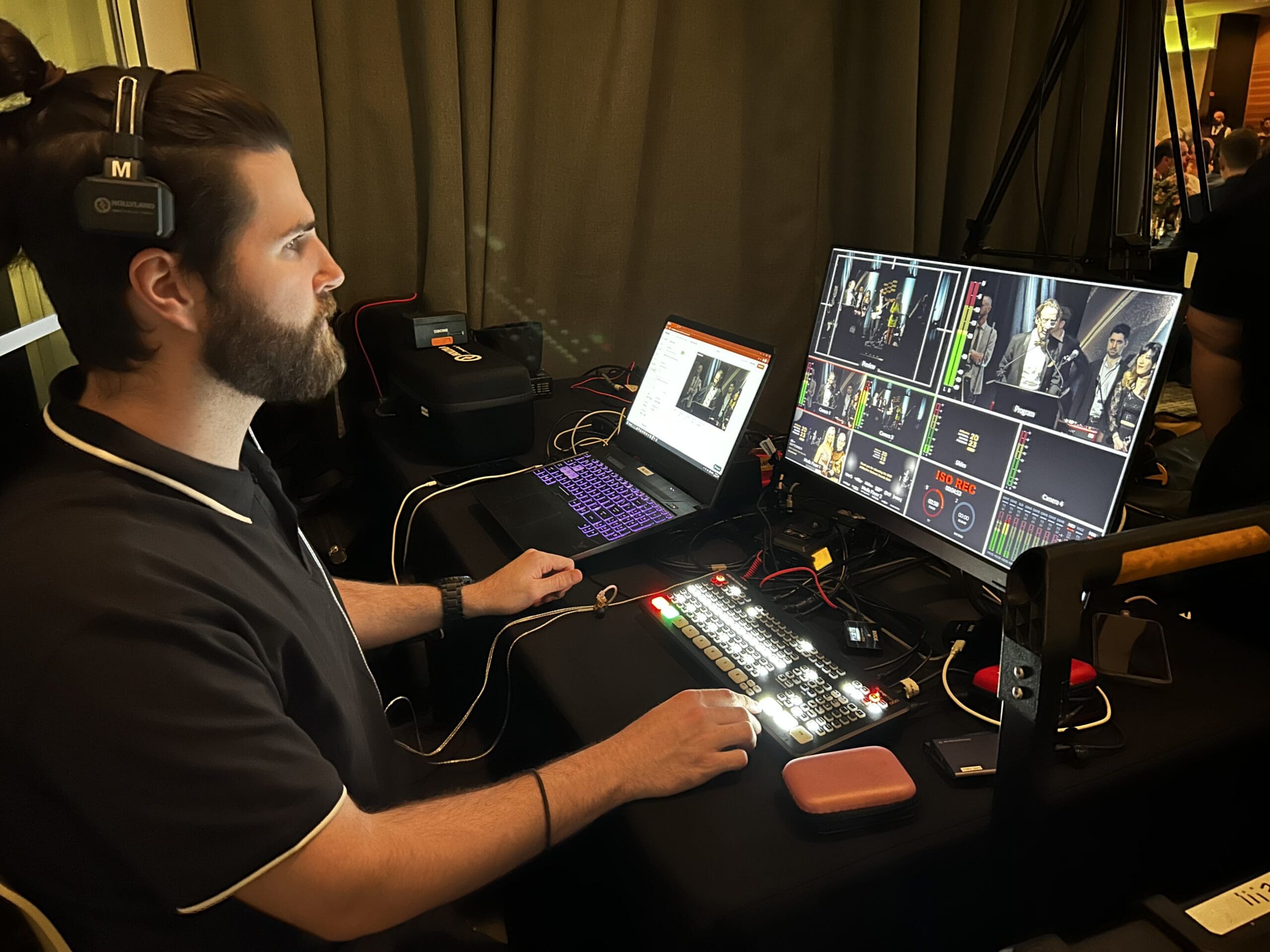
These additions need preparation and testing. During the event, someone needs to bring slides, speakers and videos on screen at the right time. Audience moderation may also be needed to manage online questions and comments.
5. Recording and post-event requirements
Many organisations want more than a live stream. They may also require a recording without on-screen graphics, edited presentations, social media clips, training modules, or on-demand access after the event.
These deliverables are often quoted separately. Let the production team know how you plan to use the footage afterwards so they can allow for the right recording setup and any editing.

How camera count affects your budget
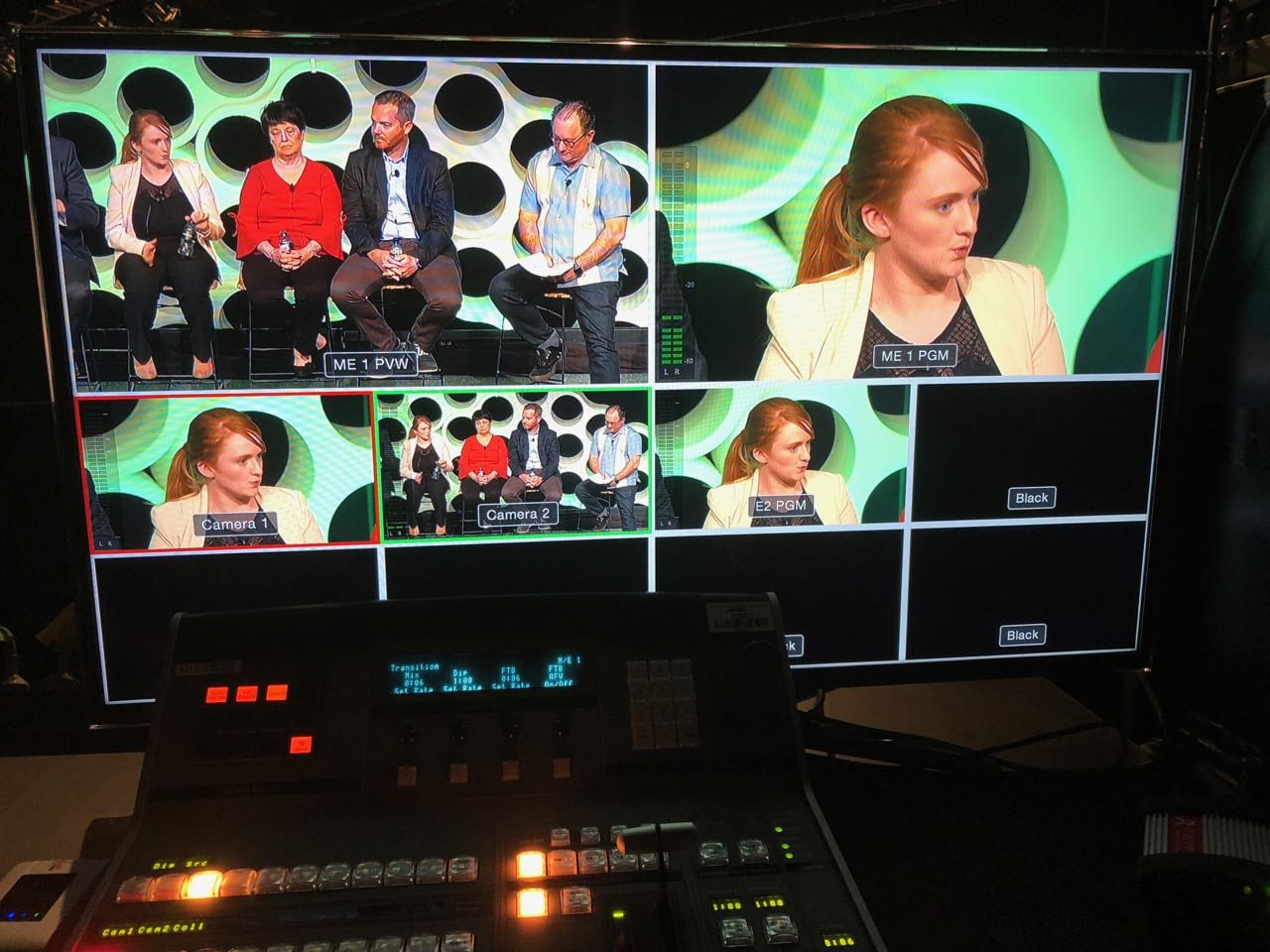
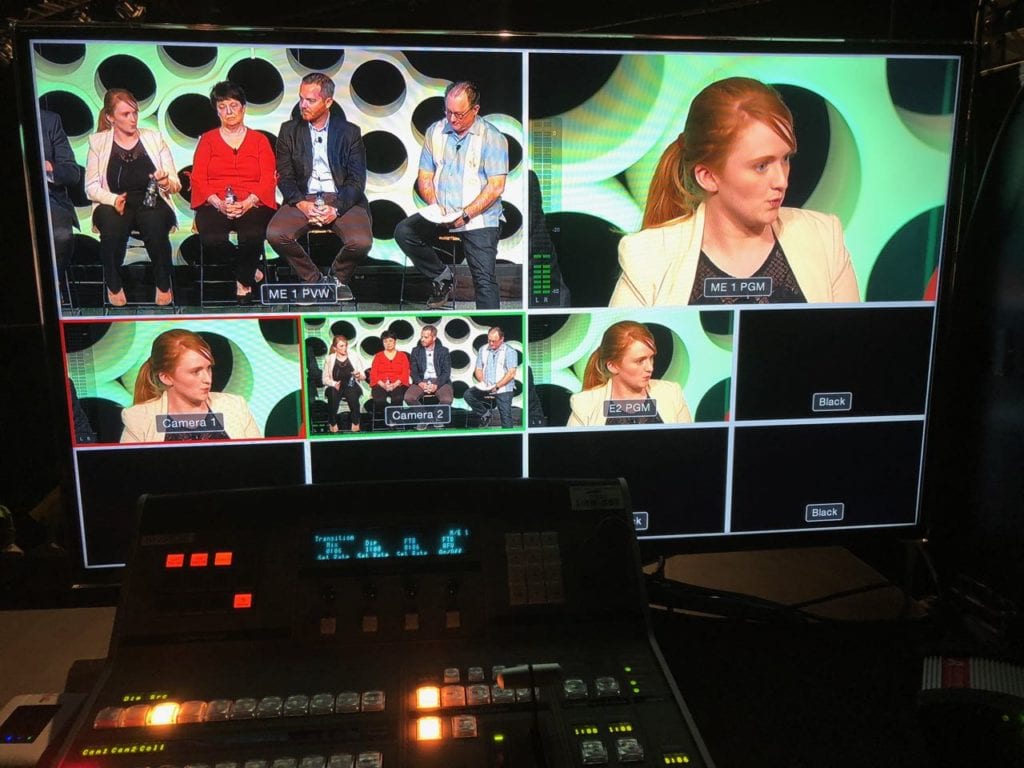
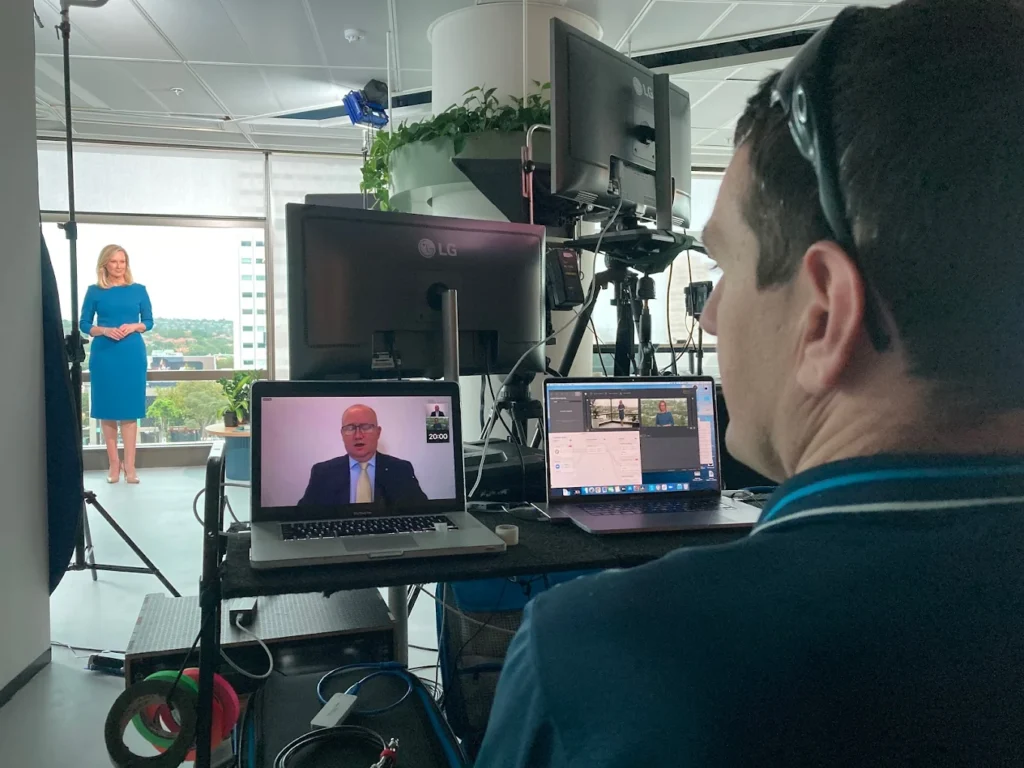
One of the most visible differences between quotes is the number of cameras included. A single-camera setup is usually the most economical option and can work well for straightforward presentations or internal communications.
Additional cameras can mean more operators, setup time and testing, depending on whether they are operated or fixed in position. Ask which camera angles your event needs and how changing the setup would affect the quote.
Why conference streaming budgets are usually higher
Conference budgets are typically higher because they involve longer run times, more presenters, additional audio requirements, venue coordination, audience interaction, presentation management, and increased staffing requirements.
Internal webinars are often delivered in controlled environments with predictable schedules and fewer variables.
What to check in your live streaming quote
Some services may be included in the production price or listed as optional extras. Check which of these your event needs:
- Technical rehearsals
- Backup internet connections
- A separate recording saved by the production team
- Additional audio support and venue AV
- Audience moderation
- Graphic creation
- Post-event editing
- Venue site visits
- Technical support before the event
- Travel and accommodation costs
You may not need every item. Ask the supplier to make the inclusions and any additional charges clear.
Setting a realistic budget for your event
Start with what viewers need to see and hear. A straightforward internal presentation may work well with one camera, while a panel discussion may need several angles and microphones.
Tell the supplier about any requirements that could affect the production, such as remote speakers, audience questions or a rehearsal with senior presenters. This helps them recommend a suitable setup and explain where your budget will go.
Questions to ask when comparing live streaming quotes
Use these questions to check that suppliers are allowing for the same work:
- How many crew members and booked hours are included?
- Is rehearsal or testing included?
- Will a recording of the event be provided?
- What backup systems are in place?
- Who manages audio during the event?
- Are graphics and branding included?
- What happens if the venue internet connection fails?
- Does the quote include travel costs?
- Are venue visits included?
- Is post-event editing included?
- Are streaming platform costs included?
- Is technical support available before the event?
Streaming platform costs can vary depending on the platform being used. Some platforms are free or included within existing subscriptions, while others involve licensing fees or event-specific charges. If you’re still deciding which platform is right for your event, our guide to choosing a livestream platform compares the most common options and where they work best.
Looking for a live streaming company?
See examples of our work and how we plan and run events on our Melbourne live streaming service page.
FAQ
Live streaming costs
Questions about budgets, inclusions and comparing production quotes.
How much should we budget for a live streamed event?
Dream Engine’s indicative budgets are $2,000 to $3,000 for a simple single-camera webcast or webinar, $3,000 to $7,000 for a multi-camera stream, and $7,000 to $10,000 or more for a conference, hybrid event or large-scale broadcast. All figures are in AUD, excluding GST. Your quote will depend on the event duration, crew and production requirements.
Why do live streaming quotes vary so much?
Quotes can allow for different crew numbers, rehearsal time, graphics, recordings and backup arrangements. Check the inclusions and booked hours before comparing prices.
What factors have the biggest impact on cost?
Event duration, number of presenters, camera count, venue complexity, graphics requirements, and post-event deliverables are typically the largest cost drivers.
How do I compare live streaming quotes?
Look beyond the headline price. Review what is included, what has been excluded, whether rehearsal is included, what backup measures exist, and whether recordings or post-production services are part of the proposal.
Planning a live streamed event?
Send us the date, venue, approximate running time and what you’d like viewers to see. We can talk through the production requirements and prepare a quote. You don’t need to have every detail worked out before getting in touch.
Browse our live streaming planning guides for related advice.

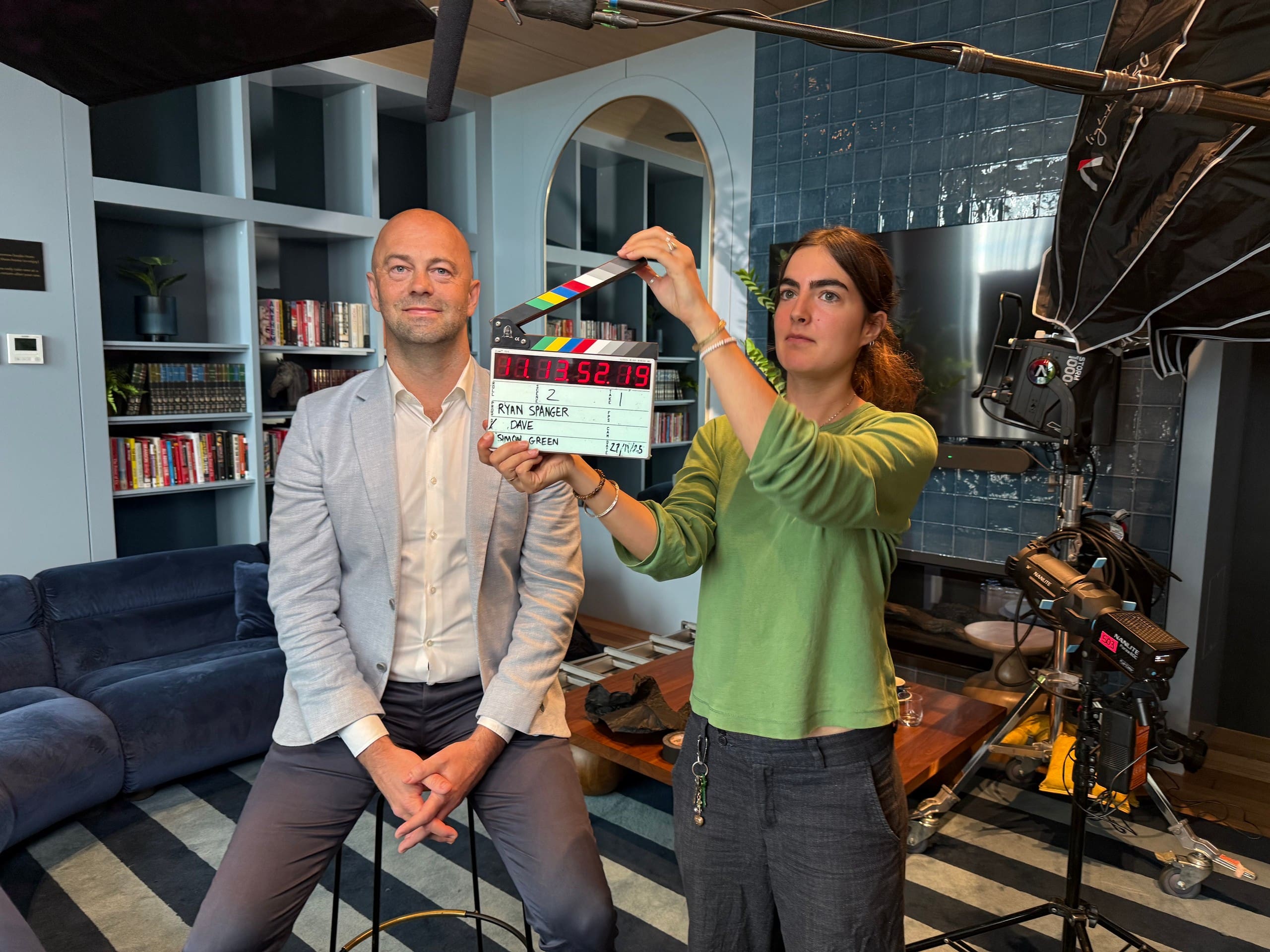
Ryan Spanger is the founder and managing director of Dream Engine, a Melbourne video production company established in 2002. Over the past two decades, he’s produced hundreds of videos for businesses, government departments, universities and healthcare organisations across Australia. Ryan specialises in helping organisations explain complex ideas through clear, engaging video content, with particular experience in corporate communications, training and education.