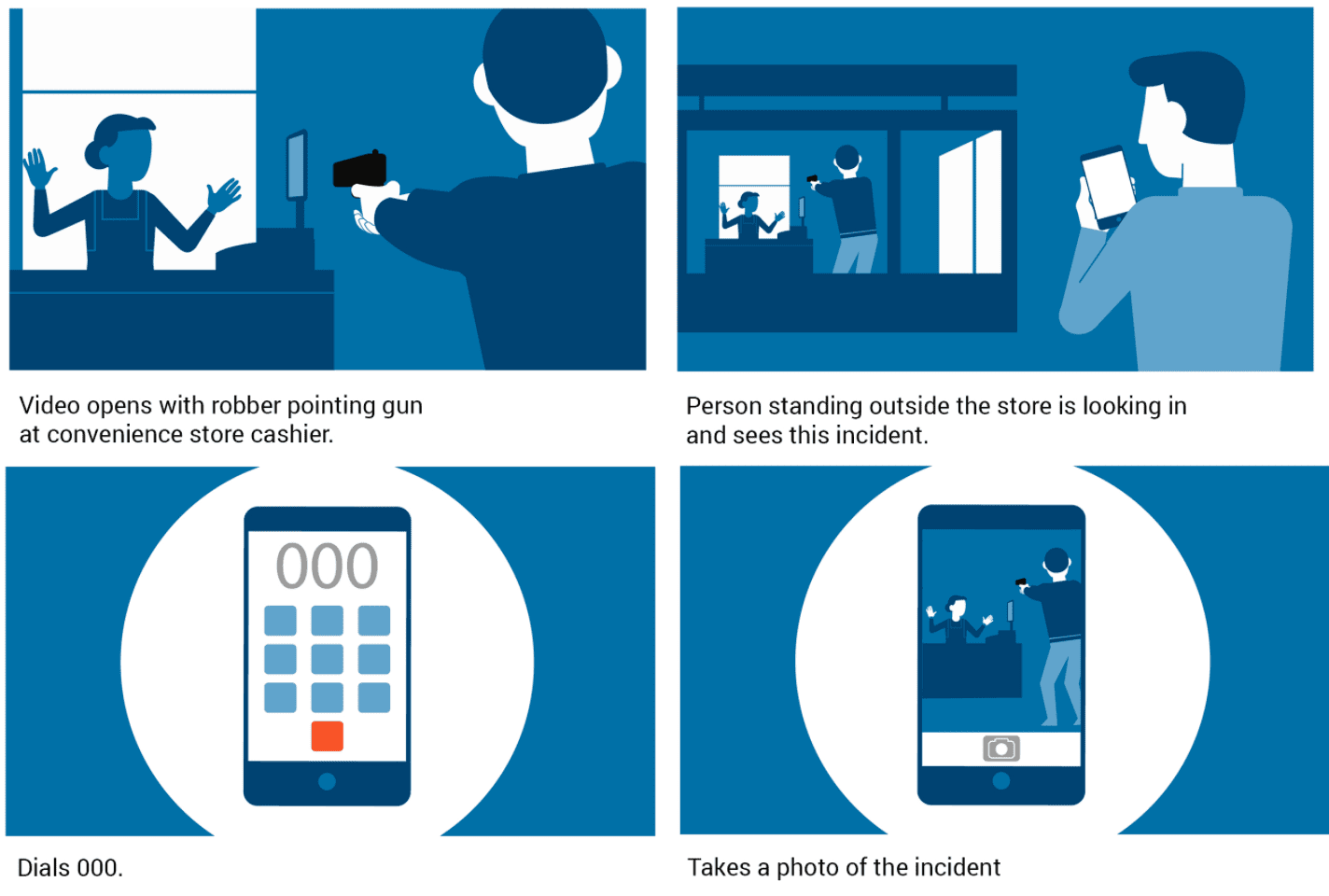
A short corporate explainer video can introduce what your business does and who it helps. You can make an animated explainer video, film a presenter or combine both approaches. To keep it under 90 seconds, choose one main message and give every line and shot a reason to be there.
An explainer can introduce a service, demonstrate a product or answer a customer question. Decide which job this video needs to do before writing the script.
These steps will help you plan the script, voice, visuals and music for a concise corporate explainer video. For an animated approach, also see what makes a good animated explainer.
Writing a Corporate Explainer Video
Start with the script to distil your ideas into a clear message. Work out what needs to be said and what the pictures can show. Remove repetition and details that belong in a longer guide.
The script should answer questions about who you are, what you do and how your service or product helps the intended customer.
Before drafting, describe what your business does in two or three sentences. Then ask:
Who is your audience?
What problems does your company solve?
Once you’ve answered these questions, you have the raw material for your script. As a starting point, aim for roughly 180 to 210 spoken words for a 90-second video, then read the script aloud and time it. Leave room for pauses, demonstrations and the final call to action. A detailed or reflective subject may need fewer words. You can write it out for a presenter, or if your business lends itself to a more visual approach, then you can bring in a voiceover.
Selecting a Voiceover
Choose a voice that suits the subject, audience and tone. Listen to sample reads of your own script where possible, rather than choosing on age or job title alone. A professional voice artist can offer different deliveries; a confident team member may suit a video that needs first-hand knowledge. Check clarity, pace and pronunciation before recording the full script.
Visualise It
Plan a visual for each part of the script. Decide what needs to be filmed or animated, and what viewers can understand from the picture alone. Our explainer script guide explains how to develop the audio and visual columns together.
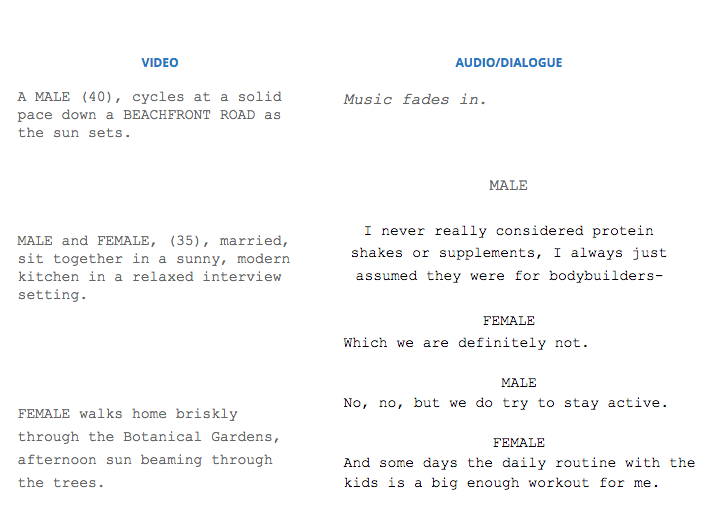
You can format the script into two columns of “Visuals and Audio” to make this simpler. If your voiceover mentions your headquarters, you’re going to need an establishing shot of your building or the office layout. If your script directly refers to particular products, you’re going to need some great-looking shots of each of them.
Set the Tone with Tunes
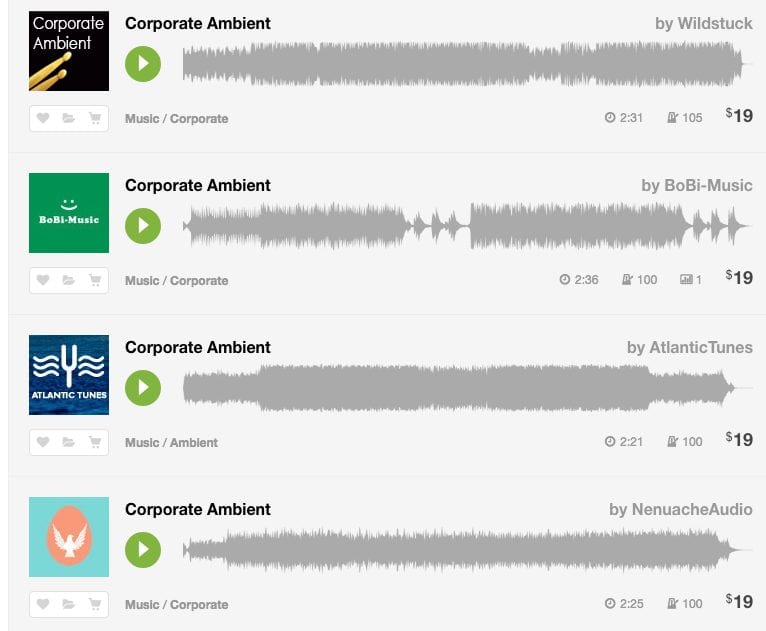
Test music while developing the edit so it supports the pace and leaves dialogue clear. Stock music libraries such as AudioJungle let you search by mood, genre or instrument. Check that the licence covers your project and planned distribution before publishing. Stock music is still protected by copyright; buying the appropriate licence gives you permission for the uses it specifies. Choose a section that fits the edit and has a natural ending.
Once the edit is approved, choose where to host and share it. We explain the options in our video hosting guide.
If you’re looking to create a corporate explainer video that tells your brand’s story in under 90 seconds, get in touch with Dream Engine today.
Find related planning advice and examples in our animation and explainer video guides.

Ryan Spanger is the founder and managing director of Dream Engine, a Melbourne video production company established in 2002. Over the past two decades, he’s produced hundreds of videos for businesses, government departments, universities and healthcare organisations across Australia. Ryan specialises in helping organisations explain complex ideas through clear, engaging video content, with particular experience in corporate communications, training and education.