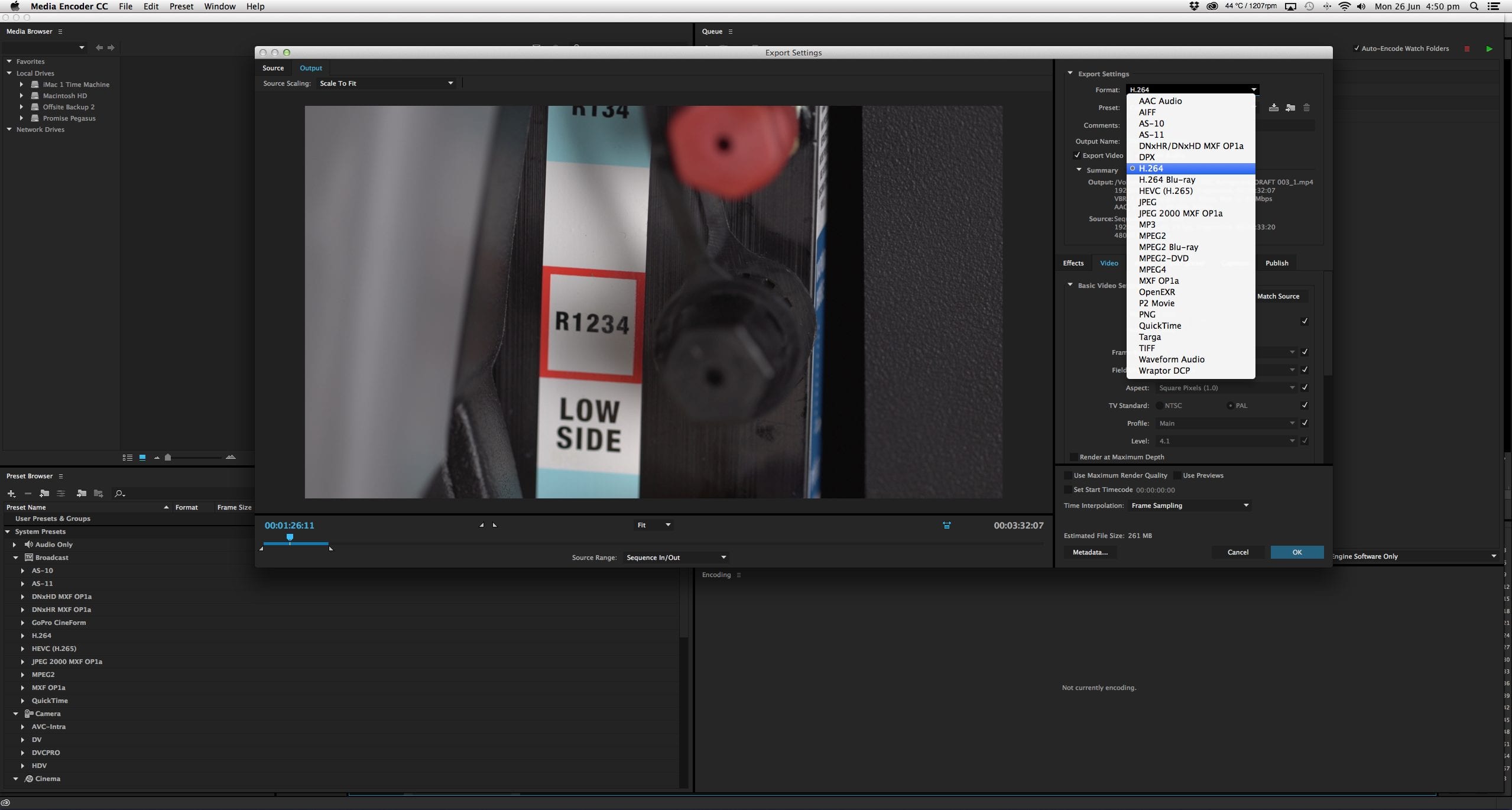
When your video is ready to publish, the next step is choosing the right file format. This affects how your video looks, how large the file is, and how easily it plays across different devices. If you are preparing videos for your website, social channels, or for Dream Engine to edit, you need a suitable file format.
This guide explains the key formats in simple terms and gives you clear recommendations for online use, client delivery, and high-quality playback.
Codecs and Containers Explained
Before choosing a format, it helps to understand two important terms. A codec is the method used to compress and decompress video. Compression can reduce file size, but playback also depends on the encoding settings, device and connection. A container is the file type that holds the video, audio, and other data. Examples include .mp4 and .mov.
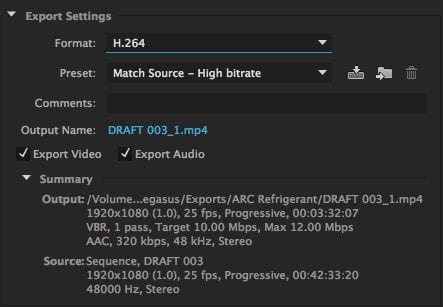
For most business use, you will only need to work with a small number of standard formats.
H.264
H.264 is a widely supported codec that can balance picture quality and file size. It is a common delivery choice for websites, social media, email sharing, and internal communications. Check the receiving platform’s requirements and test the exported file on the devices people will use.
For most corporate videos and marketing content, H.264 is a dependable choice.
MP4
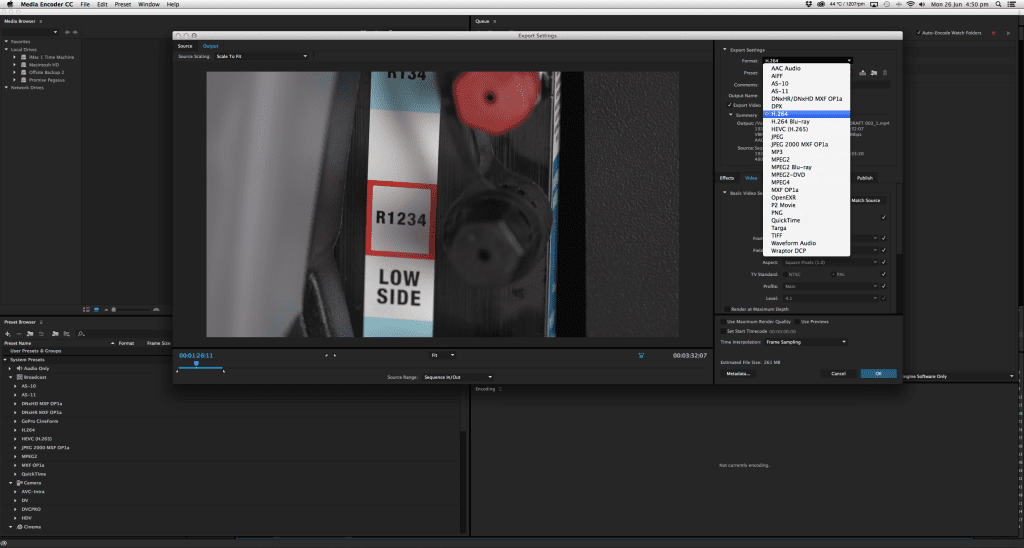
MP4 is a common container for web delivery. For example, YouTube’s upload recommendations include MP4 with H.264 video.
MP4 with H.264 video and AAC audio is a useful starting point for many web exports. The extension alone does not tell you which codecs or quality settings were used.
MOV
MOV is Apple’s QuickTime file format. Like MP4, it can contain many different codecs. When using MOV for professional work, it is often paired with Apple ProRes. A MOV file is not automatically larger or better quality than an MP4. Codec, bitrate, duration and other settings determine the result. See the MDN guide to media containers for more detail.
Apple ProRes
Apple ProRes is a high-quality codec often used in filmmaking and professional post-production. It offers very little loss of detail and maintains clean edges and smooth movement. ProRes comes in several versions. Choose one to suit the source footage and editing requirements; Apple explains the differences.
- ProRes 422 LT: A lower-data-rate option than ProRes 422, useful when storage and transfer size matter.
- ProRes 422 HQ: A higher-data-rate option for demanding editing and mastering workflows.
- ProRes 4444: Supports full colour detail and an alpha channel for transparency, useful for graphics and compositing.
If you are sending us footage to edit, keep the original camera files and folder structure. Ask us before converting anything. We can confirm whether we need originals, a ProRes export or another format.
Which Format Should You Choose?
Here are the simplest recommendations for business use:
- For websites and social media: MP4 (H.264)
- For emailing or internal communication: share a viewing link where practical; use an agreed MP4 export if a file is needed
- For handing footage to Dream Engine for editing: retain the originals and confirm the delivery requirements with us
- For large screens or events: use the format specified by the venue or playback operator and test it on their system
Confirm resolution, frame rate, audio, captions and any file-size limit as well as the codec and container.
Conclusion
Choose an export for its intended destination. MP4 with H.264 is a common web delivery option; ProRes can suit editing and master files. Keep the original footage and test the final export before publication or an event.
If you need help preparing your video for upload or want professional guidance on exporting, get in touch with the Dream Engine team.
Frequently Asked Questions
What format should I use for my website?
MP4 with H.264 is a common starting point. Confirm the player’s requirements and test picture quality, loading and playback on mobile and desktop.
What format should I use when sending footage to Dream Engine?
Keep the original camera files and folder structure, then ask us what to send. Do not convert or compress the footage before confirming the editing workflow.
Is MP4 better than MOV?
Neither is inherently better. They are containers; the codecs and encoding settings determine quality, size and compatibility. Choose the combination required by the destination.
Which format should I use for social media?
MP4 with H.264 is a common option. Check the current upload requirements for the exact platform and placement, including dimensions, duration and file size.
Is ProRes too large for online use?
ProRes exports typically need more storage and bandwidth than compressed web delivery files. Some hosts, including YouTube, accept ProRes uploads, but direct website playback usually needs a smaller delivery version.

Ryan Spanger is the founder and managing director of Dream Engine, a Melbourne video production company established in 2002. Over the past two decades, he’s produced hundreds of videos for businesses, government departments, universities and healthcare organisations across Australia. Ryan specialises in helping organisations explain complex ideas through clear, engaging video content, with particular experience in corporate communications, training and education.