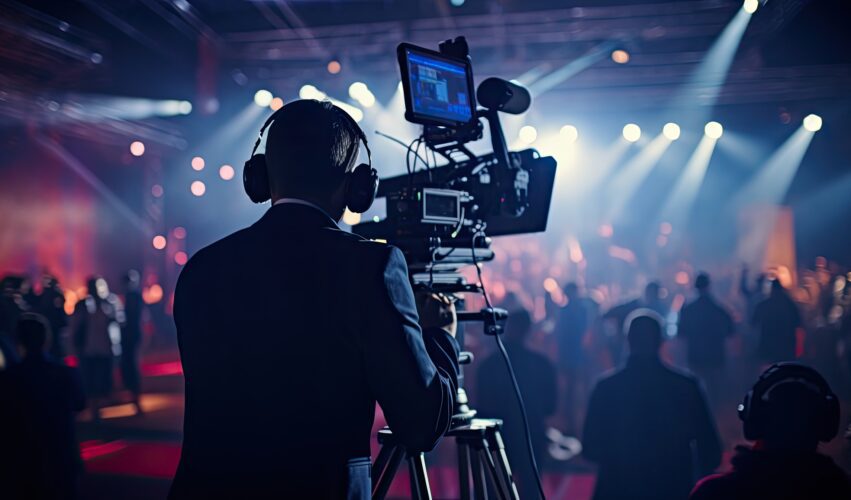
You’ve decided to create a video for an upcoming event. The planning that happens before the event often has a bigger impact on the final video than the filming itself. Decisions about the purpose of the video, the moments you need to capture, the crew required and how the footage will be used afterwards all influence the final result.
A good event video does more than record what happened. It helps preserve the value of the event and turn it into useful content long after the room has emptied.
Dream Engine has been filming conferences, presentations, awards nights, product launches and corporate events for more than 20 years. This guide focuses on the planning process and is based on practical experience producing event videos for organisations including Moët & Chandon, DXC Technology and Motorola.
Why Event Video Planning Matters
A successful event often takes months of planning, a significant budget and a lot of coordination to deliver. Once the event ends, much of that value can disappear unless it is captured properly and turned into content people can reuse.
An event video can support social media, internal communications, future event promotion, recruitment, training and stakeholder engagement. The key is to think about the video before the event takes place, rather than treating it as something to work out afterwards.
Start With a Clear Purpose
Before planning the filming, decide what the video needs to achieve. Some events need a short highlights video, while others need full presentation recordings, speaker clips, social media cutdowns or a record of the event for people who could not attend.
This early decision affects the crew size, camera setup, audio requirements, editing approach and final delivery format. If you’re planning an event and need professional video coverage, you can learn more about our event video production services.
Planning for Different Types of Events
Different events call for different types of coverage. A conference may need keynote recordings and audience cutaways, while a product launch may need branding, atmosphere, guest reactions and a short highlights edit.
Common event video formats include highlights videos, conference recordings, awards night videos, product launch videos, panel discussion recordings, trade show videos, internal event videos and hybrid event content. Choosing the right format early helps make sure the filming is planned around the final use of the footage.
Visit the Venue Beforehand
A venue visit helps identify the practical details that can affect the final video. Lighting, stage position, audience layout, power access, room size and camera placement all influence how the event should be filmed.
It is also useful to meet venue staff and understand how the room will operate on the day. Small details identified during a site visit can prevent bigger problems once the event is underway.
Coordinate With the AV Team
Most conferences and corporate events involve an AV company managing microphones, presentation screens and room audio. The video crew should speak with the AV team before the event to confirm audio feeds, camera positions, timing and any restrictions around movement in the room.
For example, a camera crew may take a direct audio feed from the venue mixing desk while also recording backup audio separately. This provides extra protection if one source has a problem during a live presentation.
Prepare for Challenging Lighting Conditions
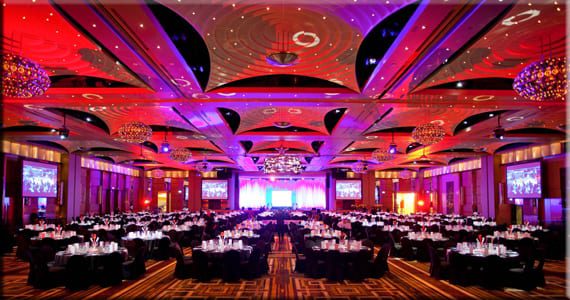
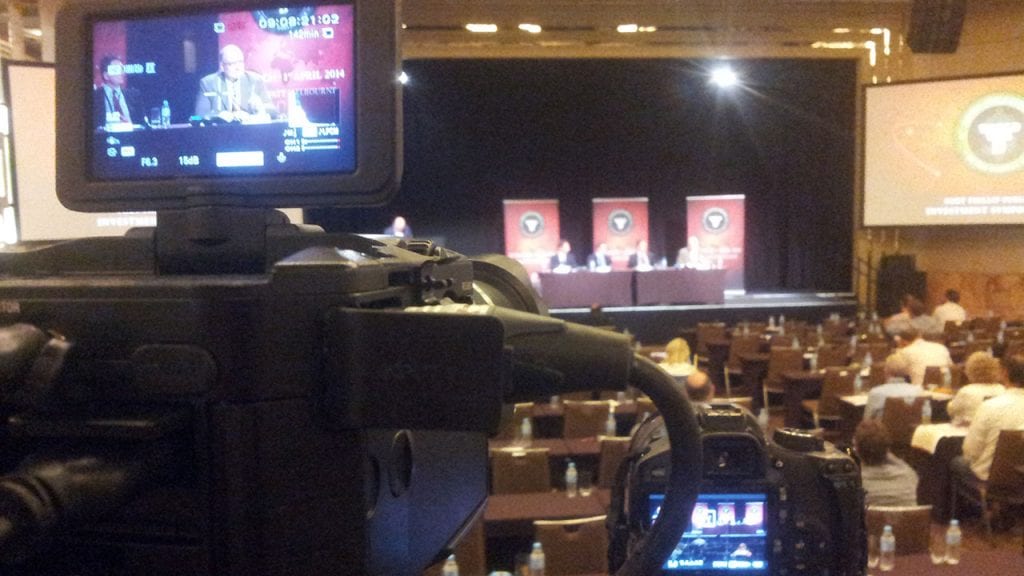
Many events are held in dimly lit conference rooms, ballrooms or exhibition spaces. These environments can be difficult to film if the cameras, lenses and exposure settings are not suited to low-light conditions.
Professional cameras can capture clean, natural-looking footage without disrupting the event with harsh lighting. Where appropriate, subtle lighting can also be used for interviews, speaker pieces or controlled areas away from the main event space.
Build Redundancy Into the Recording
Live events cannot be repeated if something goes wrong. That is why redundancy is one of the most important parts of event video production.
Where possible, video and audio should be recorded in more than one place. Backup audio, spare media, extra batteries and duplicate recordings help reduce the risk of losing important moments from the event.
Use Multiple Camera Angles
Multiple camera angles make an event video more engaging and give the editor more flexibility. Wide shots can show the room, medium shots can capture speakers clearly, and cutaway shots can show audience reactions, signage, branding and atmosphere.
This is especially useful for conferences, panel discussions and presentations. A single locked-off camera may be enough for a basic record, but multiple angles usually create a more watchable final video.
Protect the Footage After the Event
Once filming is complete, the footage needs to be backed up quickly and carefully. Event footage can include keynote speeches, guest interviews, product launches and moments that cannot be recreated.
A professional workflow should include multiple backups and secure storage. This protects the footage during editing and ensures the material remains available for future use.
Deliver While the Event Is Still Fresh
The days immediately after an event are often when audience interest is highest. This is why many event videos are edited quickly, especially when the content is intended for social media, internal updates or follow-up communication.
Fast delivery works best when the editing plan has been discussed before filming begins. Knowing what versions are required helps the crew capture the right material on the day. For events where timing is particularly important, a same day edit video can help maintain momentum while the event is still fresh in attendees’ minds.
Plan How the Video Will Be Used
An event video becomes more valuable when there is a clear distribution plan. Footage can often be repurposed into speaker clips, short social videos, internal updates, website content, training material or promotional content for future events.
Thinking about these uses before the event can change what gets filmed. Extra shots of signage, networking, audience reactions, sponsor branding and short interviews can make the final content more useful.
Event Video Case Study: Moët & Chandon
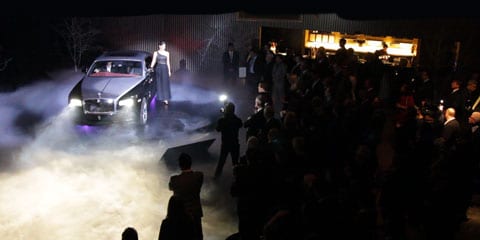
One example of this process in action was an event video Dream Engine produced for Moët & Chandon through Event Planet. The event, titled Game, Set, and Moët with Roger Federer, was held at Crown Towers and brought together guests, premium branding and one of the world’s most recognisable sporting ambassadors.
The challenge was to capture both the event’s atmosphere and the Moët & Chandon branding created by Event Planet, while working in a live environment with no second takes. The event was filmed with two cameras, allowing coverage from multiple angles while capturing guest interactions, audience reactions, and visual details in the room.
The finished video documented the event’s success and was well received by both Event Planet and Moët & Chandon. This kind of project shows why preparation, camera coverage and reliable audio are so important when filming live events.
Client feedback:
“The video is amazing, LOVE!!!! It’s fantastic, the client is very happy!”
S. Burrell, Event Producer
Keep the Venue Safe While Filming
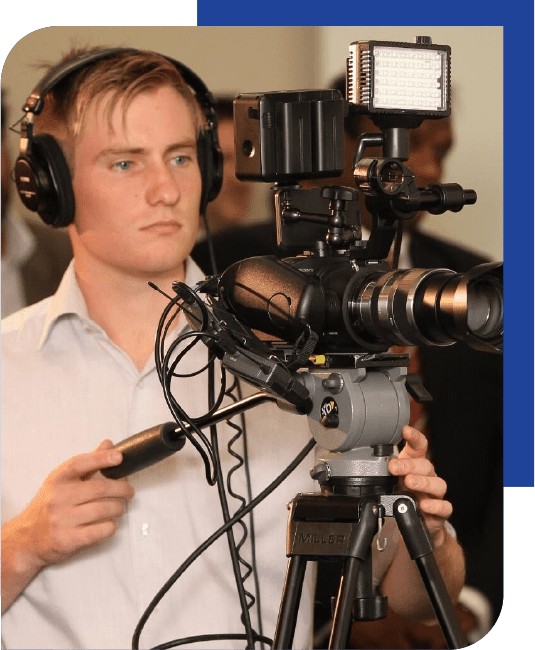
Safety needs to be part of the filming plan. Before the event begins, scan the room for cables, staging, chairs and high-traffic walkways. Tripods, power leads and other equipment should be positioned so they do not obstruct guests, venue staff or the AV team.
Keeping equipment secure and cables neatly managed protects the crew, attendees and gear while allowing everyone working behind the scenes to move around the venue safely.
Plan the Edit Before Filming
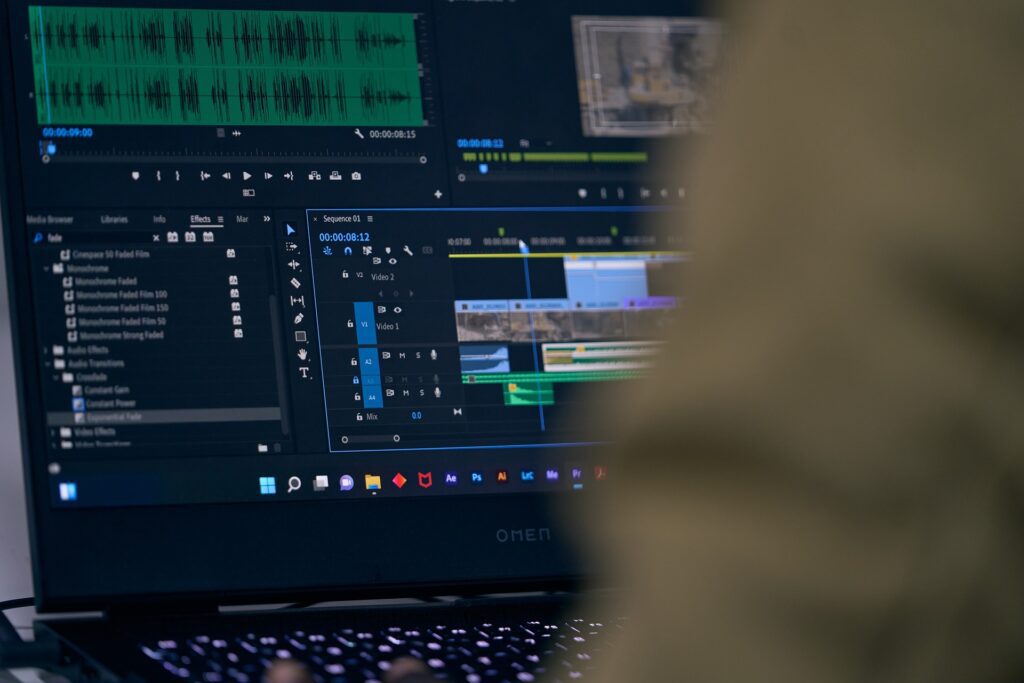
The edit works best when the production team understands the intended story before filming begins. A chronological structure based on the event run sheet is often effective, while a highlights video may use faster pacing, music, audience reactions and short speaker moments to create energy.
Planning the edit in advance helps determine which shots, interviews, branding and audio are needed. Copyright-cleared music, colour grading, graphics and a structured feedback process can then add the final professional touches without slowing delivery.
Common Event Video Planning Mistakes
One common mistake is waiting too long to plan the video. The filming approach should be discussed before the event schedule is finalised, particularly if speaker recordings, interviews, live streaming or fast turnaround edits are required.
Another mistake is failing to coordinate properly with the AV provider. Audio feeds, screen content, room layout and camera positions should be discussed before the event day, so the crew is not forced to solve avoidable problems during the event.
It is also easy to focus solely on the main speaker and miss the room’s atmosphere. Audience reactions, networking moments, branding, signage and informal interactions often provide the footage that makes the final edit feel more complete.
The final mistake is leaving distribution planning until after the event. The best results usually come when the filming brief is shaped around how the footage will be used afterwards.
Next Steps
A successful event video comes from clear planning, strong communication and careful technical preparation. The best results usually happen when the video team understands the purpose of the event, the schedule, the room setup and the final use of the content.
If you are planning an event and want to understand the production process in more detail, you can learn more about professional event video production. This will give you a clearer sense of what is involved before you begin planning your next event video.
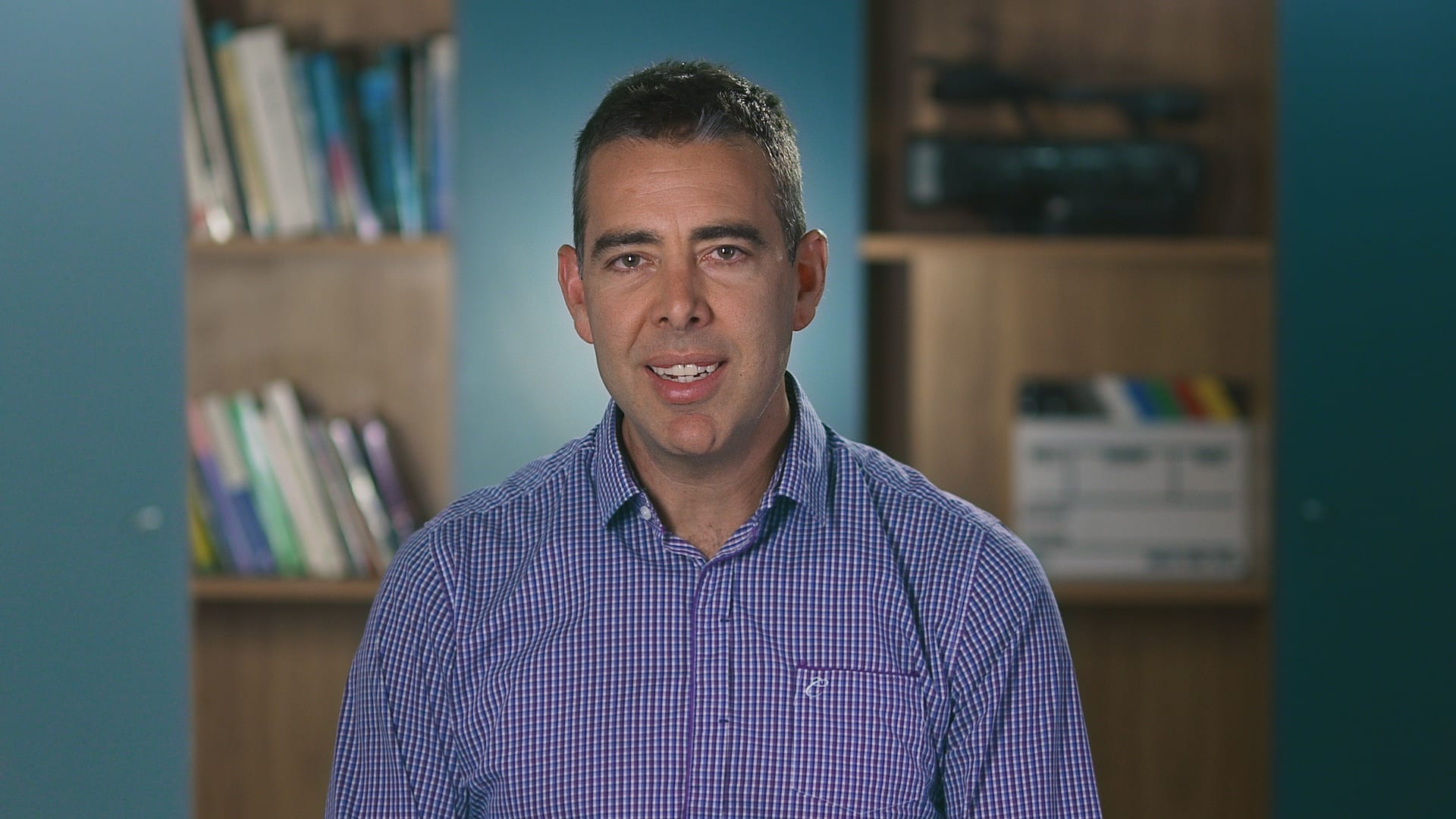
Ryan Spanger is the founder and managing director of Dream Engine, a Melbourne video production company established in 2002. Over the past two decades, he’s produced hundreds of videos for businesses, government departments, universities and healthcare organisations across Australia. Ryan specialises in helping organisations explain complex ideas through clear, engaging video content, with particular experience in corporate communications, training and education.