In this guide
If you’re creating a video for an upcoming event, start planning the coverage early. Decide who the video is for, which moments you need to capture and how you’ll use the footage afterwards. These decisions help the crew prepare for the day and film what the edit needs.
The footage can give people who couldn’t attend a chance to watch presentations, help you share highlights with attendees or promote the next event.
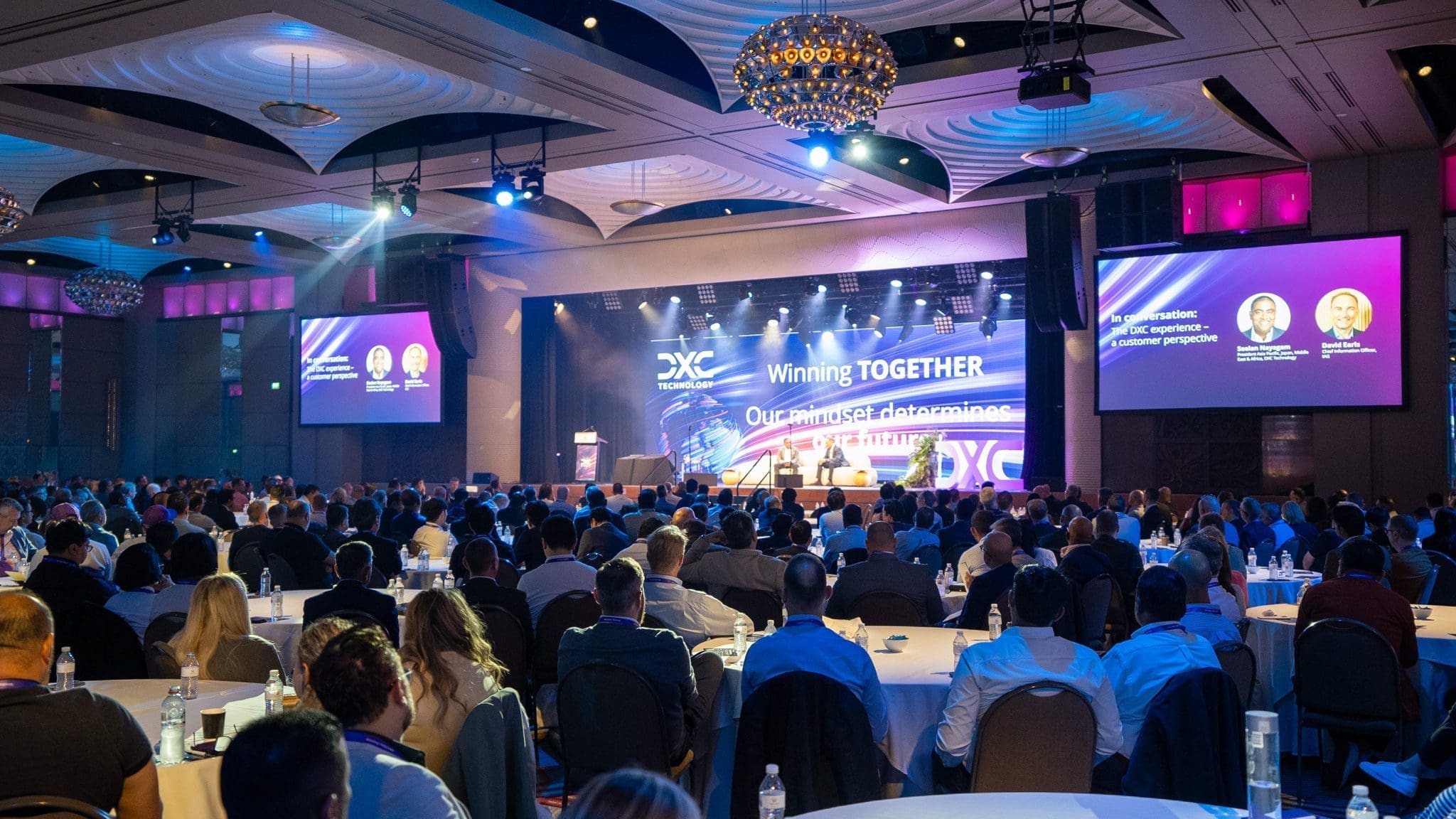
Dream Engine has been filming conferences, presentations, awards nights, product launches and corporate events for more than 20 years. This guide draws on that experience, including event video projects for Moët & Chandon, DXC Technology and Motorola.
Why plan the event video beforehand?
An event often takes months of planning and coordination. Bringing the video crew into that process gives them time to understand the schedule, arrange access and prepare for the moments you need recorded.
An event video can support social media, internal communications, future event promotion, recruitment, training and stakeholder engagement. Deciding which of these uses matter to you helps the crew plan the coverage.
Start with a clear purpose
Before planning the filming, decide what the video needs to achieve. Some events need a short highlights video, while others need full presentation recordings, speaker clips, social media cutdowns or a record of the event for people who could not attend.
This early decision affects the crew size, camera setup, audio requirements, editing approach and final delivery format. If you’re planning an event and need professional video coverage, you can learn more about our event video production services.
Planning for different types of events
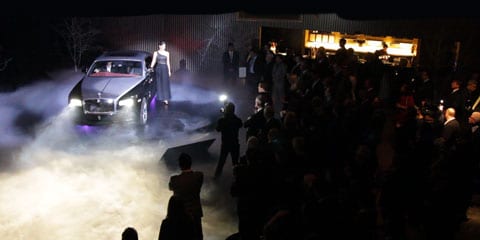
Different events call for different types of coverage. A conference may need keynote recordings and audience cutaways, while a product launch may need branding, atmosphere, guest reactions and a short highlights edit.
If sessions overlap, mark which need a full recording and which only need highlights. Share the room allocations and timings with the crew before the quote is prepared. One crew cannot provide continuous coverage in two rooms at once.
If people will join remotely, plan the live streaming production alongside the recording. Decide how remote viewers will see slides, hear questions and take part before choosing the setup.
Common event video formats include highlights videos, conference recordings, awards night videos, product launch videos, panel discussion recordings, trade show videos, internal event videos and hybrid event content. Choosing the right format early helps make sure the filming is planned around the final use of the footage. Our guide to getting more from your event video compares presentations, highlights and interviews by purpose.
Visit the venue beforehand
A venue visit helps identify the practical details that can affect the final video. Lighting, stage position, audience layout, power access, room size and camera placement all influence how the event should be filmed.
It’s also useful to meet venue staff, confirm when the crew can set up and check how they’ll move around the room once guests arrive. If you need event photography as well, agree on positions and access for both teams.
Coordinate with the AV team
Most conferences and corporate events involve an AV company managing microphones, presentation screens and room audio. The video crew should speak with the AV team before the event to confirm audio feeds, camera positions, timing and any restrictions around movement in the room.
For example, a camera crew may take a direct audio feed from the venue mixing desk while also recording backup audio separately. This provides extra protection if one source has a problem during a live presentation.
Agree who will supply the final slides and video files, operate playback and cue the speakers. Test the feed the camera crew will record, including presentation videos and audience microphones. Clear sound in the room does not by itself confirm that every source is reaching the recording.
Prepare for challenging lighting
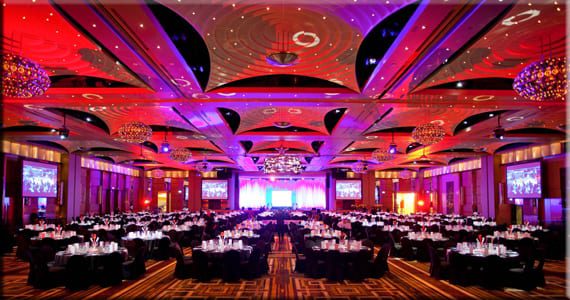
Many events are held in dimly lit conference rooms, ballrooms or exhibition spaces. These environments can be difficult to film if the cameras, lenses and exposure settings are not suited to low-light conditions.
Cameras and lenses suited to low light can help the crew work with the venue’s existing lighting. Check the stage lighting as well, particularly whether speakers will be evenly lit. Where appropriate, additional lighting can be used for interviews or presenter pieces away from the main event space.
Plan backup recordings
You usually can’t stop an event to repeat a speech or presentation for the camera. Plan backup recordings before filming begins.
Where possible, video and audio should be recorded in more than one place. Backup audio, spare media, extra batteries and duplicate recordings help reduce the risk of losing important moments from the event.
Use multiple camera angles
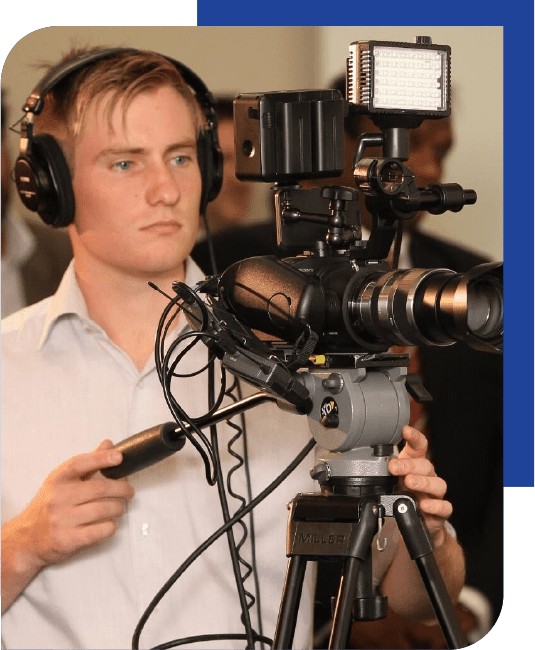
Multiple camera angles make an event video more engaging and give the editor more flexibility. Wide shots can show the room, medium shots can capture speakers clearly, and cutaway shots can show audience reactions, signage, branding and atmosphere.
This is especially useful for conferences, panel discussions and presentations. A single locked-off camera may be enough for a basic record, but multiple angles usually create a more watchable final video.
Protect the footage after the event
Once filming is complete, the footage needs to be backed up quickly and carefully. Event footage can include keynote speeches, guest interviews, product launches and moments that cannot be recreated.
The production team should keep multiple backups in secure storage during editing. Agree on how long the footage will be stored after delivery, especially if you may need further edits later.
Agree on the delivery date
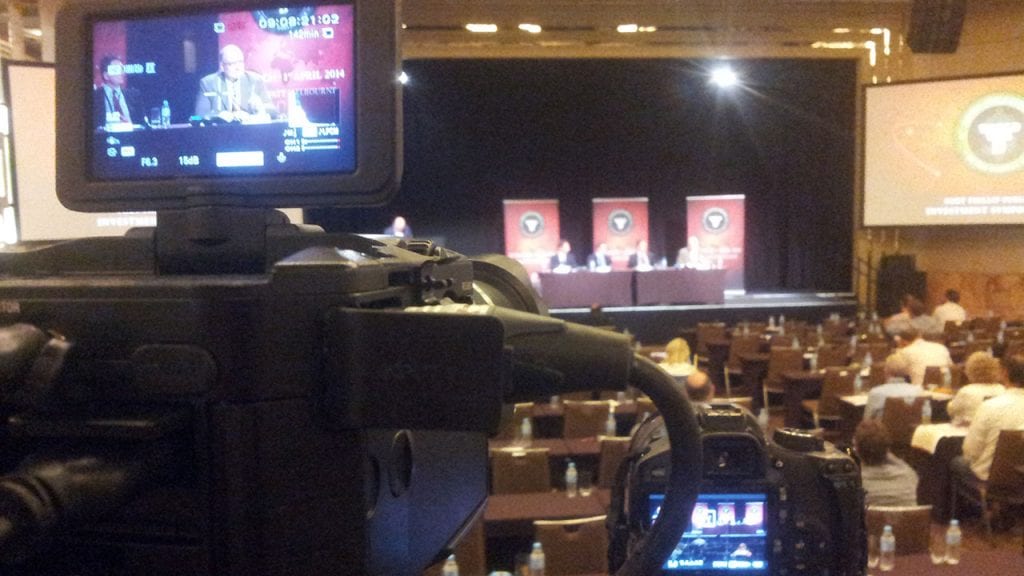
If you want to share the video in a follow-up email, internal update or social post soon after the event, agree on the delivery date before filming. Allow time for your team to review the edit as well.
Fast delivery works best when the editing plan has been discussed before filming begins. Knowing what versions are required helps the crew capture the right material on the day. For events where timing is particularly important, a same day edit video can provide highlights to share while the event is still fresh in attendees’ minds.
Plan how the video will be used
Decide where you’ll share the video and who needs to see it. Footage can often be repurposed into speaker clips, short social videos, internal updates, website content, training material or promotional content for future events.
Thinking about these uses before the event can change what gets filmed. Extra shots of signage, networking, audience reactions, sponsor branding and short interviews can make the final content more useful. See how to turn one event into a library of content for help planning those additional edits.
Event video example: Moët & Chandon
One example is an event video Dream Engine produced for Moët & Chandon through Event Planet. The event, titled Game, Set, and Moët with Roger Federer, was held at Crown Towers.
The challenge was to capture both the event’s atmosphere and the Moët & Chandon branding created by Event Planet, while working in a live environment with no second takes. The event was filmed with two cameras, allowing coverage from multiple angles while capturing guest interactions, audience reactions, and visual details in the room.
The finished video brought together the event’s atmosphere, guest interactions and branding. Event Planet’s producer shared the feedback below.
Client feedback:
“The video is amazing, LOVE!!!! It’s fantastic, the client is very happy!”
S. Burrell, Event Producer
A more recent example is the Mental Health Australia event-video case study.
Include media coverage in the brief: If journalists need footage of a launch or announcement, plan an Electronic Press Kit alongside the event highlights. News editors need usable interviews and supporting footage, which is a different deliverable from a finished promotional film.
Keep the venue safe while filming
Safety needs to be part of the filming plan. Before the event begins, scan the room for cables, staging, chairs and high-traffic walkways. Tripods, power leads and other equipment should be positioned so they do not obstruct guests, venue staff or the AV team.
Keeping equipment secure and cables neatly managed protects the crew, attendees and gear while allowing everyone working behind the scenes to move around the venue safely.
Plan the edit before filming
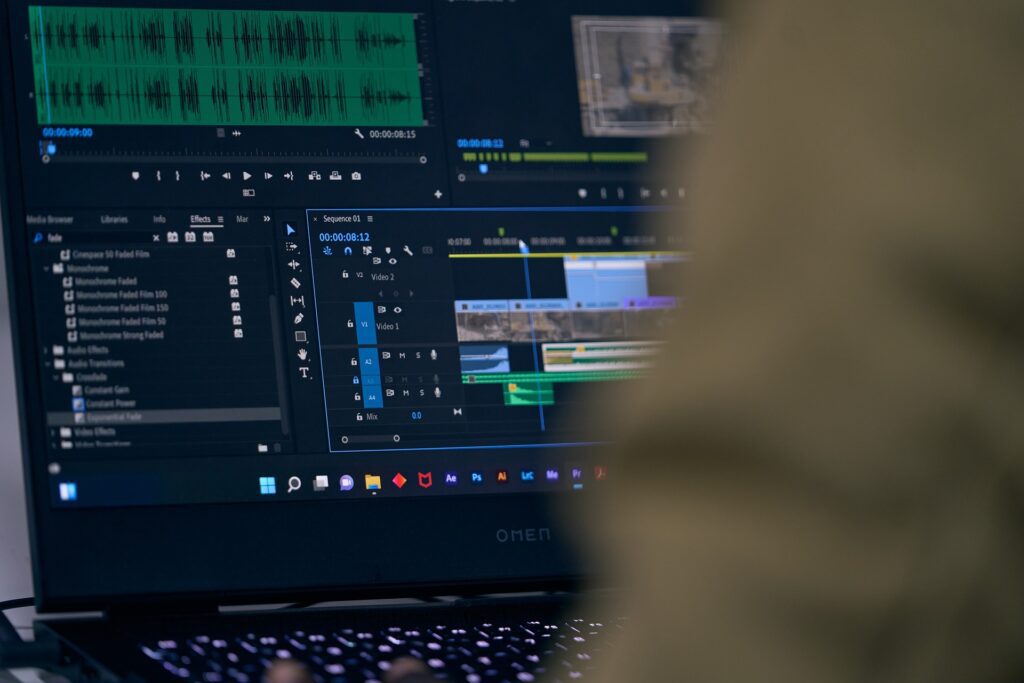
The edit works best when the production team understands the intended story before filming begins. A chronological structure based on the event run sheet is often effective, while a highlights video may use faster pacing, music, audience reactions and short speaker moments to create energy.
Planning the edit in advance helps determine which shots, interviews, branding and audio are needed. Allow time for music selection and licensing, colour grading, graphics and client feedback when setting the delivery date.
Common event video planning mistakes
One common mistake is waiting too long to plan the video. The filming approach should be discussed before the event schedule is finalised, particularly if speaker recordings, interviews, live streaming or fast turnaround edits are required.
Leaving AV coordination until the day can create avoidable problems. Confirm audio feeds, screen content, room layout and camera positions beforehand.
It is also easy to focus solely on the main speaker and miss the room’s atmosphere. Audience reactions, networking and informal interactions help show what it was like to be there. Include these in the filming brief alongside the main presentations.
Finally, tell the crew which video formats you need before filming. Finding out afterwards that you need a vertical social edit or a full presentation recording can limit what’s possible.
Plan your event coverage
Send us the event date, venue and draft schedule. Mark any sessions that overlap, the presentations you need recorded in full and the highlights or social edits you want afterwards. Include the delivery deadline and time for your team to review the edit. We can then talk through the crew and editing requirements.
See examples of our event video production or discuss your event with us.
If you need highlights ready on the day, read our same day event edit guide before setting the filming and approval schedule.

Ryan Spanger is the founder and managing director of Dream Engine, a Melbourne video production company established in 2002. Over the past two decades, he’s produced hundreds of videos for businesses, government departments, universities and healthcare organisations across Australia. Ryan specialises in helping organisations explain complex ideas through clear, engaging video content, with particular experience in corporate communications, training and education.