In this guide
A case study video lets a customer explain the problem they faced, how they used your product or service and what changed. Prospective clients can then assess whether that experience is relevant to them. Here’s what to plan, from choosing a participant to approving and sharing the finished film.
Step 1: Define Your Strategy
Before you begin, clarify the purpose of your case study video:
- What message do you want to convey?
- Who is your target audience?
- What changed for the client, and what evidence can they share?
Use these answers to decide which customer to feature and what the interview needs to cover.
Step 2: Choose the Right Client to Feature
Your featured client should:
- Represent your ideal customer
- Have achieved measurable success using your product/service
- Be willing to speak on camera and share their experience
- Be relatable to your target audience
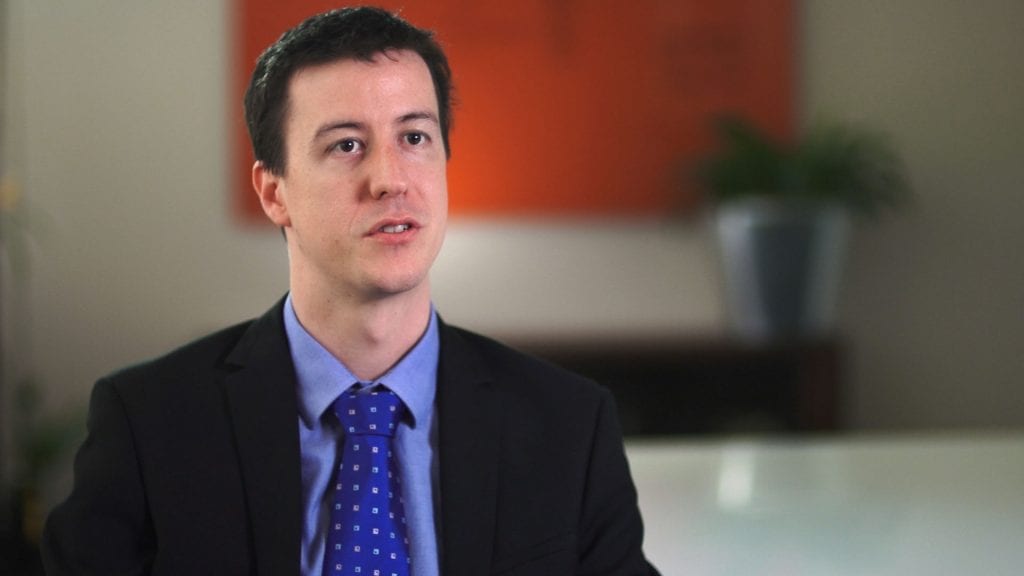
Choose someone who can describe specific experiences. They do not need to be a polished presenter.
Step 3: Secure Their Participation
Approach your chosen client professionally:
- Explain the purpose of the case study video
- Highlight the mutual benefits (e.g., exposure for their brand, sharing their success story)
- Offer reassurance about the production process
- Provide a simple agreement outlining what’s involved
Once they agree, confirm who will appear, where the video will be used and who needs to approve it. Check any quoted figures and outcome claims with the client, including the period measured and what else contributed to the result.
Step 4: Brief Your Client
To help your client feel comfortable and prepared:
- Share an overview of the filming process
- Provide a list of potential questions
- Offer tips on how to answer concisely and naturally
- Assure them that they don’t need to memorise lines
- Let them know they can redo takes if necessary
Step 5: Plan Your Questions
Ask the client to describe what happened in their own words. Cover:
- The Challenge – What problem were they facing before working with you?
- The Solution – How did your product/service help them?
- The Results – What measurable improvements did they experience?
- The Experience – What was it like working with you?
- The Recommendation – Why would they recommend you?
Use questions that need more than a yes or no, and follow up when an answer needs an example or explanation.
Step 6: Plan the Visuals
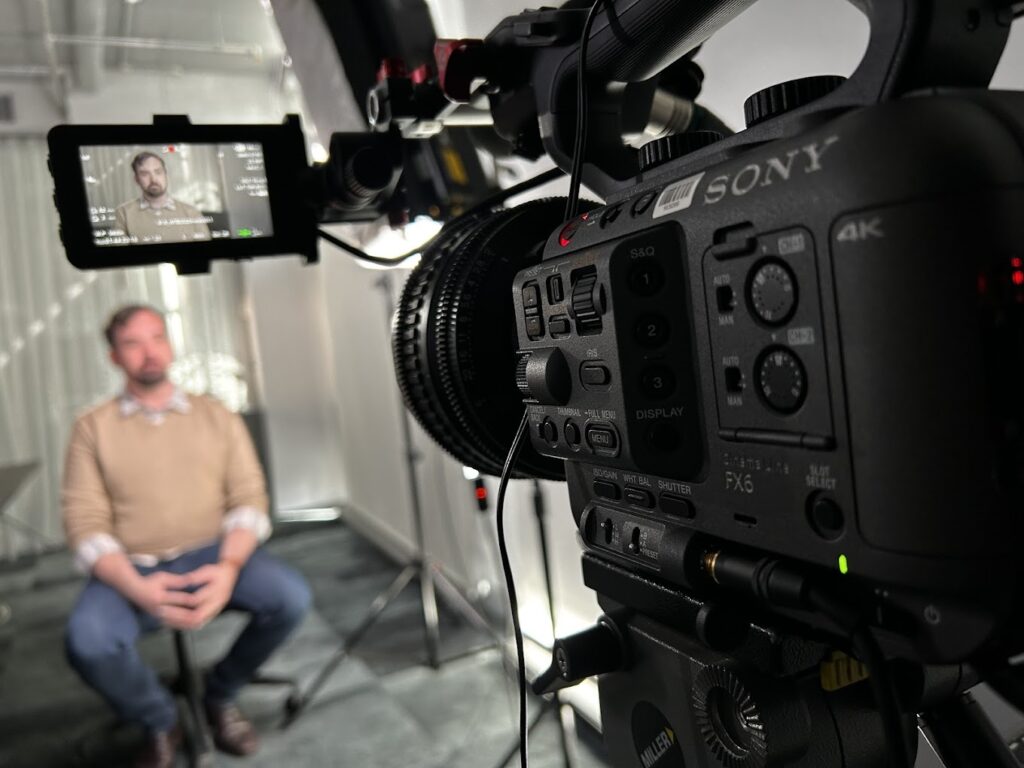
Supporting footage helps show what the interviewee is describing. Think about:
- Footage of the client using your product/service
- Before-and-after comparisons (where applicable)
- Behind-the-scenes shots of their business operations
- Footage that shows the work the client describes
- Animation or motion graphics to enhance key points

Step 7: Structure the Video
A case study video should follow a logical flow:
- Introduction – Who the client is and why their experience is relevant
- The Challenge – The problem they faced before working with you
- The Solution – How your service/product made a difference
- The Results – Verified improvements, with the context needed to understand them
- Client Testimonial – Their personal endorsement of your work
- Call to Action – Encourage viewers to take the next step
Step 8: Work with a Production Company
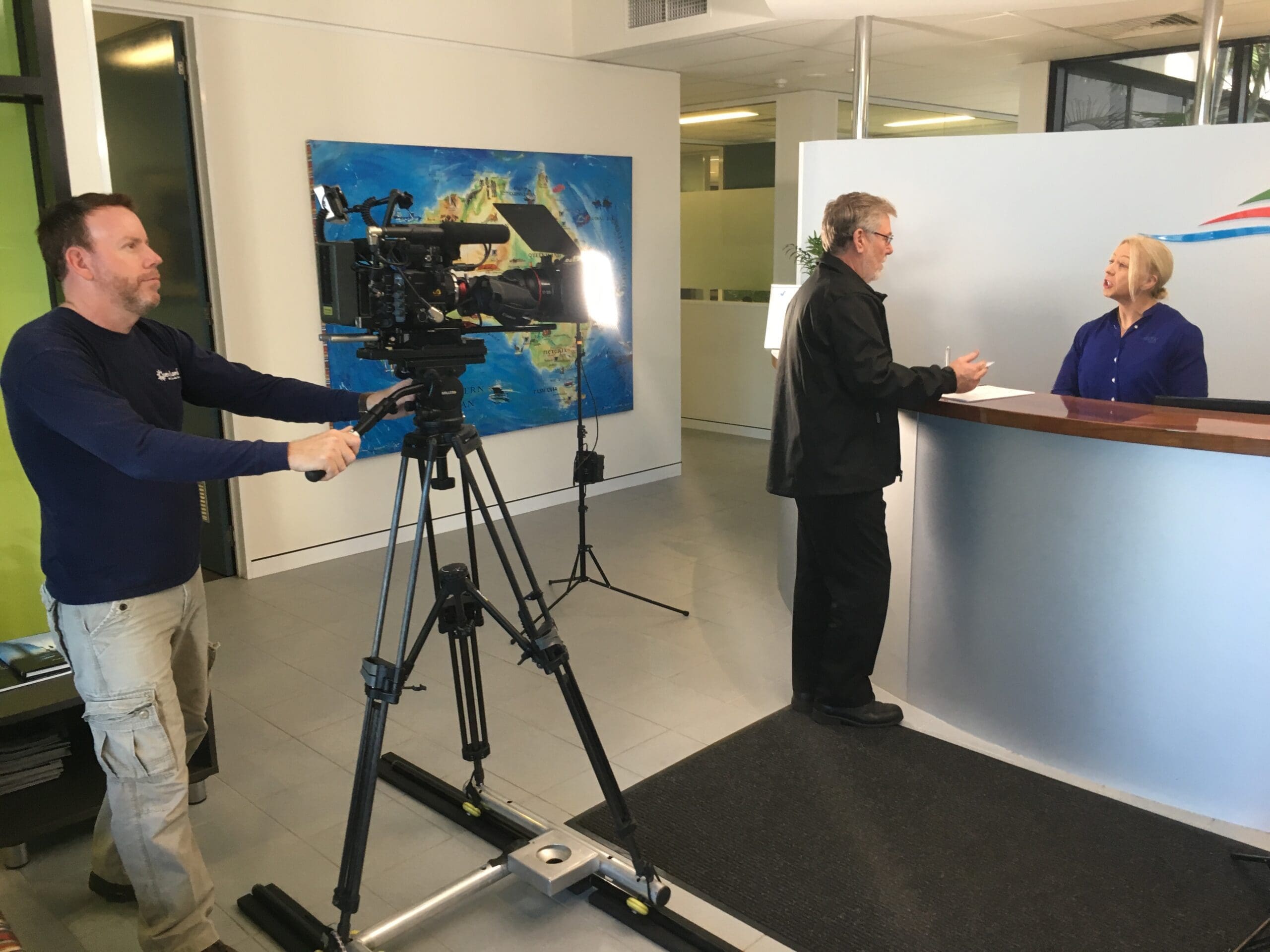
A professional video production company can help plan the interview, capture usable pictures and sound, and shape the edit. Check relevant examples and agree on the deliverables and review stages.
See our dbt Labs customer story featuring SafetyCulture for an example of a completed customer case study.
When working with a production company:
- Clearly communicate your vision and goals
- Share your planned structure and key messages
- Discuss locations, lighting, and sound requirements
- Allow time for setup, interviews and supporting footage
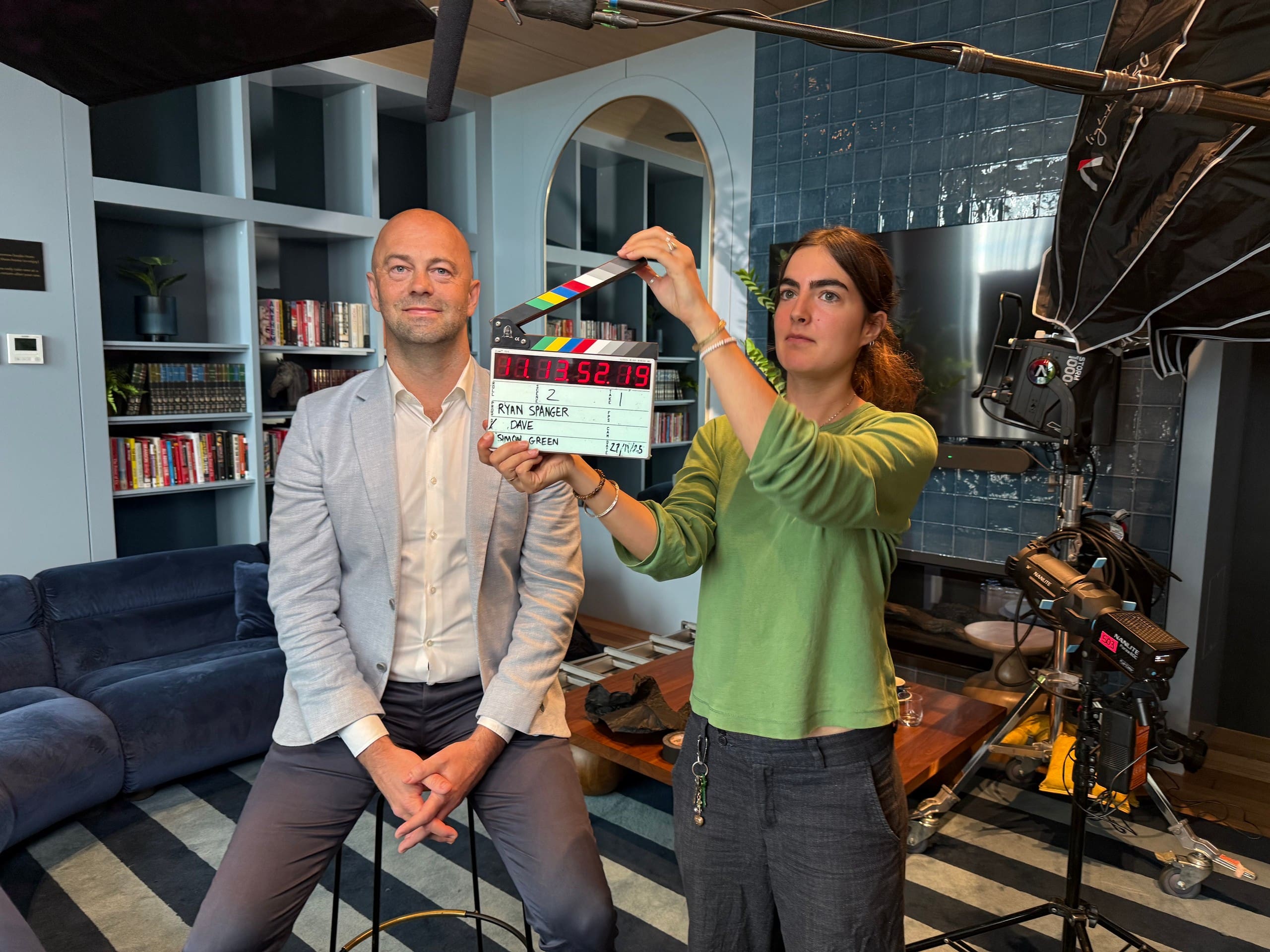
Step 9: The Day of Filming
On the filming day, allow time for:
- Arriving early to set up
- Making the client feel at ease
- Conducting a relaxed, conversational interview
- Filming the work, people or product described in the interview
- Recording a sound test and checking the interview lighting before the main take
A well-organised shoot makes the editing process easier.
Step 10: Post-Production & Editing
Once the footage is captured, editing brings it all together. Key elements to focus on:
- Editing out unnecessary content to keep the video concise
- Adding branding elements, such as logos and colour schemes
- Incorporating captions for accessibility
- Choosing music and sound that support the story without competing with the interview
- Including graphics or animations to emphasise key points
Step 11: Recommended Video Lengths & Formats
Use the following lengths as planning examples, not fixed platform rules or guarantees of engagement. The subject, audience and placement should determine how much detail each version needs:
- Website Case Study Video: 2-3 minutes can be a starting point for introducing the client, problem, work and result. Allow longer if the story needs more explanation.
- YouTube & LinkedIn: 1.5-3 minutes may suit a self-contained client story. Check whether viewers need a brief introduction or a detailed explanation before choosing the length.
- Instagram & Facebook: 60-90 seconds may cover one useful part of the story. Make sure the clip makes sense on its own and suits the intended feed or advertising placement.
- Twitter/X: Under 60 seconds may suit a single observation or result. Include enough context for someone who has not watched the main film.
- Sales Presentations: 3-5 minutes – a slightly longer version that provides deeper insights for potential clients.
Keeping videos concise and to the point helps viewers follow the story.
Step 12: Distribute the Video
Choose the places your intended audience is most likely to encounter the story:
- Embed it on your website (e.g., testimonial or case study pages)
- Share it on social media platforms (LinkedIn, YouTube, Facebook, Instagram)
- Use it in email marketing campaigns
- Include it in sales presentations and proposals
- Use it in paid advertising campaigns
For shorter social clips, select a single question or example and retain enough context for it to make sense on its own.
Final Thoughts
For more interview and production advice, read our case study video guide.
Record the audience, participants, filming requirements and approval stages in a video production brief. For wider company communications, see our corporate video production service.
Plan the details
Commissioning a case study: frequently asked questions
Answers to common planning questions.
How do we choose the right customer to feature?
Choose a customer whose experience is relevant to your intended audience. They should be willing to speak on camera and able to describe specific challenges, work and results. They do not need to be a polished presenter.
Does the customer need to memorise a script?
No. Share the filming process and potential questions beforehand, and reassure them that they can answer naturally and redo a take. Use follow-up questions when an answer needs an example or explanation.
What should we agree on before filming?
Agree on the purpose, audience, participants, locations, supporting footage, delivery versions and review stages. Confirm where the video will be used and who needs to approve it. Check any quoted figures and outcome claims with the customer.
How long should the finished video be?
Choose the length around the subject, audience and placement. A website case study might start at two to three minutes, with longer explanations or shorter standalone clips where needed. Treat the lengths in this guide as planning examples rather than fixed platform rules.

Ryan Spanger is the founder and managing director of Dream Engine, a Melbourne video production company established in 2002. Over the past two decades, he’s produced hundreds of videos for businesses, government departments, universities and healthcare organisations across Australia. Ryan specialises in helping organisations explain complex ideas through clear, engaging video content, with particular experience in corporate communications, training and education.