At a glance
For business live streaming in 2026, consider hybrid participation, automated captions and planned reuse of recordings where they suit your audience. Include remote viewers in the run sheet and rehearsals, test captions with your speakers and technical terms, and confirm recording permissions and later edits before the event.
In this guide
Professional live streaming services have become a standard way for organisations to communicate with employees, customers, stakeholders and online audiences. They are now widely used for company announcements, conferences, training, recruitment events, product demonstrations and community engagement.
While the technology behind livestreaming continues to evolve, the fundamentals remain the same. Audiences expect clear audio, stable visuals and a professional viewing experience that respects their time. Whether you’re broadcasting to internal staff or a public audience, successful business livestreaming depends on careful planning, reliable production and experienced operators.
For organisations planning events in 2026, the useful developments to consider include hybrid participation, automated captions and making more use of recordings. The sections below explain the production decisions behind those options.
1. Match the Production to the Event
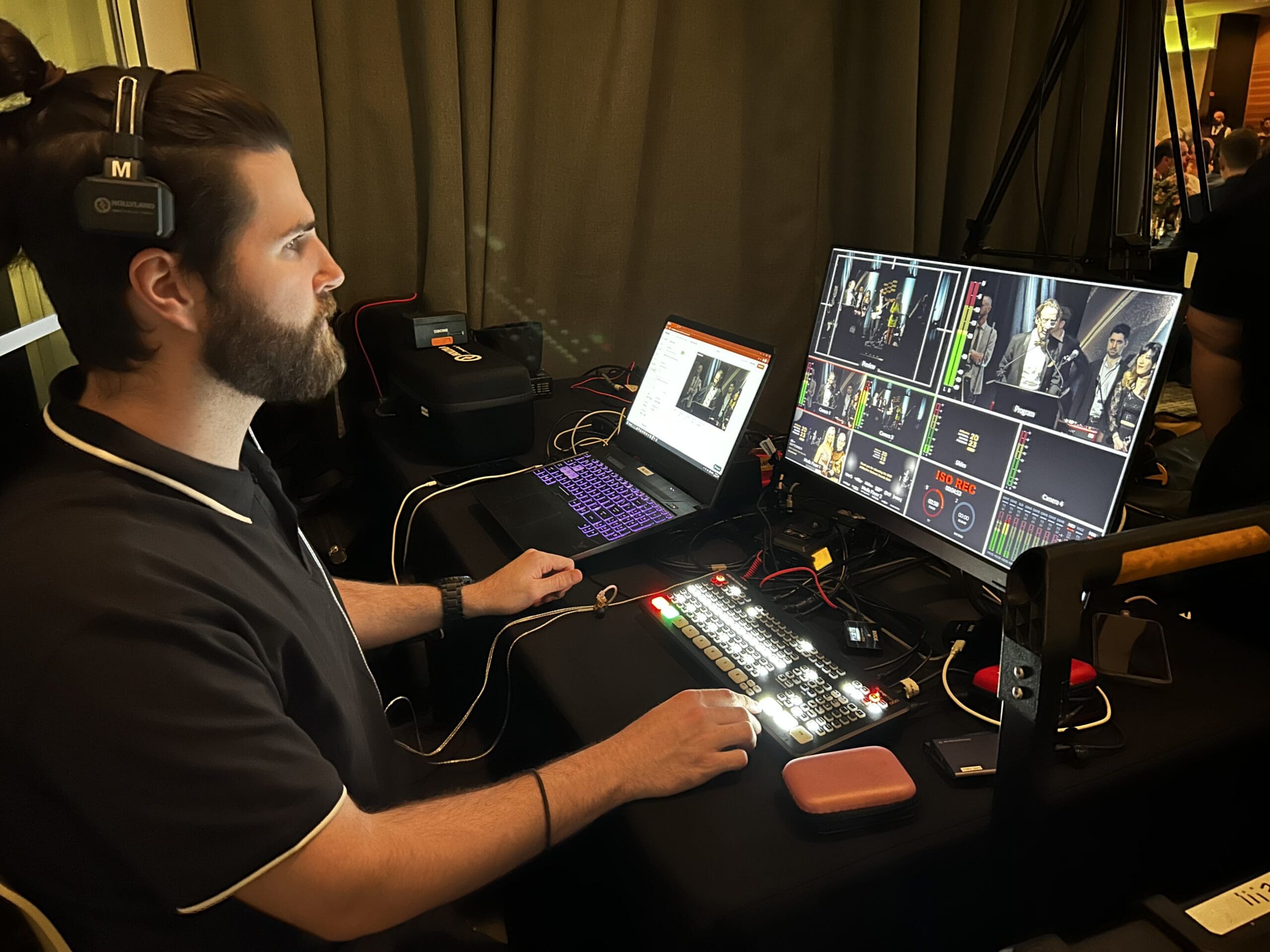
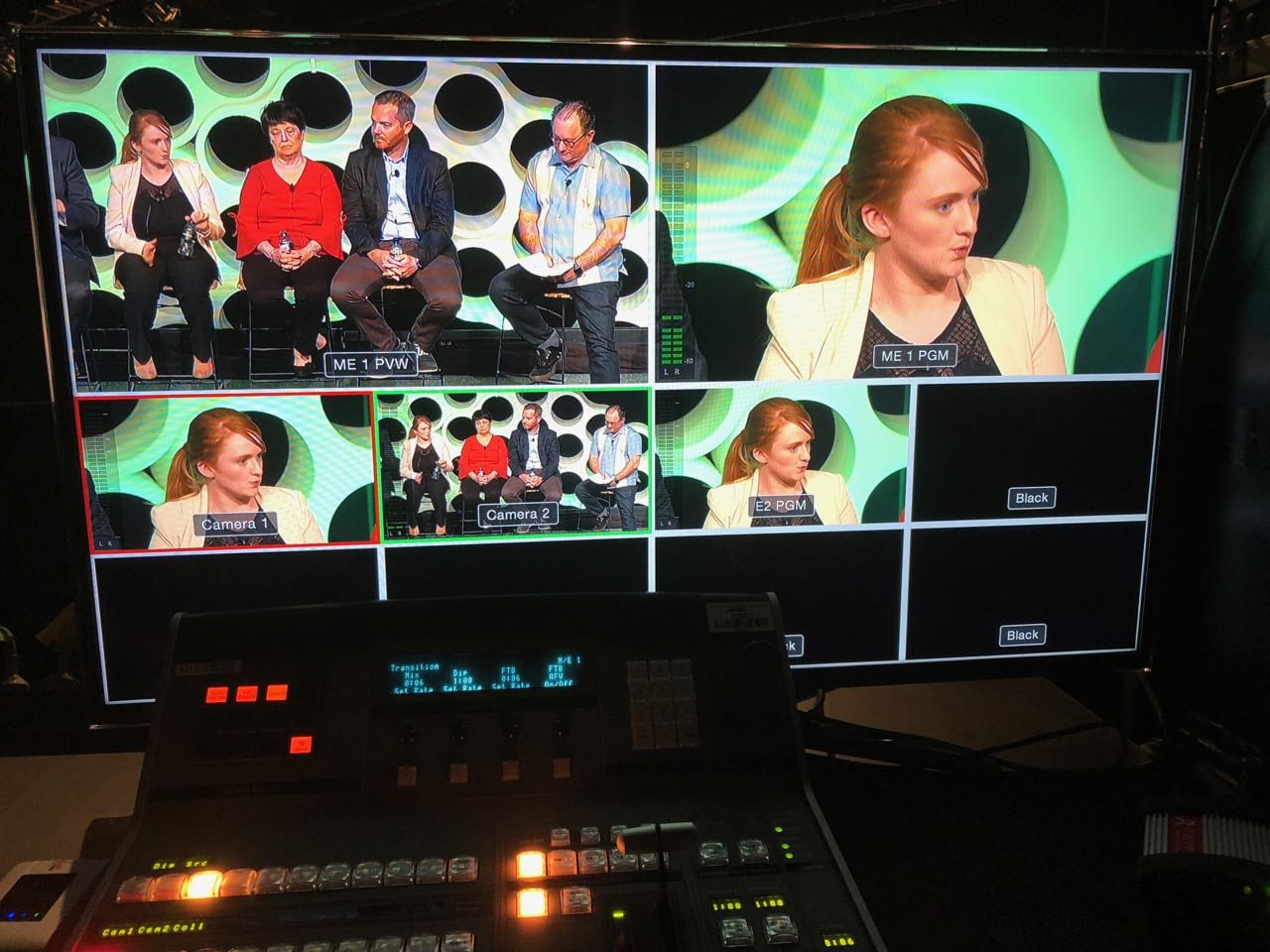
A short internal update and a public awards night need different production setups. Start with what viewers must see and hear, then decide which cameras, microphones and crew roles are needed. For a larger business event, the plan may include:
• A multi-camera setup
• Clean audio with proper microphones
• Controlled lighting
• Stable network connection and backup solutions
• A focused production plan
Confirm how the setup will work at the actual venue and who will manage each part. Test picture, sound and the connection before the event so the crew can address problems while there is still time to adjust.
2. Livestreams Work Best When They Support a Clear Purpose
A livestream should help the audience understand or experience something useful. Before planning your live stream, define the objective in a single sentence. For example:
• Share information with remote staff
• Deliver a presentation to conference attendees who cannot be in the room
• Demonstrate a product to potential customers
• Provide training to teams in multiple locations
Once the purpose is clear, structure, format and length become easier to decide.
3. Plan Hybrid Events for Both Audiences
A hybrid format can help when some participants cannot travel or the venue has limited capacity. It also adds production and moderation requirements, so choose it because it suits the audience. The key to hybrid event video success is ensuring the experience works for both groups.
This usually means:
• A camera position that gives remote viewers a clear view of the speaker
• Slides or visual material formatted for screen readability
• Moderated Q&A to include remote participants
• A simple way for viewers to watch the replay later
If online participation is part of the event, include it in the run sheet, rehearsals and presenter briefing from the start.
Organisations that also want highlights, interviews or post-event content can use our event video production services to extend the value beyond the live broadcast.
4. Design for Every Viewing Environment
Viewers may join on a phone, watch from a shared workspace or need captions to follow the session. Check how the picture, slides and text appear on the devices your audience will use, and plan the accessibility support they need.
• Include captions where appropriate
• Use on-screen graphics to reinforce key information
• Keep slides simple and easy to read on smaller screens
• Avoid relying entirely on spoken explanations
The easier your content is to follow, the more effective the livestream becomes.
5. AI Tools and the Production Crew’s Role
Platforms may offer automated captions, transcripts and translated subtitles, with availability depending on the product, account and language. Test the selected feature with your speakers and subject matter. Review names and technical terms, and correct the recording’s captions before publishing an on-demand version.
However, important business events still benefit from professional oversight. Audio quality, camera selection, graphics, switching, presenter support and overall production remain areas where experienced operators make a significant difference to the final result.
6. Replays and Cutdowns Extend the Value
The live moment is only part of the benefit. Recordings can be used for:
• Internal training
• Meeting recaps
• Social media highlights
• Future marketing content
• Reference material for staff who could not attend
A livestream should be planned with post-event use in mind. Confirm recording quality, speaker permissions and the edits required so the captured material is suitable for those later uses. This post will help you learn more about how to generate multiple video assets from livestream content.
7. Help Presenters Prepare
Many livestreams are strong technically but less effective because presenters have not been supported. Small adjustments make a difference:
• A clear run sheet
• A short rehearsal or sound check
• Guidance on pacing and camera awareness
• Confidence that the technical elements are being managed
When presenters feel prepared, the livestream feels more composed.
Our Approach
Dream Engine provides livestream production for organisations across Melbourne and Australia. We work with marketing teams, communications professionals, event organisers and production agencies to deliver reliable broadcasts that are straightforward to manage.
Every project begins with understanding the event objectives and audience. From there we develop the production plan, recommend the appropriate camera and audio setup, coordinate presenters and manage the broadcast from start to finish.
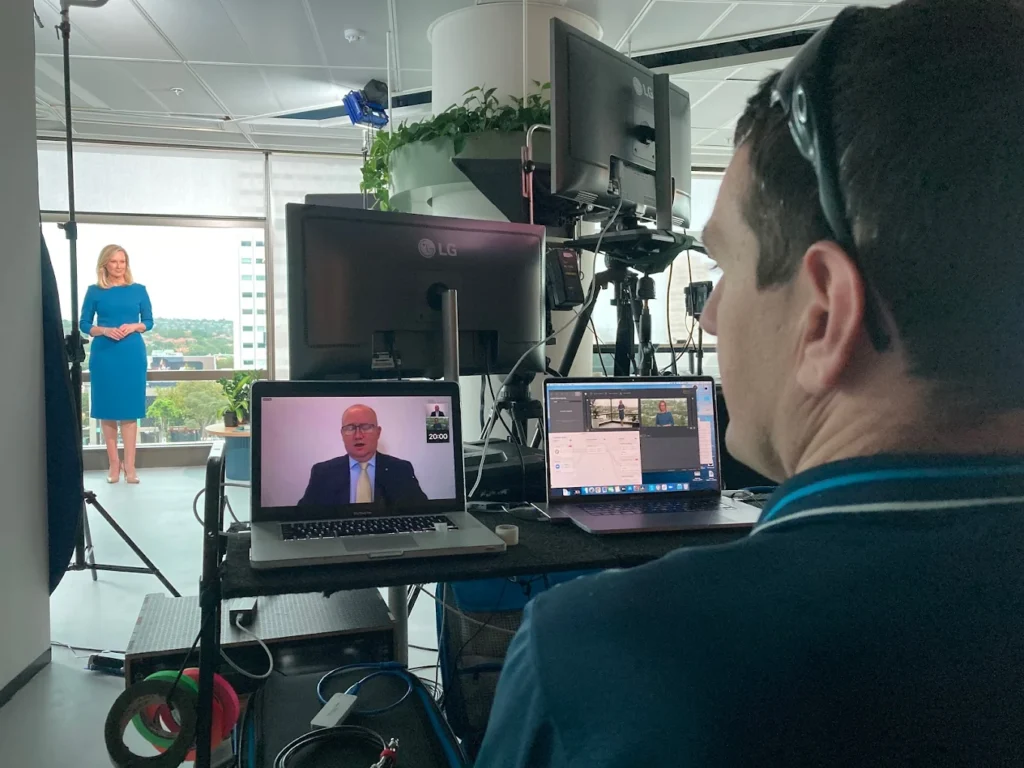
Over the years we’ve delivered livestreams for conferences, AGMs, executive updates, webinars and hybrid events for corporate, government, education and healthcare clients. Our crew manages the cameras, sound, switching and stream while your speakers deliver the presentation.
Planning a Business Livestream?
If you’re planning an upcoming livestream, webinar, conference or hybrid event and are looking for a production partner, visit our Live Streaming Melbourne service page to learn more about our production process, technical capabilities and event support services.
FAQ
Planning your broadcast
Questions about production, presenters and using the recording.
What types of events are suitable for livestreaming?
Livestreaming works well for conferences, internal company announcements, product launches, training sessions, recruitment events, town halls and community events. It is particularly effective when part or all of the audience cannot attend in person.
What is the difference between a livestream and a hybrid event?
A livestream is an online broadcast, which may come from a studio, a remote call or an event with people in the room. A hybrid event combines in-person attendance with online viewing or participation and needs planning for both audiences.
What level of production is expected for business livestreams?
The setup should suit the event. Clear speech, readable slides and a tested connection matter for any broadcast. Multiple cameras, dedicated lighting and backup systems may be needed for a larger or more complex event; a short internal update may use a simpler arrangement.
Do you provide support for presenters and speakers?
Yes. We support presenters with run sheets, sound checks and guidance on pacing and camera awareness. This helps speakers feel prepared and results in a more confident and effective livestream.
Can livestream recordings be reused after the event?
Yes. Recordings can be used for internal training, staff communications, marketing content, social media cutdowns and on-demand viewing. We plan livestreams with post-event use in mind to maximise long-term value.
Do you handle livestreaming for organisations across Melbourne?
Yes. Dream Engine provides livestreaming and hybrid event production for Melbourne-based organisations, including corporates, universities, government departments and healthcare providers.
Browse our live streaming planning guides for related advice.

Ryan Spanger is the founder and managing director of Dream Engine, a Melbourne video production company established in 2002. Over the past two decades, he’s produced hundreds of videos for businesses, government departments, universities and healthcare organisations across Australia. Ryan specialises in helping organisations explain complex ideas through clear, engaging video content, with particular experience in corporate communications, training and education.