
Names and roles
Lower thirds identify interviewees, speakers, locations or chapters without interrupting the flow of the video.
Video production company in Melbourne, Australia.
Dream Engine creates motion graphics for corporate videos, from names, headings and logo animation through to charts, diagrams, maps and screen callouts. We plan them as part of the edit so they help the viewer follow the story.
Dream Engine motion graphics showreel.
Graphics with a job to do
Most corporate videos do not need animation in every shot. They need the right information to appear at the right time.
A name strap can identify a speaker. A diagram can explain a process that is hard to film. A chart can make a result clear. A branded end frame can tell the viewer what to do next. We work out which graphics will genuinely help, then design them to feel like part of the video.
This page is about motion graphics used within filmed video. If the whole story is better told through illustration and animation, see our animation video production service.
The exact mix depends on the audience, the content and where the video will be shown. A short interview may only need names and an end frame. A product, training or sales video may need more visual explanation.
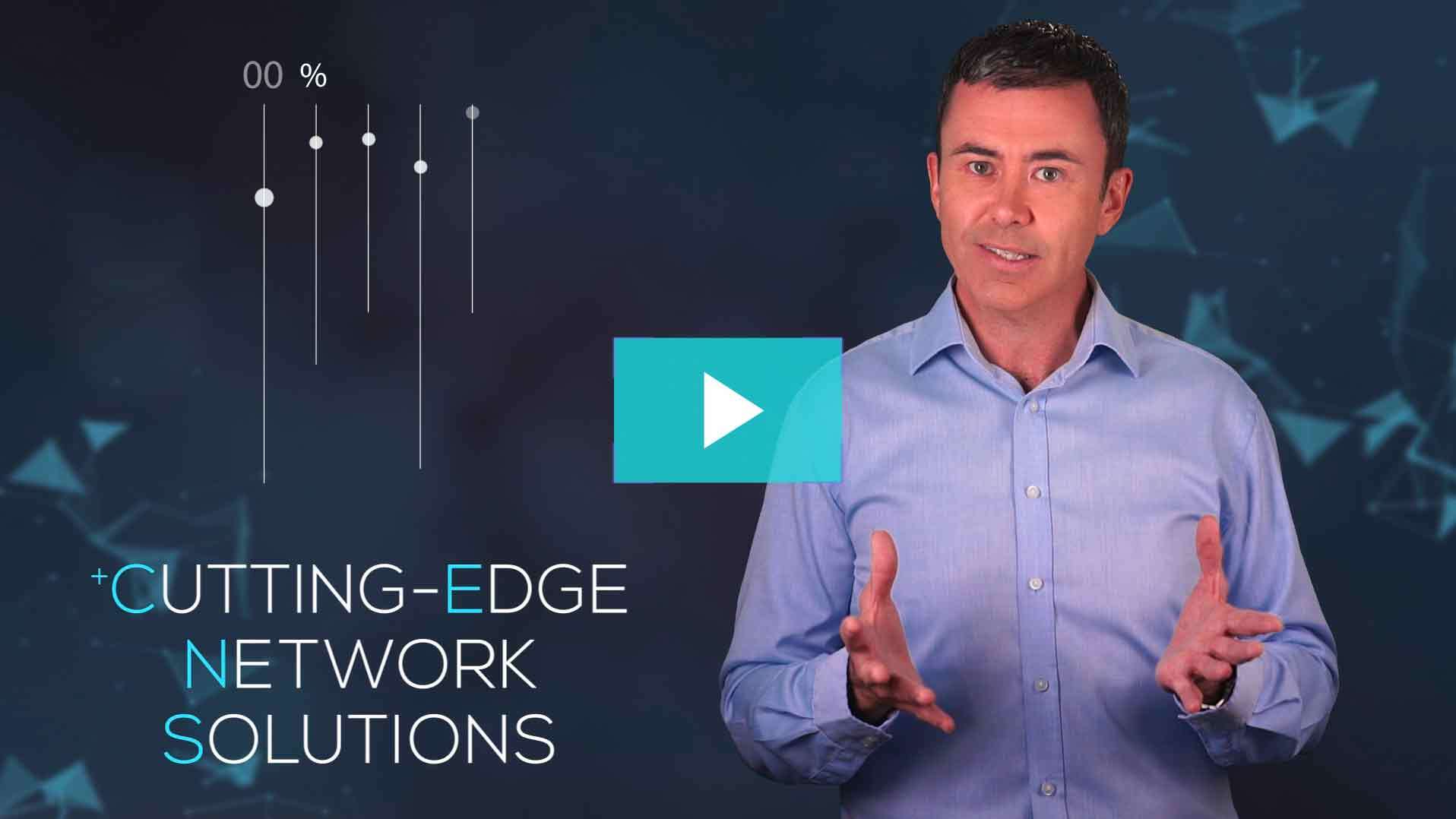
Lower thirds identify interviewees, speakers, locations or chapters without interrupting the flow of the video.
Short text, callouts and on-screen labels help viewers catch the information that matters most.
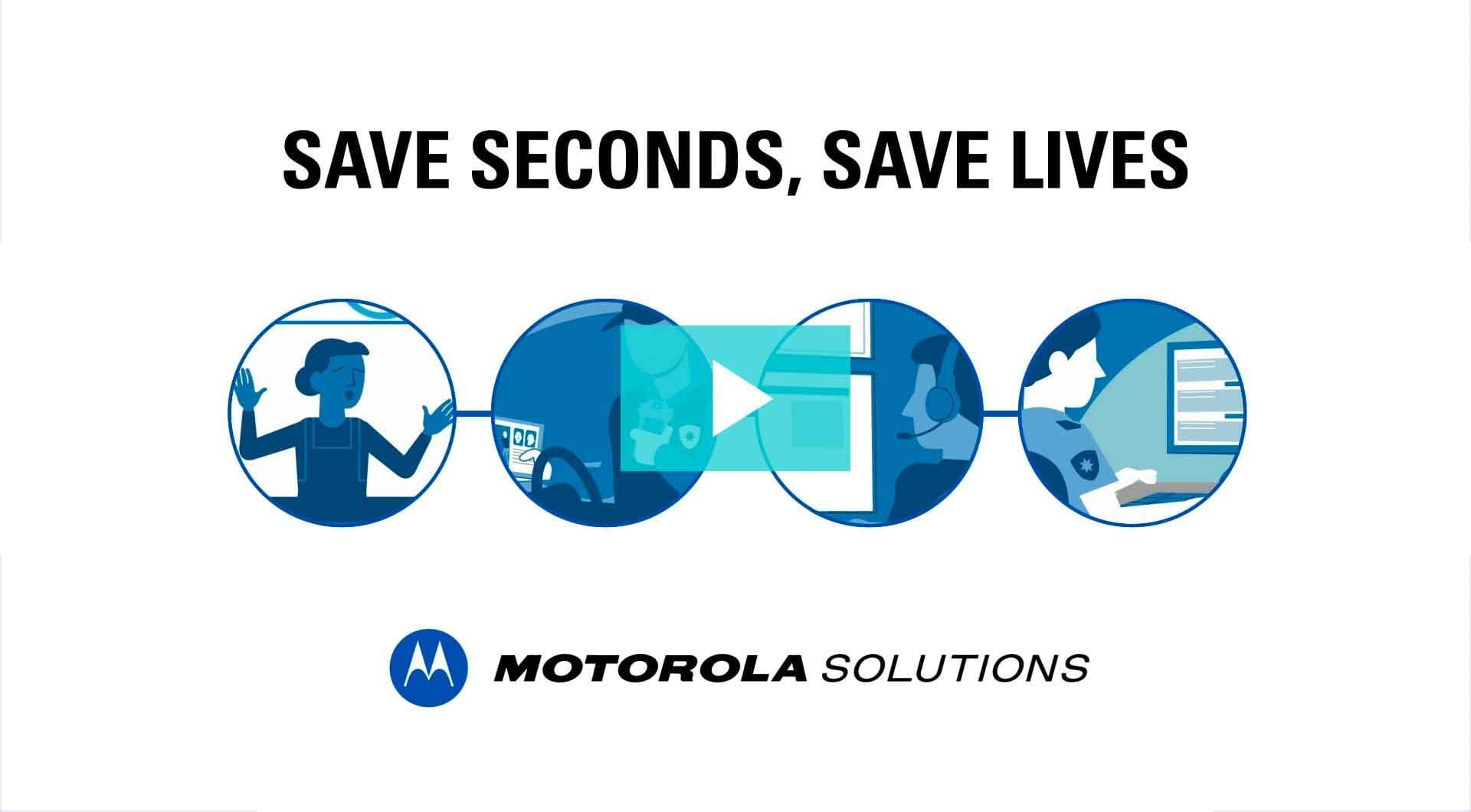
Charts, timelines, maps and process diagrams can turn detailed information into something the audience can grasp quickly.
Animated highlights, arrows and screen callouts can guide attention through software, interfaces and product details.
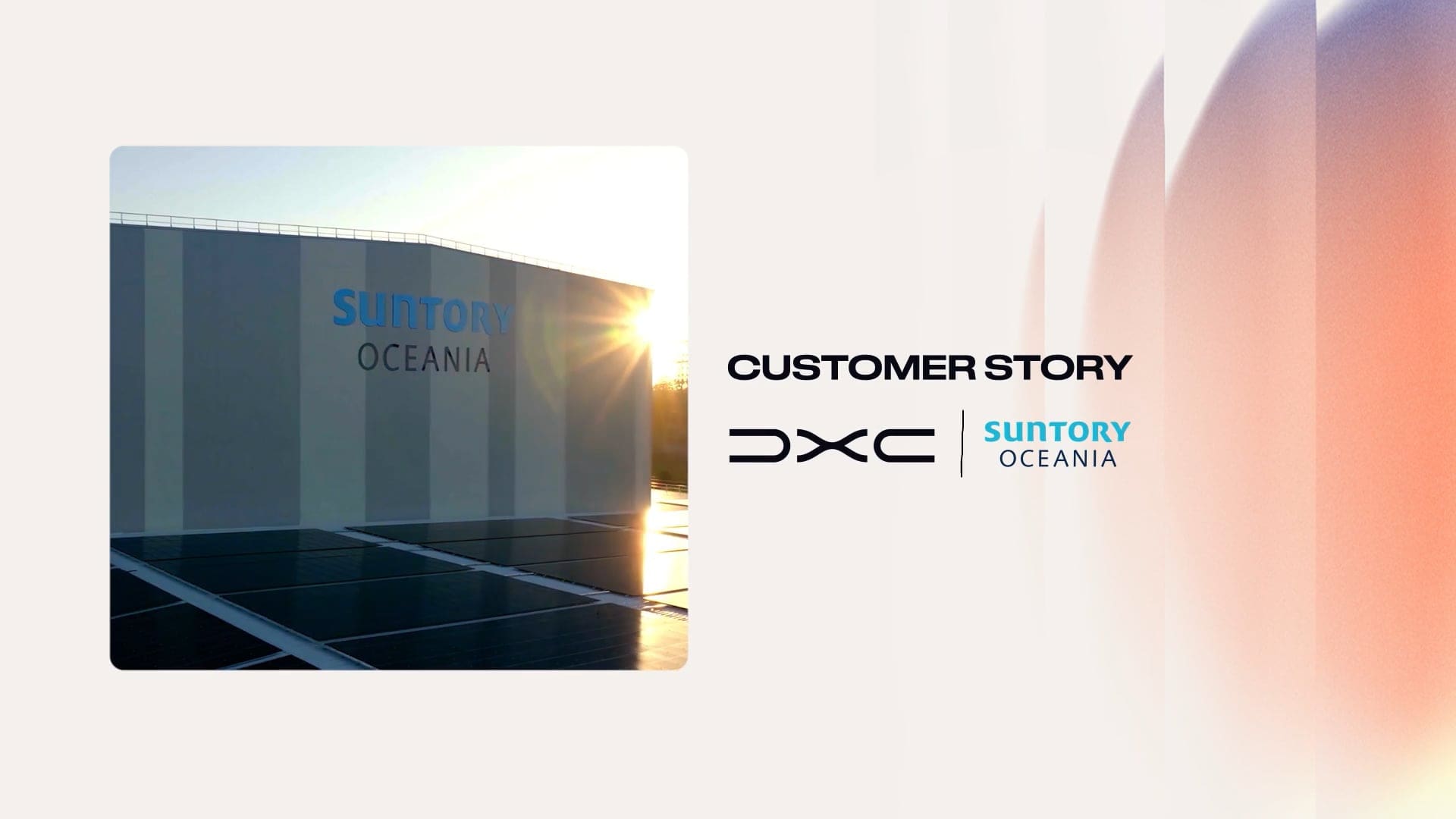
Logo animation, title cards and calls to action give the video a clear beginning, ending and next step.
Simple branded transitions can organise longer videos and help a series feel consistent without drawing attention away from the content.
Footage and graphics together
Graphics work better when they are considered before filming. If a presenter needs text beside them, we compose the shot with enough room. If a person needs to point to a diagram, we plan the eyeline and action. If the video needs vertical cutdowns, we protect the part of the frame that will still be visible.
We also decide which ideas are best shown in footage, which are better explained with graphics and where the two should work together. This keeps the video clear and stops the graphics from feeling added at the last minute.
Before filming: mark important graphic moments in the script, treatment or storyboard.
On the day: frame and direct shots with the graphic position in mind.
In the edit: time the graphics to the words, action and pace of the finished video.
The process can be very simple or quite detailed. A few names and an end frame may be handled inside the edit. A longer animated sequence usually needs design approval before animation begins.
We start with the brief, audience, script and intended use. We identify where a visual will explain something better than speech or footage alone.
We request the logo, brand guidelines, fonts, colours, icons and any existing design files that should shape the look.
We note names, headings, figures, diagrams, calls to action and any footage that needs a screen or product callout.
For larger sequences, we create still design frames so the client can approve the layout and style before animation time is spent.
We animate the approved designs, match the movement to the pace of the video and integrate each element with the footage, music and sound.
The client reviews the graphics in context. We then check spelling, names, figures, legal wording and the layout of each required format.
It helps to lock names, figures and approved wording before animation begins. Text changes are usually straightforward early in the process. Structural changes after a sequence has been animated can take much longer.
A consistent visual language
Motion graphics should look as though they belong to the organisation. We use the brand guidelines as the starting point, then translate them into movement that suits the video.
Some brands already have a detailed motion system. Others only have a logo, colours and typefaces. In that case, we develop a simple set of rules for how text, shapes and transitions move. The aim is consistency, not decoration for its own sake.
The right level for the job
The time and cost depend on the number of graphics, how original the design needs to be and how much animation is involved. We scope this before production so the client knows what is included.
A small set of clear, repeatable elements added during the edit.
Examples: names, roles, simple headings, logo animation and an end frame.
More designed material that helps explain information throughout the video.
Examples: statistics, charts, maps, timelines, product callouts and a family of social versions.
Original illustration and longer sequences that carry a substantial part of the story.
Examples: detailed process animation, character work, complex interfaces or a video that is mainly animated.
Every required version
A graphic that works in a widescreen presentation may not fit a vertical social cutdown. We confirm the required formats early and make sure important text, logos and faces stay clear in each version.
This can affect the filming as well as the design. We may compose key shots more centrally, create separate 16:9 and 9:16 graphic layouts, shorten copy for small screens or build a different end frame for a paid campaign.
We also keep subtitles and motion graphics clear of each other. If accessible caption files are required, they are planned alongside the on-screen design rather than treated as an afterthought.
Motion graphics or animation video?
Motion graphics can support filmed interviews, presenters and B-roll. An animation video uses designed visuals to tell most or all of the story.
The line is not always strict. A corporate video may open with a short animated sequence, move into live action and use graphics again to explain data. We recommend the mix that will communicate the subject clearly and fit the available footage, schedule and budget.
If the project is mainly animated, our animation video production page explains that process in more detail.
Frequently asked questions
They are animated visual elements added to the video, such as names, headings, charts, maps, diagrams, screen callouts, logo animation and end frames. They can sit over footage or form a short sequence of their own.
No. Some videos only need a name strap, logo and end frame. We recommend graphics when they help identify, explain, organise or emphasise something for the viewer.
We start during the brief, concept, script or storyboard stage whenever graphics affect the story or framing. Simple titles can be finalised during the edit, while larger sequences usually need design approval before animation begins.
Yes. We use your logo, colours, fonts and design rules as the starting point. If the brand does not yet have a motion style, we create a simple visual system that feels consistent with the existing identity.
Often, yes. We first check the footage, edit, resolution and available space in the frame. If the shots were not planned for graphics, we will explain what can be added cleanly and where the layout may be limited.
Not exactly. Subtitles and captions are primarily there to make speech readable and accessible. They may be styled to suit the video, but more designed and animated text is motion graphics. We plan both so they do not compete for the same space.
Motion graphics often support filmed footage. In an animation video, designed visuals carry most or all of the story. A project can use both, and we recommend the balance that best suits the message.
Send us the brief, script, brand guidelines or existing edit. We can recommend which information should stay in the footage, which parts would benefit from motion graphics and the level of work to allow for.
